How to use Icon Fonts with this project #85

Description

I'm having trouble figuring out how to integrate icon fonts when using this project, I've been tinkering with it for a couple hours now but I still haven't had any luck. I've followed these steps in the Nativescript documentation these steps to install the icomoon font and make it available for use in the templates but I'm pretty sure the font files still aren't being included in the generated build.
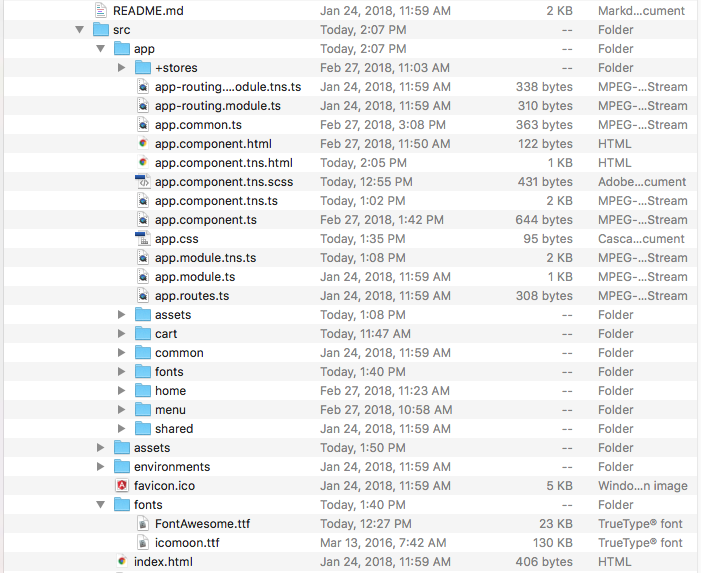
Currently the relevant parts of my project structure look like this
src/
app/
assets/
fonts/
icomoon.ttf
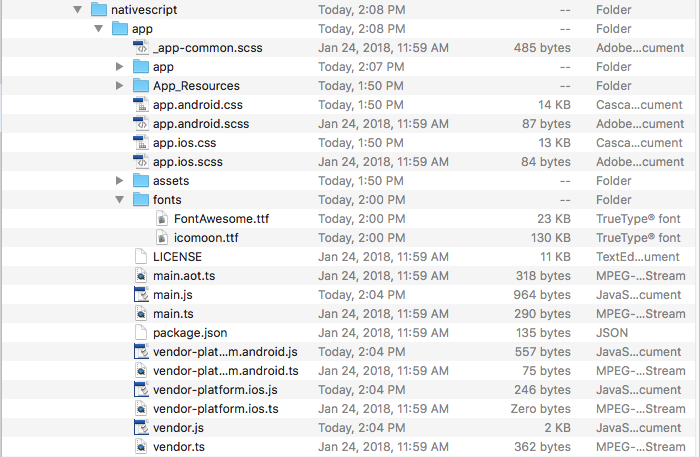
when I build my project, the nativescript directory looks like this
nativescript/
app/
app/
assets/
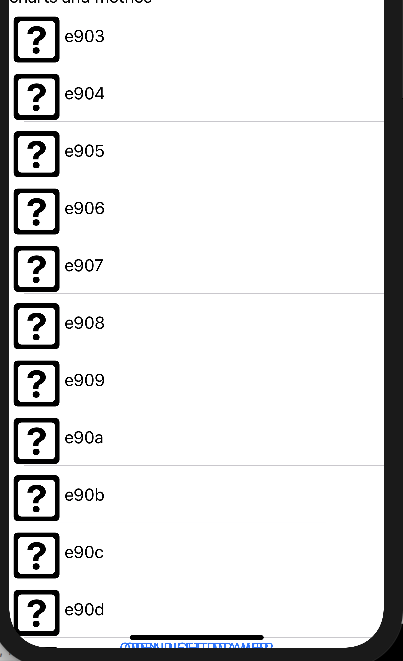
For some reason the fonts directory doesn't get included in the build (im using npm run ios to build it). I manually added the fonts directory into nativescript/app/ but it still is rendering questions marks instead of the icons.
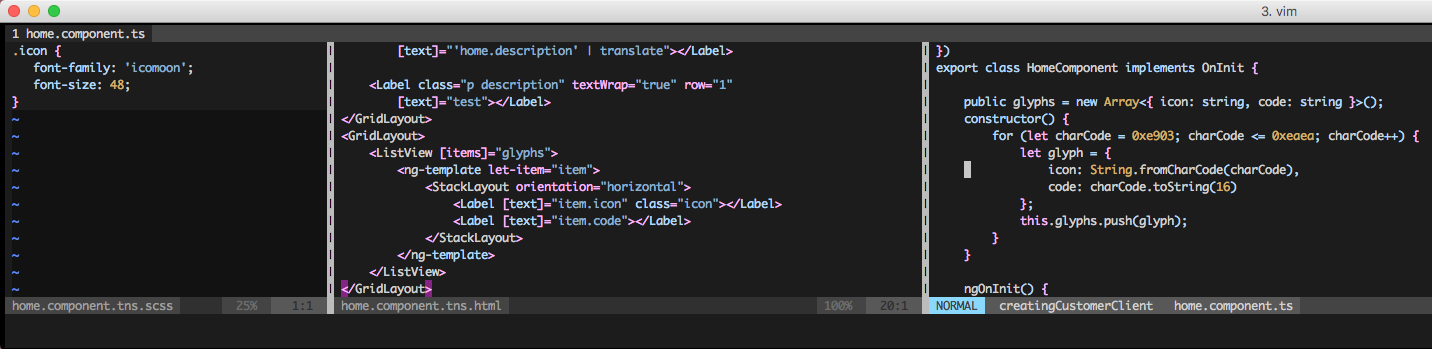
I included some screenshots below so you can see the actual directories, the code i'm using, and the result the it is rendering. I'd really appreciate it if someone could help me understand why this isn't building correctly.