bug(web): Prediction lag on the Suggestion bar #7283


Description

Describe the bug
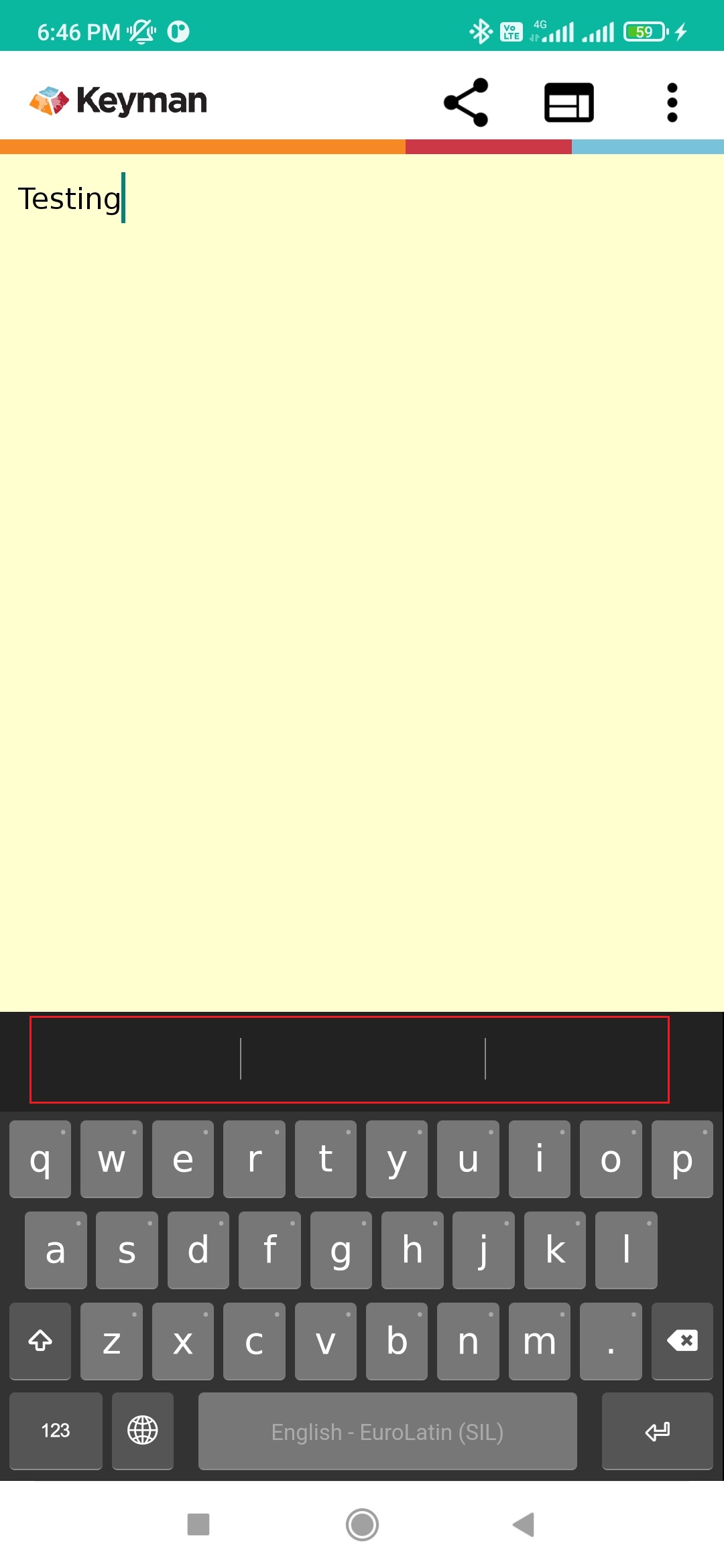
After randomly typing some letters on the text pane, I entered some valid text (eg., testing) and noticed that the predictive text is not working on the suggestion bar.
To Reproduce
- Install Keyman 16.0.61-alpha build.
- In Keyman, type 'Aqua' and we may notice that the related text appears on the suggestion bar.
- Enter some random letters on the text pane.
- Enter a spacebar key.
- Type a word 'testing'
- No predictive text appear on the suggestion bar.
- Clear text
- Type 'testing'. Here, I noticed that the predictive text is missing on the suggestion bar.
Expected behavior
Predictive text should appear after clearing the text in the text pane.
Screenshots
Keyman for Android:
- Device: Redmi Note 8 Pro
- OS: Android 11.0
- Keyman version: 16.0.61-alpha
- Target Application: Keyman In-App
Keyboard
- Keyboard name: English - EuroLatin(SIL)
- Keyboard version: 2.0
- Language name: English