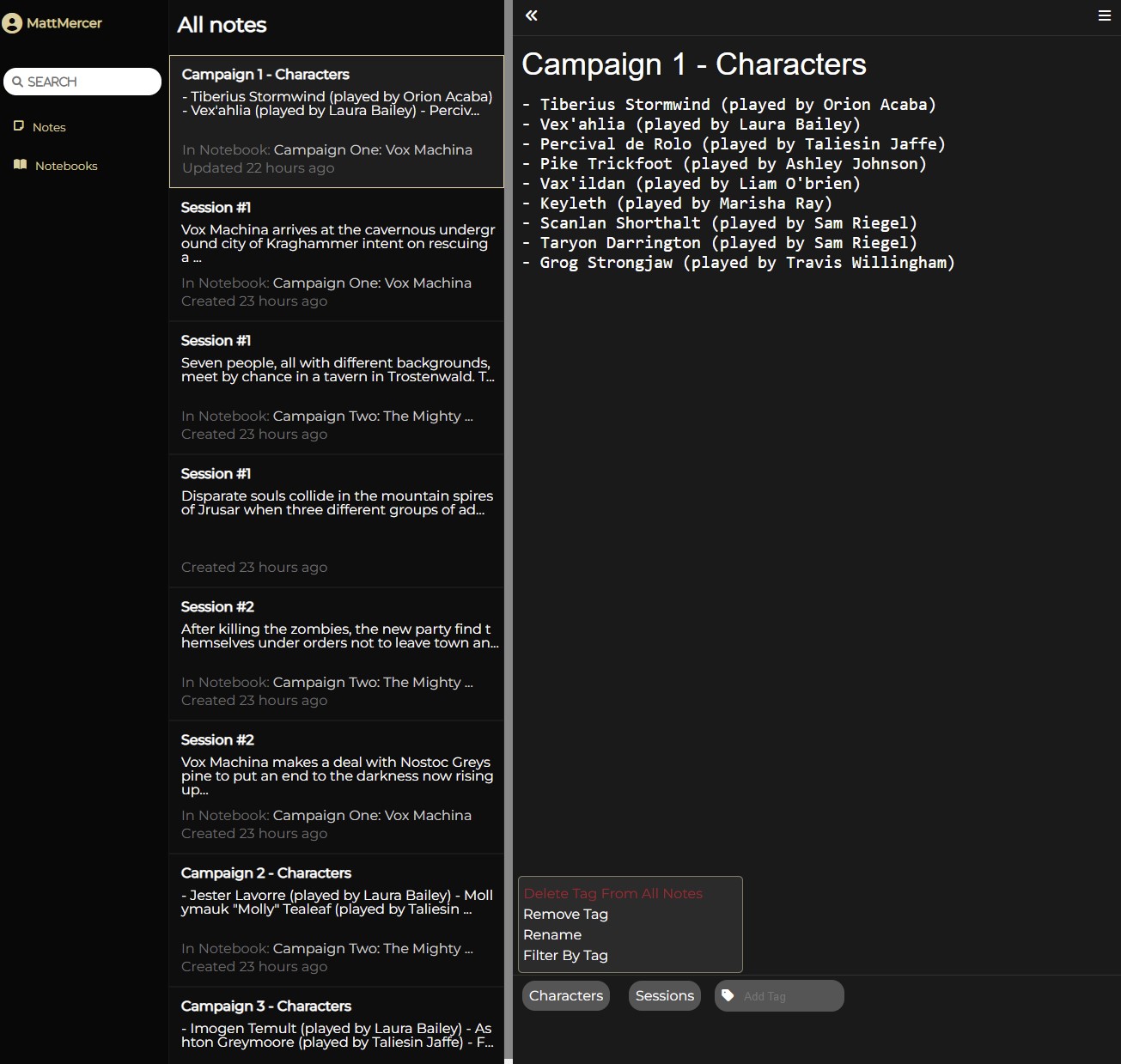
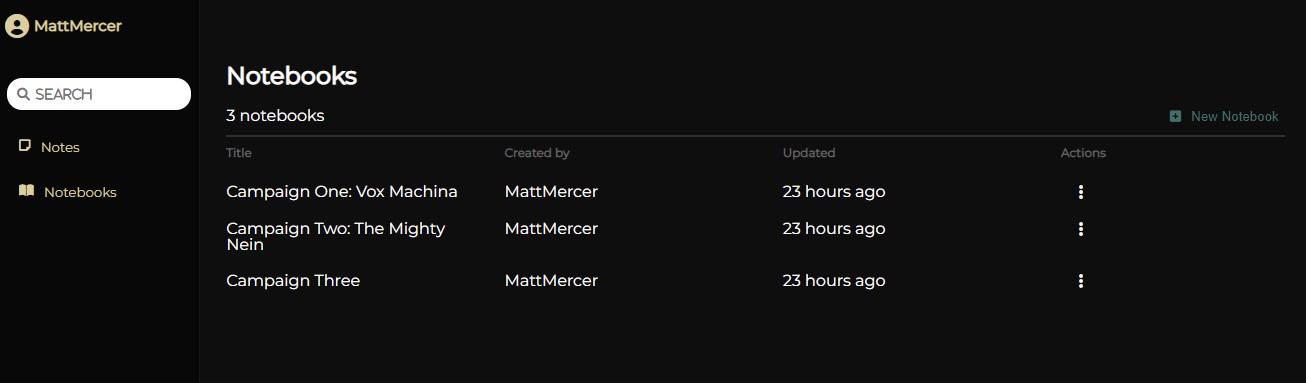
AdventureNote, an app inspired by Evernote, is a website for users to organize and store notes regarding their DnD characters and campaigns.
To launch the application:
- Clone the git:
- Inside the main git folder (where the frontend and backend folders are located) run npm install to install all dependencies.
- In the backend folder, use the .env.example to set up your .env file (Make sure to generate a secure JWT token and use a secure password for your database)
- run psql as an admin user and create the db user using the following command (be sure to use the same db password you used in your .env file):
- CREATE USER adventurenote_app WITH PASSWORD [password] CREATEDB;
- run the following commands in terminal to create, migrate, and seed the database (run from backend folder in terminal):
- npx dotenv sequelize db:create
- npx dotenv sequelize db:migrate
- npx dotenv sequelize db:seed:all
- You will need to start servers for both front end and back end. To do so, run the following command in each respective folder:
- npm start
- Frontend:
- React
- 'react-time-ago' for displaying when note was updated
- Redux
- React
- Backend
- Express
- Sequelize
- PostgreSQL
- AdventureNote uses an auto-save feature to save notes. When the note editing form renders, it sets an interval that listens in the background. A variable (isTyping) is defaulted to true. When you type in a note or a title, a timeout is triggered (and cleared on every new keypress). When the user stops typing, the timeout finishes and triggers isTyping to be false, which allows the handleSubmit to run, causing the form to save and reset isTyping to be true.
	const timer = () => setTimeout(() => setIsTyping(false), 500);

	useEffect(() => {
		const saveMonitor = setInterval(() => {
			if (isTyping) return;
			handleSubmit();
			setIsTyping(true);
		}, 750);

		return () => {
			clearInterval(saveMonitor);
			clearTimeout(timer());
		};
	});

  // in form render:
	<input
		type='text'
		value={name || ''}
		onChange={(e) => setName(e.target.value)}
		onKeyUp={() => timer()}
		onKeyDown={() => clearTimeout(timer())}
		placeholder='Name'
	/>
	<textarea
		value={content || ''}
		onChange={(e) => setContent(e.target.value)}
		placeholder='Start taking your notes here'
		onKeyUp={() => timer()}
		onKeyDown={() => clearTimeout(timer())}
	/>
- Dynamic text editing
- Tags