! The project is not yet completed and still is in the development phase. In the next releases, it is planned to decompose the ticket-payment service into occasion-service and ticket-order-service and add a message broker for implementing a saga pattern. I also plan to separate qr-code generation into a separate service and add functionality to read QR-codes. In addition, I plan to launch the project on AWS and replace CircleCi to Jenkins. !




| Service | Port | CI |
|---|---|---|
| ticket-payment | 8084 |  |
| pdf-generator | 8083 | |
| currency-exchange | 8082 | |
| bank-simulator | 8081 |
Hibernate JPA was used instead of Spring Data JPA for learning purpose. Before app launch you must have JDK 11 and MySql server installed on your machine.
Execute to create Database:
mvn ticket-payment [liquibase:update]


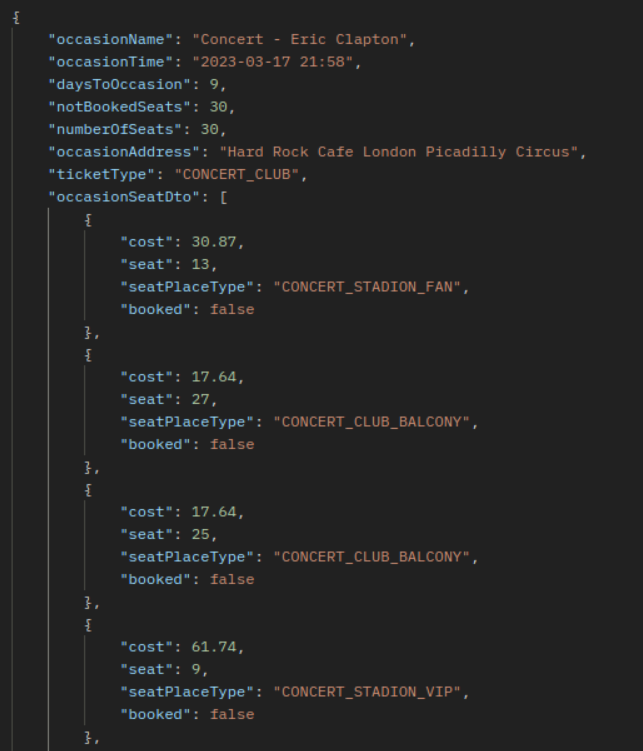
Within selection, the api will calculate the ticket price according to the seat and date.
GET localhost:8084/api/v1/occasions/1000000001
Result (reduced for readability):
You can use filters and pagination to retrieve data you need:
GET localhost:8084/api/v1/occasions?ticket_type=TRAIN_INTERCITY&ticket_type=CONCERT_STADION&occasion_seats_from=30&size=3&page=0&sorting_order=DESC&sorting_field=occasionId
Result:

Fetch available filters:
localhost:8084/api/v1/occasions/filters
Result:

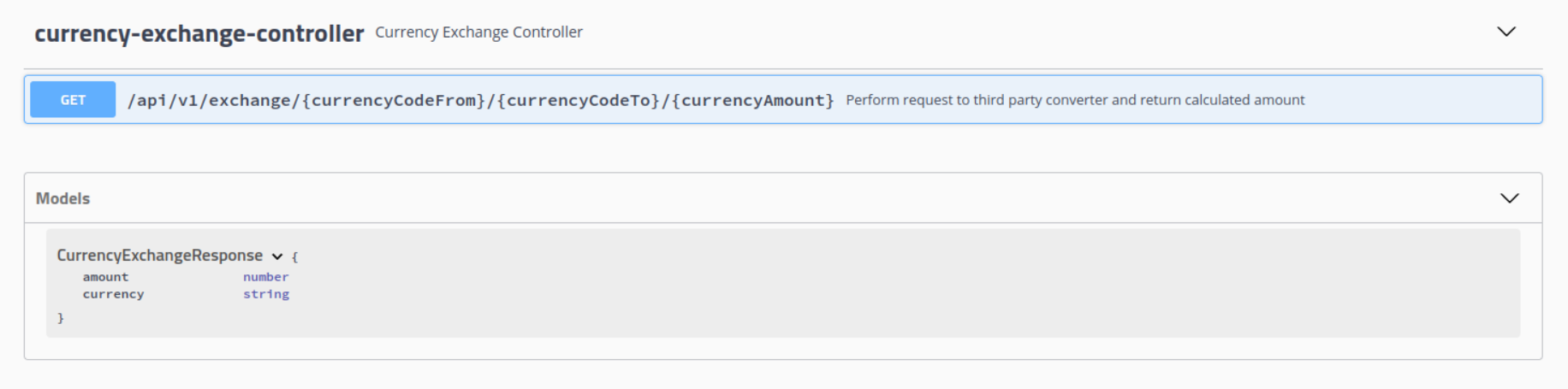
With selected Occasion you can create a pdf ticket with a qr-code. Default currency is "usd" but you can use another currency instead of "usd" for example "uah". In this case service will make a request to currency-exchange server and it will convert the currency you specified into "usd" according to the current exchange rate. e.g.:
POST localhost:8084/tickets


{
    "customerTicketDto": [{
	 "firstName": "firstName2",
	 "lastName" : "lastName2",
	 "country"  : "Fiji",
	 "seat" : 10,
	 "amount" : "51.00",
	 "seatPlaceType" : "CONCERT_CLUB_BALCONY"
	}],
    "ticketType" : "CONCERT_CLUB",
    "occasionAddress" : "Hard Rock Cafe London Picadilly Circus",
    "occasionDate" : "2023-11-22 22:10",
    "occasionName" : "Concert - Eric Clapton",
    "bankAccount": 2548870,
    "currency" : "usd"
}
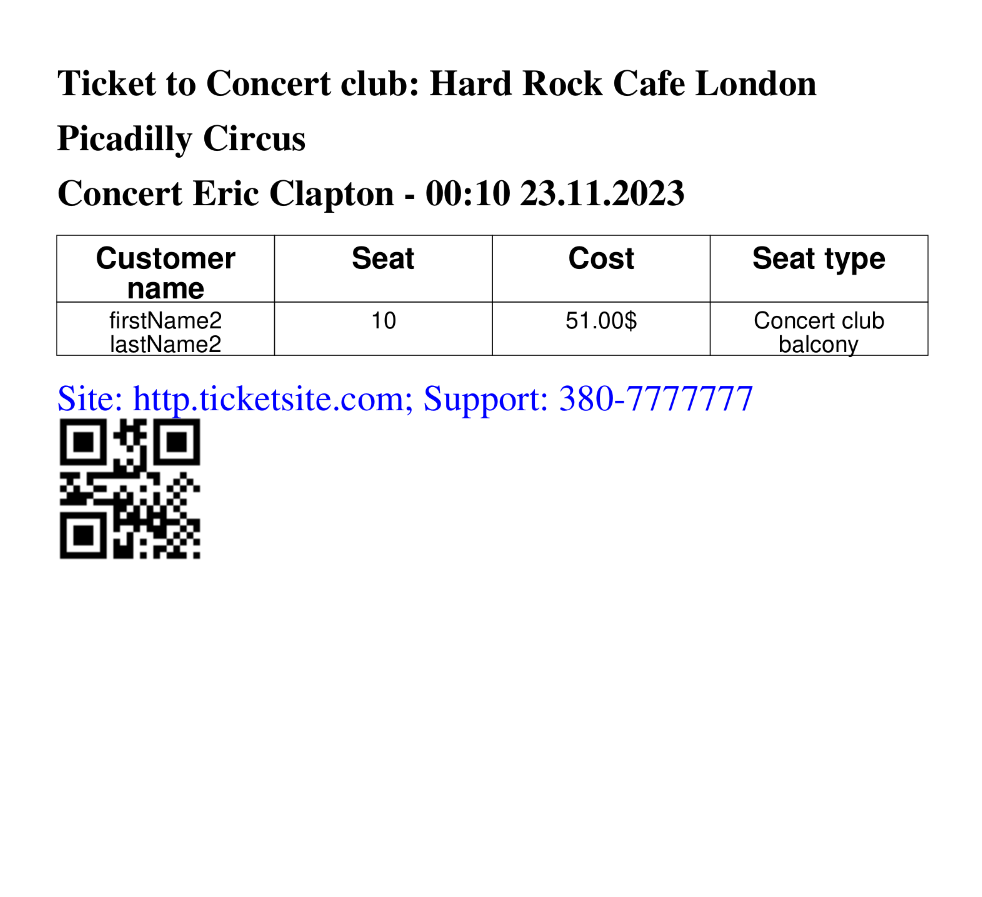
Api will return created TicketOrderId. It can be used generate pdf tiket with QR-code:
GET localhost:8084/api/v1/tickets/PDF/3000000001
ticket-payment service will read TicketOrder from DB and will perform a request to pdf-generator to generate a pdf ticket for every Customer.