The official repository for the User Interface used in E5; A progressive web app built using javascript.
Yes. Its an amalgamation of different projects and ideas I had over the years touching different parts of the internet, realized in one unified, cross-platform system tied together by a set of smart contracts and blockchains:
- Jobs and the Gig Economy.
- Contracts for Trust-less transactions through Unanimous Consensus.
- Time based Subscription payments.
- Off-chain end to end encrypted messaging and calls.
- Content and Information dissemination.
- Channels for on-topic conversing.
- Polls and On-chain Voting.
- Storefronts.
- Audio and Video based content distribution.
- Web-wallets.
- A Token Engine for creating custom tokens.
Its not exactly easy to pin down what it is exactly, because its a lot of things all at once; but at the heart of it, its a web-wallet; A tool for managing and controlling data, information and virtual assets.
This isn't for profit. It's not a project with a purpose of selling another asset to gamble with. The main goal with this is to attempt to derive some utility out of those blockchains for real world use. Decentralization as a state of organization, while yes being an overall positive thing, isn't really the case for most of the blockchain projects out there, and this is no different; A codebase written and maintained by a single individual.
This project was bootstrapped with Create React App, so all you need to do is just clone, download and run npm install to install all the dependencies specified in the package.json file. It makes use of some dependencies that were compiled into webassembly, so craco was used to handle essential configuration changes that are required to make some web-wallet tokens work on all browsers.
Once all the dependencies have been installed, run npm start to start the app. This should run it on development mode on http://localhost:3000 in your browser of choice. You'll need to add a .env file with specific values to ensure the app correctly loads data from an indexer.
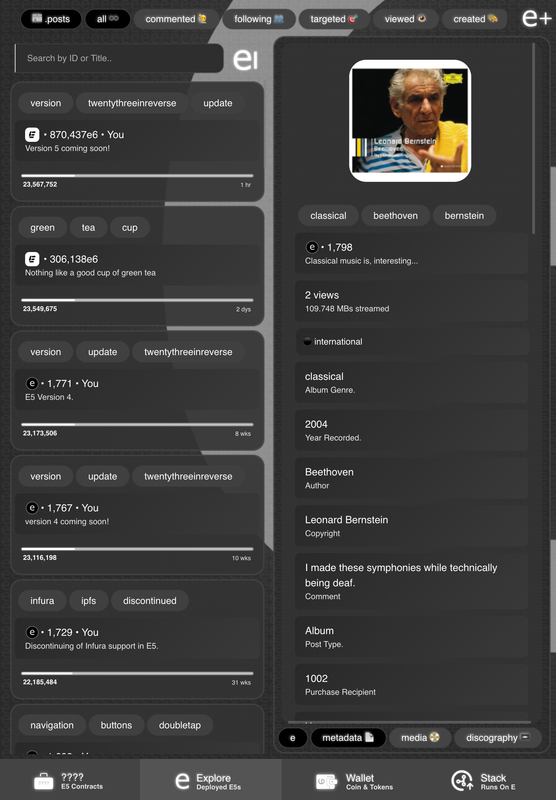
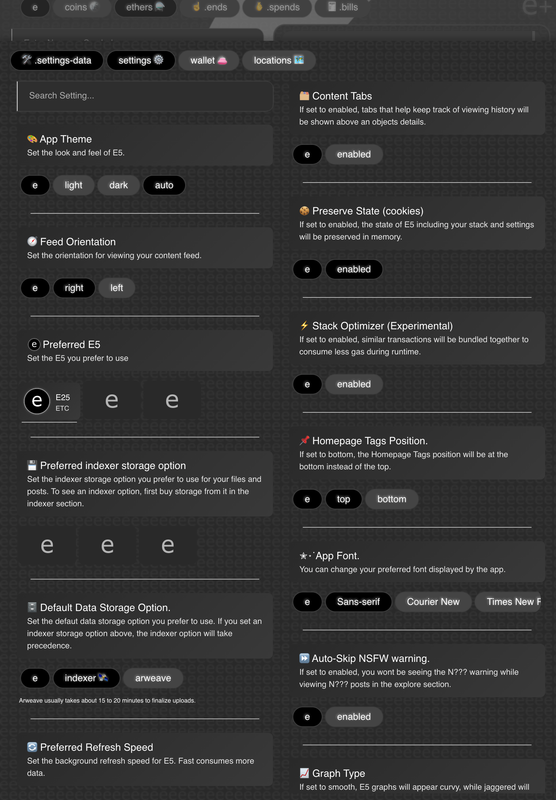
It's a fairly intimidating and complicated app to navigate, but once you learn how to do one thing, everything will become easier and straight forward. Take note of the tags at the top for navigating between different sections of the app. Also, being a developer who comes from a mobile app background (Android and iOS), its mostly touch screen oriented. So I'd advise you use it on your phone or iPad.


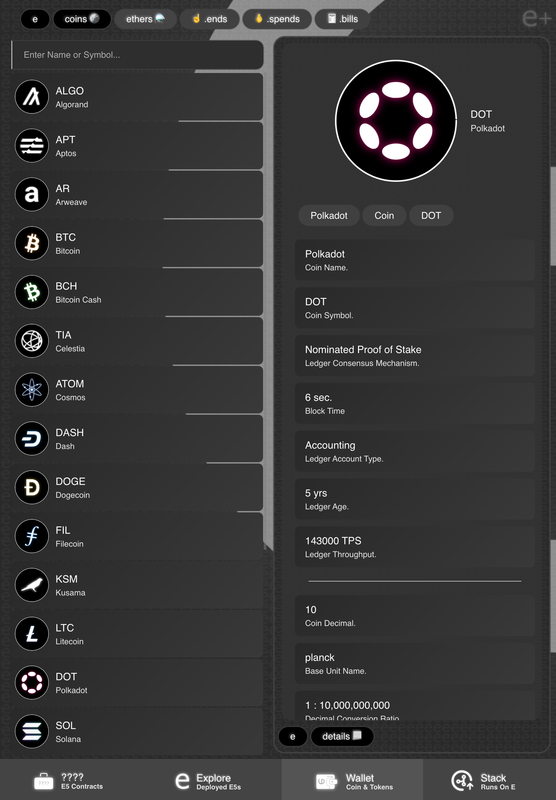
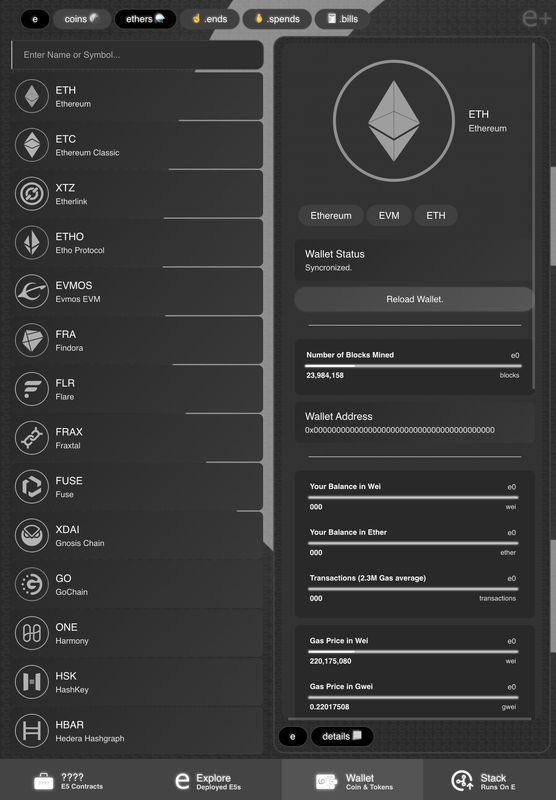
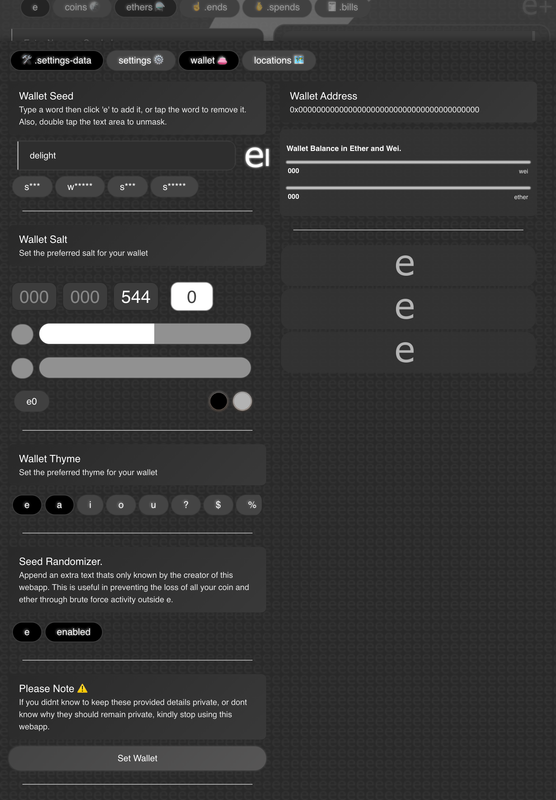
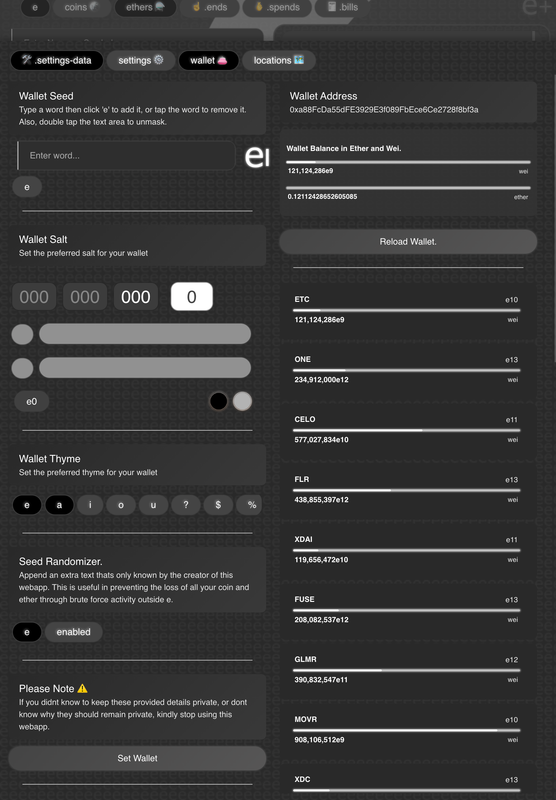
I elected to use my own web-wallets that connect to their respective rpcs directly, rather than forcing users to fiddle with multiple web-extensions and applications.
Contributions are welcome. If you have a particular idea or request, feel free to open an issue.
All the source code in this repository is released under the terms of the MIT license. Copyright (c) 2025, Bry Onyoni.