- pkg update && pkg upgrade -y
- pkg install nodejs -y
- pkg install git -y
- pkg install termux-api -y
- git clone https://github.com/Boiescylosh/Wa-Clone
- cd Wa-Clone
- npm install
- node setup.js
- node Wa-Clone.js
- sudo apt update
- sudo apt install nodejs npm git -y
- git clone https://github.com/Boiescylosh/Wa-Clone
- cd Wa-Clone
- npm install
- node setup.js
- node Wa-Clone.js
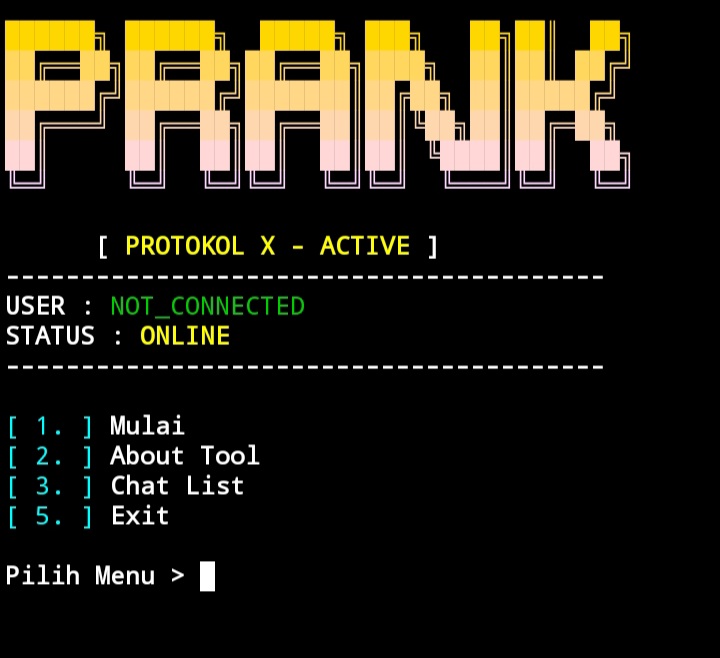
Bagian USER : NOT_CONNECTED lu harus setup dulu dan masukan nomor Whatsapp, nanti bakal dikasih Code Pairing, sebagai contoh GA2CJ6K0 nah lu tautkan ke perangkat Whatsapp menggunakan nomor telephone, biar nomor lu aman saat Wa Clone.
Setelah itu lu ketik 1. di menu, nah nanti bakal minta nomor, lu masukin nomor yang mau dilihat isi chat Whatsappnya.
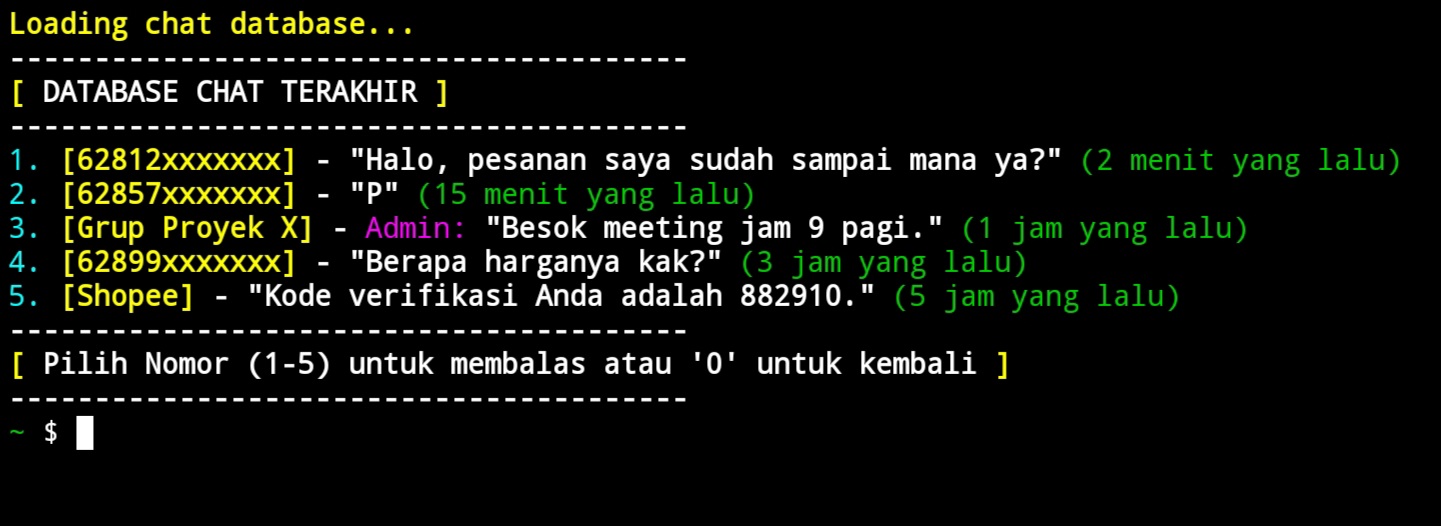
Setelah target mengkonfirmasi dengan nomor verifikasi, nanti muncul isi semua chat Whatsapp korban.
Lihatnya dimana? Ada pada menu No.4 di Gambar pertama, jika berhasil maka No.4 akan muncul otomatis.
Jiika ada tulisan Closed Connecting atau error, lu ketik :
- rm -rf auth_master auth_target lalu ENTER setelah itu
- Jika pakai KUOTA aktifkan mode pesawat selama 10 detik lalu aktifkan kembali, biar ip aman, kalo pake Wifi Router cabut selama 10 detik.
- node Wa-Clone.js
Nah setelah itu masukin lagi nomor target