




AdminUI adds multiple GUI that will allow you to handle all server administrative operations.
These include:
- Whitelist (/admin wl)
- Mute (Custom Feature) (/admin m)
- Ban (/admin b)
- Players (/admin p)
- Warps (/admin w)
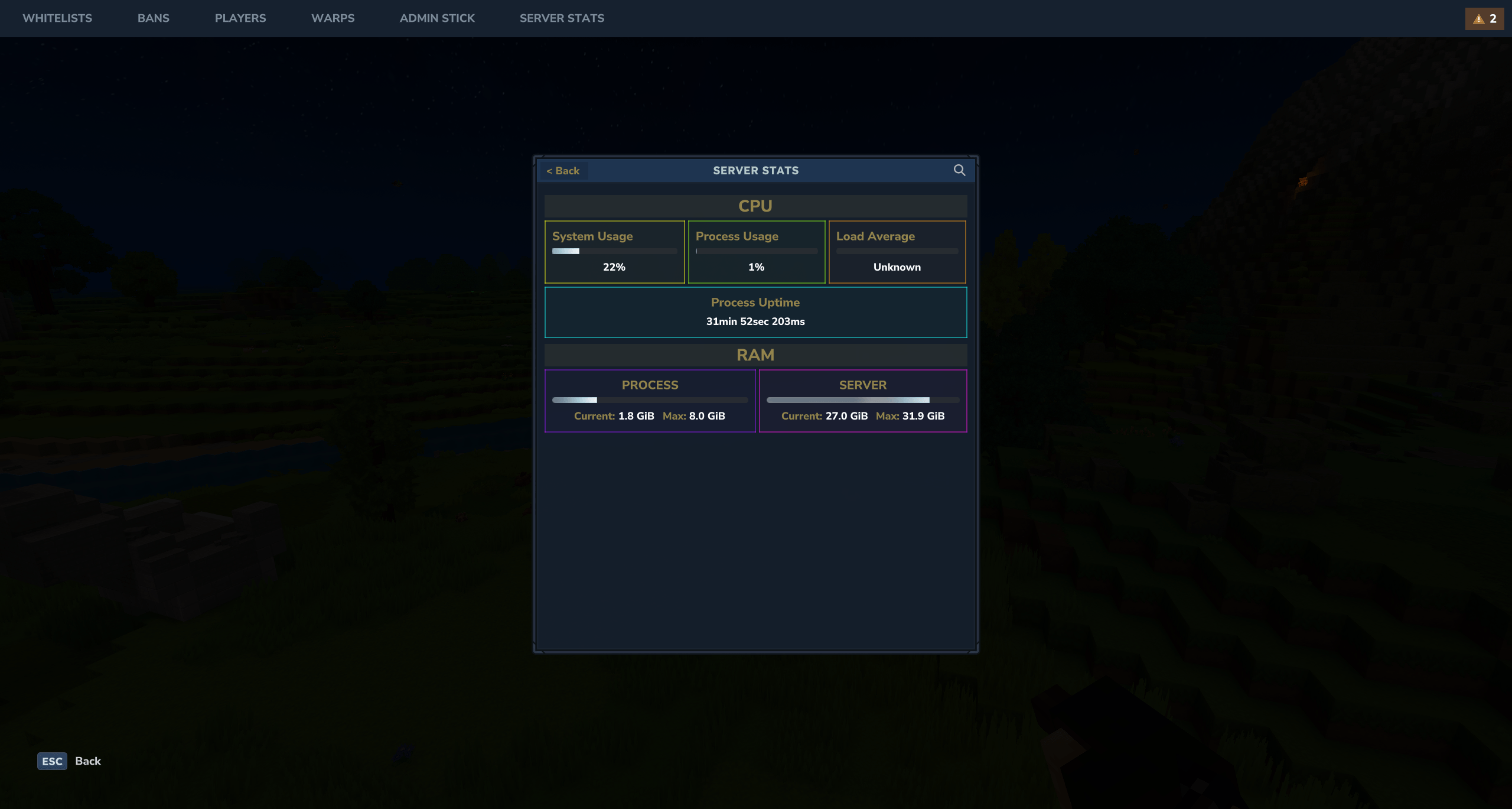
- Live Server Stats Page (/admin st)
- Backup managing (/admin bk)
You can also open the main interface with GUI

You can open the AdminUI interface with the /admin command. You can also open the GUI with the Admin Stick.
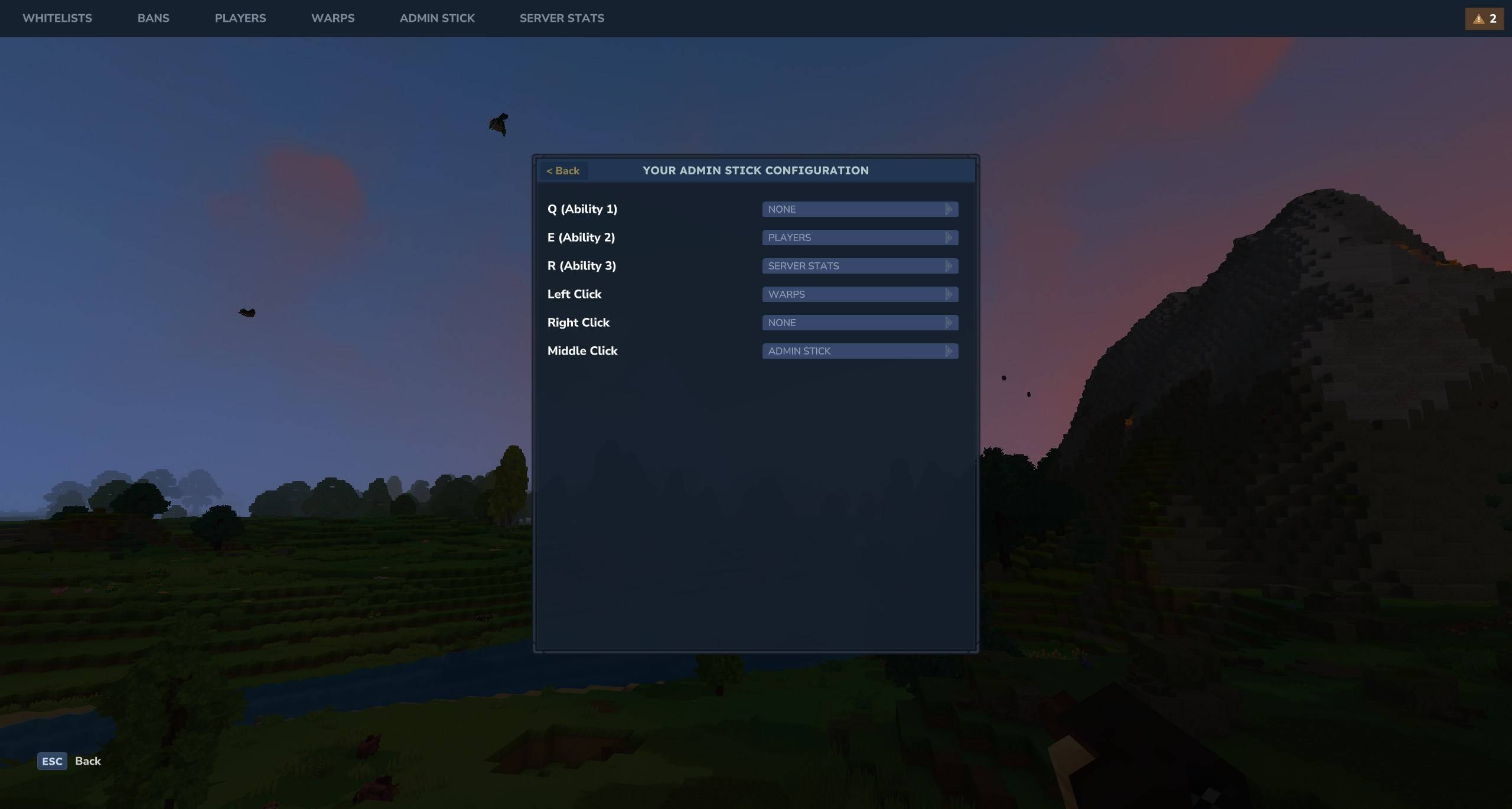
The Admin Stick is a configurable shortcuts item, where you can specify which GUI each action will do. This configuration is player based so each player can have a configuration each.
| Permission | Description |
|---|---|
AdminUI.admin |
Master permission. Grants access to all AdminUI features. |
These permissions grant access to specific modules within the AdminUI. They control visibility in the navigation bar and the ability to open the respective GUIs.
Granting the root permission (e.g., AdminUI.whitelist) grants access to all actions within that module.
| Permission | Description |
|---|---|
AdminUI.ban.open |
Access to the Ban management GUI. |
AdminUI.mute.open |
Access to the Mute management GUI. |
AdminUI.player.open |
Access to the Player management GUI. |
AdminUI.stats.open |
Access to the Server Stats GUI. |
AdminUI.ui.open |
Grants access to the main /admin command and index GUI. |
AdminUI.warp.open |
Access to the Warps management GUI. |
AdminUI.whitelist.open |
Access to the Whitelist management GUI. |
AdminUI.adminstick.open |
Access to the Admin Stick configuration GUI. |
AdminUI.adminstick.use |
Access to the Admin Stick usage. |
AdminUI.backup.open |
Access to the Server Backups management GUI. |
You can also use these root permissions to grant full access to a specific module:
AdminUI.uiAdminUI.banAdminUI.muteAdminUI.playerAdminUI.statsAdminUI.warpAdminUI.whitelistAdminUI.adminstickAdminUI.backup