GUI Settings
There are currently four types of fill options for GUI settings.
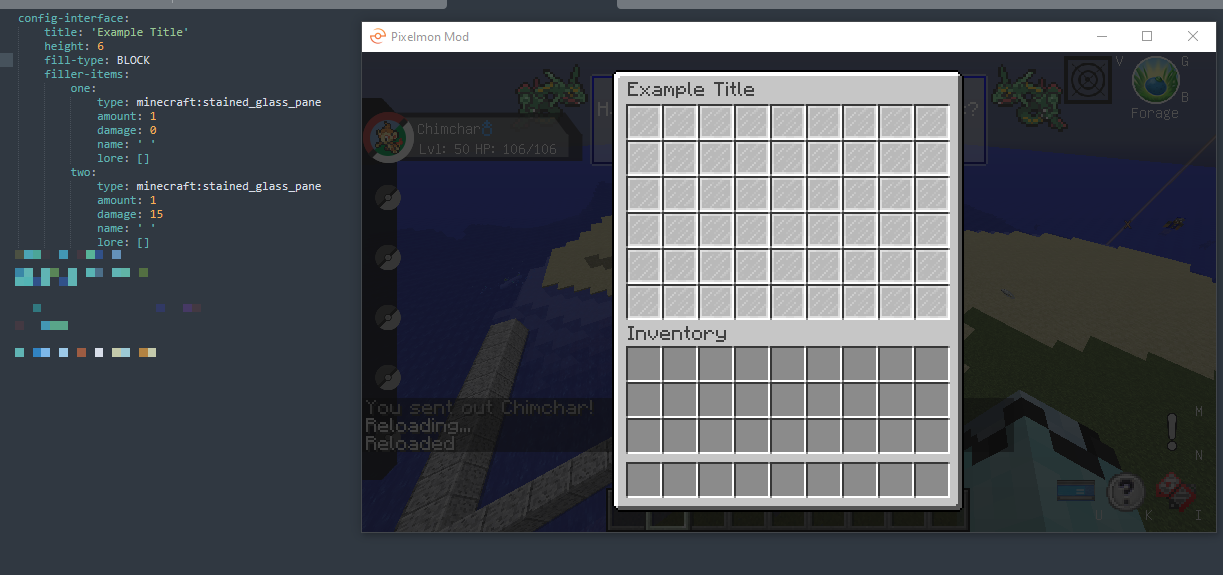
This will use the first item in the selection of fill items and fill every slot with it.
Config text: BLOCK
As seen in the image below:
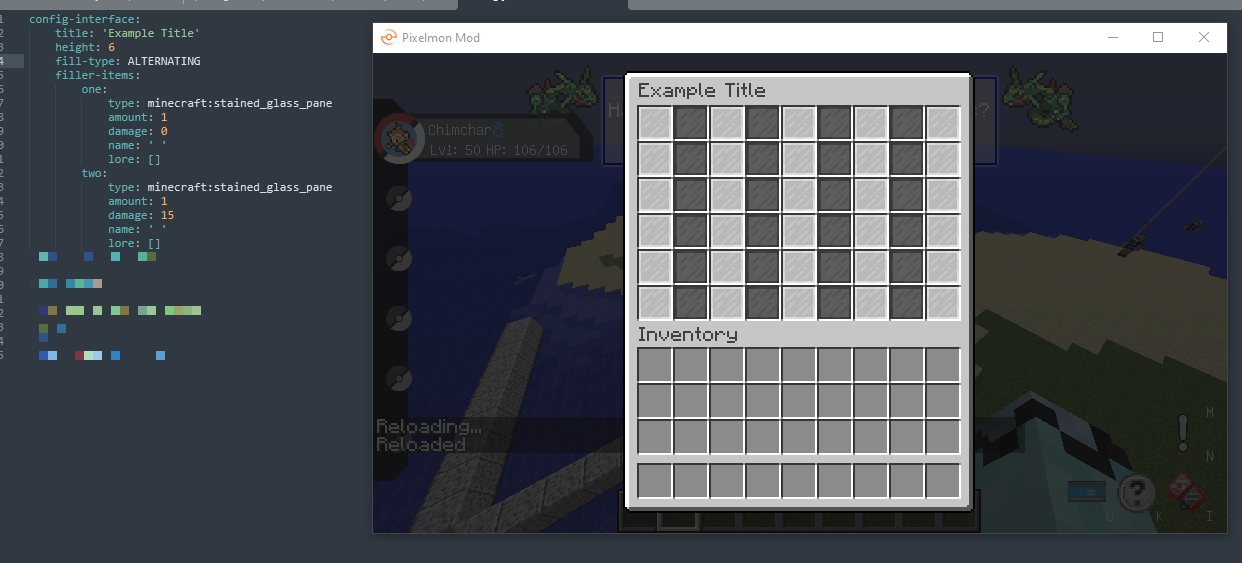
This will fill each odd numbered slot with the first item in the selection, and then each even numbered slot with the second item in the selection.
Config text: ALTERNATING
As seen in the image below:
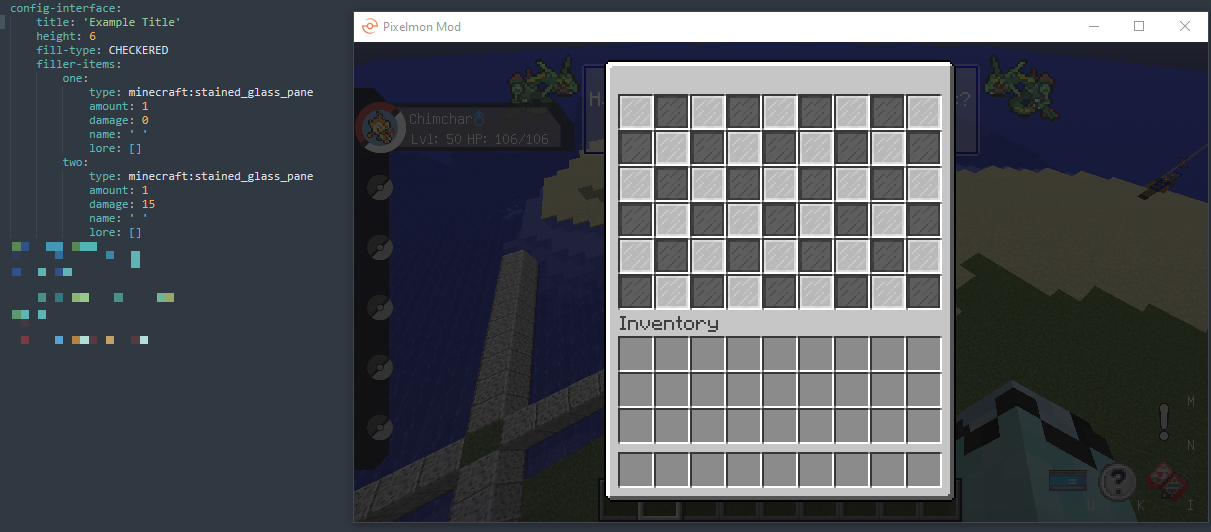
This will do a checkered pattern using the first two items in the selection.
Config text: CHECKERED
As seen in the image below:
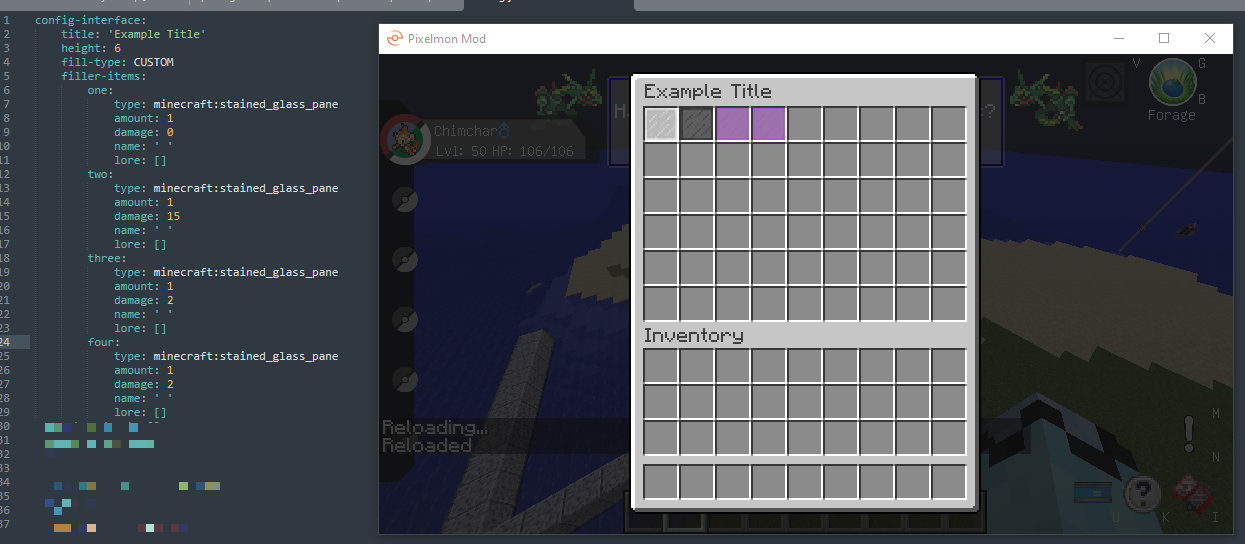
This will fill each slot with each item in the item selection in the order provided.
Config text: CUSTOM
As shown in the image below: