The Boring Drone is a C# project that I wrote for the game Space Engineers, mainly for use on Stone Industries by the Fortuna Ultralis Corporation. It is designed to register mining routes and automatically execute them, allowing you to automate the mining for your base.
The project is written in C#, and involved some degree of 3D Vectorial Geometry (mainly rotations, projection and normalization), and some degree of Newtonian Physics (in order to calculate optimal achievable fly speed).
It is developed with the Visual Studio IDE, because of the fantastic SDK for Space Engineers developed by Malware on this IDE (see : https://github.com/malware-dev/MDK-SE).
I would like to give many thanks to user https://github.com/malware-dev for their amazing SDK and their help on the Space Engineers discord server, and to user https://github.com/Whiplash141 for their help with the physics of the game and for their gyroscope and thruster code which I use a customized version of. Without them, making this script would have been much more daunting.
I would also like to give a small thank to user Digi from the SE discord who suggested the name !
In order to use the script, you should copy-paste the code in GyrosManipulation/CompiledScript.cs and GyrosManipulation/CompiledInformationScript.cs to two different Programmable Blocks (PB) in your game.
In order to make the main script (CompliedScript.cs) work properly, you need to add your fly paths and configuration to the custom data of your PB.
The custom data are divided into several sections, and you need to configure all of them properly for the script to work well. Don't worry about all the big numbers, you won't have to write them down manually, the information script (CompiledInformationScript.cs) is there for that purpose.
[apath]
move0=0.548803806304932,0.763822972774506,0.339689284563065,0,-0.565989792346954,0.638557612895966,-0.521440029144287,0,-0.615199089050293,0.0939075797796249,0.782758891582489,0,908540.505190483,-10000.794676584,1590405.63323244,1
mine0=-0.46838903427124,0.238387107849121,0.850754261016846,0,-0.661519765853882,0.543667078018188,-0.516543865203857,0,-0.585664391517639,-0.804734468460083,-0.0969498157501221,0,908592.412679186,-9939.39042097775,1590398.96980547,1;50
move1=-0.446141302585602,0.268304497003555,0.853797852993011,0,-0.66431999206543,0.539978444576263,-0.516819298267365,0,-0.599697411060333,-0.797769367694855,-0.062666654586792,0,908545.903708479,-10001.6651541337,1590393.07530766,1
[bpath]
move0=-0.355412304401398,-0.297574162483215,0.886076688766479,0,-0.674354791641235,0.738060891628265,-0.0226234495639801,0,-0.647246360778809,-0.605570673942566,-0.462986469268799,0,908546.793005517,-9901.60404569355,1590586.84633257,1
mine1=0.147529721260071,0.156592503190041,0.976582646369934,0,-0.653892517089844,0.756253302097321,-0.0224815011024475,0,-0.742064356803894,-0.635263442993164,0.213964521884918,0,908623.867777458,-9835.13634849039,1590564.75568303,1;50
move1=-0.274805247783661,-0.184134051203728,-0.943703889846802,0,-0.623470366001129,0.781305074691772,0.0291065275669098,0,0.731961131095886,0.596369981765747,-0.329508900642395,0,908530.372210553,-9911.87191802708,1590606.58805623,1
[baseDock]
move0=-0.7281534075737,-0.684937715530396,0.0255436450242996,0,-0.62459921836853,0.647739112377167,-0.436245083808899,0,0.282255113124847,-0.333607971668243,-0.899464964866638,0,908529.004694363,-9983.73257890788,1590446.28152471,1
park0=0.0367060303688049,-0.571658253669739,-0.81967031955719,0,-0.52078378200531,0.689096748828888,-0.503914535045624,0,0.852899074554443,0.445367723703384,-0.272416353225708,0,908529.892832687,-9935.41135715393,1590504.00720018,1
[baseUndock]
unpark0=0.0241432785987854,-0.565241098403931,-0.824572324752808,0,-0.511520862579346,0.701679646968842,-0.495975822210312,0,0.858931541442871,0.433760434389114,-0.272191762924194,0,908426.727521708,-9987.96794049886,1590536.60462555,1
[flightPlan]
bpath=bpath
apath=apath
First, let's start with the different kind of instructions we can give the ship. We can tell it to :
- move
- mine
- park
- unpark
The move instruction simply tells the ship to move, in a straight line, from its current position to the given position (these long series of numbers represent a ship orientation and GPS position). A ship executing a move command will orient itself, then move, and on arrival will reorient itself in case there was a small orientation change during the trip.
The mine instruction contains a starting position (including orientation too), and a mining depth, separated by a semi-colon (;). The ship will move to the starting position, orient itself, mine forward to the required depth, and return to the starting position. Please make sure your controller block (Cockpit, control station, pilot seat....) is facing forward, or your ship will try to mine sideways.
The unpark instruction tells the ship to unpark then move to the given position.
The park instruction tells the ship to move the given position, and park as soon as it is in parking range.
Now, let's deal with the different section of the custom data, indicated by the [] symbols.
[baseDock] and [baseUndock] :
These sections contains instruction that the ship will execute at each start of path (baseUndock) and each end of path (baseDock). Their purpose is to avoid copy-pasting the same instructions over and over for the docking and undocking that will necessarily happen at the beginning and at the end of each trip.
[pathsomecharacters] : You can add as many sections containing path in their name as you want, the script will interpret of all these as being paths to be executed if asked. Paths sections can contain as many of the four different instructions as you want, the ship will execute them all in order. Note that the name of each instruction has to be different, so if you want your path to contain three different move commands, you will have to name them, for example, move0, move1, move2.
[flightPlan]: Here, you define the flight plan for your ship, so the ship will execute the corresponding paths, in order. This means that you can have more paths stored in memory than you will actually execute. The ship will stay docked for 15 in game seconds between each path in order to unload the cargo it may have acquired. It will return to your base for unloading (by executing the instructions is baseDock/Undock) between every path.
So, to recap, a typical ship trip will look like that :
- undock from your base using the instructions in [baseUndock]
- execute the instructions in the required path
- dock to your base using the instructions in [baseDock]
- repeat for every path in the flight plan
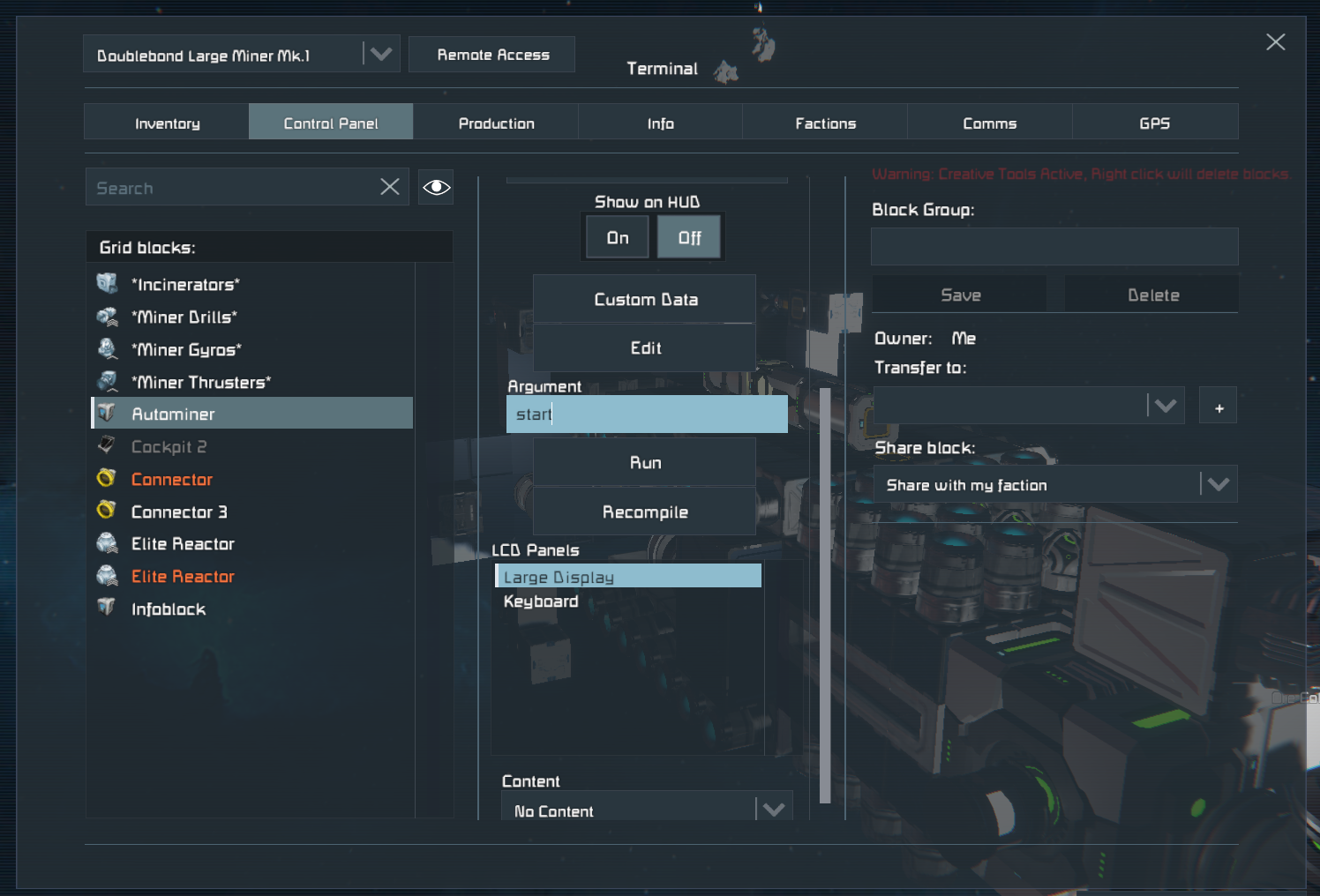
Once you have written all your custom data to your PB, you can use the script ! All you have to do is to run the PB with start as argument, and the script will execute itself. If you have a problem and need to stop the script, just run the PB with forceStop as argument, and the script will stop and remove all command overrides.
In order to help you get all the numbers (GPS position/ orientation) needed to make the script work, I have created an information script. Copy-paste it into a PB, and run it with the following arguments :
- AddMoveStep will write your current GPS positon/orientation to the custom data of the PB which has the information script.
- AddMineStep will do the same, but add a semi-colon and clearly mark the spot where you have to enter the desired mine depth at the end of the line.