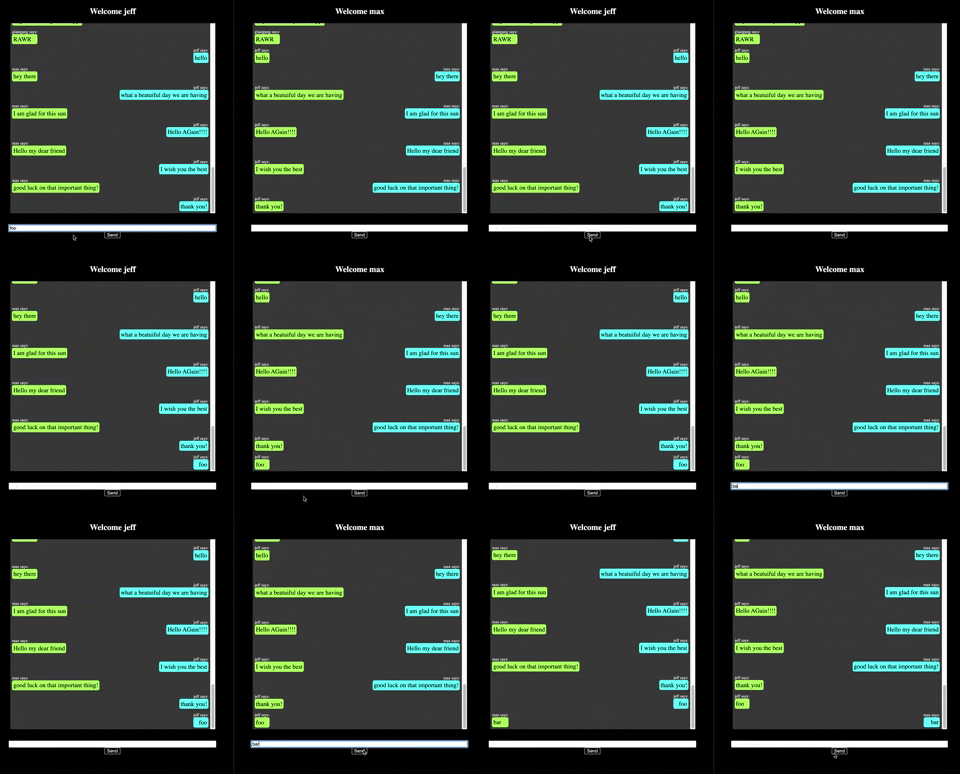
ChatterBox is an app that keeps you and your friends in touch. Login with your name and enter the room where you can send messages that are instantly updated on your screen every time a message is sent.
Run the following commands in terminal.
brew install postgresql
brew services start postgresql
psql postgres
CREATE ROLE <username>
ALTER ROLE <username> CREATEDB
\q
psql -d postgres -U <username>
CREATE DATABASE chatterbox;`If postgres is not running, either start using the Postgres GUI (recommended), or run the following in terminal:
pg_ctl -D /usr/local/var/postgres startNext, create the database
CREATE DATABASE chatterbox;cd chatterBox-api
npm install
Run the following commands in terminal.
knex migrate:latest
knex seed:run
nodemon index
Now you should be ready to access the site on the frontend! Find the frontend repo here.
- Express
- Postgres
- Knex
- Socket.io
- CORS
- Nodemon
| Max Bregman GH | Jeff Kersting GH |
 |
 |