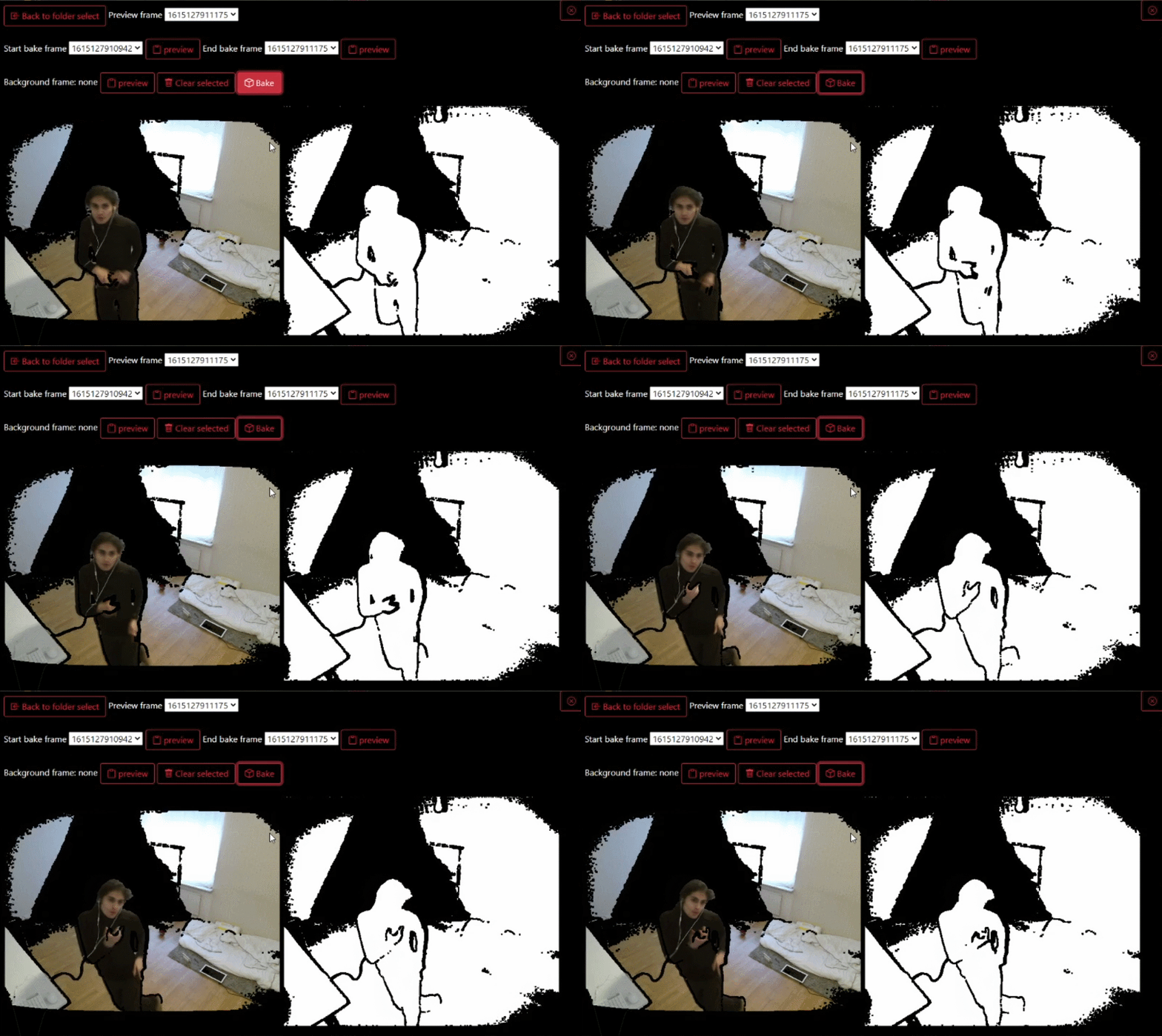
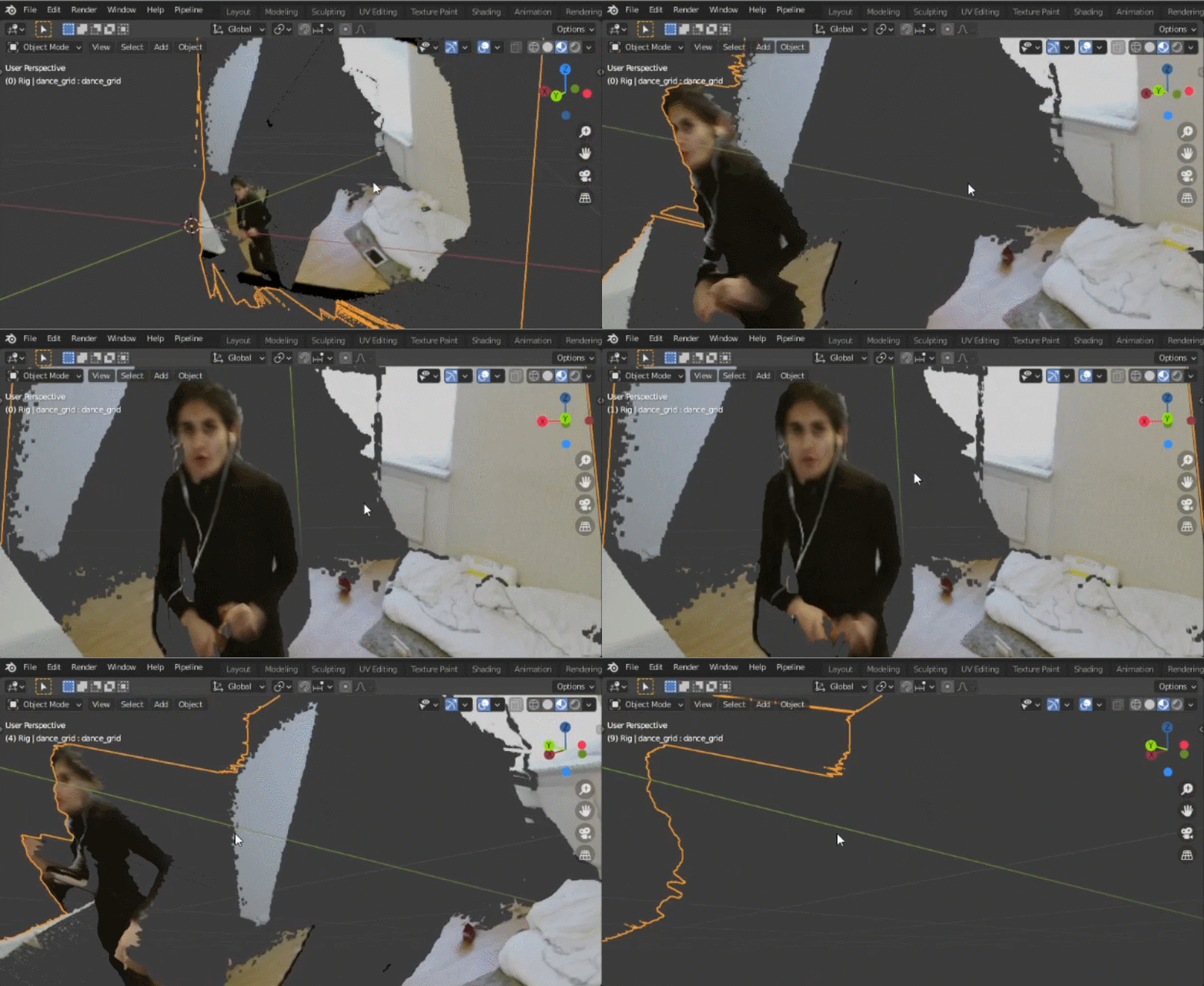
Quick install and demo youtube
Aniflect(animation reflect) can use Kinect v2 to record depth and/or color and saves it to disk as recordings. Then one can bake/convert the recording to a grid with depth and/color animated alpha textures with depth shape keys for Blender 2.8.
MIT
- Windows 10.
- Blender 2.8 at least.
- Kinect for Windows v2 sensor with Kinect Adapter for Windows 10 PC(if you wanna record).
- Official Kinect 2 SDK installed.
- Go to Releases
- Download Aniflect-Setup-{version}.exe and install
- You will need node.js v12.x.x with node-gyp installed to be able to compile node.js native addons.
- I recommend nvm-windows if you need multiple node.js installed.
- Or just install node.js-v12.21.0.
- Install node-gyp.
- Then run on cmd/powershell.
npm i
To install and then run
npm run start
to startup electron or optionally run
npm run build
To build a local windows nsis executeable
Because since 2016~ish I wanted a cheap and more accurate motion capture setup. AI had many artifacts and cleanups and went nuts when rotating 360deg and rolling and so on. So I built this so one can frame for frame reflect the animation recorded.
- Use chokidar filewatcher to watch folder updates
- Add start frame offset when baking?
- Apply auto-update releases
- Update workflow/tutorial gifs/videos!
- Replace bootstrap with custom style?
- Add timed counter before recording?
- Readd support for 2.79?
- Add baking details baked like "24 frames in 32s, when finished"?
- Add better ui messages rather then draw text on canvas?
- Add messages like on server/client disconnect
- Sort baking folders by nearest modified date
Like this app? Donate some
