
Your calendar. Your device. Your rules.



A privacy-first calendar that works offline and looks beautiful. Connect to iCloud — or don't. Your schedule, your choice.
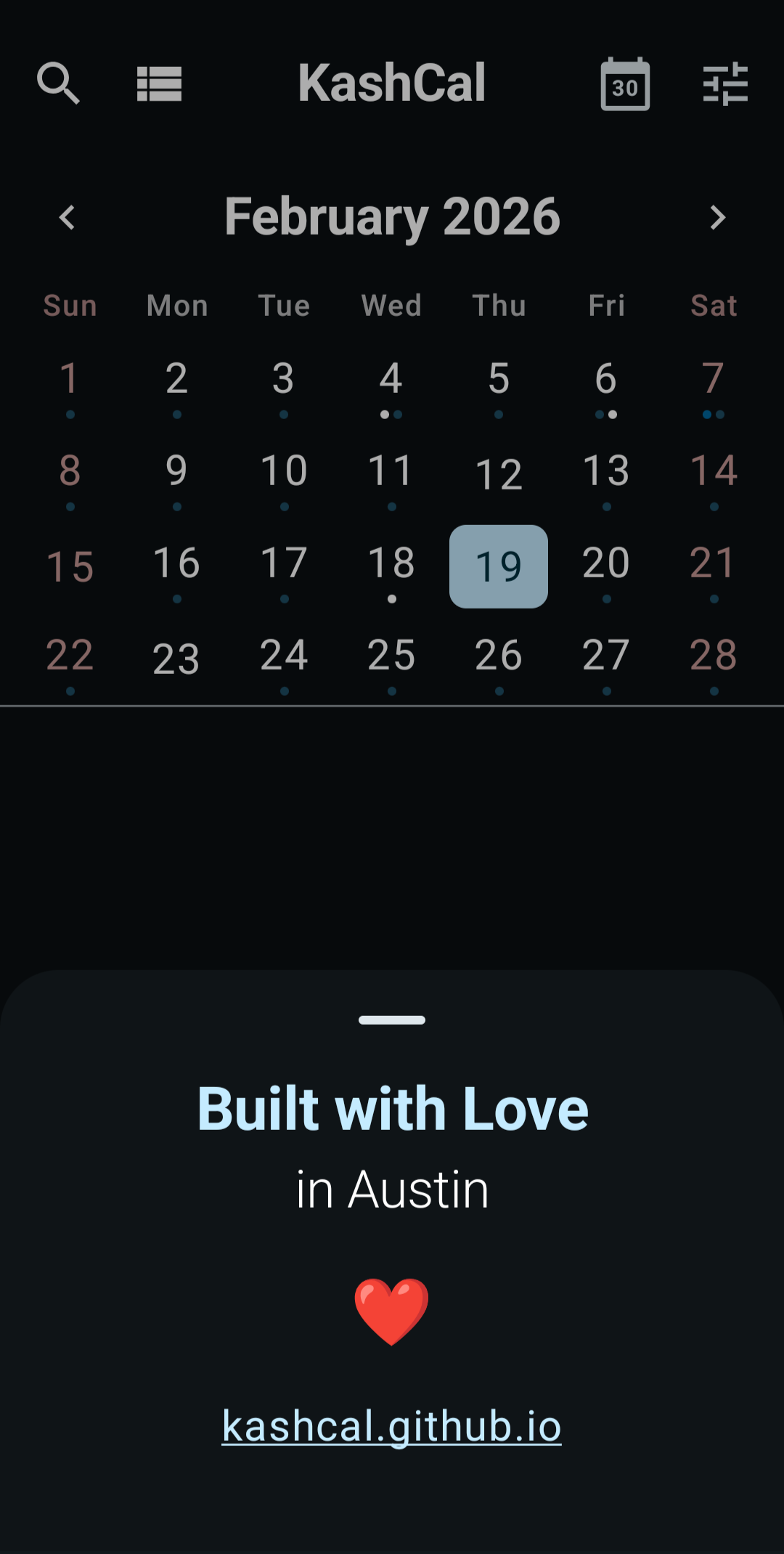 Home & Agenda |
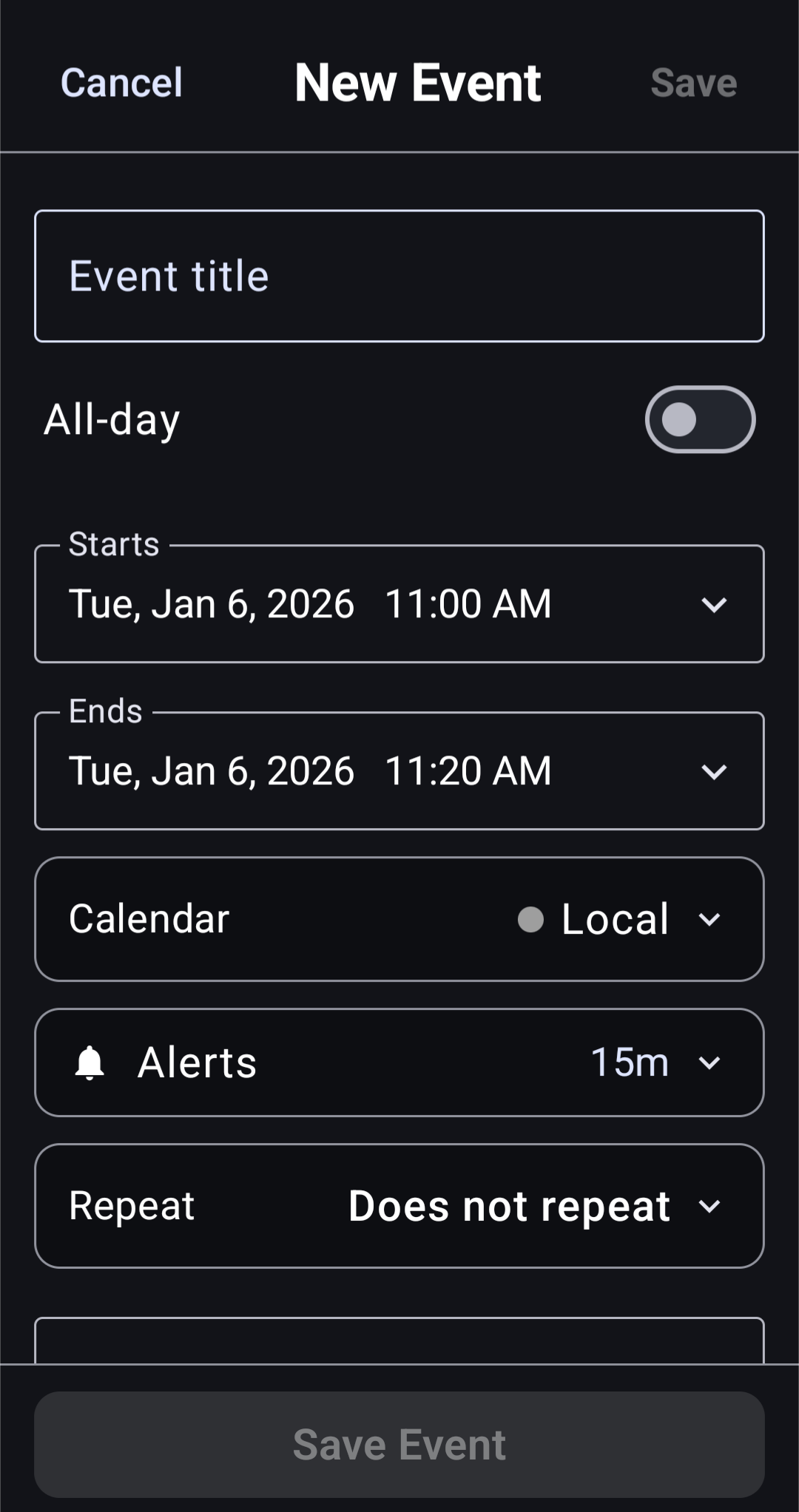 Create Event |
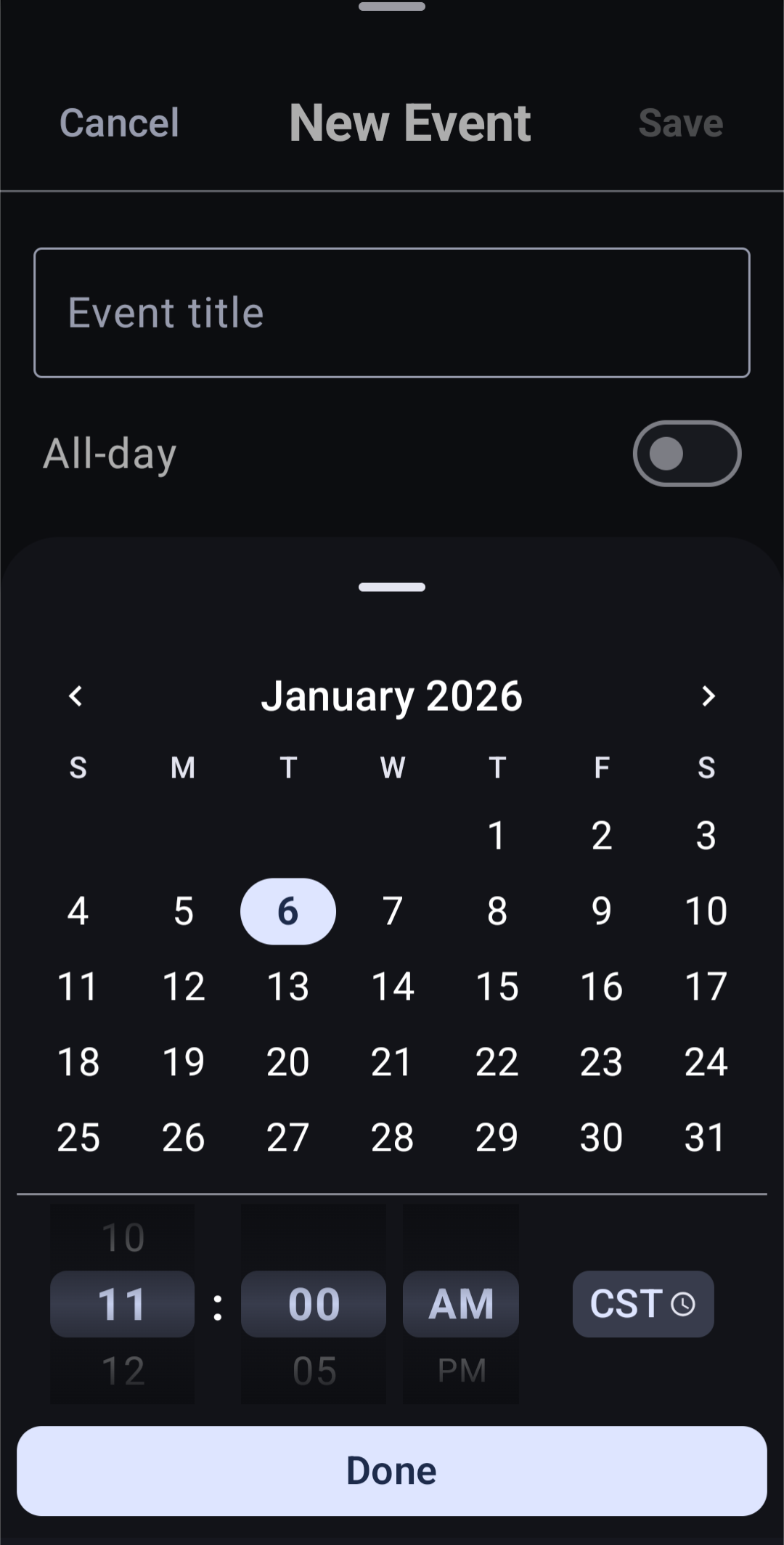 Date & Time Picker |
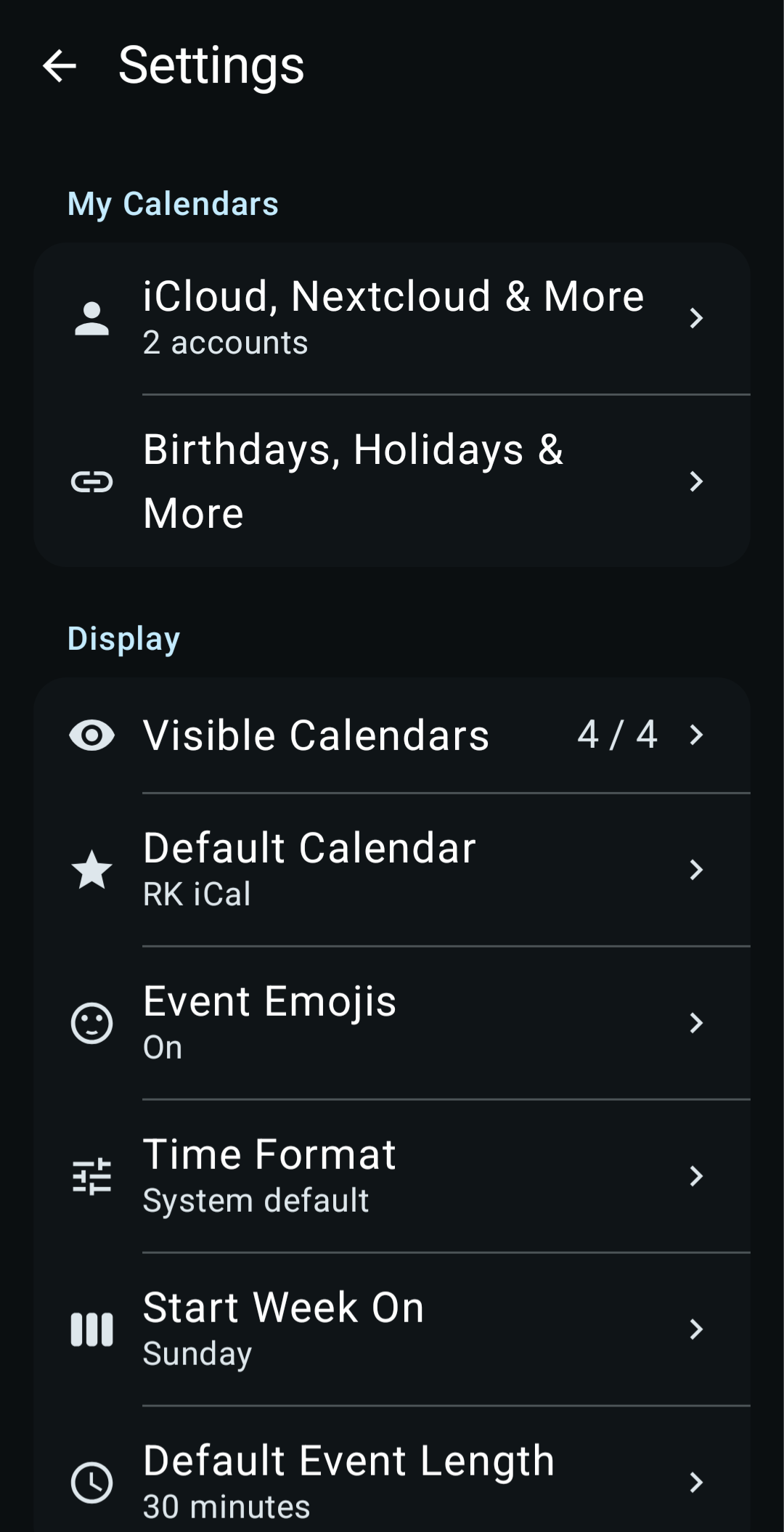 Settings |
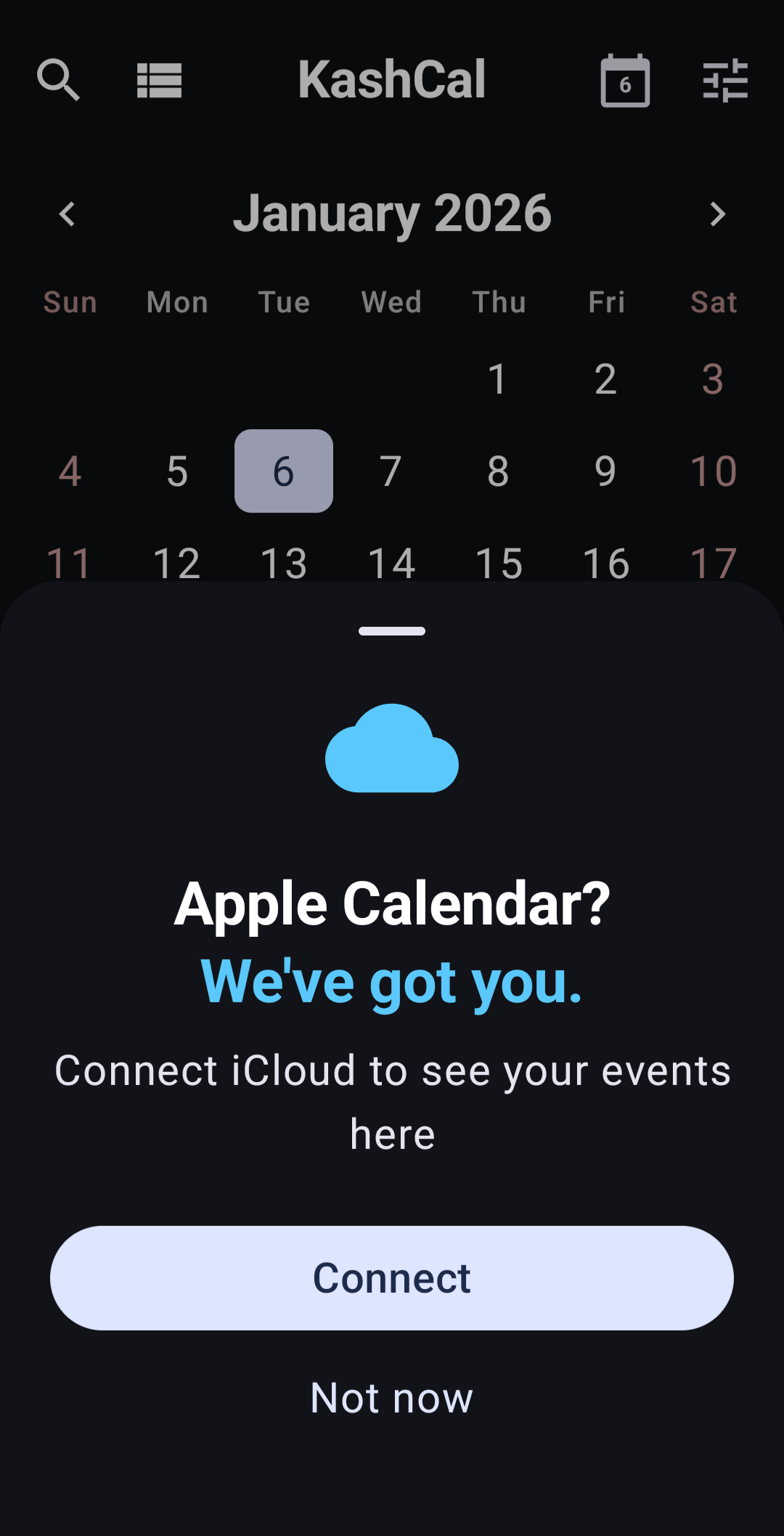 iCloud Connect |
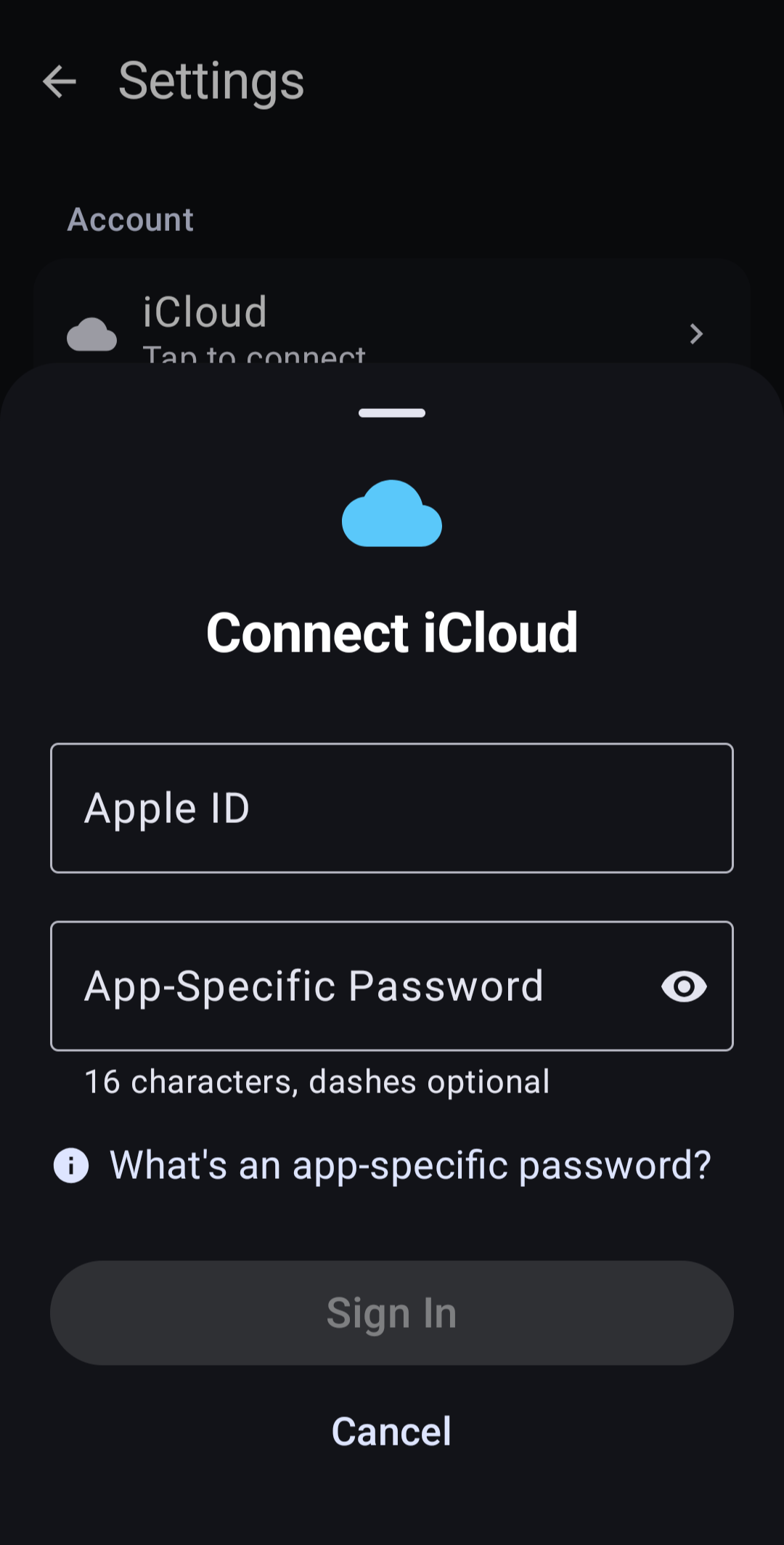 iCloud Sync |
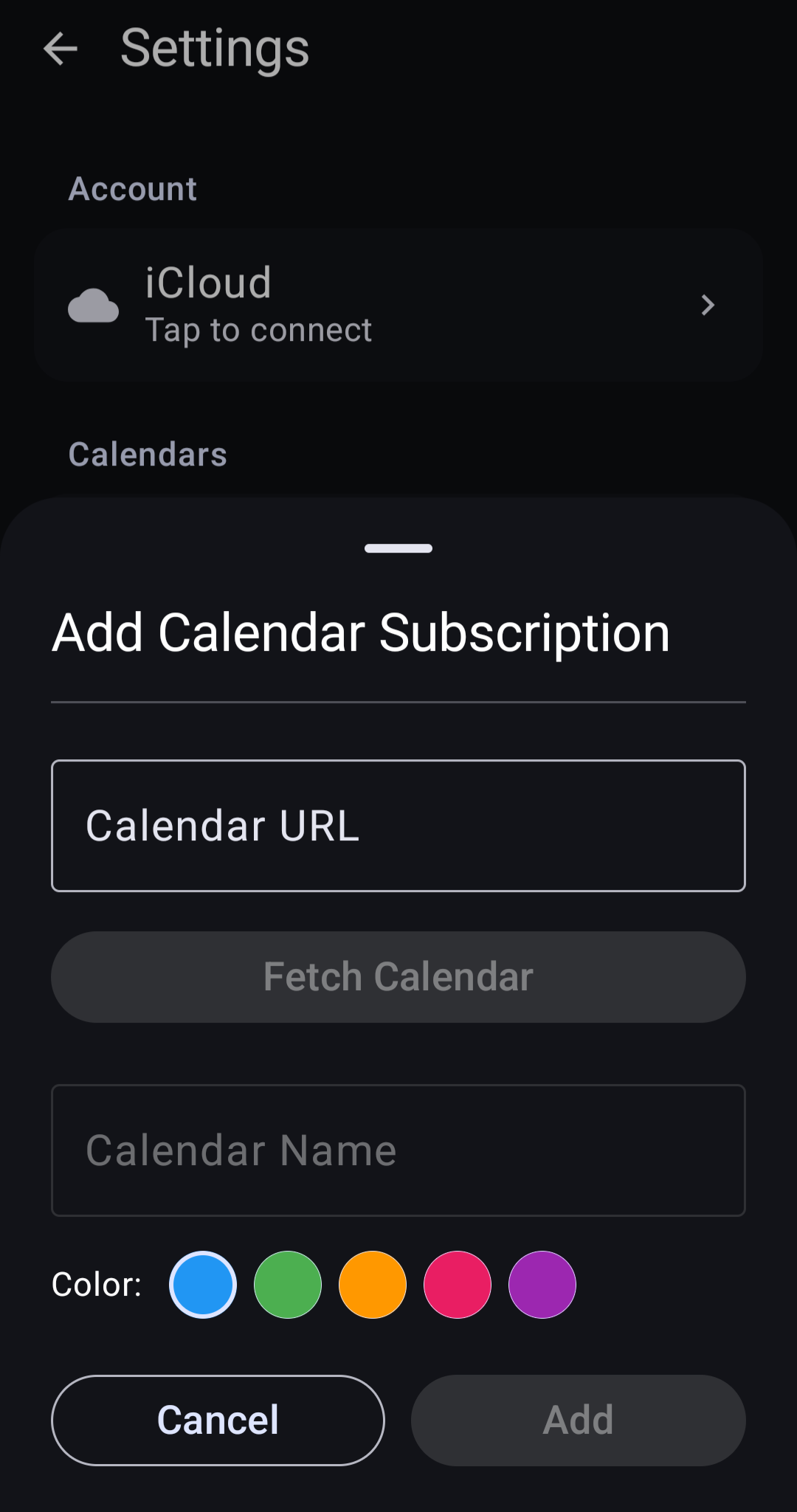 ICS Subscriptions |
| KashCal | Others | |
|---|---|---|
| Analytics | None | Often |
| Account Required | No | Usually |
| Works Offline | Full | Limited |
| Open Source | Yes | Rarely |
| iCloud on Android | Yes | Rare |
- Privacy-First — Zero analytics, zero tracking. Your schedule stays private.
- Offline-First — Works without internet. Sync when you want, not when the app wants.
- iCloud Sync — Native CalDAV support for Apple Calendar on Android.
- Material You — Beautiful, modern design with dynamic theming.
- Home Widget — Today's agenda at a glance.
- Recurring Events — Full RFC 5545 RRULE support with exceptions.
- Progressive Sync — Events appear in 2-5 seconds, not 30.
- Search — Full-text search across all your events.
- Timezone Support — Per-event timezone with smart display.
User Action → Local DB (instant) → Background Sync (only if using iCloud)
All operations save locally first. Sync happens in the background — your calendar works even without internet or any external calendar service.
- No Analytics — Zero tracking, telemetry, or data collection
- No Accounts — No KashCal account required
- Local-First — Calendar data stored on your device
- Open Source — Fully auditable codebase
- Encrypted Credentials — AES-256-GCM via Android Keystore
- HTTPS Only — Cleartext traffic blocked
- No WebViews — Native UI only, no embedded browsers
- Minimal Permissions — Only what's necessary
GitHub Releases — Download the latest APK
F-Droid — Coming soon
IzzyOnDroid — Coming soon
- Go to appleid.apple.com
- Sign in → Sign-In and Security → App-Specific Passwords
- Generate a password named "KashCal"
- In KashCal: Settings → iCloud Account → Enter email and app-specific password
- UI: Jetpack Compose + Material 3
- Widget: Jetpack Glance
- DI: Hilt
- Database: Room
- Async: Kotlin Coroutines + Flow
- Background: WorkManager
- Network: OkHttp
- iCal: ical4j + lib-recur
See CONTRIBUTING.md for guidelines.
Apache License 2.0 — see LICENSE
KashCal
Your calendar. Your privacy. Your control.