
- Docker
- Docker-Compose
Start Keycloak Server;
➜ ~ docker-compose -f keycloak-postgres.yml up -dUsername: admin
Password: Pa55w0rd
You can find all the details about(POSTGRES_USER&POSTGRES_PASSWORD&KEYCLOAK_USER&KEYCLOAK_PASSWORD) Keycloak in the keycloak-postgres.yml file.
| Username | Password | Role |
|---|---|---|
| kerim | kerim | USER |
| test | test | NONE |
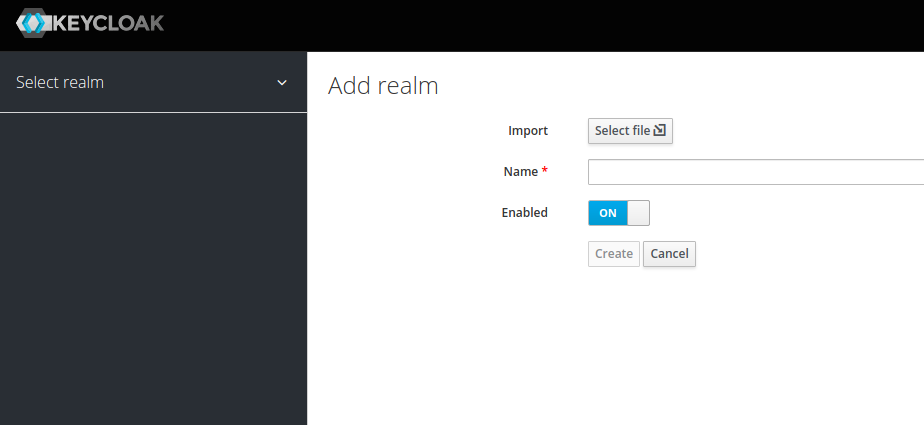
Steps to import demo-realm-export.json file into Keycloak.
- [Select File] -> demo-realm-export.json
➜  ~ cd keycloak-frontend
➜  ~ npm install
➜  ~ npm start dev
Starting the development server from http://localhost:3000
➜  ~ cd keycloak-backend
➜  ~ ./mvnw quarkus:dev
Starting the development server from http://localhost:9090