A mobile application on recycling using the google technologies Flutter and Firebase.
The lack of efficient and cost effective waste management systems has resulted in a growing enviournment crisis in many parts of the world.While recycling programs exists in many cities, they are often inefficient and difficult to access for many citizens. Furthurmore the lack of awareness and education on the importance of recycling has lead to the ignorance of this issue.
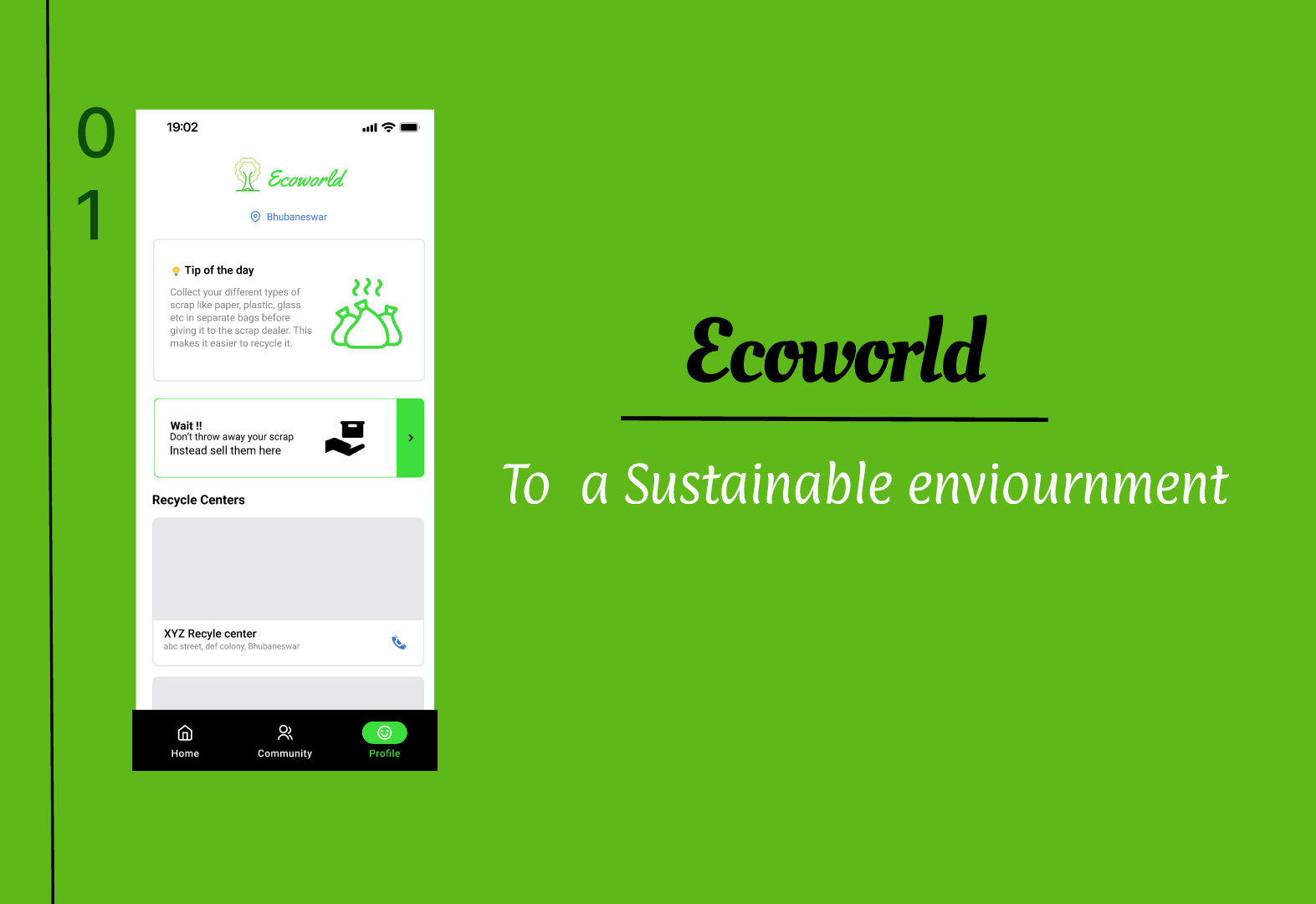
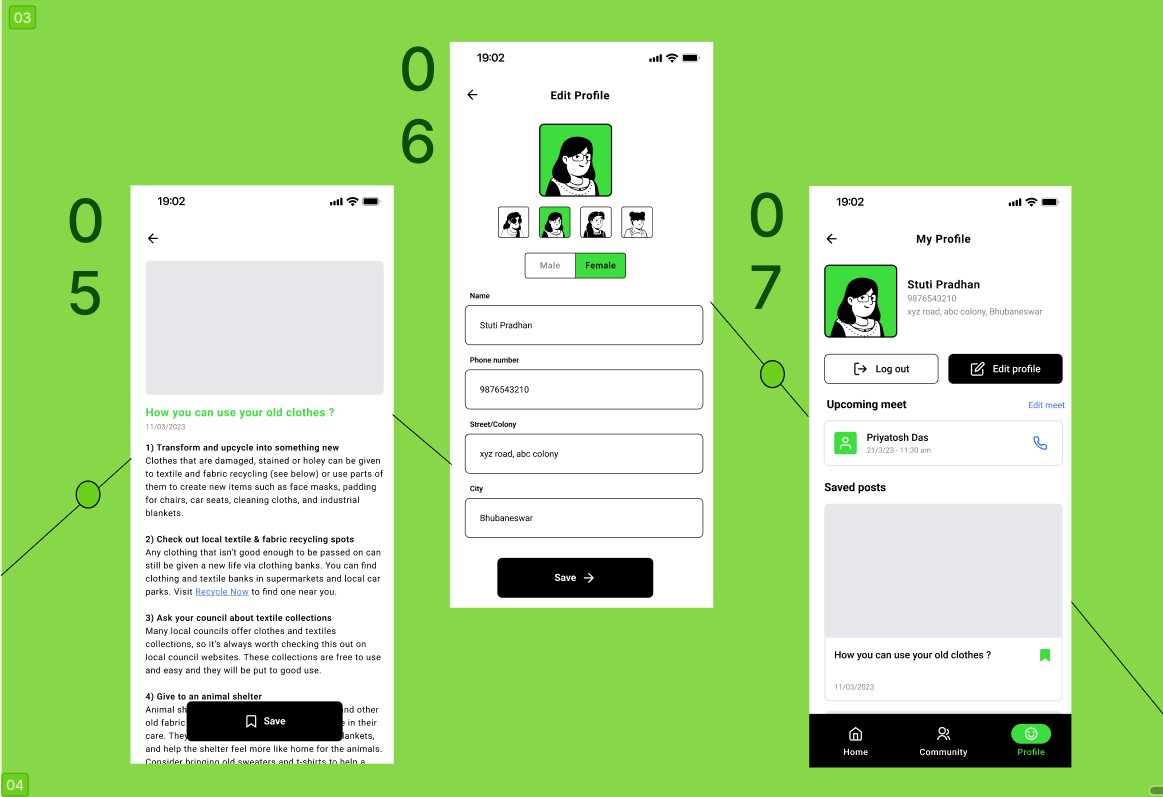
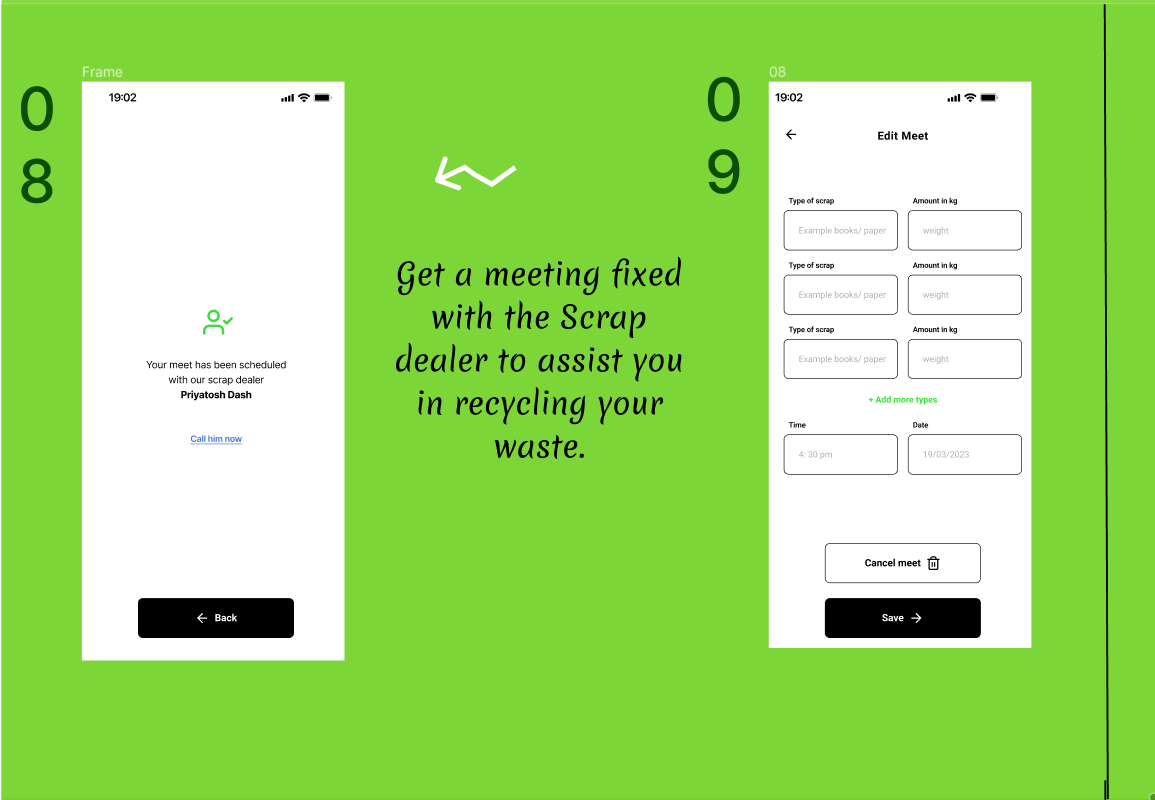
To arouse the interest of people toward recycling we have made a mobile application on waste management through recycling. The objective of this project is to make recycling easily accessable and profitable to people. Our app aims to encourages citizens to recycle and also provide resources to educate people on the importance of recycling by informing them on the various recycling events and programs.
This section enlistes the google based technologies we have used to create this project.


This is an example of how you may give instructions on setting up your project locally. To get a local copy up and running follow these simple example steps.
Here is the documentation on how to install the flutter application to run the project locally.
Below is an example of how you can instruct your audience on installing and setting up your app.
- Start VS Code.
- Invoke View > Command Palette….
- Type “install”, and select Extensions: Install Extensions.
- Type “flutter” in the extensions search field, select Flutter in the list, and click Install. This also installs the required Dart plugin.
- Invoke View > Command Palette….
- Type “doctor”, and select the Flutter: Run Flutter Doctor.
- Review the output in the OUTPUT pane for any issues. Make sure to select Flutter from the dropdown in the different Output Options.
- Open the terminal using ctrl+` Clone the project
git clone https://github.com/StutiPradhan/ecoworld.gitRun the code
- Locate the VS Code status bar (the blue bar at the bottom of the window)
- Select a device from the Device Selector area.
- Invoke Run > Start Debugging or press F5.
- or write the command below in the terminal
flutter run- Wait for the app to launch—progress is printed in the Debug Console view and the terminal.


Project Link:https://github.com/StutiPradhan/ecoworld