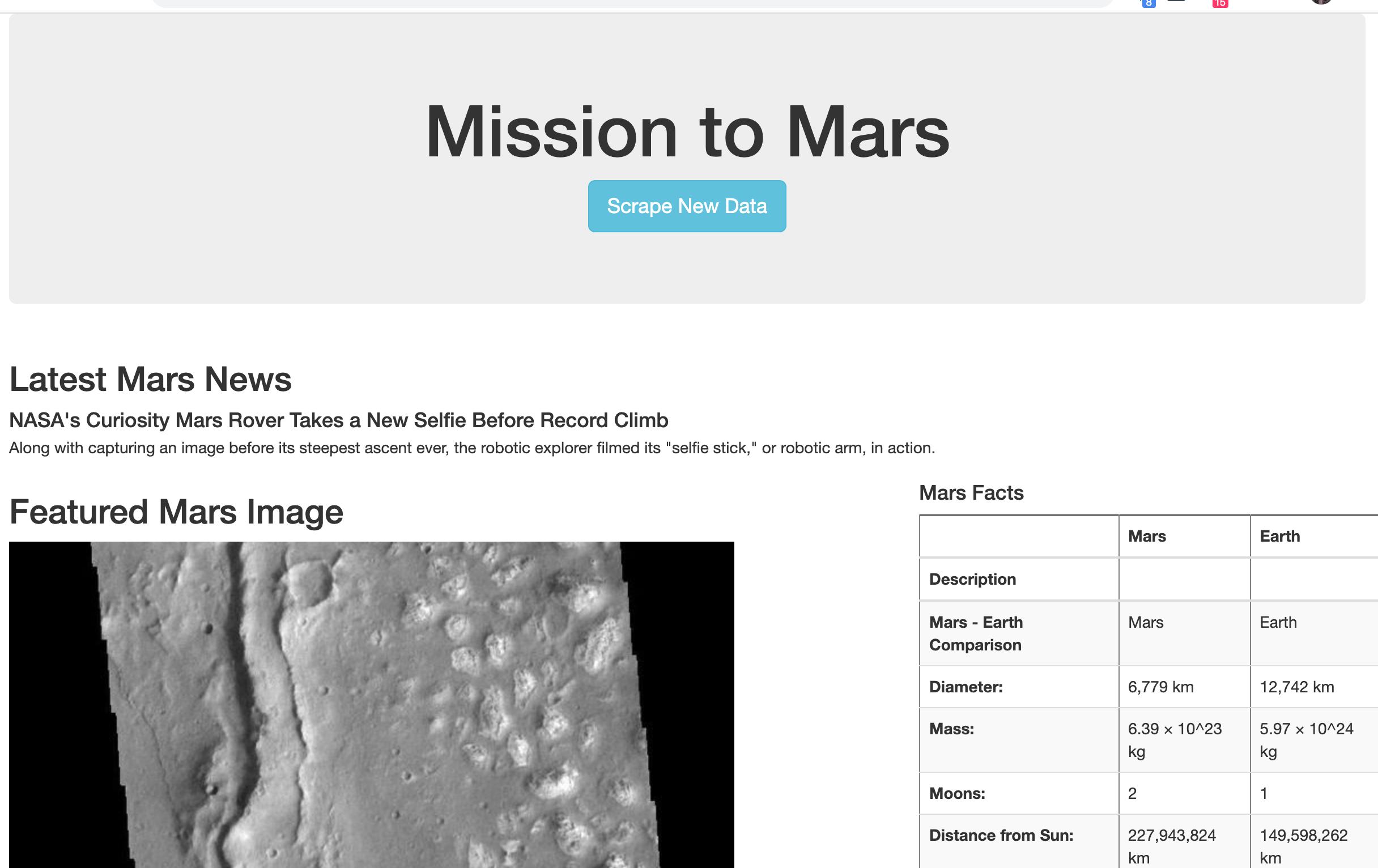
Web Scraping, HTML, Chrome Development tools, Splinter, BeautifulSoup, MongoDB, Python3, Flask to the end of a working webSite that scrapes new data at the push of a button.
- Splinter: Automate Web Application (allowing Python to initiate the opening of a browser which then can be scraped.
- Flask: A Python API that allows building of web-applications. The framework is more explicit than Django.
- MongoDB: A document database. Can stor structured or unscructured data (such as pictures etc not in table form). Can handle high bolumen and scaple vertically or horizonally, uses JSON-like format to store data.
- BeaufifulSoup: used for web scraping, to pull data out of HTML and XML files.
-
Run app.py first, then click the index file, then look at localhost 5000. I was running index first without looking at local host. THEN I was looking at localhost without runnin the .py file
-
to make changes to the index file and have them show up on the local host front end, you have to make sure the flask python file is in debug mode. Then, for production, turn off debug mode
I worked with a number of guides to figure these steps out, but the steps were so simple that I didn't realize what exactly was fixing the problem until now. (each session I'd learn a little bit more... 'ah, you have to look at localhost: 5000' 'oh, refreshing the index file is not enough, you need the debuger in the flask file'. (I actually discovered this one through documentation.)
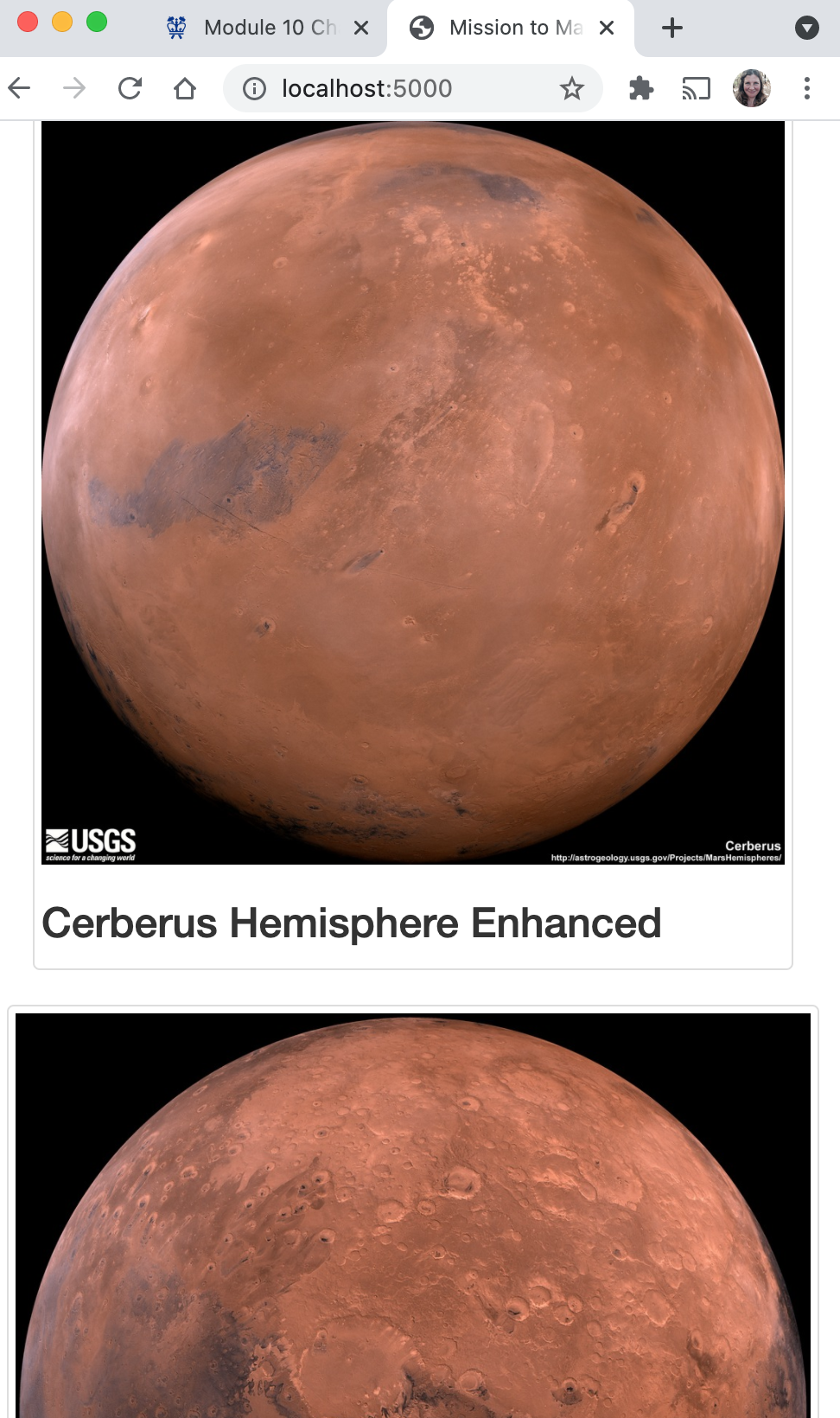
The harder pieces of the challenge were setting up the flask file to save the mongo database. With some clear print statements set throughout the code, with the help of a tutor, I was able to find out why the hemisphere images were not being collected and fix that error in the scrape.py code. The problem was that we were rushing the code and needed to add a time.sleep(2) element to the function.
As direction by the flask documentation: the file structure is set up as follows:
- my-flask-app ----> templates -----> index.html
- ----> app.py
- ----> scraping.py
- ----> static ----> .css (these files don't exist but I'm putting them here as a place holder for future reference).
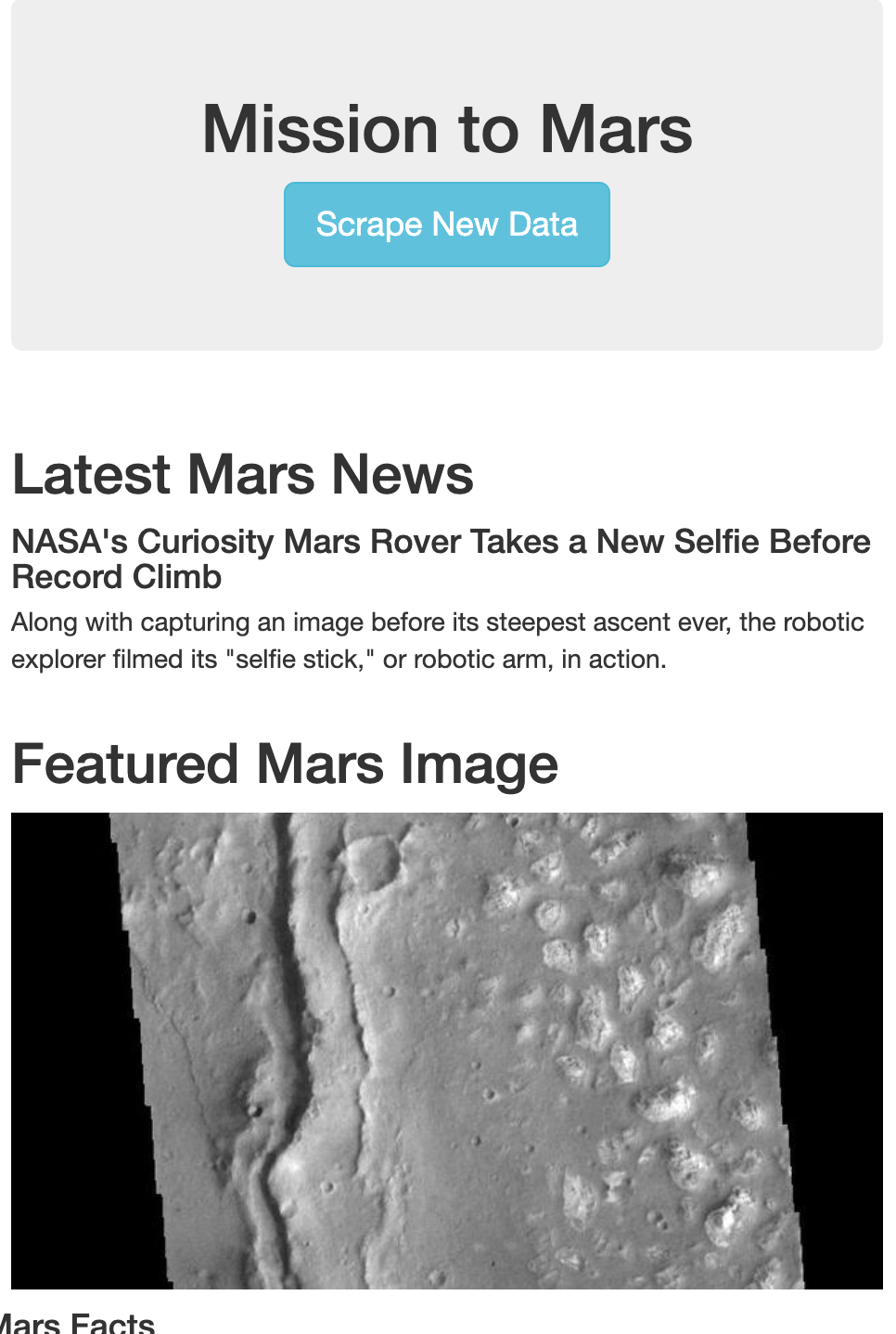
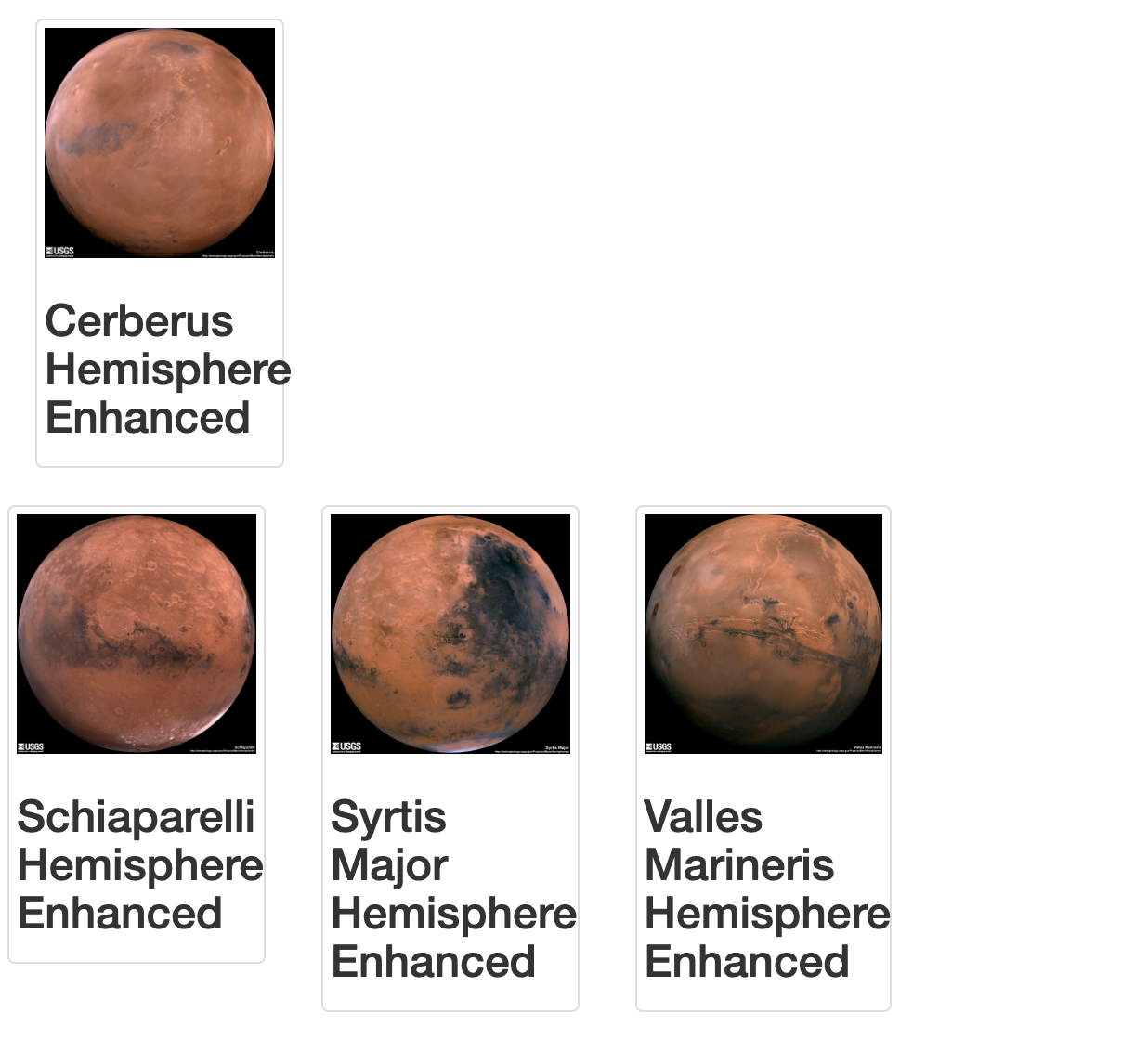
The code is now responsive and has been changed in three ways, the button color, the stacking of the images and the typography. It is not beautiful, nor is is portfolio ready. If I have time after catching up on Module 11 and 12, I'll come back and make it beautiful.