






Download it here!
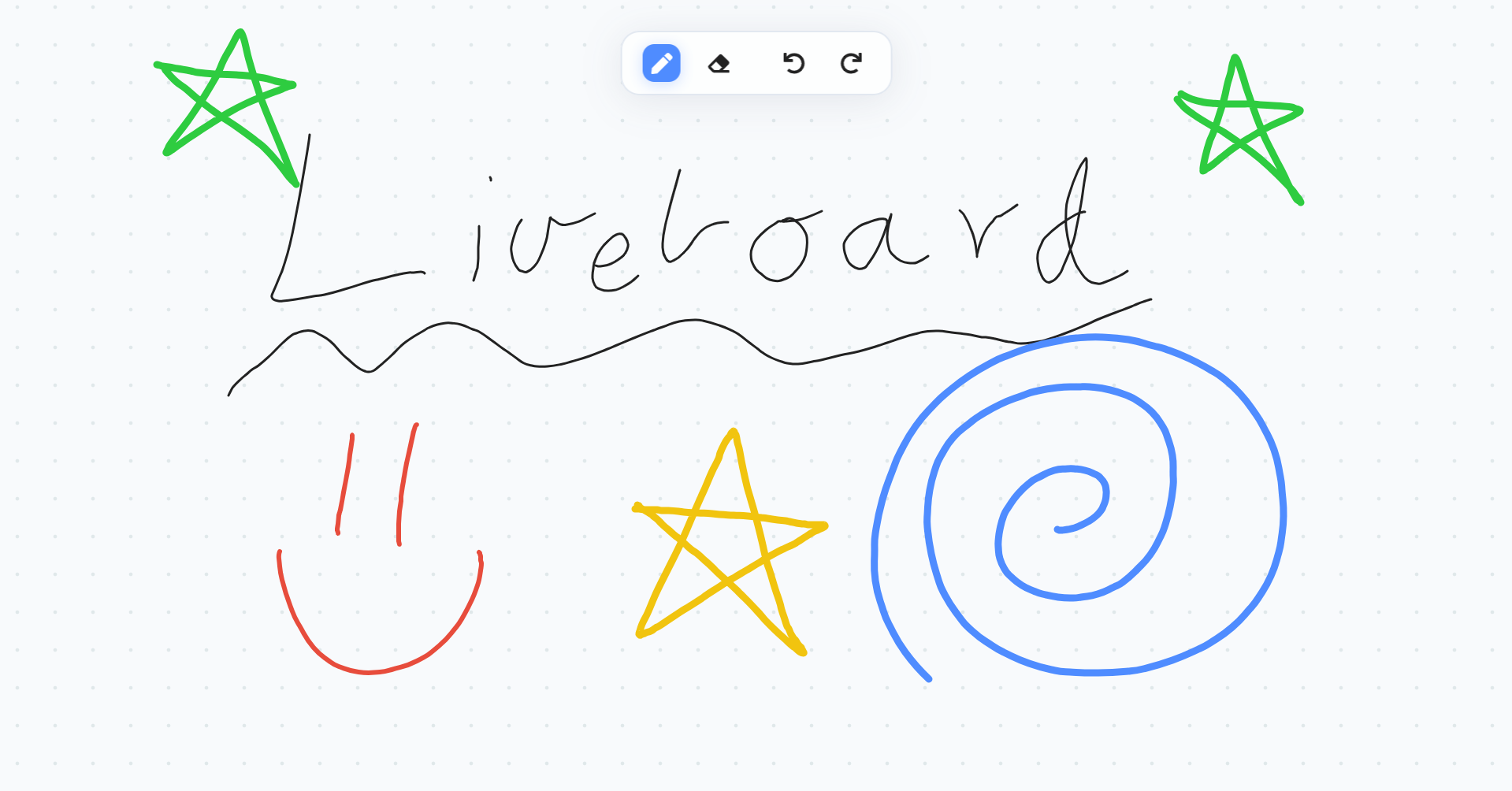
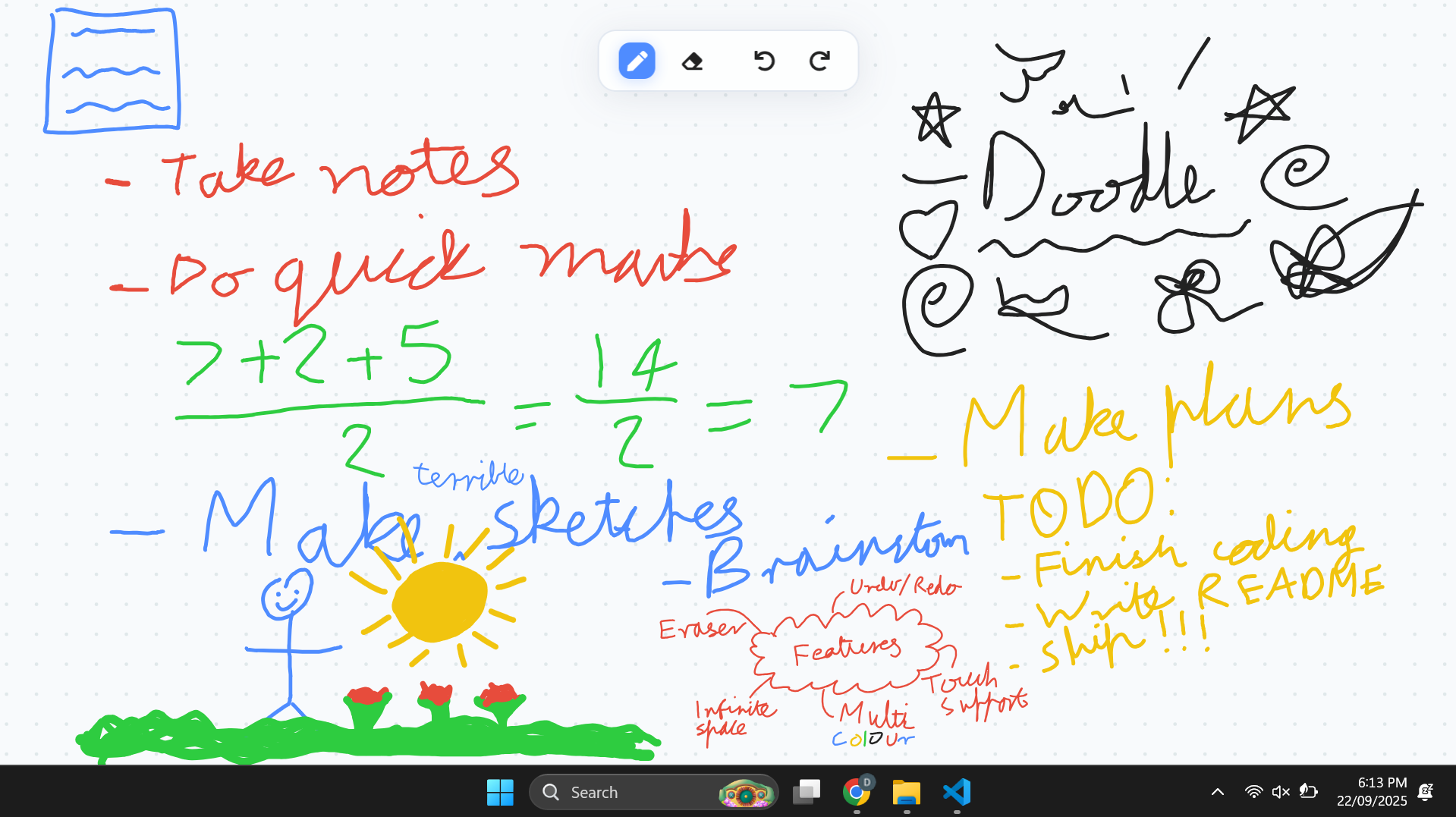
Liveboard transforms your desktop into an infinite creative canvas, letting you sketch, write notes, and capture inspiration directly on your background. Always accessible on your desktop, Liveboard keeps your ideas just a click away.
- Infinitely Large Canvas - Just drag it around or zoom for more space
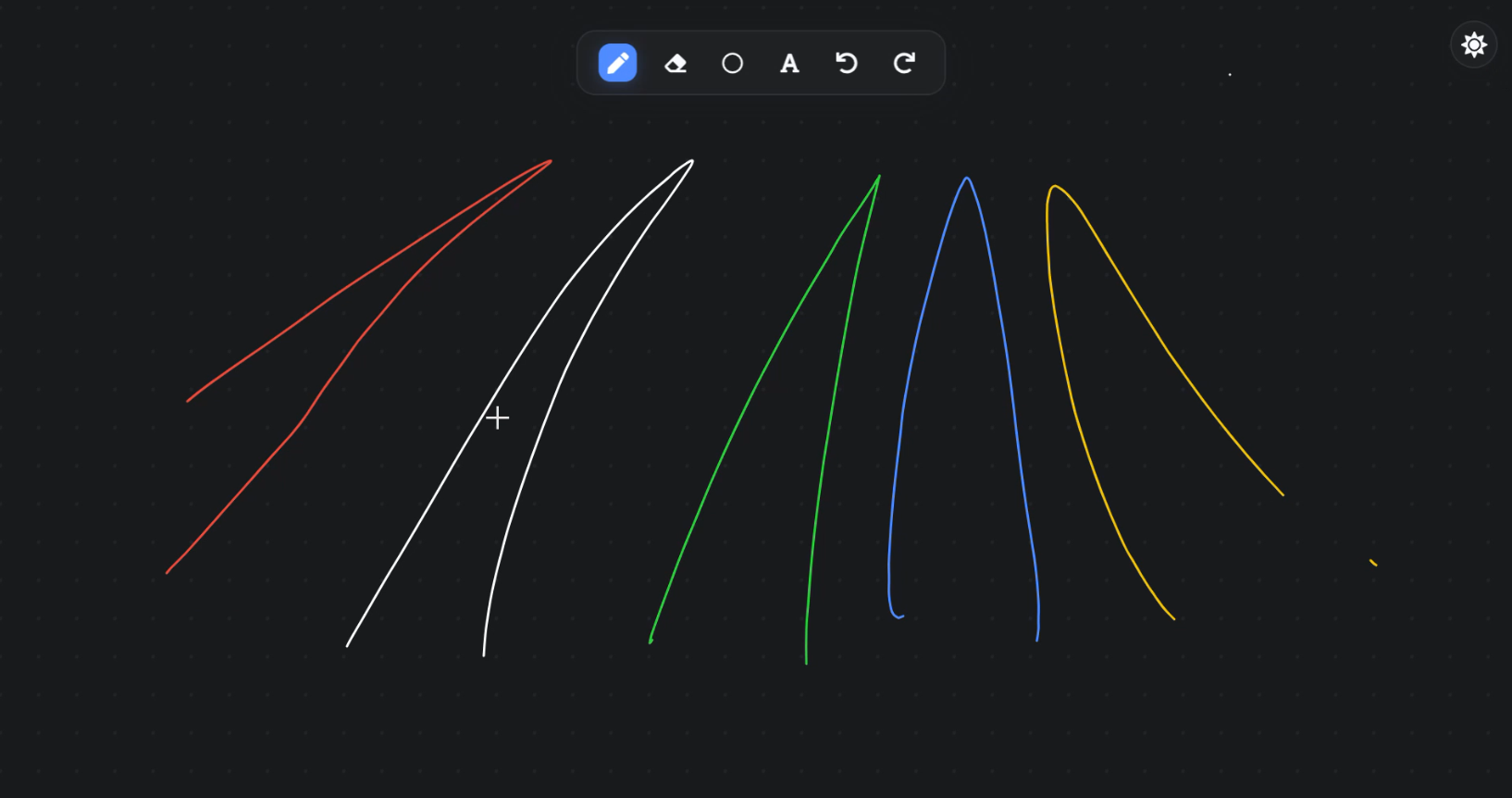
- Dark Mode - Switch the UI between light and dark mode, and your drawings will update to remain visible
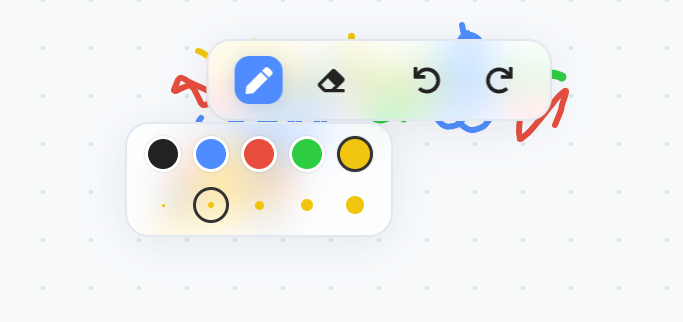
- Multiple Colours and Pen thicknesses - Keep your notes and drawings visually interesting
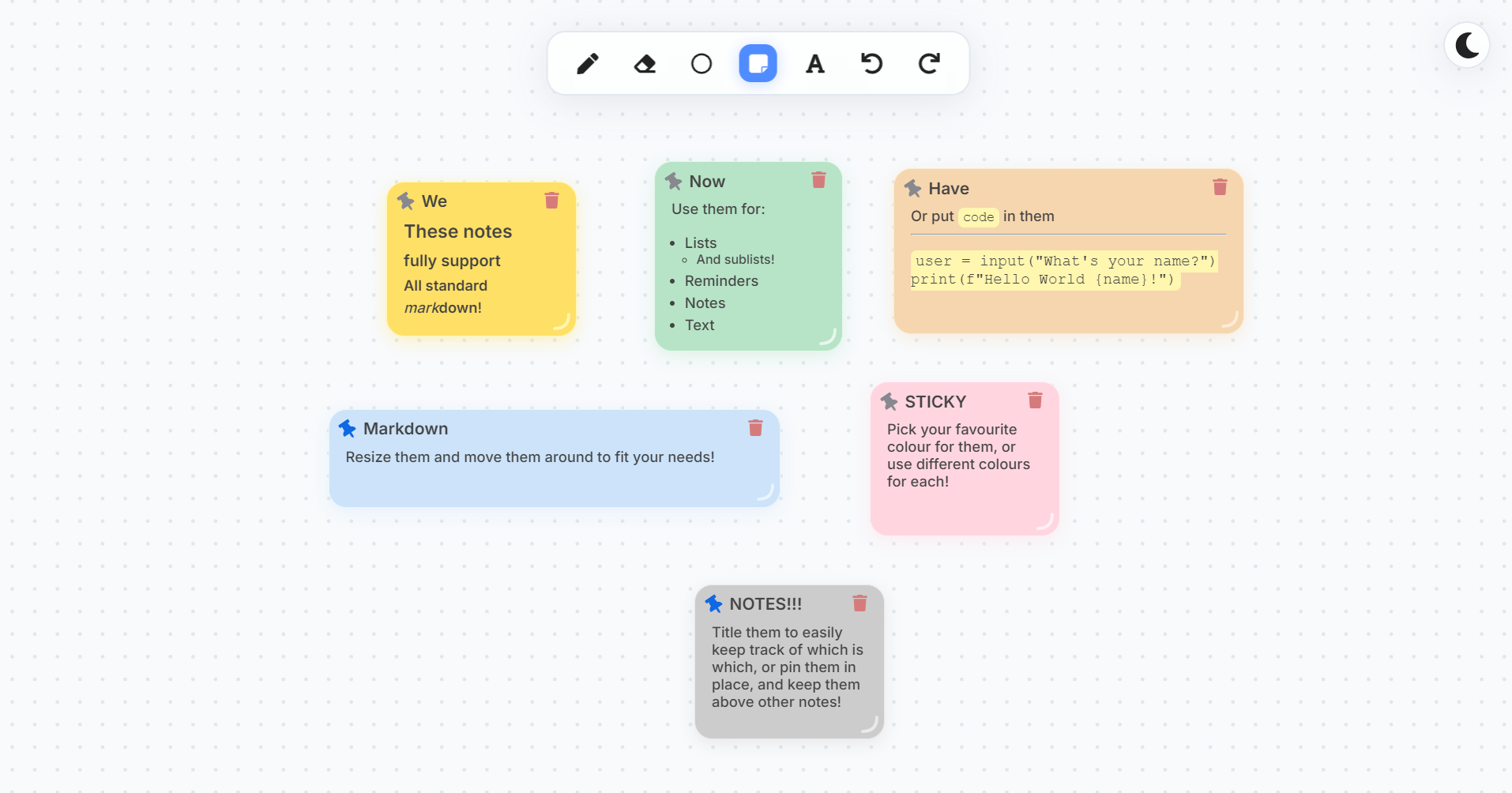
- Sticky Notes - Use markdown-enabled sticky notes, to keep track of important information
- Autosave - Never lose your work, as everything is automatically saved to your computer, and restored on restart
- Lives on your desktop - Just minimise your window and get straight to the whiteboard
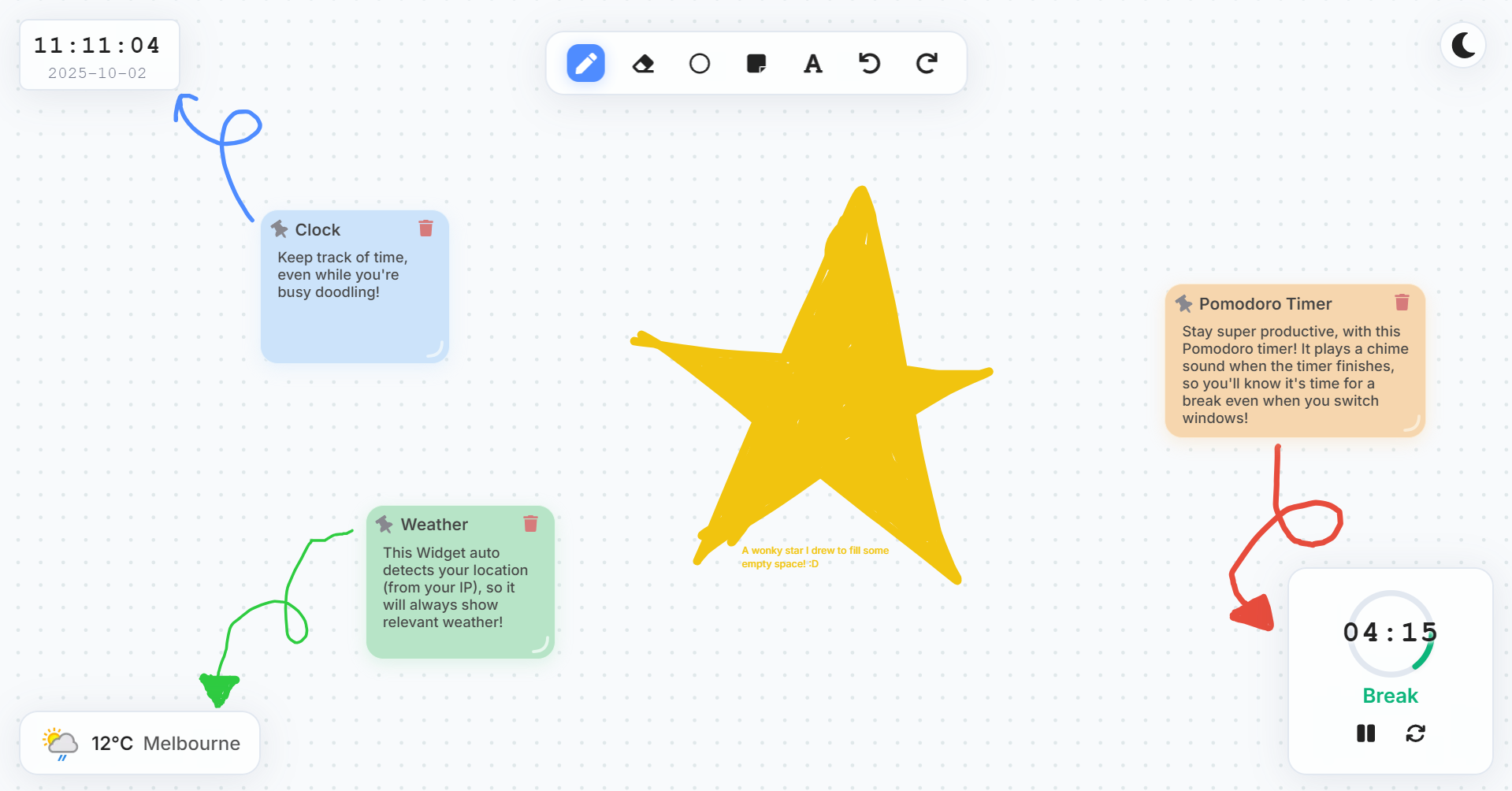
- Widgets - Keep track of time, weather, and your productivity with the clock, weather, and pomodoro widgets
- Location-based Weather - Get accurate weather information for your approximate current location, detected via your IP address
- Undo and Redo - Fix up any mistakes by simply undoing your last action
- Pen Eraser - Erase your pen marks simply by switching tools
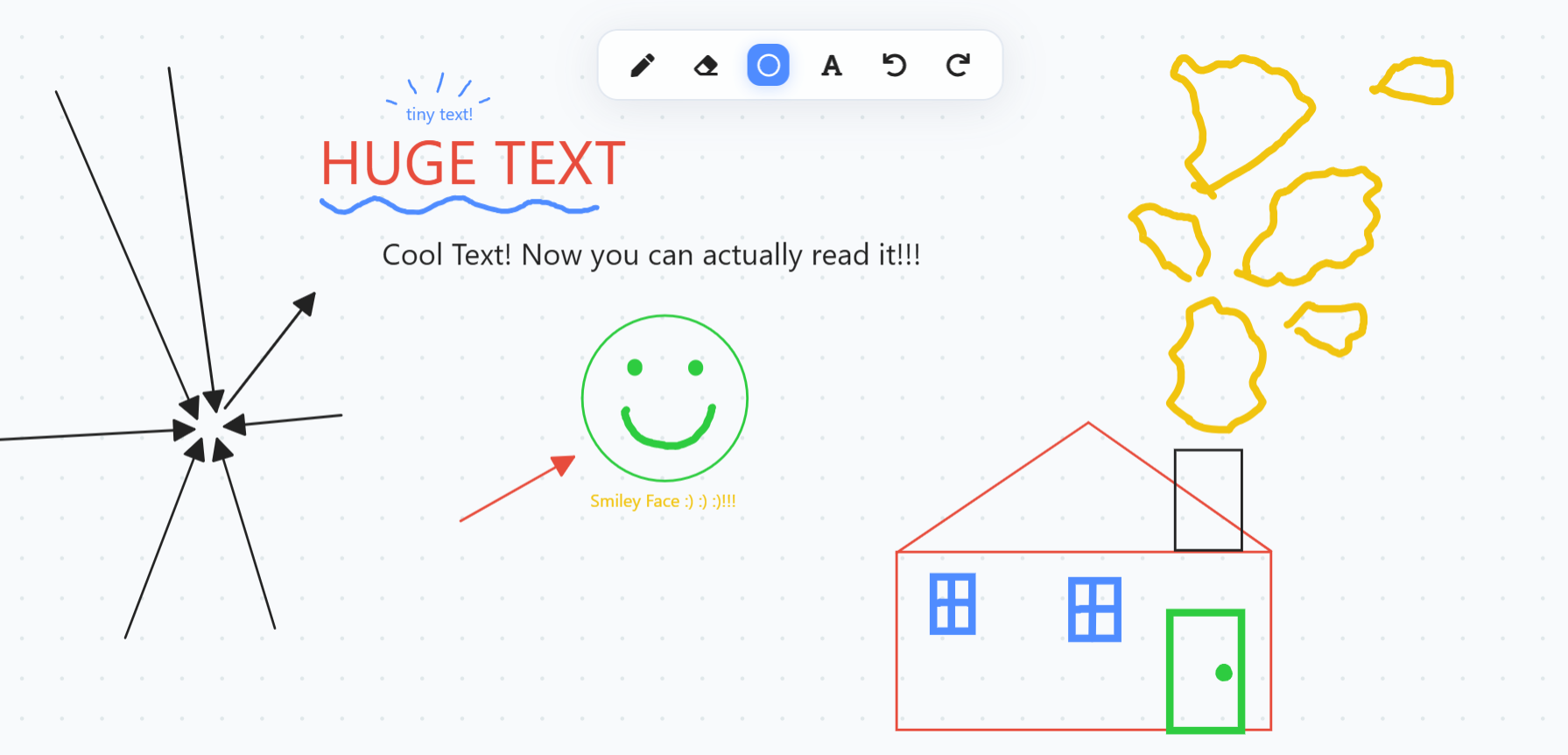
- Shapes - Use the shape tool to draw perfect shapes. Hold shift to snap to perfect circles/squares
- Text - Use the text tool to write readable text on your whiteboard
- Fully Open-Source - Fork the repo and implement your own new features
Head over to the releases tab, and download the relevant installer for your system, from the latest release. Run the installer (your computer may warn you it is unverified. It's safe to manually bypass this, and feel free to check the code if you're concerned about security). Once you've downloaded it, run the installer, and you're good to go!
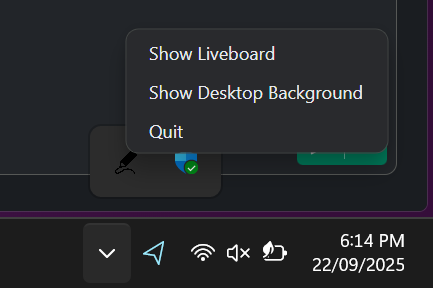
If the app doesn't auto-start, manually open it, and it should appear on your desktop. An icon will appear in the tray, from where you can control it and quit the app. To use the whiteboard, minimise your window, and start drawing!
There a number of different tools within Liveboard. The pen tool is used for drawing ink on the whiteboard, and the eraser for erasing it. The shape tool can be used to draw perfect shapes, saving you from drawing them. The text tool enables readable text to be easily created, rather than hand-writing it. Undo and Redo work across all actions and tools. To pan hold Ctrl or Alt and drag around. Hold shift while using the shape tool to snap ellipses and rectangles to circles and squares. Liveboard also has full touch support - use one finger to draw, and two fingers to zoom or drag.
Use the sun/moon icon in the top right corner to easily switch the UI between light and dark mode. All drawings, notes, shapes and text (and your theme preference!) should persist betewen restarts, so if you want a fresh slate, just clicker the eraser tool, and then select Clear All to get a blank whiteboard!
Note: Due to security limitations set by the OS, if you use a minimise shorcut (e.g. Win + D or a three-finger swipe), then Liveboard will likely be hidden. You can simply use the tray icon to show it again.
To run Liveboard locally or test any changes you make:
git clone https://github.com/MadAvidCoder/Liveboard.git
cd Liveboard
npm install
npm run start # Start the development server
npm run electron # Launch electron
To build and package it:
npm run build
npm run package # Package an electron installer (targets your current OS)- React & TypeScript for UI
- NPM for package management
- Electron for desktop app framework
- Electron Builder for packaging
- Konva for the infinite canvas framework
- React Markdown for markdown sticky notes
- GitHub Actions for building packages for other target OSs
- WeatherAPI for real-time weather data
- React Icons for icons
- ipapi for IP-based location detection
Liveboard is licensed under the MIT License.
You are free to use, copy, modify, merge, publish, distribute, sublicense, and/or sell copies of this software. You must include the original copyright and license notice in any copies or substantial portions of the project.
There is no warranty. Liveboard is provided “as is”, without warranty of any kind. Use at your own risk.