


🇺🇸 English
|
🇫🇷 Français
This application is not affiliated with MediaTonic.
Images of FallGuys are the property of Mediatonic Limited.
Simple program to generate stats for the game FinalBeans. Reads the games log file to track how you are doing.

- Or, if you have a false detection problem with your virus program, download the version below with the automatic update feature removed.


If you want FinalBeansStats to continue to be updated, don't forget to star the GitHub repo!
If, while downloading a file, your web browser suspects it to be malware and stops the download, refer to the screenshot below. FinalBeansStats is open source, meaning anyone can view the code, so download it with confidence.
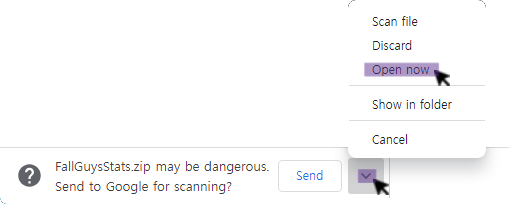
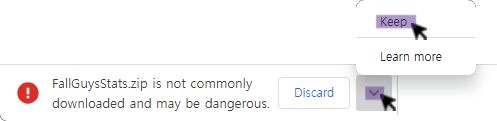
- When running the program for the first time, refer to the screenshot below.
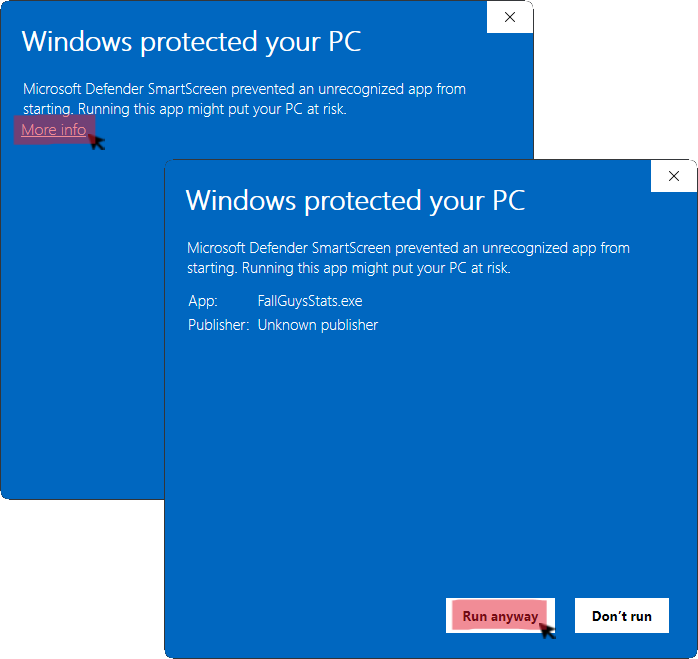
[Information] Certificates for Windows programs cost between $200 and $400 per year.
- Extract zip to it's own folder
- Run the program while playing FinalBeans to see new stats.
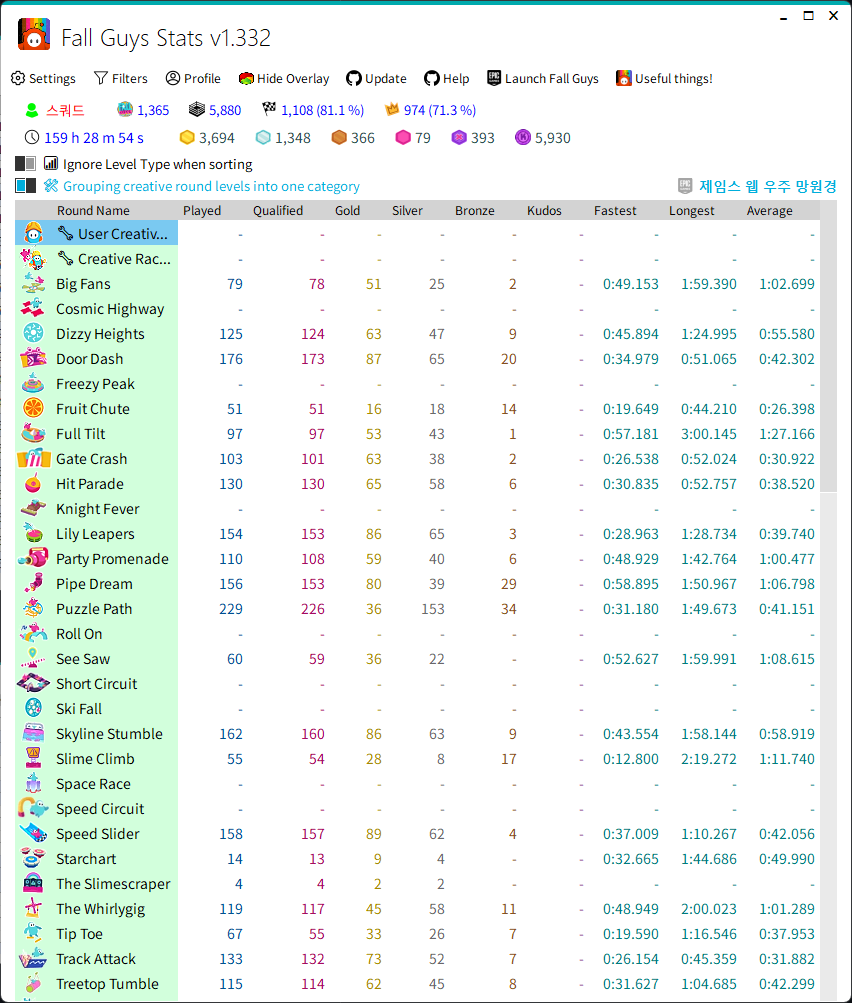
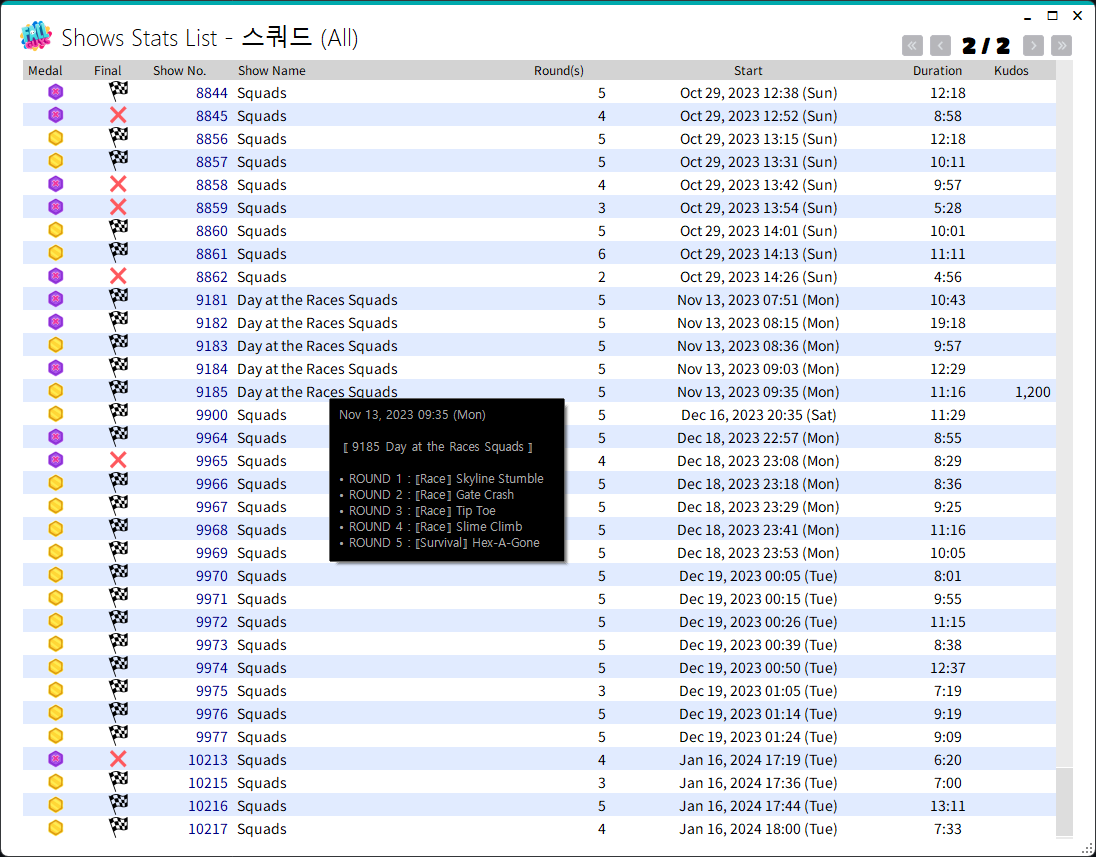
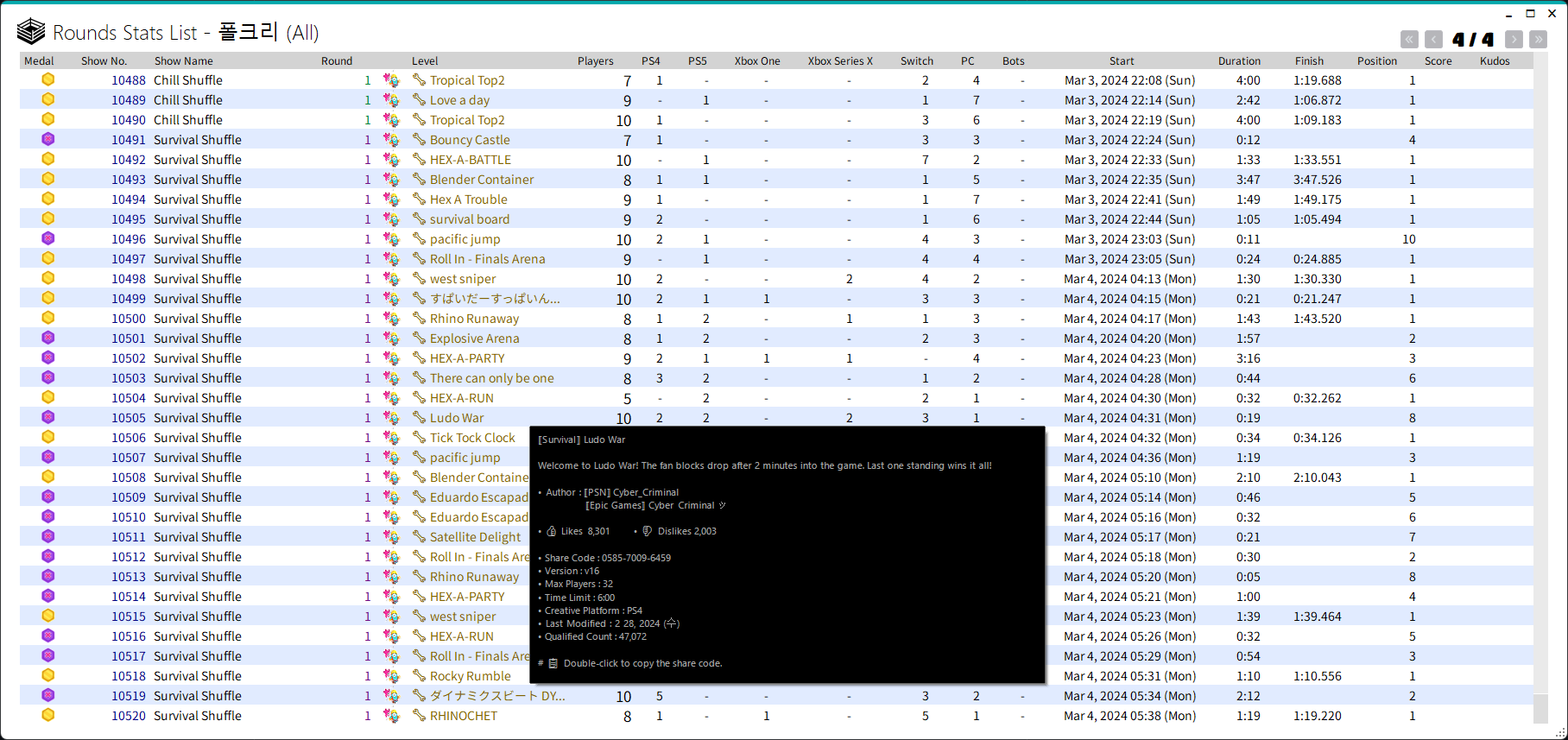
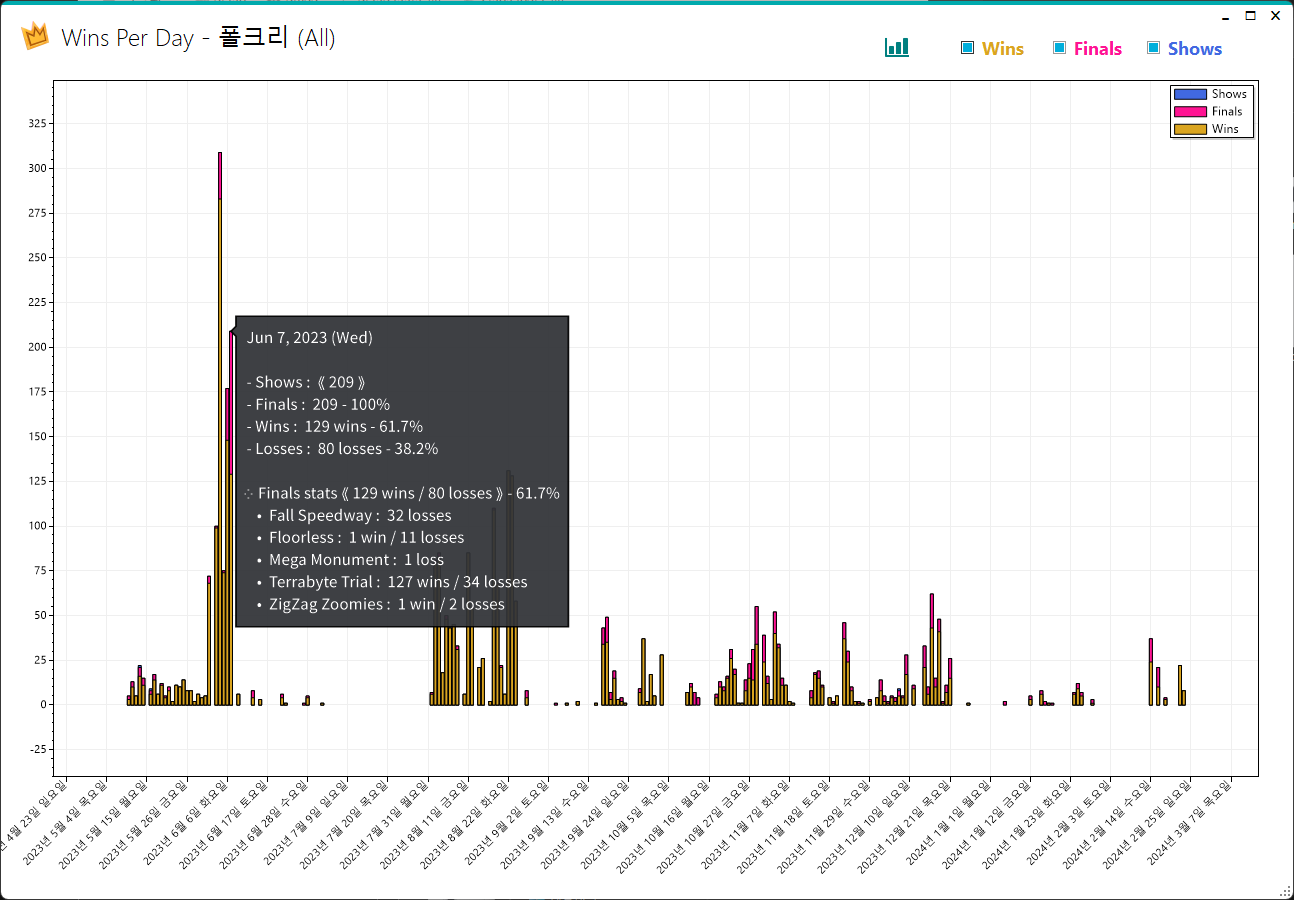
- FinalBeansStats supports two themes,
Dark(by default) andLight.
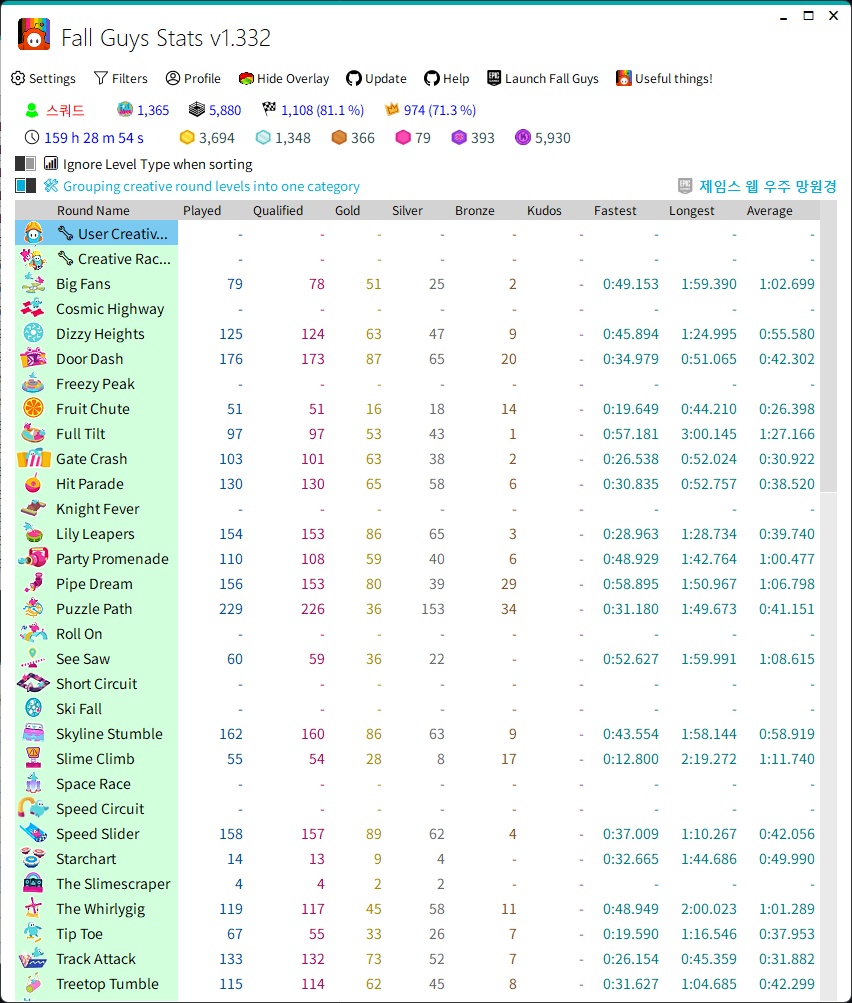
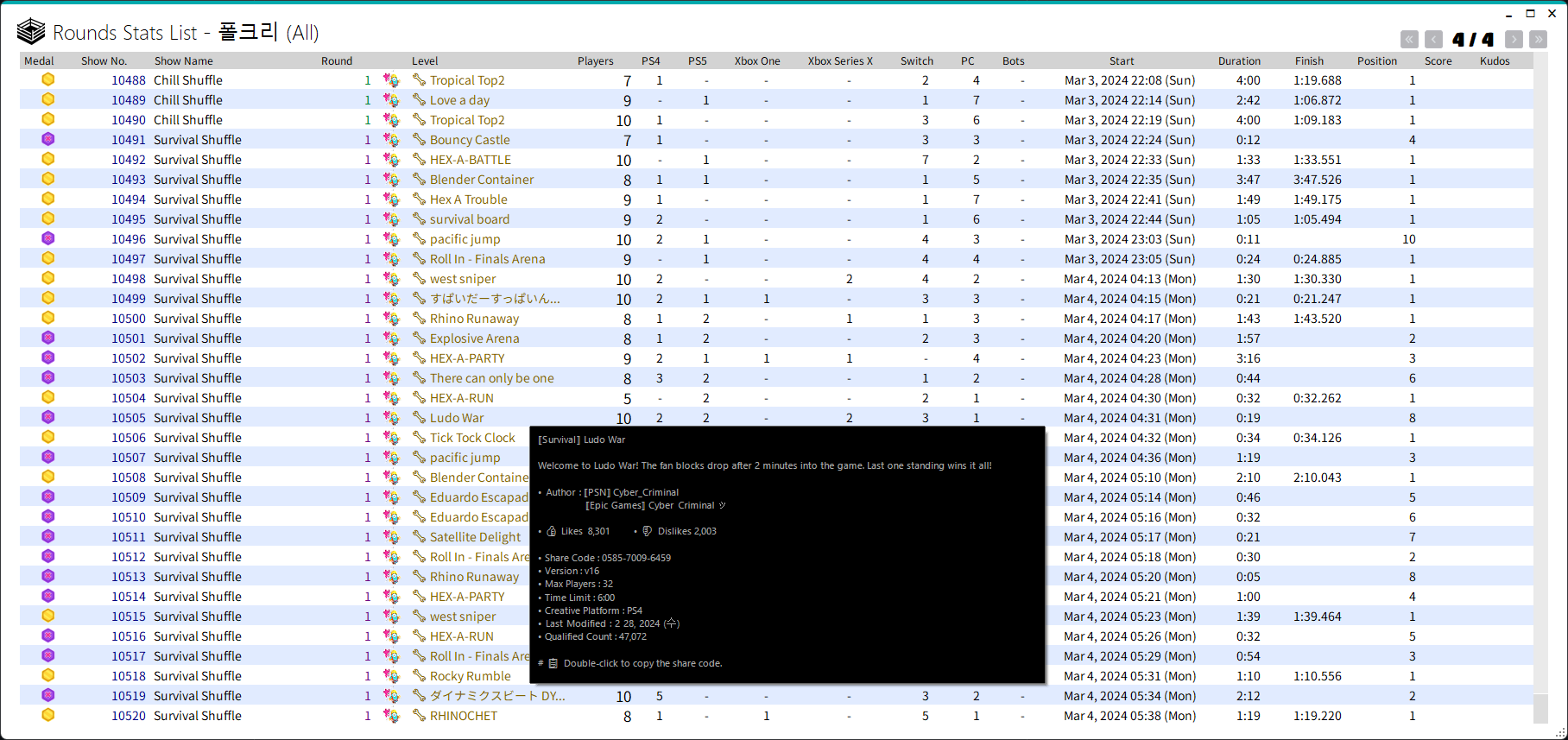
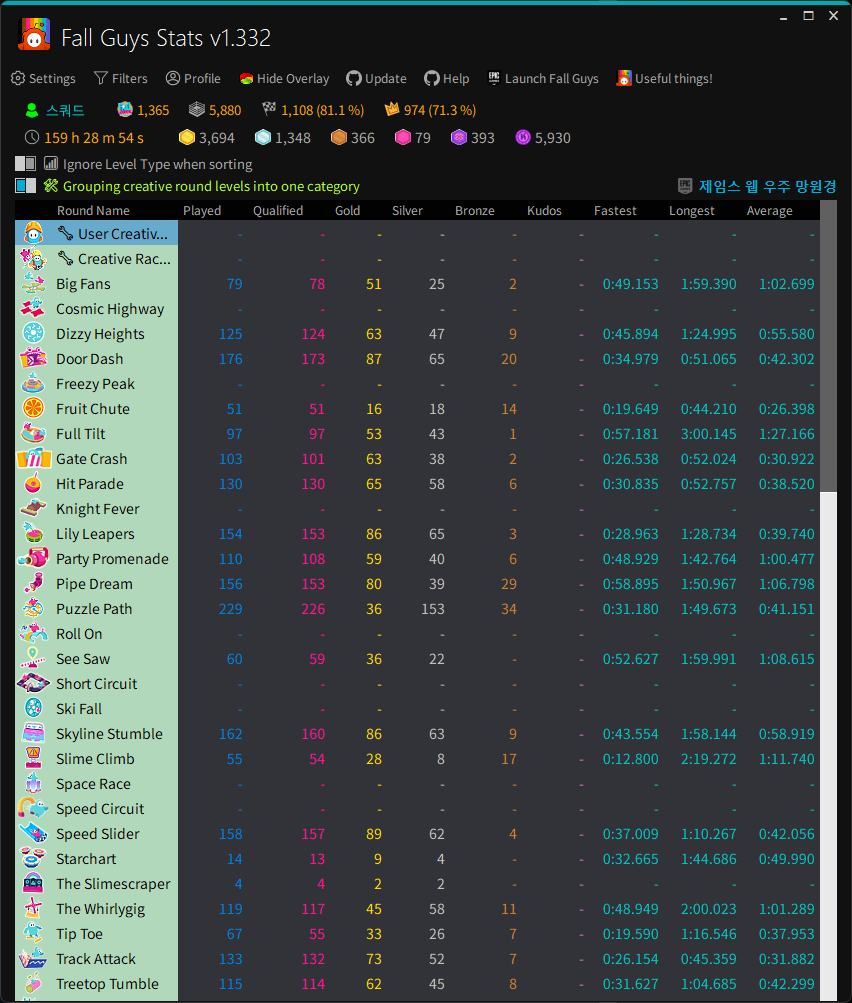
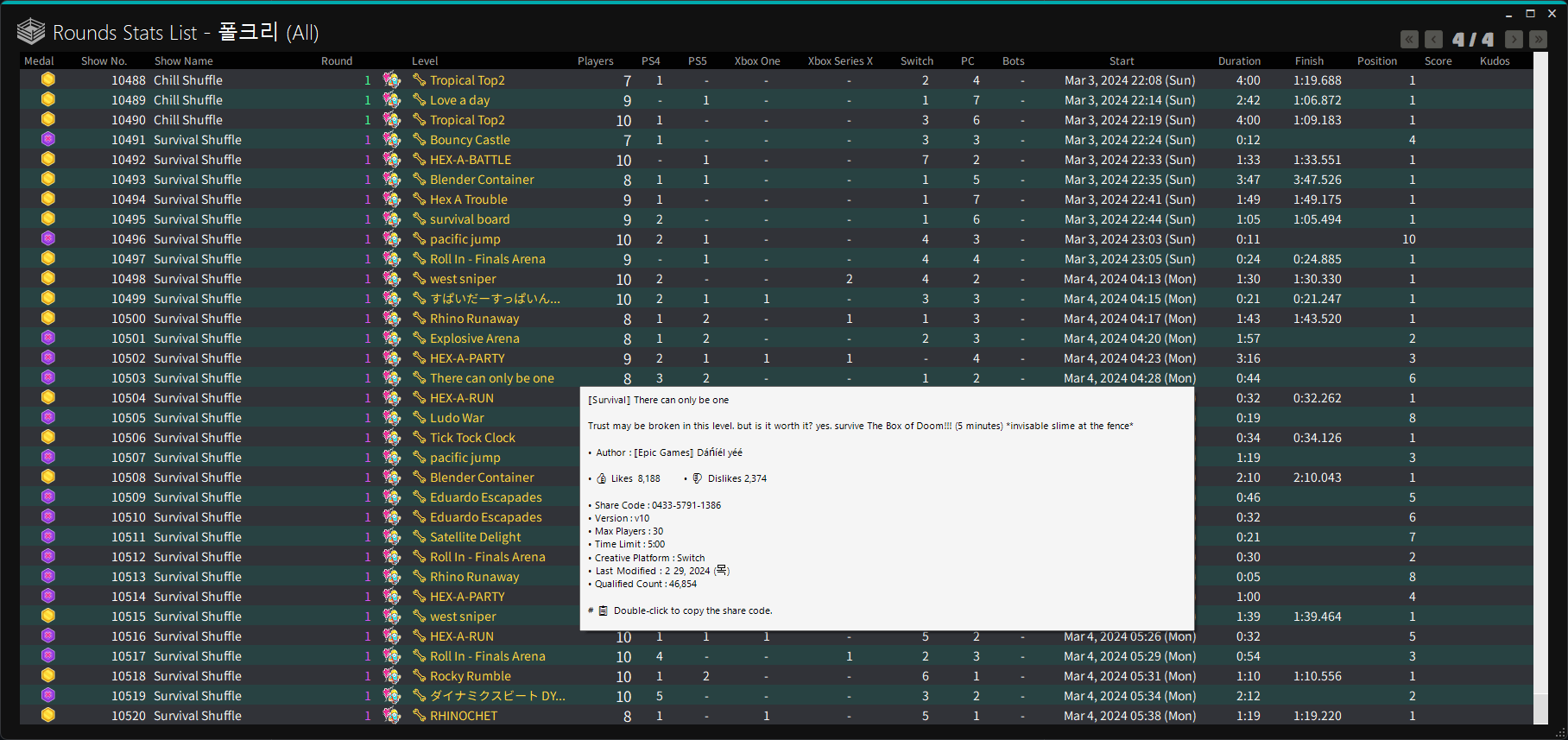
- FinalBeansStats supports the following languages.

English
French
Korean
Japanese
Simplified Chinese-
Traditional Chinese

- Hit Keys
Ctrl + Shift + Xto set the overlay to it's default size. - Hit Keys
Ctrl + Shift + Cto reset the position of the overlay. - Hit Keys
Ctrl + Tto toggle background colors. - Hit Keys
Ctrl + Fto flip the Display. - Hit Keys
Ctrl + Cto shows the number of users by platform. - Hit Keys
Ctrl + Rthe round name shows the colored badge for the round type. - Hit Keys
Pto change the profile order. - Hit Keys
1 through 9to select profiles 1 through 9. - Hit Keys
Shift + mouse wheel UporShift + mouse wheel Downto select the previous or next profile. - Hit Keys
Shift + (↑, ←) arrow keysorShift + (↓, →) arrow keysto select the previous or next profile.

-
Setp 1. Download the original image of the overlay.
-
Step 2. Edit the
background.pngandtab.pngfiles here to your liking. -
Step 3. Rename the edited image as below.
{my_image_name}must be the same for both files.- background_{my_image_name}.png
- tab_{my_image_name}.png
-
Step 4. Place the image inside the Overlay folder in the FinalBeansStats folder.
-
Step 5. You can see that the background image you added appears first in the Background Image of the Overlay item in Settings.
-
Step 6. Select and save the added image.
-
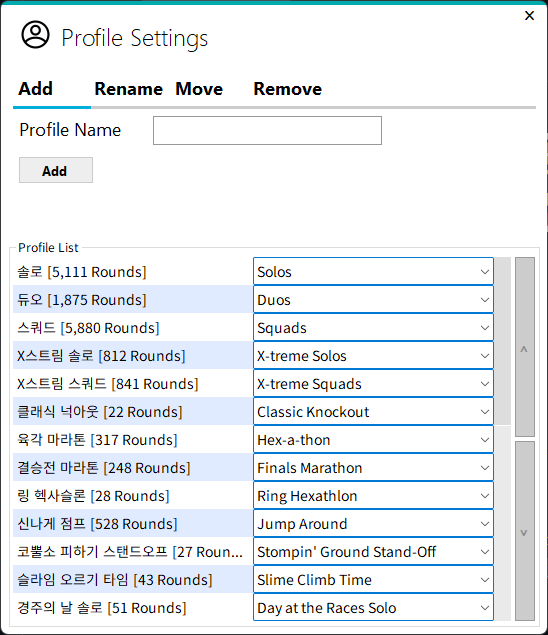
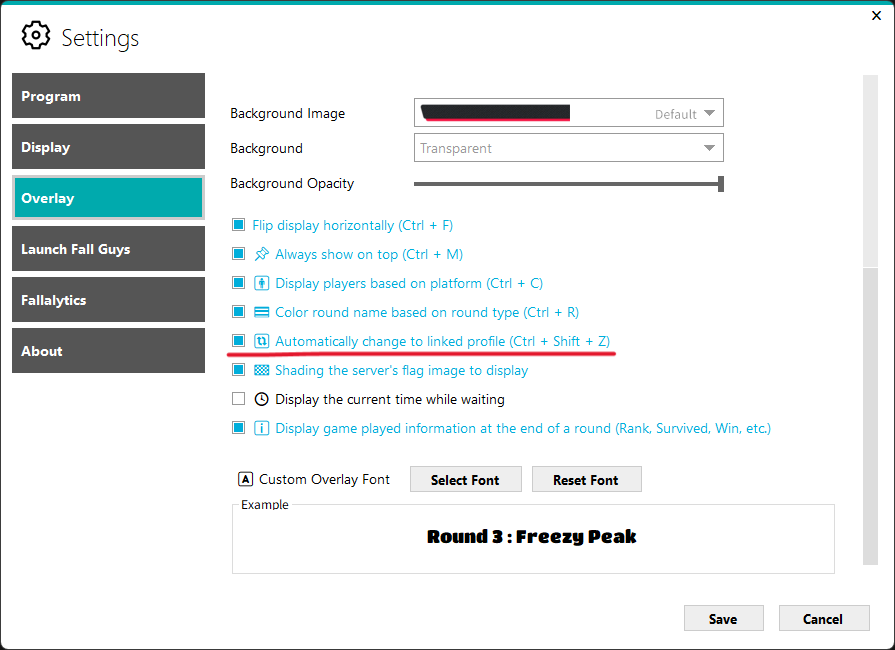
Link your profile and show so your profile automatically changes when the show starts.
-
Profile Settings
Settings-Automatically change to linked profile
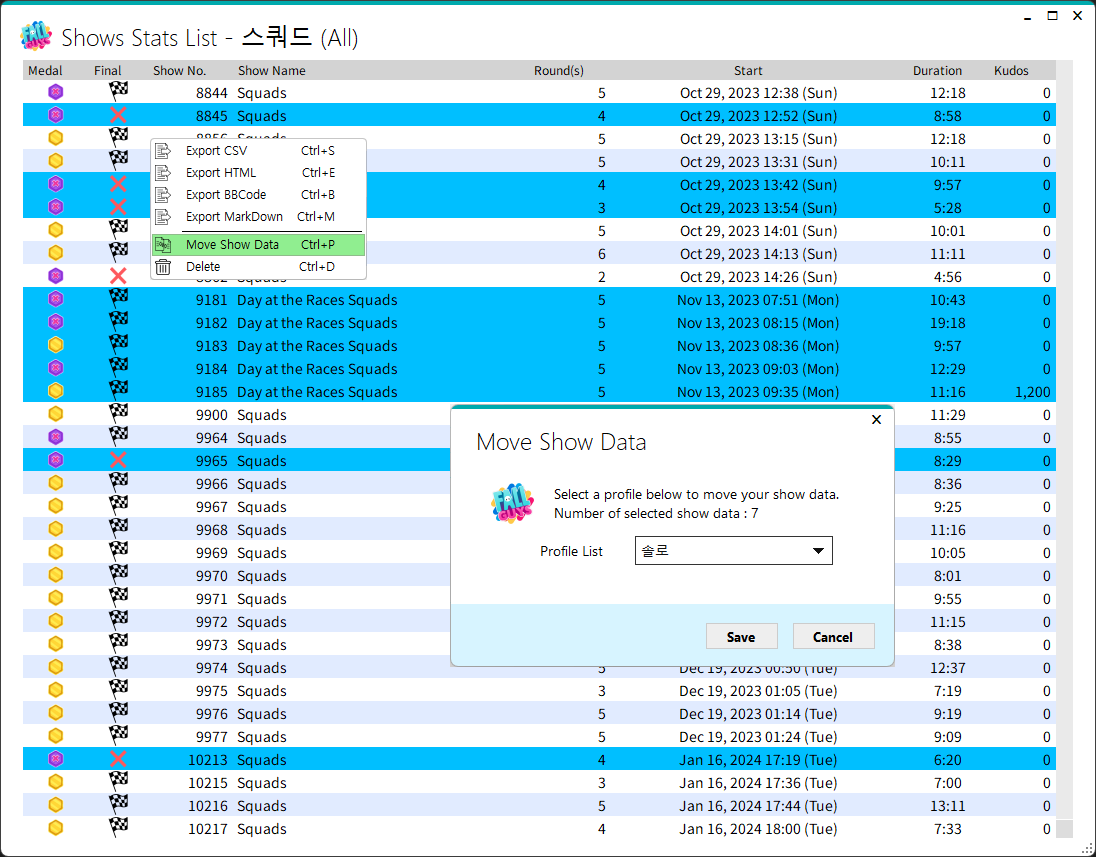
- On the main screen, click the Shows label at the top.
- Highlight any number of shows and hit the
DELkey orright-clickto manage the show through theDeleteandMove show datamenus.
-
Open FinalBeansStats
-
Click
Settings -
Click
Launch FinalBeans -
Click
Browse -
Find & Select the FinalBeans Executable (FinalBeans.exe)