


MindLoad is a no-code / low-code study support prototype that helps students organize academic schedules and study resources in one website. The system uses structured data inputs like calendars or study guides and simple automated workflows to generate relevant study tips and reminders. This project is an early-stage prototype focused on workflow design, data handling, and automation logic rather than custom backend development or advanced AI models.
- Open the project in the platform workspace (Emergent)
- Navigate through the screens or workflow steps to see how schedules and study resources are organized.
- Upload example data files, like a student schedule CSV or a study tips document, to test how the system displays relevant information.
- Click on the buttons or interact with the workflow to see study reminders and suggested tips appear.
- You can explore different paths in the workflow .
- No coding is required—everything is visual and interactive in the platform. MindLoad uses rule-based and prompt-driven logic to analyze user input about workload and stress, generating supportive burnout feedback.
MindLoad uses rule-based and prompt-driven logic to analyze user input about workload and stress, generating supportive burnout feedback.
Inputs come from Emergent AI. Workflow processes text input to give burnout insights. No-code integration is fully functional for demo purposes.
Examples include:
- "I feel exhausted even after sleeping"
- "I’m busy but managing okay"
- "I feel stressed all the time"
- "I don’t know how I feel"
- "Everything feels overwhelming lately"
Initial testing shows the app can categorize burnout levels (low / moderate / high) and provide relevant feedback.
Open the MindLoad Emergent AI demo link, enter your input, and check the burnout feedback.
Test set is stored within Emergent AI logic. Metrics considered: relevance, clarity, consistency, coverage.
- Very short or vague inputs produce generic feedback
- Ambiguous workload descriptions cause unclear burnout categorization
- Empty submissions give incomplete results
- Input validation prevents empty submissions
- Prompt logic refined for vague inputs
- Output formatting improved to clearly explain burnout levels
- Chose qualitative metrics to focus on user experience
- Implemented validation and fallback messaging in low-code workflow
- No PII collected
- Outputs are supportive and non-diagnostic
- User input validated for safety
- Improving response nuance for complex inputs
- Deciding how much guidance to give without medical advice
Input → Analyze → Feedback; all screens and outputs designed clearly in Glide AI.
Low-code workflow connects the UI to the app logic (rule-based / prompt-driven).
- Loading indicators added
- Input validation & friendly fallback messages
- Reset/clear functionality implemented
Safe logging enabled for internal test purposes (no PII)
Emergent AI MindLoad demo link here demo video tutorial
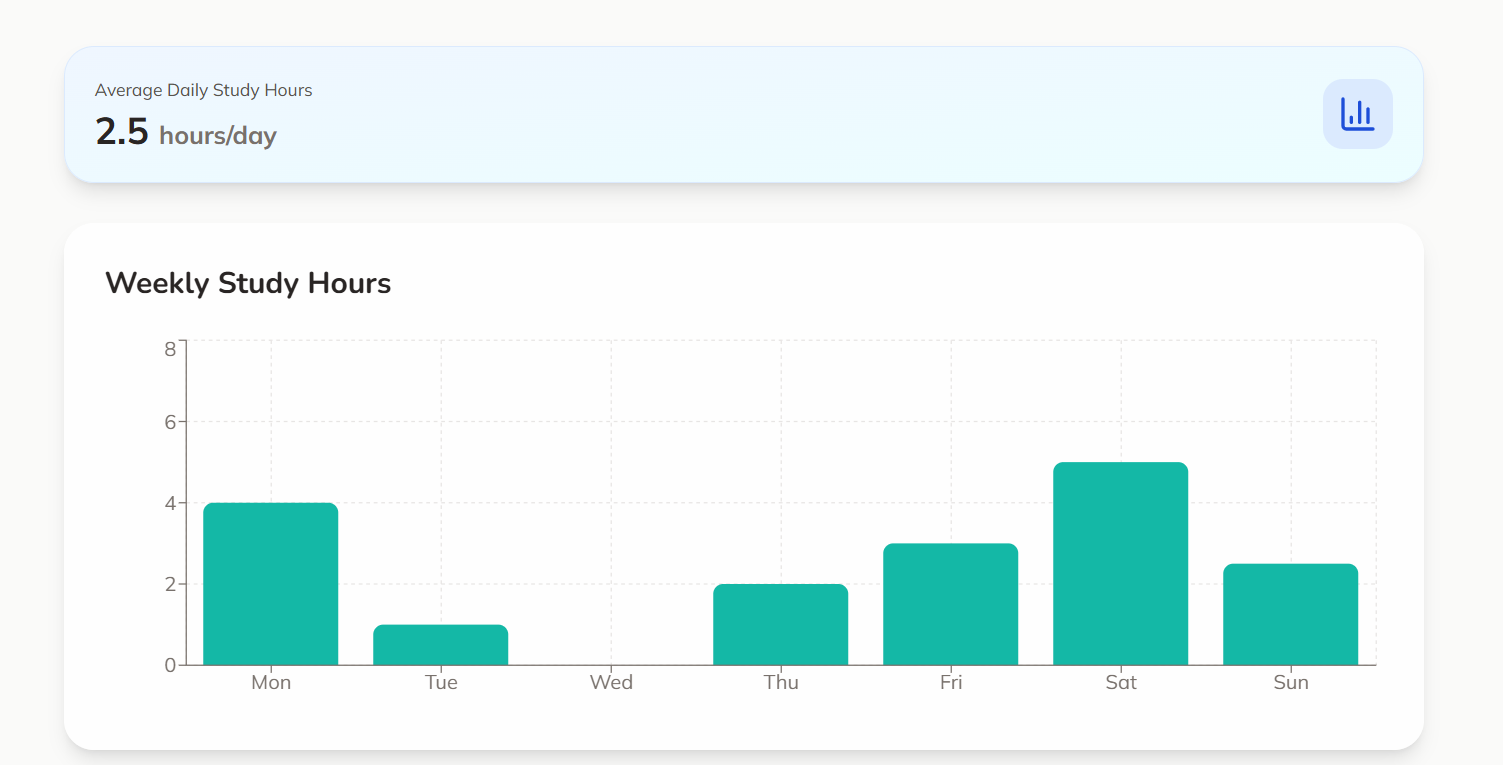
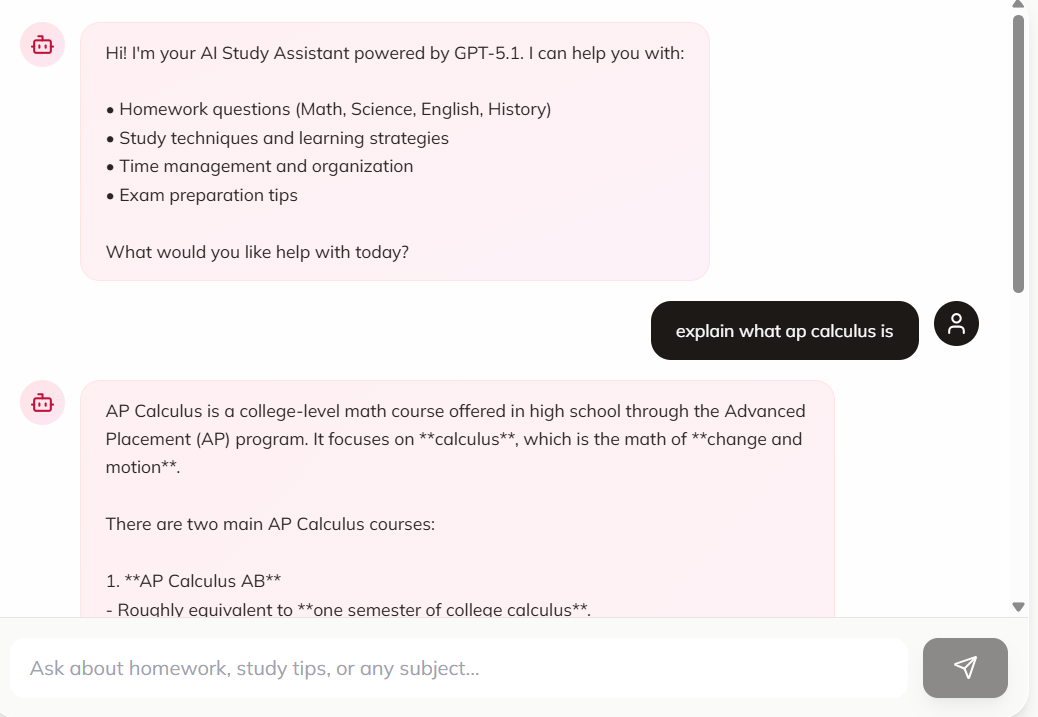

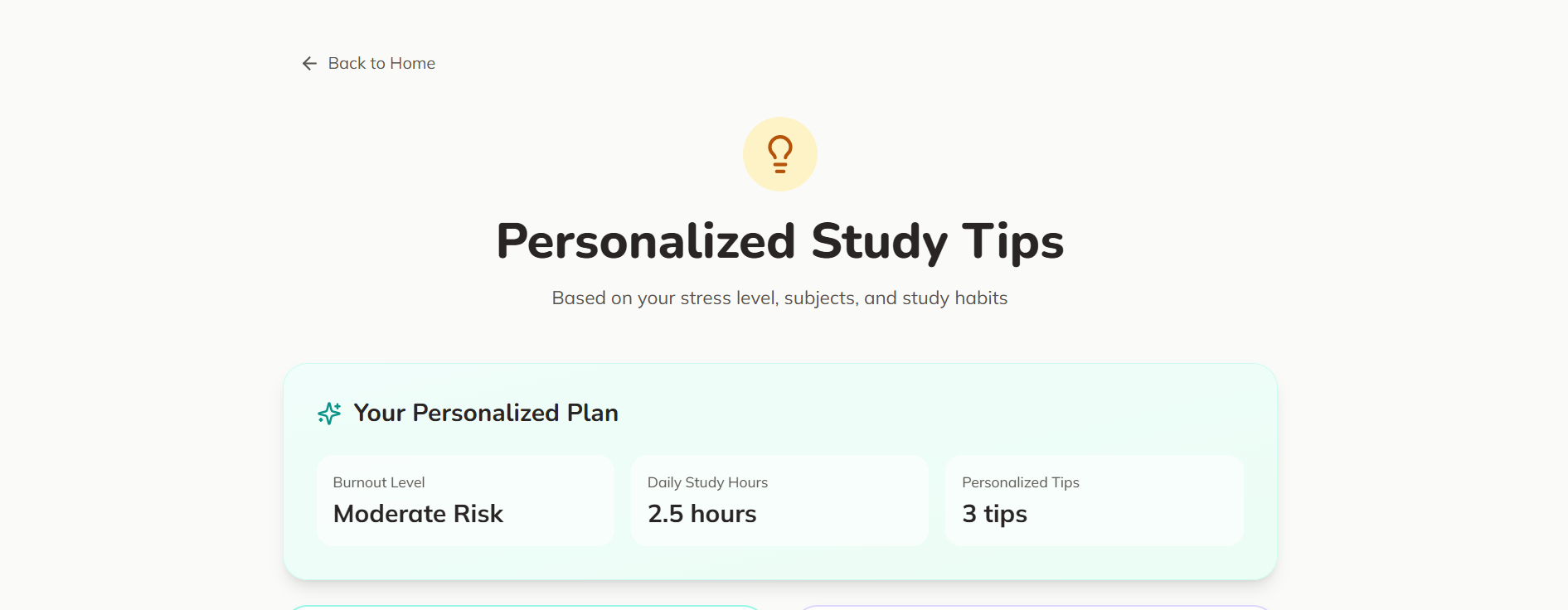
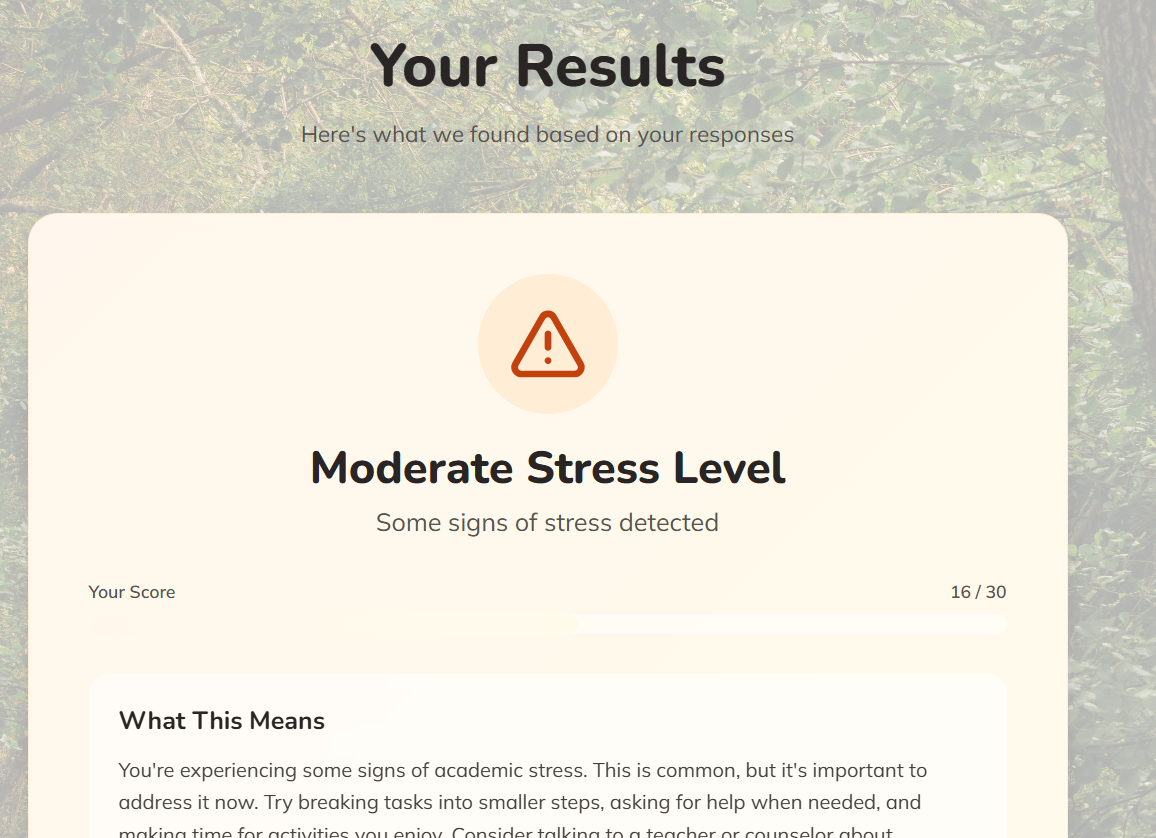
- Output can be generic for very short inputs
- Reset/clear flow could be more explicit
- Input/output distinction could be visually clearer
- Used Emergent AI for fast UI–logic integration
- Kept flow minimal for beginner-friendly demo
- Further personalizing responses
- Minor UX visual improvements
Checked empty or vague inputs; prompts users for clarification.
No API keys or sensitive information in the repo; handled entirely in Emergent AI workflow.
Lightweight processing avoids latency or rate-limit issues.
- Empty input fallback added
- Short/ambiguous input clarified
- Reset/clear flow fixed
Updated workflow, architecture description, and screenshots.
- Generic feedback for very short inputs
- Minor UX visual polish needed
- Focused on validation, fallback, and workflow clarity for judge-friendly app
- Used low-code solutions for debugging and security
- Refining responses for nuanced inputs
- Optional UX polish