

Expose arbitrary ROS 2 services and topics as MCP tools and list topics as resources.

The mcp_server node can translate any ROS topic and service into a MCP resource or tool (including source comments as parameter descriptions).
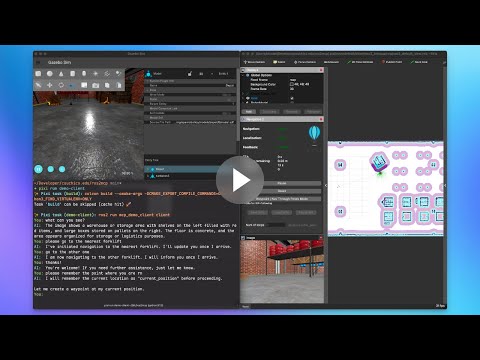
The demo can be run on Linux, macOS, and Windows using Pixi.
- Clone the repository.
git clone https://github.com/nico0302/ros2mcp.git- Start Gazebo and Rviz2 and the demo node:
pixi run demo-tb4This might take a while on the first run as it downloads the necessary assets.
-
After Gazebo and Rviz2 are running, select the
2D Pose Estimatetool in Rviz2 to set the robot's initial position by clicking in the center of the map and dragging to right:
-
Connect a MCP client to the demo server on
http://localhost:8080This project includes a simple MCP client that can be run with:

# make sure to set your OPENAI_API_KEY environment variable
export OPENAI_API_KEY=your_openai_api_key
pixi run demo-client