Personal note board built with Django 6.0. The app focuses on a resume-ready feature set: authenticated CRUD, polished UI, search, pagination, and a clean developer experience.
- Secure notes: every list/detail/update/delete view is scoped to the logged-in user and protected with
login_required. - Search & pagination: filter notes by title/content using the
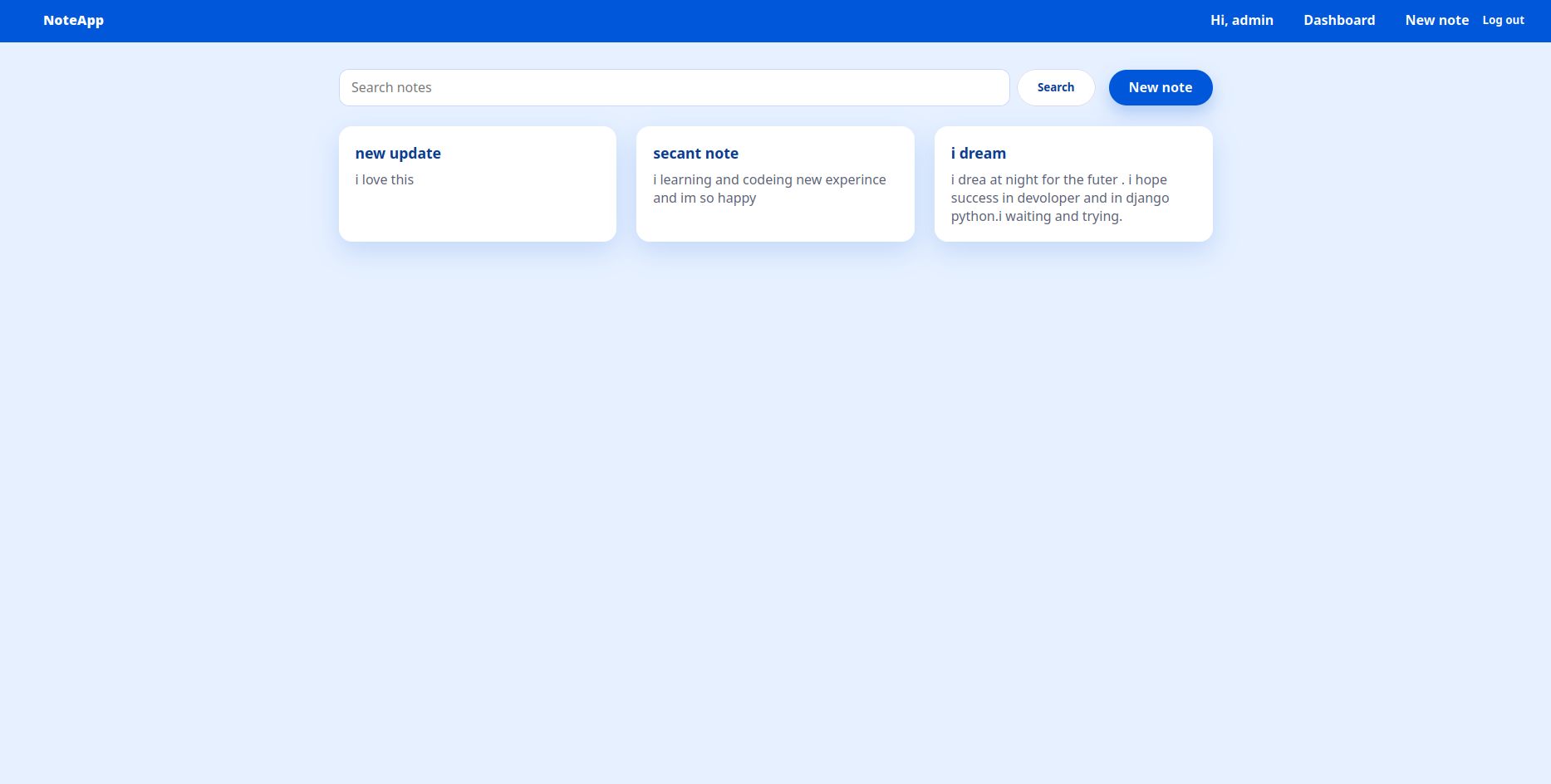
?q=query param and browse paginated results (10 notes per page). - Flash messages: success/error toasts after create/update/delete to guide the user journey.
- Modern UI: shared
base.html, responsive layout, button styles, and consistent English copy across templates. - Friendly errors: invalid forms re-render with inline validation messages.
- Python 3.13 / Django 6.0
- SQLite (default dev database)
- Poetry for dependency management
- Clone & install
git clone <your-fork-url> noteapp
cd noteapp
poetry install
- Apply migrations
poetry run python manage.py migrate
- Create a superuser
poetry run python manage.py createsuperuser
- Run the dev server
poetry run python manage.py runserver
- Log in via
/accounts/login/, then create/read/update/delete notes from the dashboard.
poetry run python manage.py testnotes/views.py: encapsulates all CRUD logic, search, pagination, and message handling.notes/templates/base.html: global layout, navigation, and styling foundation.notes/tests.py: regression tests covering authorization boundaries, search, validation, and delete logic.
Add screenshots (e.g., docs/dashboard.png, docs/detail.png) to showcase the UI on GitHub. Reference them here once captured:
- Update
ALLOWED_HOSTSand configure a production-ready database before deploying. - Serve static files via WhiteNoise or a CDN in production.