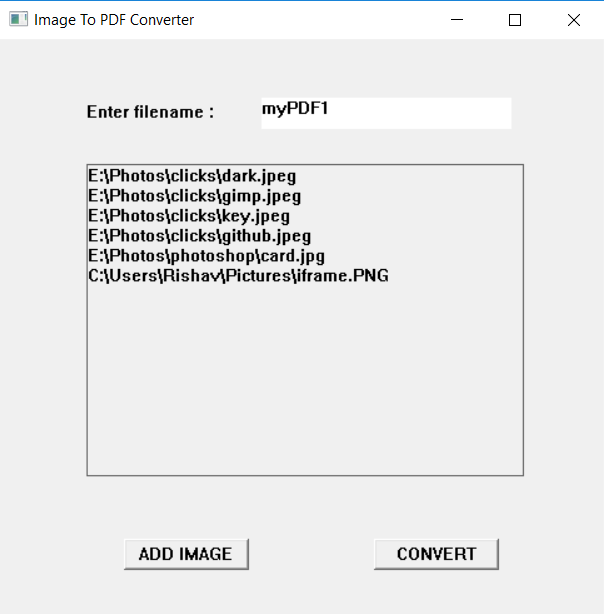
A GUI based Image to PDF converter which allows user to select a list of images from his PC and add them to a single PDF file.
- Windows OS
- Microsoft Office
- Python3
- C++ compiler
pip install -r requirements.txt
g++ gui.cpp -lcomdlg32
- data
- database
- imageselected.txt ====>
Temporarily stores the list of images to be added to the PDF file
- imageselected.txt ====>
- doc
- ====>
Stores the intermediate .docx file which is to be later converted into PDF format
- ====>
- database
- PDF
- ====>
Stores the converted PDF files
- ====>
- scripts
- ====>
Contains the python scripts which perform the required operation
- ====>
- gui.cpp ====>
Handles the core interface of the application including GUI - requirements.txt ====>
Contains list of dependancies for the python scripts to run properly