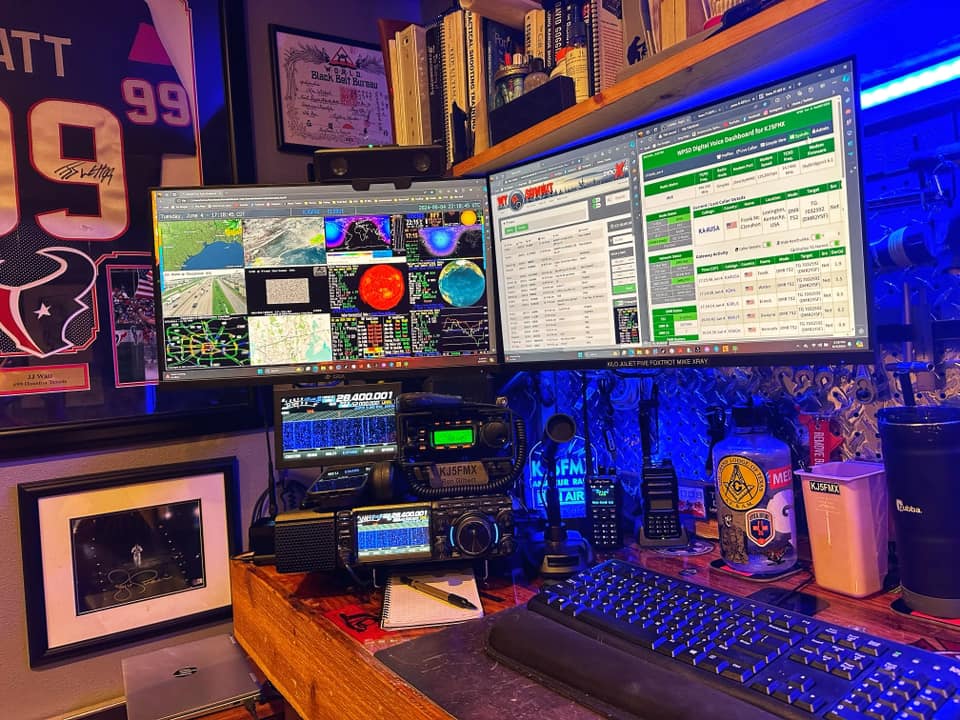
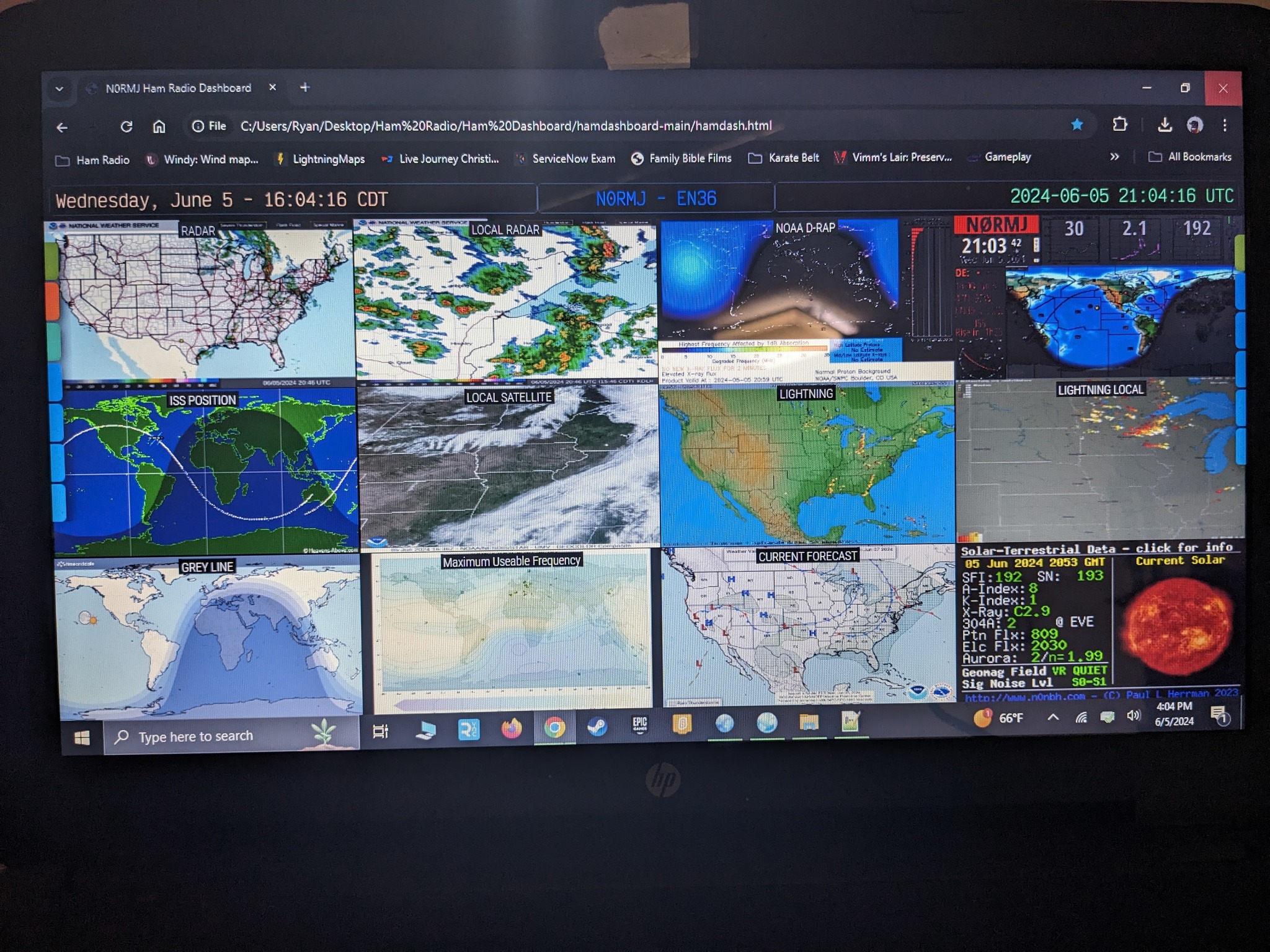
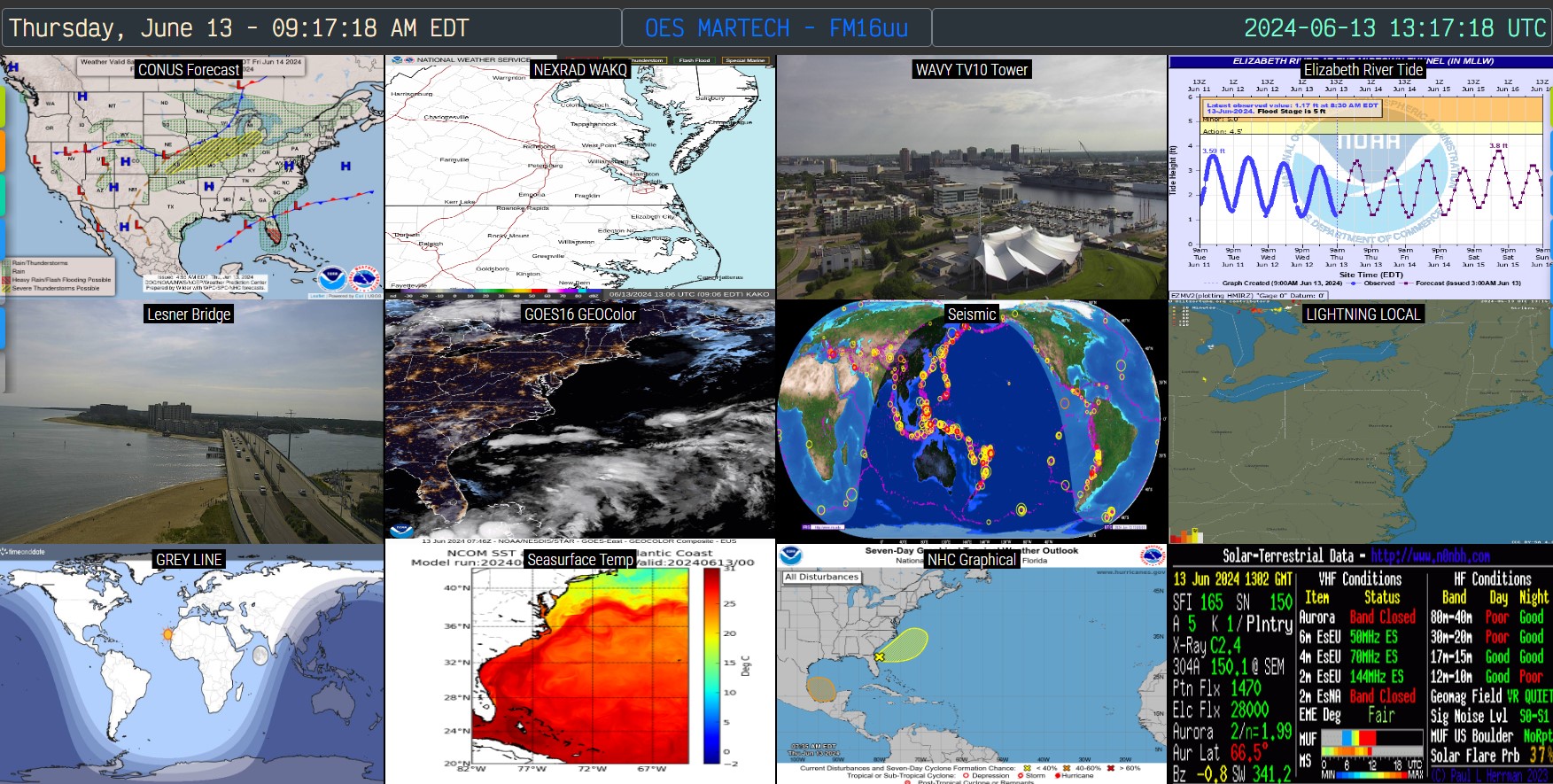
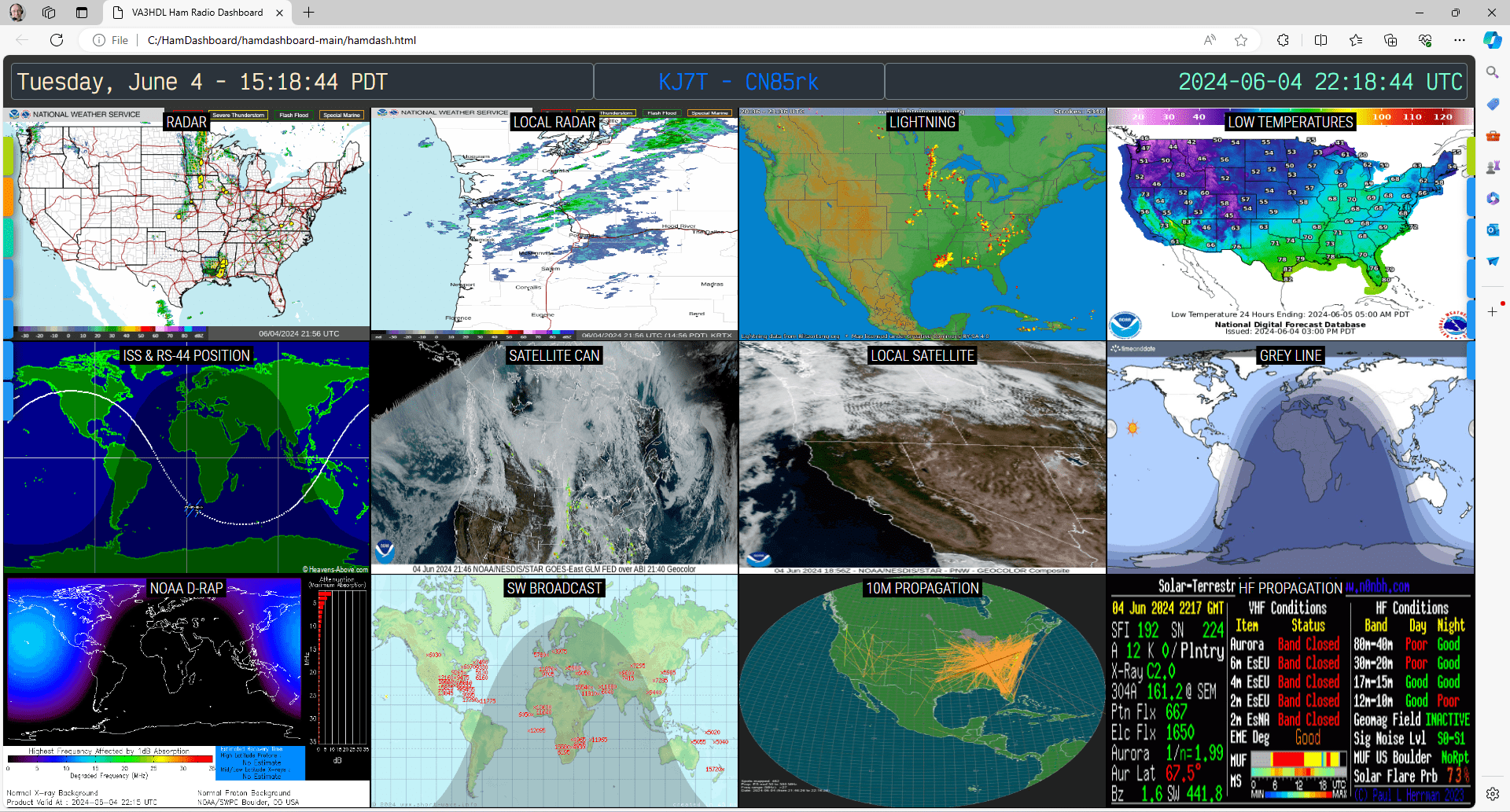
Live demo: Hamdash Demo
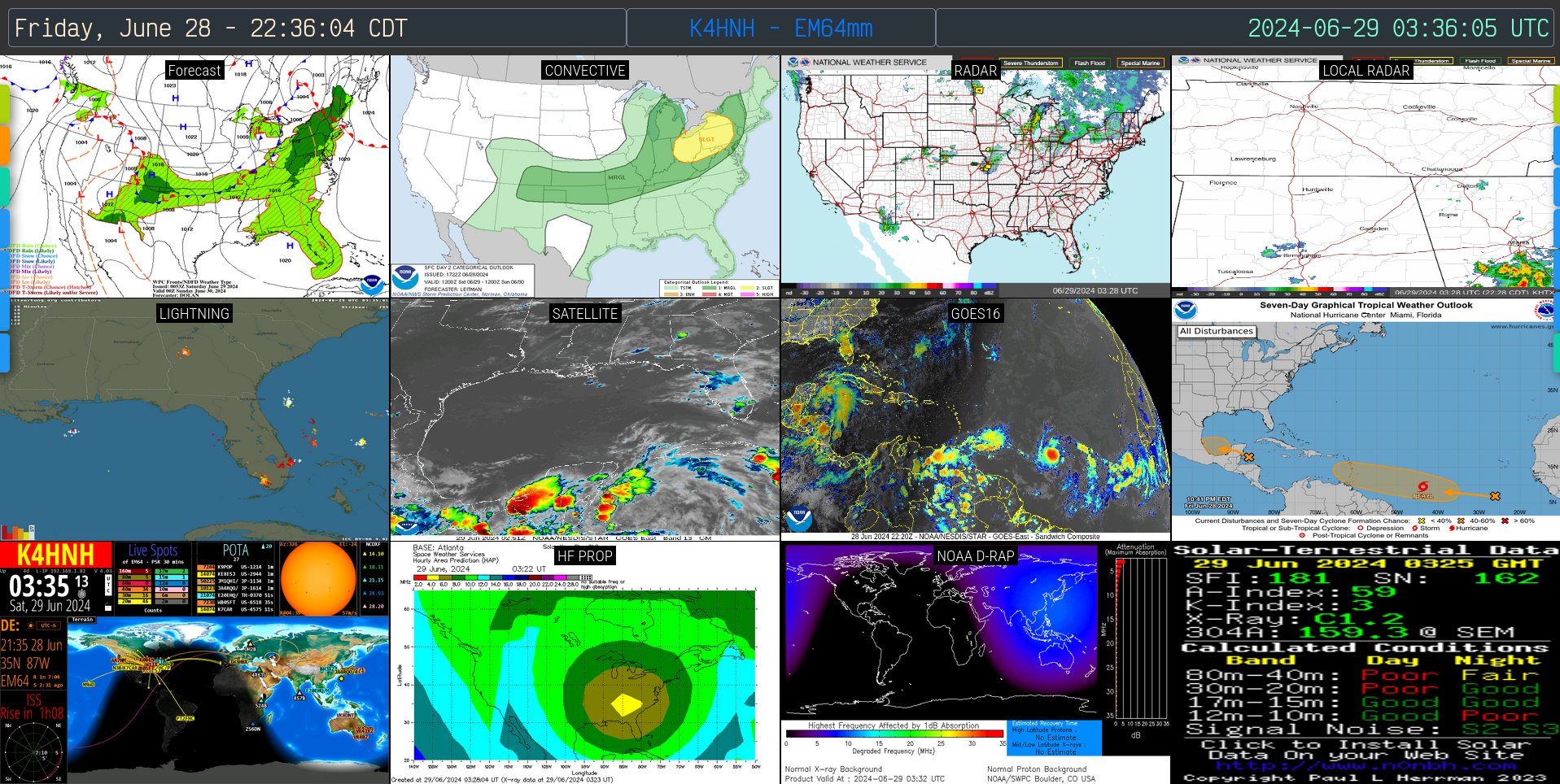
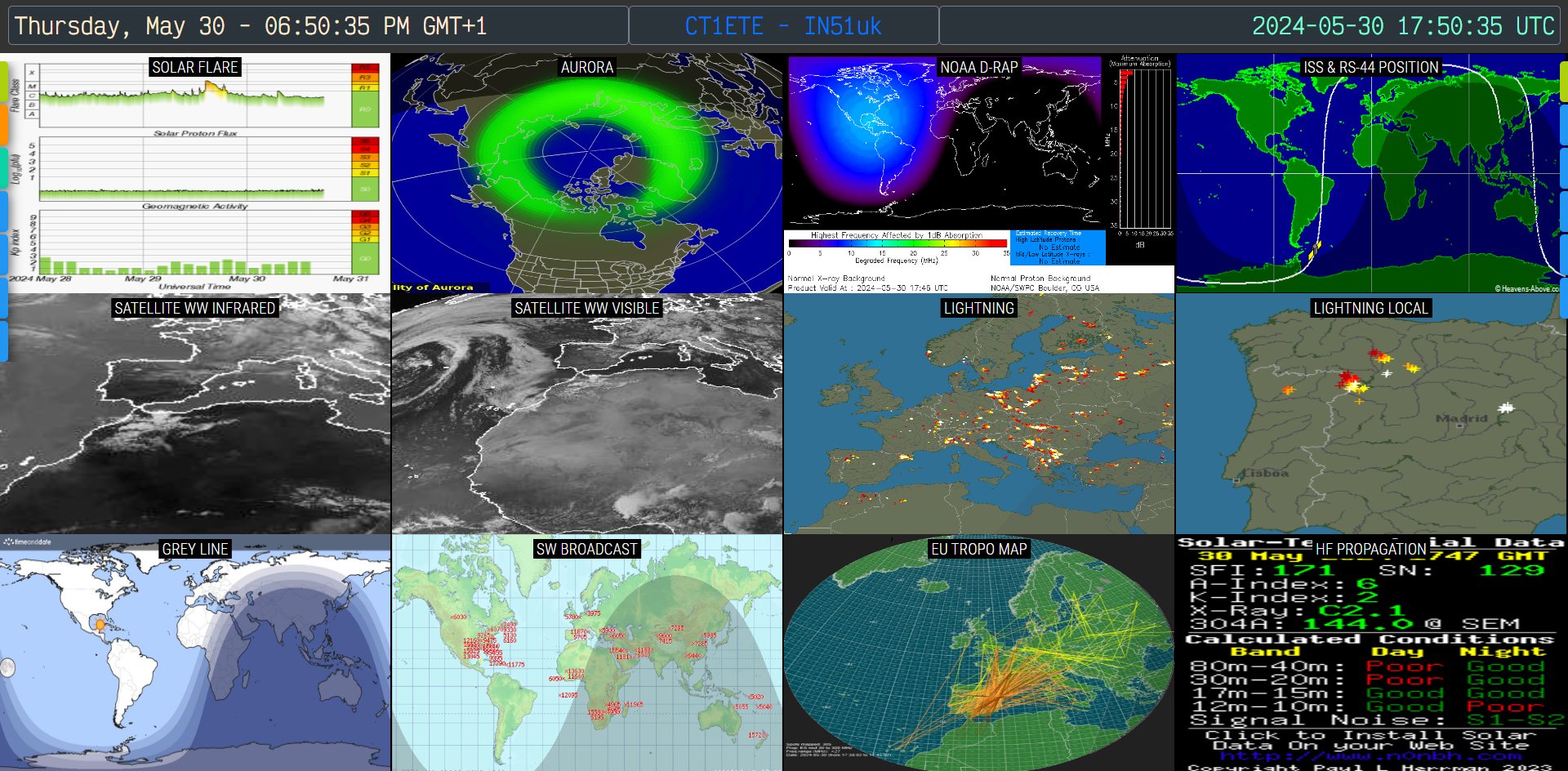
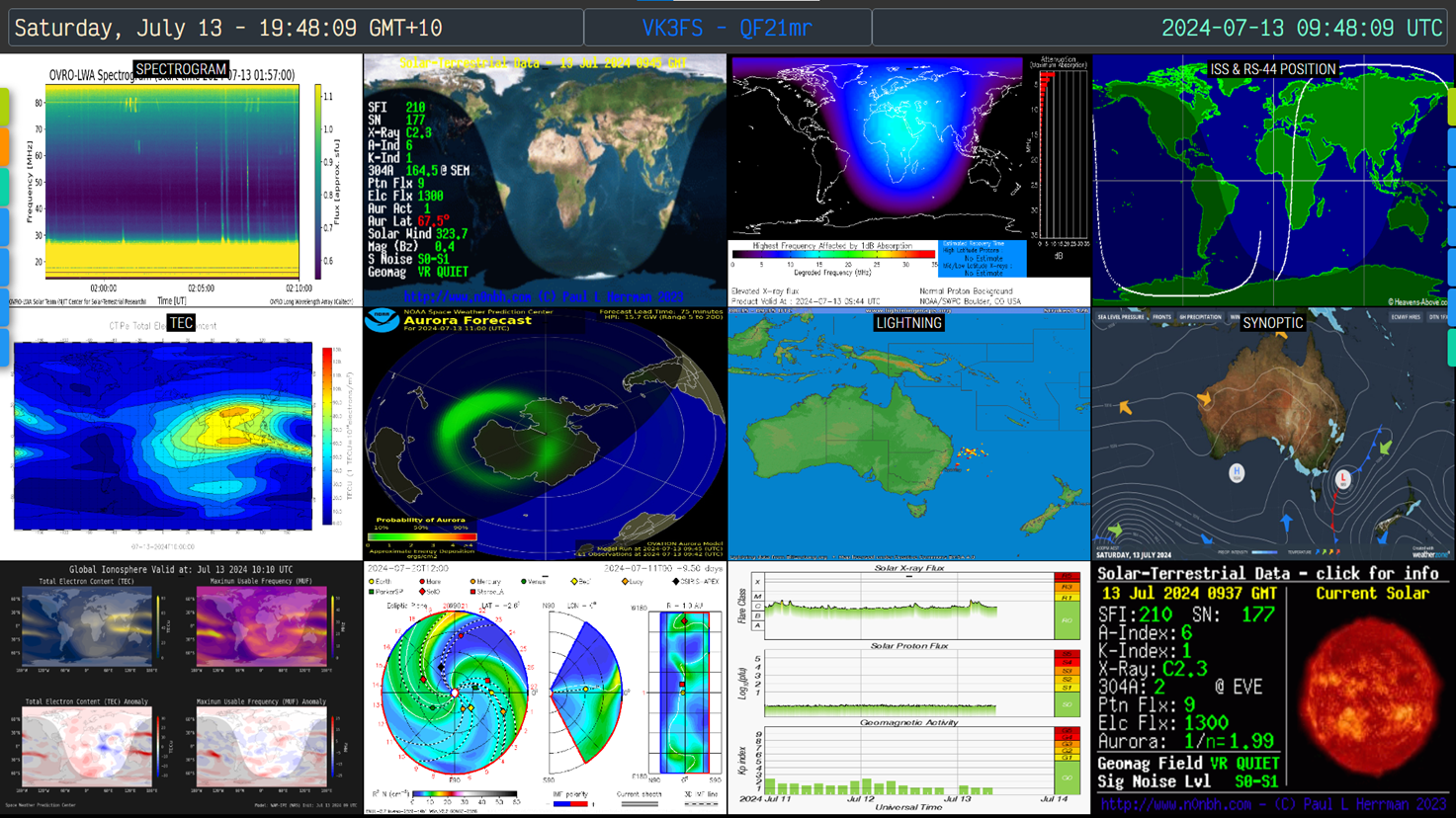
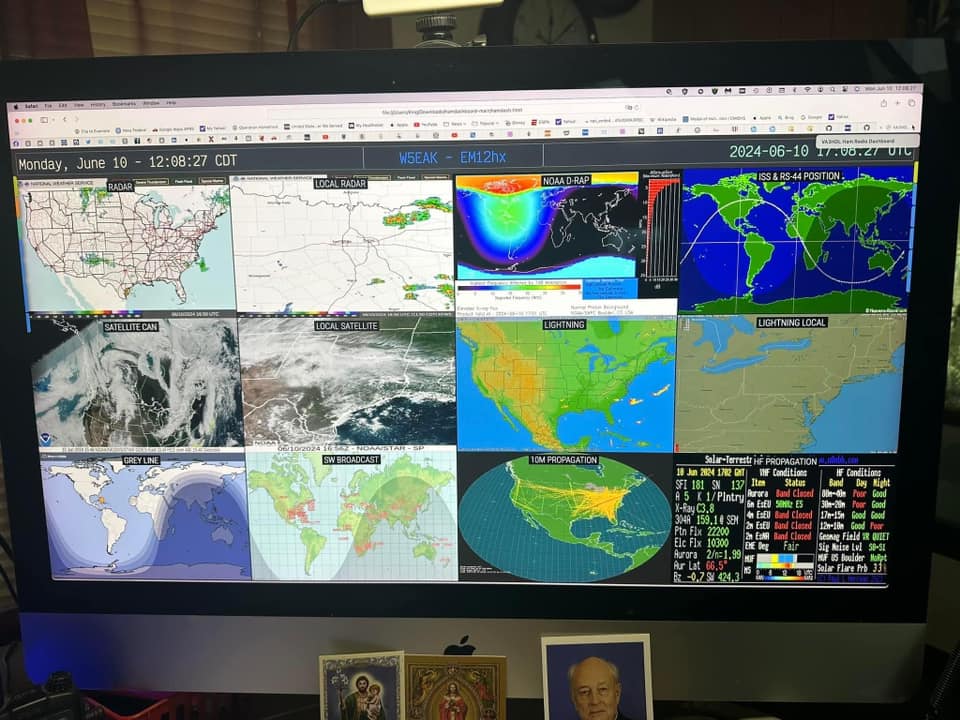
This repository provides a simple, browser-based ham radio dashboard that displays images, maps, web pages, and feeds in a configurable grid. It is lightweight, easy to host, and suitable for use on a local computer, Raspberry Pi, or a static host such as GitHub Pages or Cloudflare Pages.
Quick demo videos:
- Original presentation: YouTube - VA3HDL presentation
- Spanish overview: YouTube - VA3HDL en español
These live dashboards were shared by members of the ham community:
- BCAT N4TDX — Steve N5NG (Brevard County ARES)
- Steve's config files (as .txt): https://qsl.net/n5ng/config.txt and https://qsl.net/n5ng/HAM/config.txt
- FFX DEMS — Sandy KQ4DNE
- FFX ARES — Sandy KQ4DNE
- WA4MED — Matthew WA4MED
- PY3TX — South America
- VE7CAS — Vancouver, BC
- G0IKV — Southport, England
- OK1SLM — Prague
- VK3VSN — Melbourne, Australia
- K6BCW — San Francisco Bay Area
- KN6PTQ — San Francisco Bay Area
- W2SZ — NE US
- N2YQT — NE US
- KC2VWR — NE US
- KD2YFY — NE US
- KD4VRD — North Carolina
- KD5PQJ — Texas
- N5GAH — Texas
- KJ7YYI — Arizona
- NQ0M — Kansas
- W3RDW — Ohio
- W4QAL — West Florida
- Download the following files from this repository into a single folder:
hamdash.html,config.js, andwheelzoom.js. - Open
hamdash.htmlin your browser. - Use the right-side menu and select "Setup" to open the settings UI and configure your dashboard.
- Alternatively, edit
config.jsin a text editor to set sources, menus, and layout. - Load configuration from the browser (Local Storage) or from
config.js, then save your settings.
Notes
- For hosted (server) installations, store settings in
config.jsso the server serves the same configuration to all visitors. - For personal use or testing, Local Storage keeps changes specific to your browser session.
- Now is possible to use a pure Json file format for the configuration load on hosted environments
- For file:// access (non-hosted usage) a newer JsonP-style format is available for the configuration load
The settings UI provides buttons to manage configurations and backups:

- Save Settings to Local Storage — Save current page settings in the browser.
- Reset to Defaults — Restore sample settings for testing.
- Backup Settings to JSON file — Download a JSON file with your settings.
- Restore Settings from JSON file — Load settings from a JSON backup.
- Import from
config.js— Load settings defined in aconfig.jsfile (recommended for servers). - Export to
config.js— Export current settings inconfig.jsformat for hosting.
The "Setup" UI cannot modify the server-side config.js file. When a visitor switches a public dashboard to Local Storage, the change affects only that visitor's browser. To hide the Setup option or Load Cfg option on public installations, add the following lines to your config.js:
const disableSetup = true;
const disableLdCfg = true;
- Configuration instructions — Jason KM4ACK
- Raspberry Pi setup — Andreas M0FXB
- Live stream — Frank KG6NLW
- Live stream — KM9G
- Ham Dashboard on Inovato Quadra — Peter KJ5AJB
- French review — Jean-Benard F5SVP
- Spanish instructions — Jose EA8EE
Always check the Q&A section for solutions to common issues.
Michael Stevens maintains a Docker image: michaelsteven/hamdashboard
- Double-click an image to view full-screen; double-click again to close.
- Right-click an image to cycle to the next image (if multiple images are assigned to a tile).
- Tiles refresh independently (default refresh behavior: every 5 minutes for most sources).
- Tiles with iFrames: double click to unlock the tile and interact with the content
If a remote site sets the X-Frame-Options header it may prevent embedding via iframes. On Pi-Star you can temporarily switch to read/write, edit the nginx security config, and restart nginx:
rpi-rw
sudo nano /etc/nginx/default.d/security.conf
# comment out: add_header X-Frame-Options  "SAMEORIGIN";

sudo systemctl restart nginx.service
This screenshot shows Pi-Star settings:

If the source server forbids embedding and you cannot change its headers, options are limited. A local proxy that strips the header can work but adds complexity. Use the online tool to test a URL before adding it to a tile: iFrame Tester online
See the chronological entries below for full details. Notable recent changes:
-
2026.01.30 — Fixed RSS feeds not loading on some hosting situations due to a CORS issue.
-
2026.01.24 — Added 10 features:
- JSON & JSONP Configuration Support (example .json and JsonP .js files added to the repo)
- Dynamic Date Placeholders
- Rotating Tile Titles - Requested by multiple users, see example in all 3 config files
- Smart Mixed-Media Interactivity (for tiles mixing images, videos, iFrames)
- Enhanced Full-Screen Navigation
- Setup UI Improvements
- Enhanced Breadcrumb Navigation to provide always a return path to previous configs
- PREVIOUS Menu Button
- Enhanced Config File Detection to support various file formats
- File Picker Integration to load different dashboards on the fly
-
2026.01.22 — Added directives to load images and iframes with colors inverted. Full details on the release notes.
-
2026.01.17 — Ability to load any config files via the menu.
-
2025.11.12 — Switch between multiple config files (e.g.,
satellite.js) via the menu. -
2025.04.02 — RSS feed refresh times configurable; feed ticker added.
-
2025.03.29 — Scrolling RSS ticker and clickable feed items.
-
2025.01.24 — Settings merged into
hamdash.html; realtime variable changes enabled.
- For simpler sintax you can now use Json or JsonP files for config files
- Read the specific upgrade notes in the changelog below before replacing
config.js - To use multiple config files, add a menu entry in
config.jssuch as:
var aURL = [
  ["f3de21ff", "SATS", "satellite.js"],
  ["f3de21ff", "WX", "weather.js", "1", "R"]
];
Rotating Tile Titles Usage:
Pass an array as the first element of a tile configuration.
// Example in config.js
[
  ["Radar CONUS", "Radar Local"],
  "https://radar.com/map1.gif",
  "https://radar.com/map2.gif"
]

Grid examples


The repository includes a detailed changelog documenting fixes, features, and upgrade instructions dating back through 2024. Please review the changelog entries below before performing upgrades.
Tutorial contributed by Robert W3RDW: How to host your dashboard with Cloudflare Pages, free