


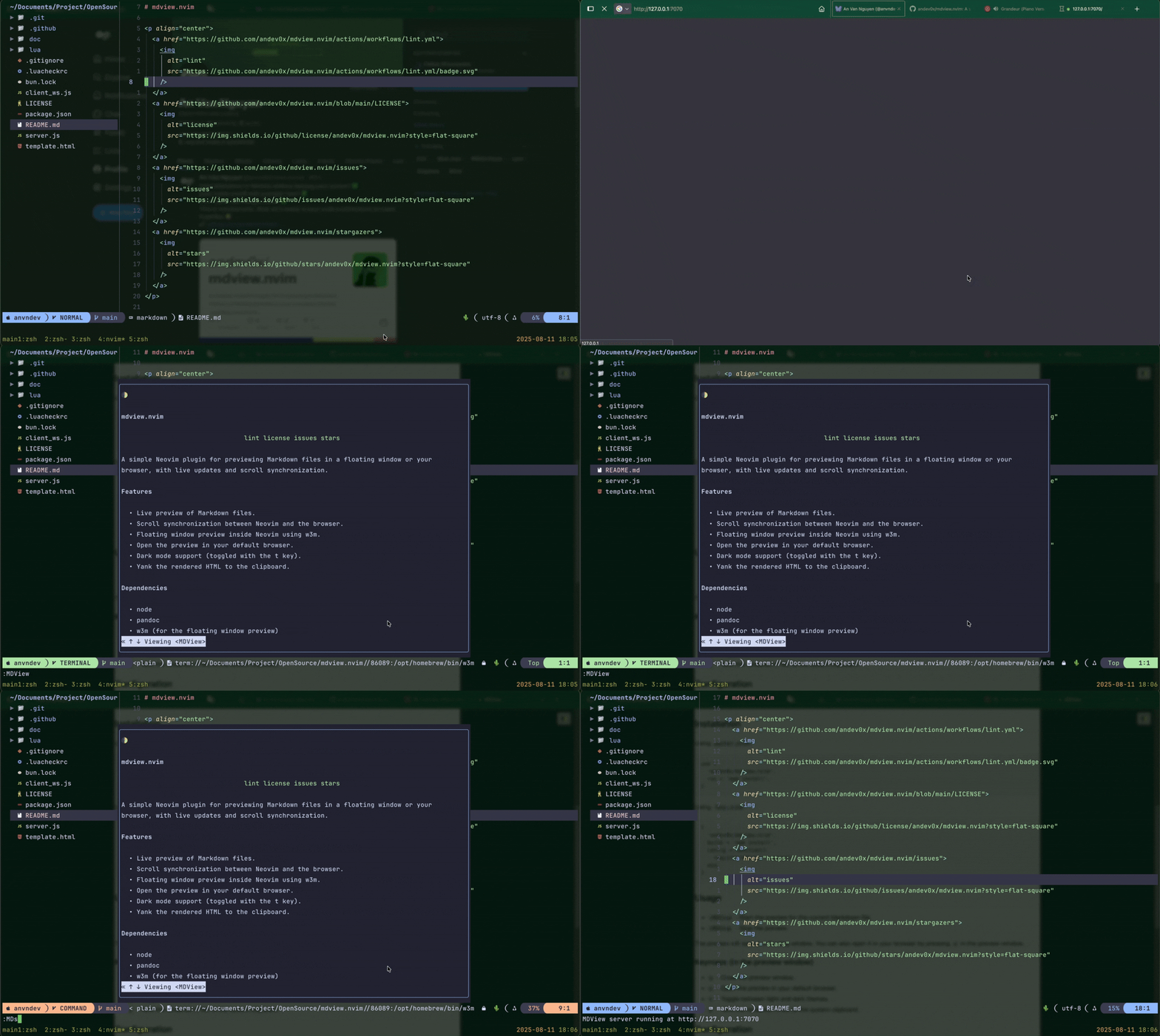
A simple Neovim plugin for previewing Markdown files in a floating window or your browser, with live updates and scroll synchronization.
- Live preview of Markdown files.
- Scroll synchronization between Neovim and the browser.
- Floating window preview inside Neovim using
w3m. - Open the preview in your default browser.
- Dark mode support (toggled with the
tkey). - Yank the rendered HTML to the clipboard.
 "
"
nodepandocw3m(for the floating window preview)curl
Using packer.nvim:
use {
  'andev0x/mdview.nvim',
  run = 'npm install',
}
Using lazy.nvim:
{
  'andev0x/mdview.nvim',
  build = 'npm install',
  config = function()
    require('mdview').setup()
  end,
}:MDView- Start the preview for the current Markdown file.:MDStop- Stop the preview.
The preview will open in a floating window. You can also open it in your browser by pressing o in the preview window.
q- Close the preview window.o- Open the preview in your default browser.t- Toggle between light and dark themes.y- Yank the rendered HTML to the system clipboard.
You can configure the plugin by passing a setup function to the setup method.
require('mdview').setup({
  -- The port to use for the web server.
  port = 8080,
  -- The host to use for the web server.
  host = '127.0.0.1',
  -- The template to use for the HTML output.
  -- You can use the following placeholders:
  --   - `{{title}}` - The title of the document.
  --   - `{{body}}` - The body of the document.
  --   - `{{theme}}` - The theme of the document (light or dark).
  --   - `{{ws_address}}` - The address of the WebSocket server.
  template = '<html>...</html>',
  -- The dark theme template.
  template_dark = '<html>...</html>',
  -- The command to use for opening the browser.
  browser_cmd = 'xdg-open',
  -- The command to use for yanking the HTML to the clipboard.
  yank_cmd = 'xclip -selection clipboard',
})Pull requests are welcome. For major changes, please open an issue first to discuss what you would like to change.