
A minimal, dark blue theme for VS Code, Sublime Text, Atom, and more.
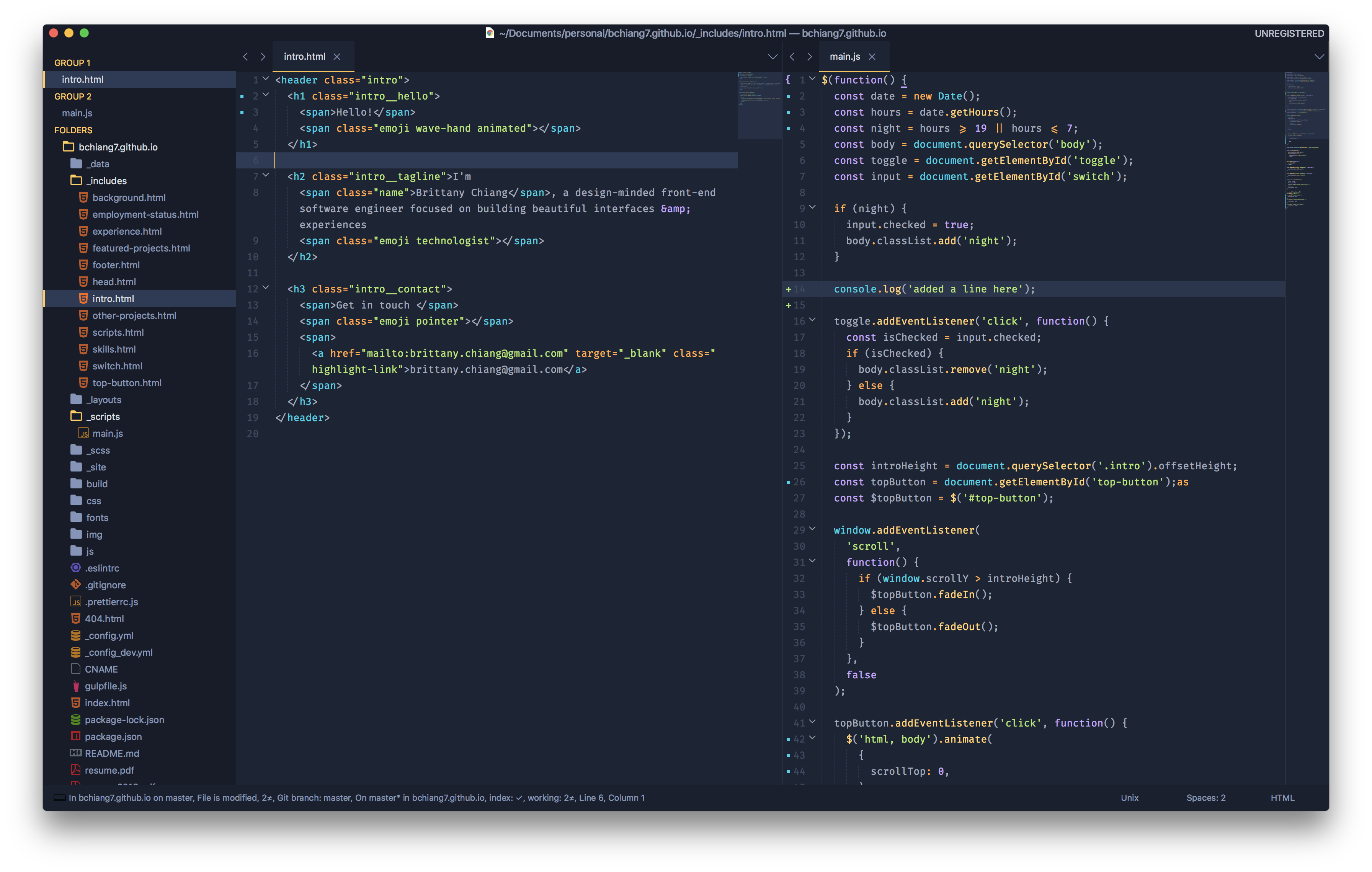
- Open package control
Tools→Command Paletteand typeInstall Package - Search for Halcyon and hit enter
- Then, open
Preferences→Settings - User. Add the following lines.
"color_scheme": "Packages/Halcyon Theme/halcyon.tmTheme",
"theme": "halcyon.sublime-theme"- Finally, restart Sublime for the Theme to be fully applied.
color_scheme defines how the code looks and theme defines how the sidebar, tabs, search, command palette work.
-
Clone or download this repo
git clone git@github.com:bchiang7/Halcyon.git Halcyon\ Theme -
Make sure the downloaded folder is named
Halcyon Theme. Don't forget the space! -
Move the
Halcyon Themefolder inside your sublimePackagesdirectory.Preferences > Browse packages... -
Then, open
Preferences→Settings - User. Add the following lines.
"color_scheme": "Packages/Halcyon Theme/halcyon.tmTheme",
"theme": "halcyon.sublime-theme"- Finally, restart Sublime for the theme to be fully applied.
Change the sidebar's font size by using these settings in your user config:
"sidebar_font_small": true
"sidebar_font_large": trueAdjust the sidebar's padding by using these settings in your user config:
"sidebar_small": true
"sidebar_large": trueChange the size of the tabs by using these settings in your user config:
"tabs_small": true
"tabs_large": trueSublime Color Scheme Reference
Colors based on Ayu Mirage Theme
Halcyon is also available for Atom, VS Code, iTerm, and more! Check out all available options here.