
GPSTracker is a simple Webapp that consists of:
- A backend that:
- Can manage GPS data stored on a local db or on any compatible data source
(supported:
postgres,mysql,mariadb,mongodb,sqlite,snowflake), with arbitrary complex filtering, and expose them over a simple Web API. - Can ingest GPS location updates from HTTP.
- Can manage GPS data stored on a local db or on any compatible data source
(supported:
- A frontend to display GPS data points and provides advanced filtering.
It is meant as a self-hosted and privacy-aware alternative to services like Google Maps Timeline.
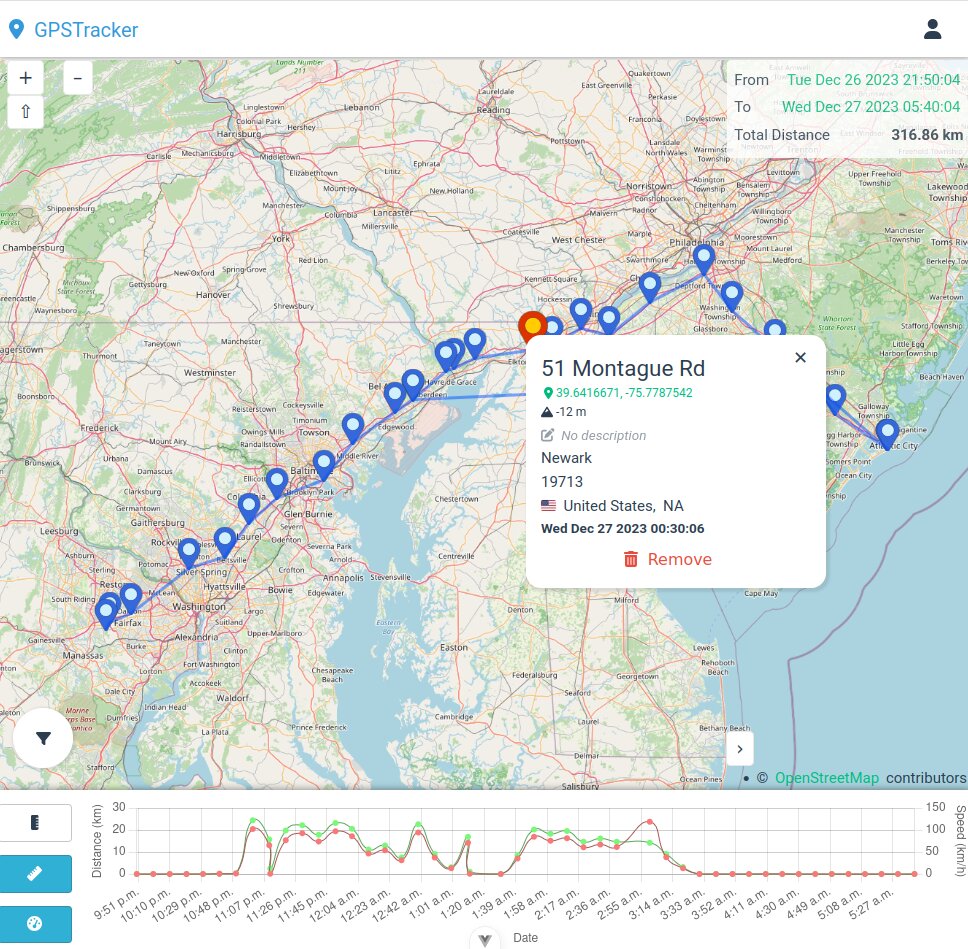
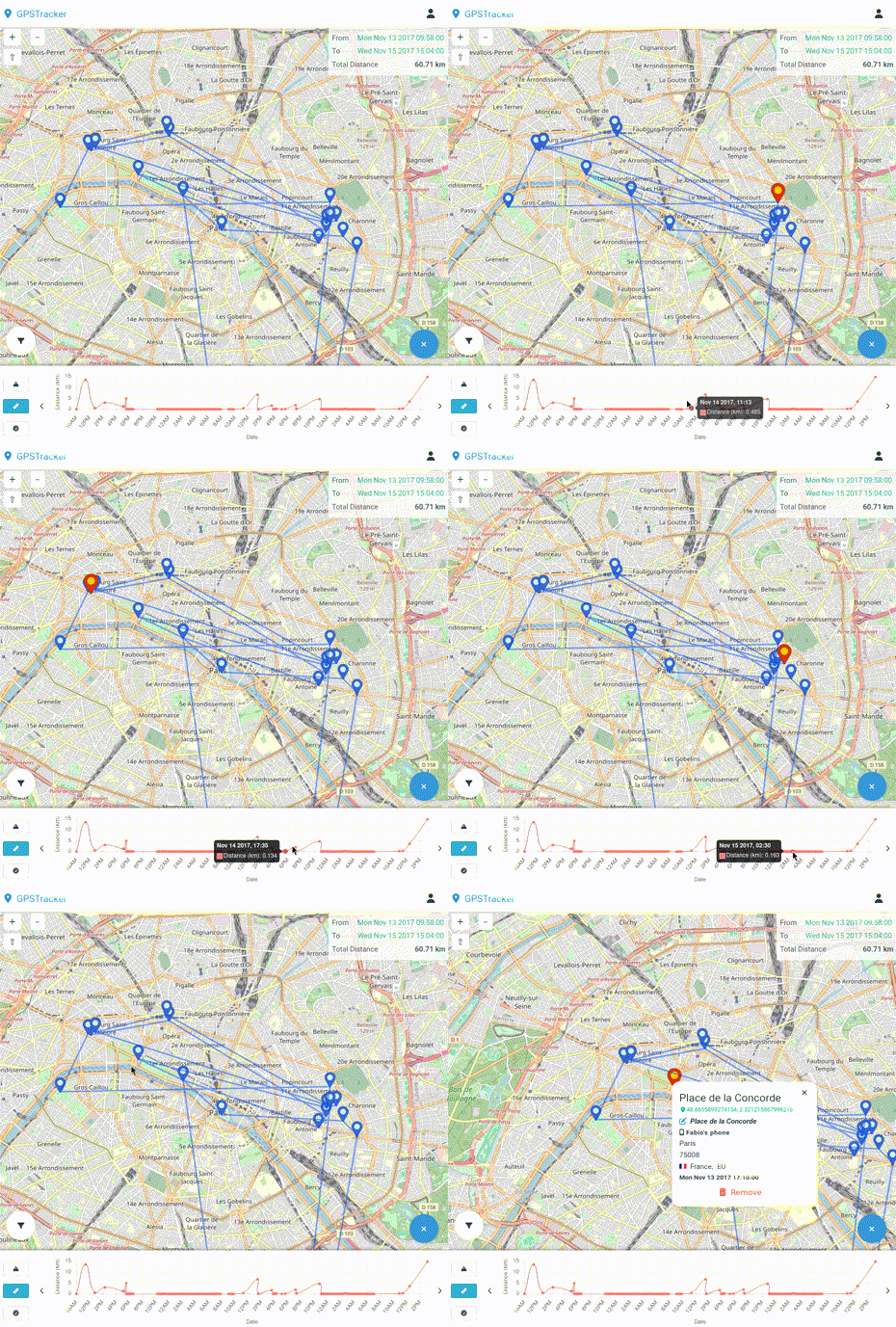
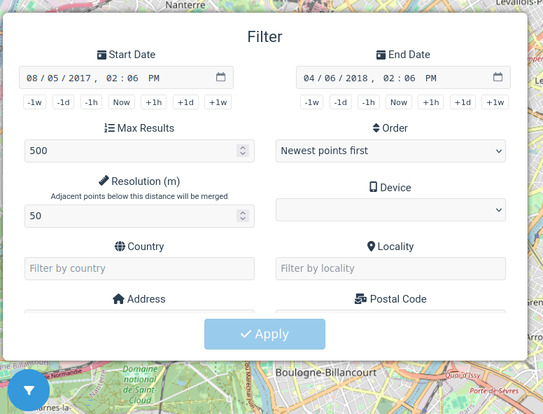
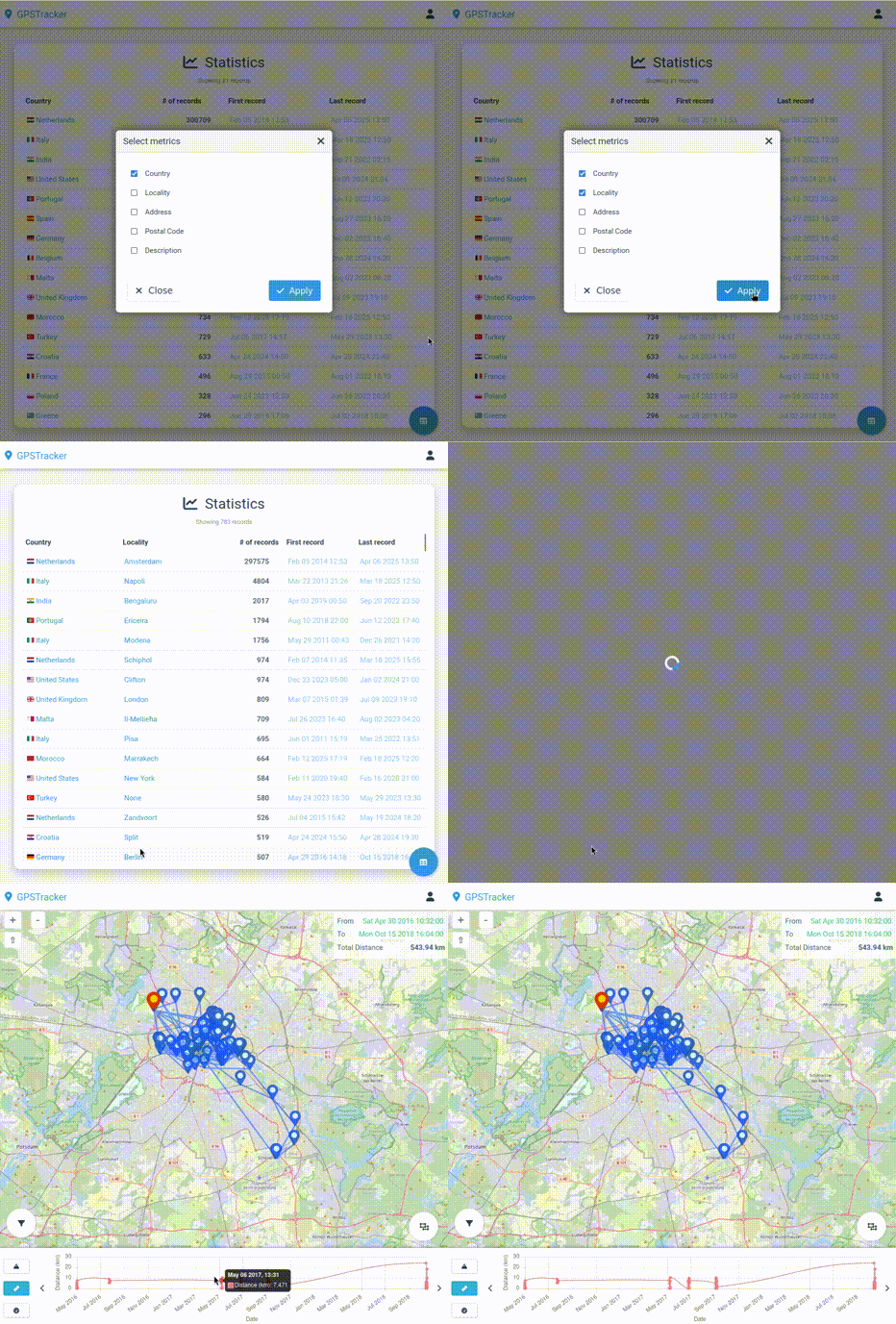
At its core GPSTracker allows you to easily navigate through your stored location data, offering pagination, advanced filtering and sorting.
The timeline allows an easy time-based navigation, and it also reports information such as the total distance traveled, the altitude, the speed and the battery level at the time of the location point.
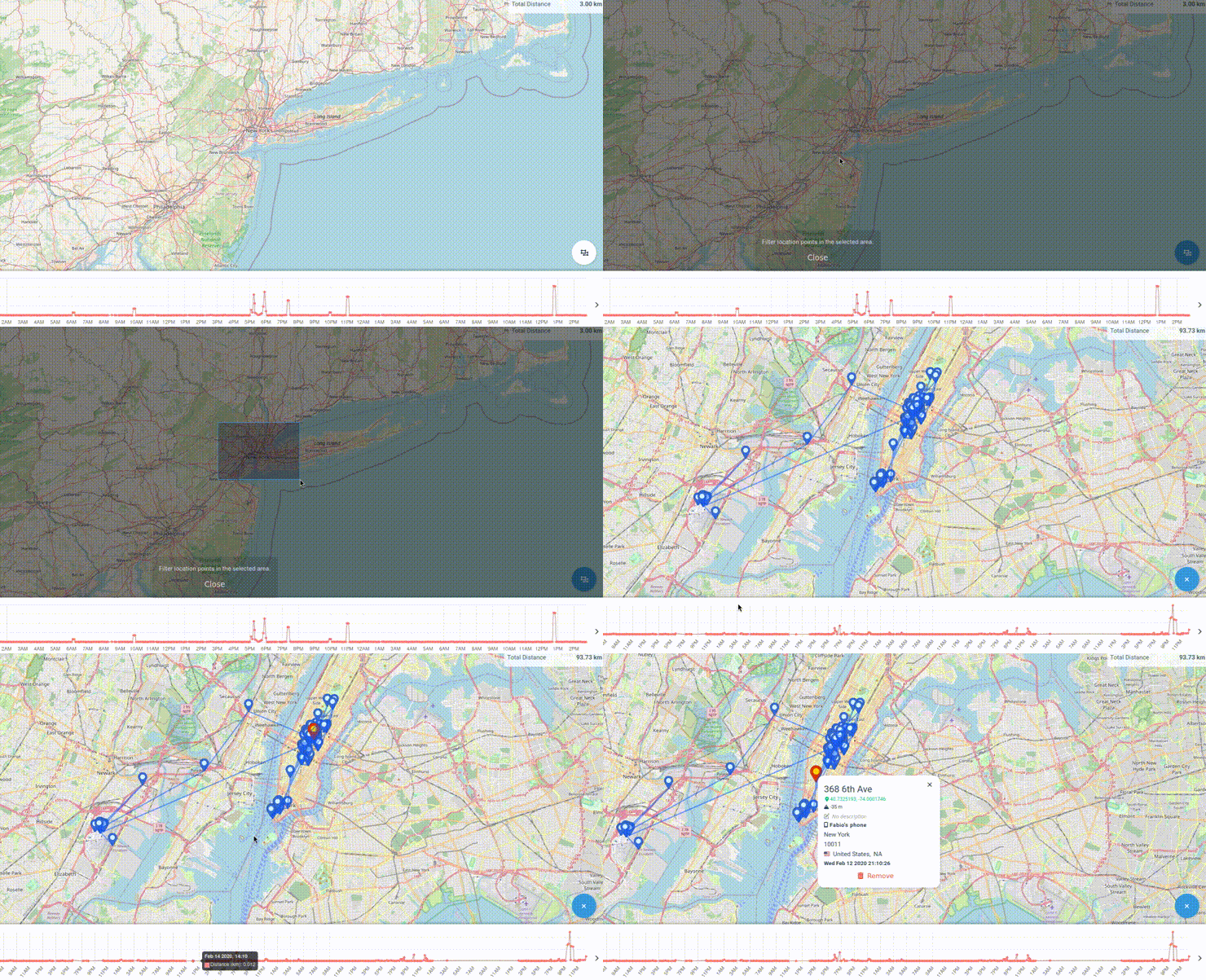
You can select a specific area on the map and filter the location points by it, providing easy answers to questions such as "where have I been in this specific location in the last year?".
More advanced statistics are available in the Stats page, which allows you to aggregate your location data by any combinations of the available metrics and explore specific location points in a certain group.
cp .env.example .env
See the provided .env.example for a reference.
docker compose upRequirements:
nodetypescriptmake
makeOr, if you want to build the backend and the frontend separately:
# Backend
make backend

# Frontend
make frontendnpm run startOnce the application is running, you can access the frontend at
http://localhost:3000 - or on whatever port you configured in the .env
file.
Use the ADMIN_EMAIL and ADMIN_PASSWORD values from the .env file to log
in.
You can then create a new device for your GPS data under the Devices menu, or
at http://localhost:3000/devices. Take note of the deviceId, you will need
it to ingest data.
Then create a new API token from the API menu, or at
http://localhost:3000/api.
The application exposes a POST endpoint at /gpsdata that accepts a JSON
payload containing the GPS data to ingest. Example:
curl -XPOST \
  -H "Authorization: Bearer your-api-token" \
  -H "Content-Type: application/json"
  -d '[{
      "deviceId": "your-device-id",
      "latitude": 40.7128,
      "longitude": -74.0060,
      "address": "260 Broadway",
      "locality": "New York, NY",
      "country": "us",
      "postalCode": "10007",
      "description": "New York City Hall",
      "timestamp": "2021-01-01T00:00:00Z"
    }]' http://localhost:3000/api/v1/gpsdata
You can wrap this in a script to ingest data from a file, or from a GPS tracker.
You can also configure a mobile app like GPSLogger to
periodically send data to the endpoint - select Custom URL and use the
/gpsdata endpoint with the API token as the Authorization header under the
HTTP Headers section.
Or, for more advanced use cases, you can use a general-purpose application like Tasker in combination with AutoLocation to send data to the endpoint, or decouple the ingestion from the frontend by using an intermediate MQTT or Kafka broker.
If the ingested location data does not contain the address, locality,
country or postalCode fields, and you have set the GEOCODE_PROVIDER
environment variable, then the application will try to geocode the location
upon ingestion using the configured geocoding provider. Supported providers:
nominatim- It uses OpenStreetMap data (usage policy).
- It doesn't require an API key, but it is rate-limited to 1 request per
second (not advised if you are ingesting bulk data if you use the
default
NOMINATIM_URLinstance). - It supports a custom
NOMINATIM_URLenvironment variable to use a custom Nominatim instance.
google- It requires a Google Maps API key, set in the
GOOGLE_API_KEYenvironment variable. - See additional usage limits for details. You can set your own usage limits in the Google Cloud console, but keep in mind that above a certain threshold you will be charged.
- It requires a Google Maps API key, set in the
If GEOCODE_PROVIDER is not set, the application will not attempt to geocode
the location data upon ingestion.
By default, the application will store the GPS data under the configured
DB_URL database.
If you have an existing database with GPS data, you can configure it in the
.env file through the DB_LOCATION_URL variable. The application will then
read the data from the external source and expose it through the API.
Consult the .env.example file if the column names in your database differ from
the default ones.
Note however that:
-
The external data source must have a
deviceIdcolumn (or whatever column name you configured in the.envfile) that uniquely identifies the device that generated the data, and it must point to a valid device in the application database. -
Changes to the ownership of the devices or deletion of devices in the application database will not be reflected in the external data source.
npm run devcd frontend
npm run dev