Control Homekit by whistling 🎶
I built this during my batch at the Recurse Center in 2021. I whistle a lot, and I wanted to put it to some constructive use!
The easiest way to install the switch is with yarn or npm.
$ yarn global add whistle-switchIf you install it globally, then you can run it from wherever.
$ whistle-switchIf you want to run whistle-switch on a Raspberry PI you need to tell it where to find Chromium, because the version from NPM doesn't work the PI's ARM processor.
WHISTLE_SWITCH_CHROME_EXECUTABLE_PATH=$(which chromium-browser) whistle-switchFor more info, check out my post on running headless chrome on a PI.
Once the switch is running on your local network, you should be able to add it to Homekit on your iOS device.
Detailed Homekit Setup
 |
Select "More Options.." from the Add Accessory card. |
 |
Tap the accessort called "Whistle Switch ..." |
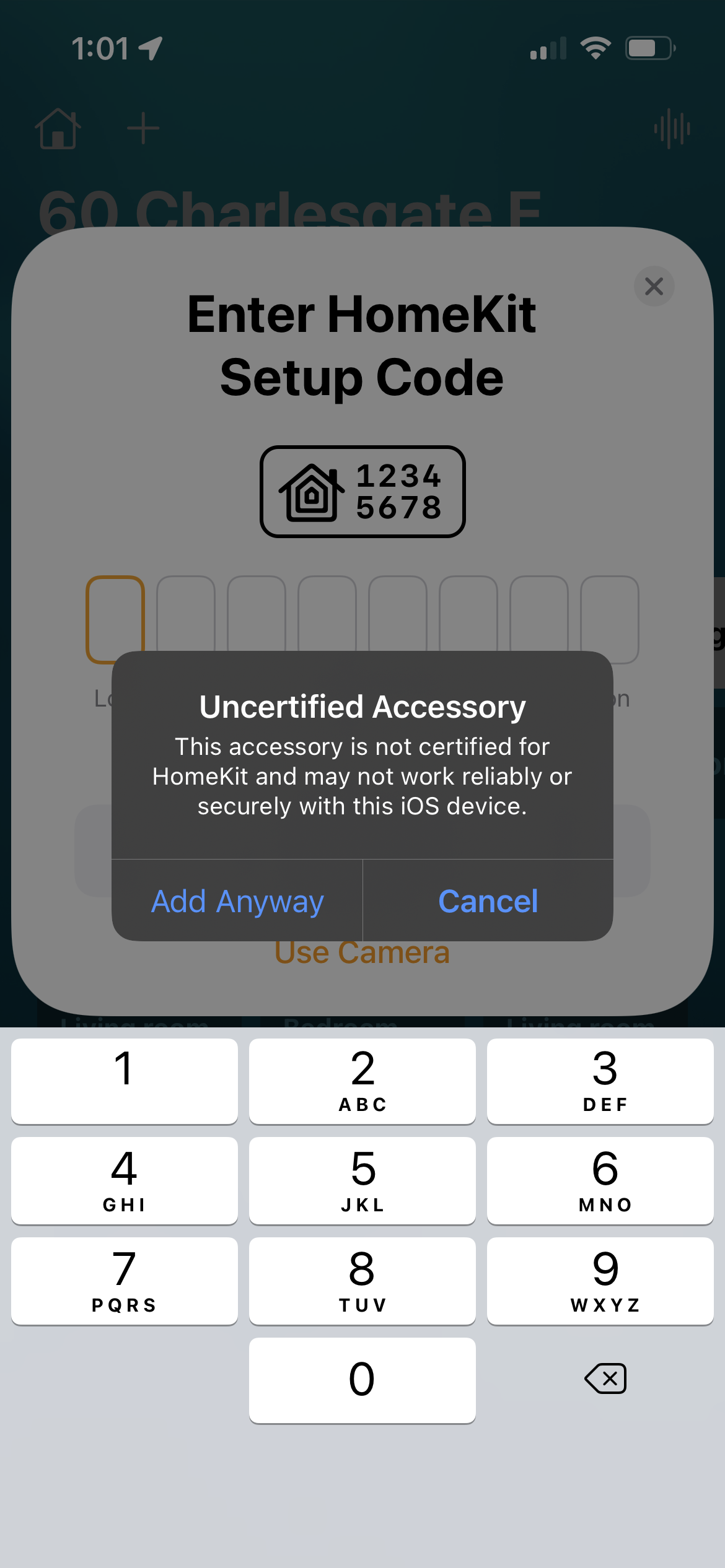 |
Tap "Add Anyway" when you're prompted about an "uncertified" accessory. |
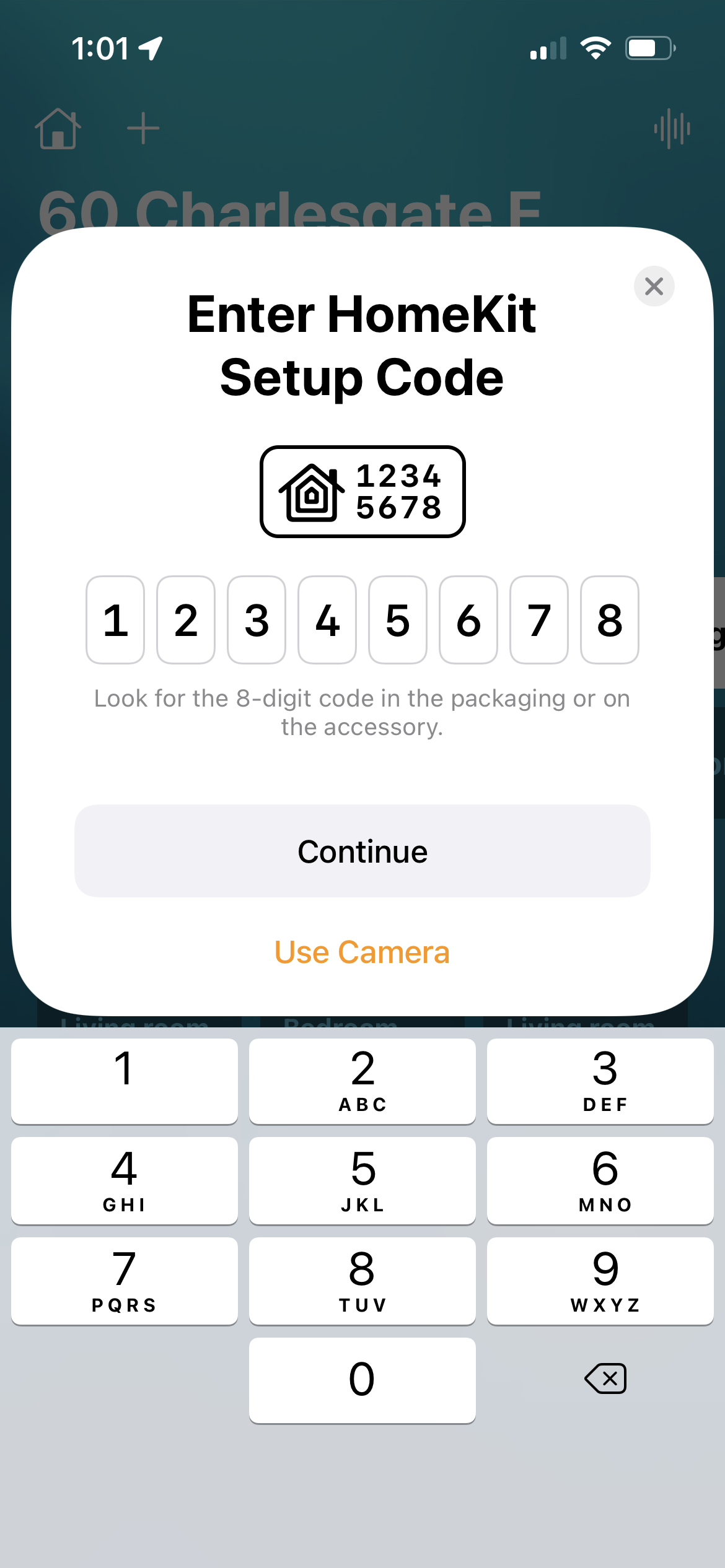 |
The default setup code is "123-45-678", but you can change it to anything you want using the WHISTLE_SWITCH_SETUP_CODE environment variable. |
The switch has three built-in "buttons" that recognize different musical patterns. It'll try to match patterns regardless of key or rhythm.
| Homekit Button | Pattern | Example |
|---|---|---|
| Button 1 | One Three Five | C E G |
| Button 2 | Five Three One | G E C |
| Button 3 | One Two One Two One | C D C D C |
Note: Right now,
whistle-switchonly triggers the "Single Press" action.

You'll find the default configs in controller.js. The switch should work just fine with the defaults but you can override them by setting local environment variables.
| Environment Variable | Default |
|---|---|
| WHISTLE_SWITCH_CHROME_EXECUTABLE_PATH | |
| WHISTLE_SWITCH_DEBUG | false |
| WHISTLE_SWITCH_ID | colbyr.whistle-switch.v1 |
| WHISTLE_SWITCH_LISTENER_PORT | 47130 |
| WHISTLE_SWITCH_PORT | 47130 |
| WHISTLE_SWITCH_SETUP_CODE | 123-45-678 |
| WHISTLE_SWITCH_USERNAME | 27:52:11:F5:BC:05 |
If your whistle-switch gets into a bad state with your homekit setup, you can reset your install.
First off, change WHISTLE_SWITCH_USERNAME in your .env file to a new value.
Then remove the persist directory if it exists.
rm -rf persistStart the switch again, and you should be able to connect to Homekit as a completely new accessory.