Skip to content

danf425/ChefAutomate_LimitViewability

Folders and files

NameName
Last commit message
Last commit date

Latest commit


History

82 Commits


Repository files navigation

Summary: Modify the A2 default view to only allow for specific information

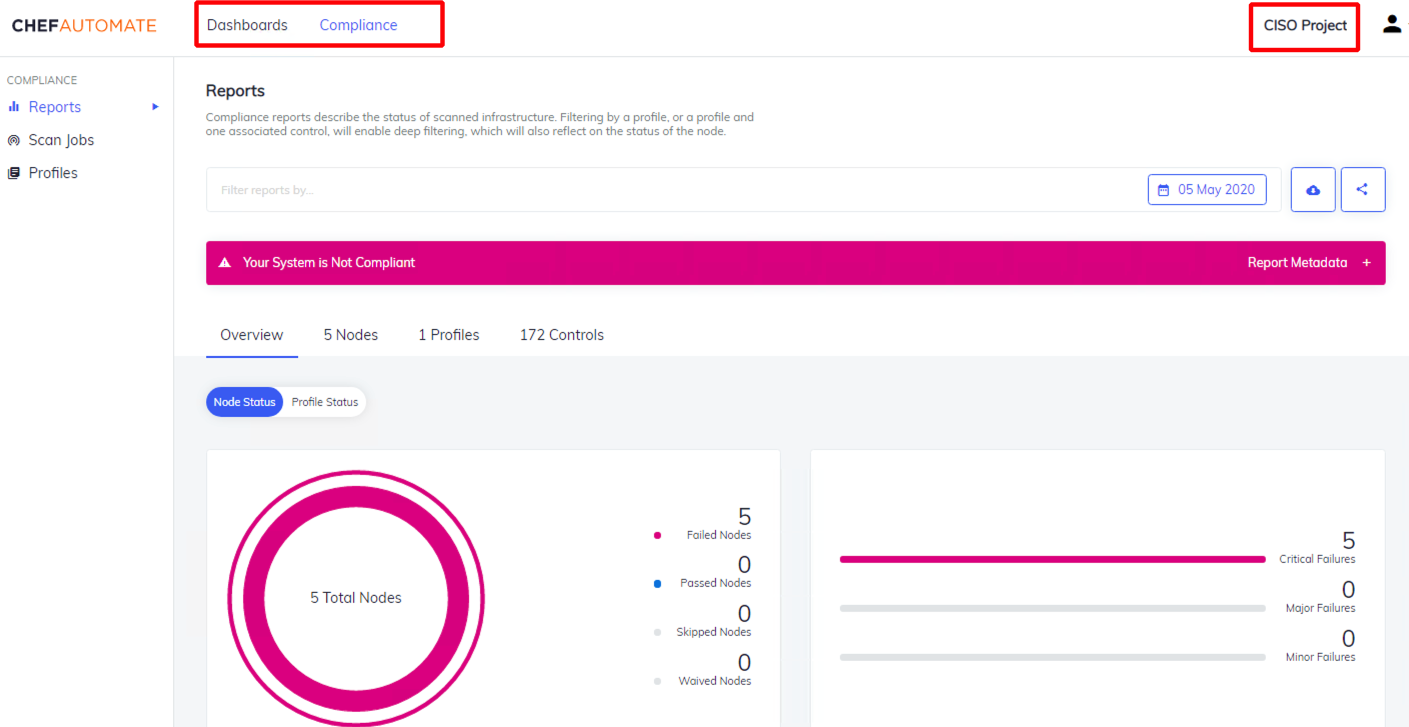
  • For this exercise, we will limit viewability to only see Compliance (CISO-only view), but it provides the lay of the land on how to customize it to your own liking.

This exercise runs through the following objectives:

  • Become Familiarized with Chef Automate
  • Learn about the new IAM/RBAC capabilities within A2
  • Interact with API requests using Postman

These instructions will be tackled in 4 different steps:

  1. Chef Automate Setup
  2. Modifying Project View
  3. API connectivity
  4. Final A2 Setup

Result:

  • Default admin view → Filtered, compliance-only, user-specific view
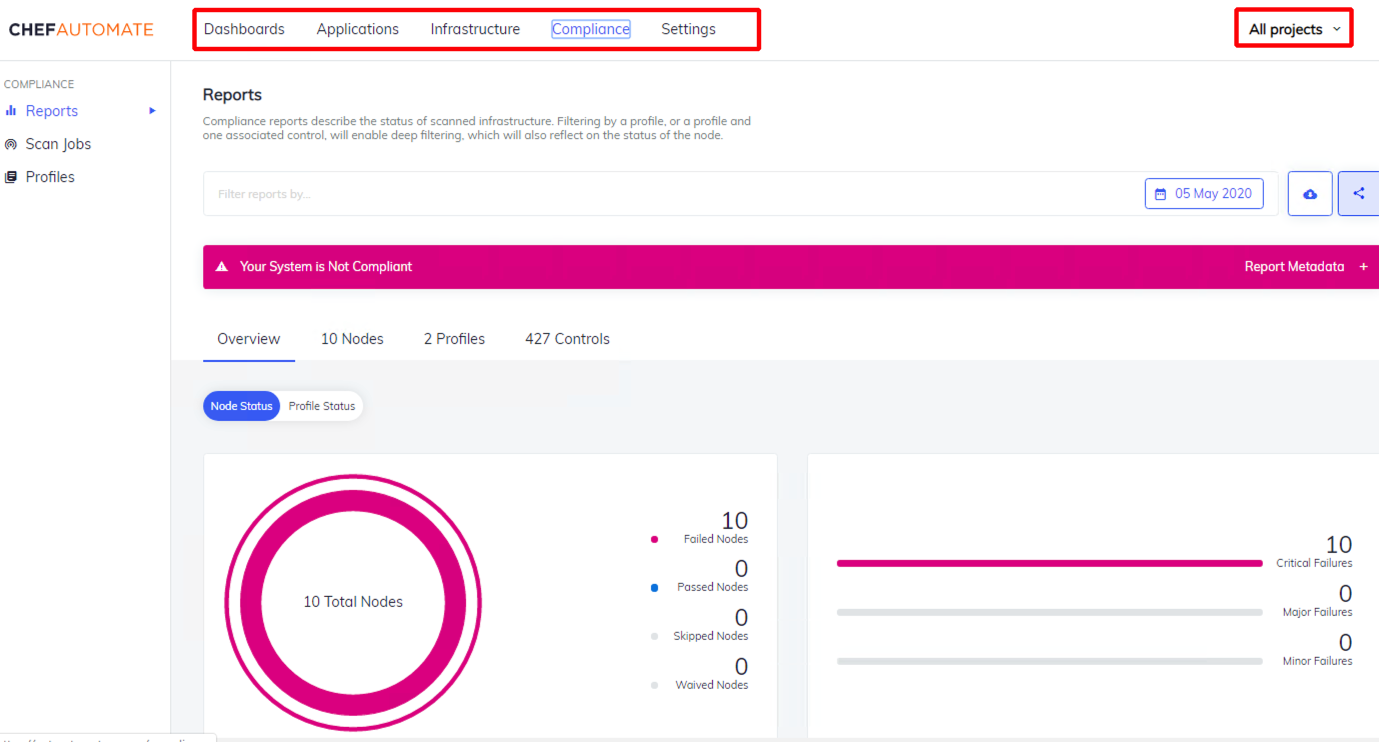
For more information on the A2 API, please go to:

About

Limit A2 visibility through IAM/RBAC and API calls

Resources

Stars

Watchers

Forks

Releases

No releases published

Packages

No packages published