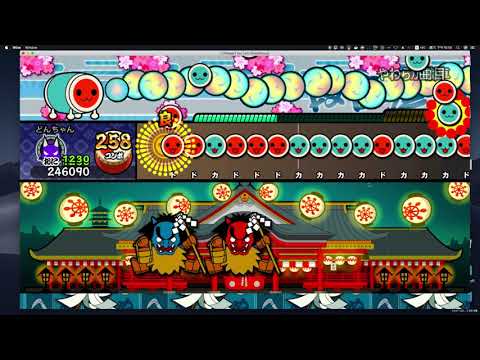
Running TJAPlayer 3 on Mac OS
brew install winebrew install winetricksWINEARCH=win32 WINEPREFIX=~/.wine32 winecfgWINEARCH=win32 WINEPREFIX=~/.wine32 winetricks dotnet35WINEPREFIX=~/.wine32 wine TJAPlayer3.exeIn Config.ini, save this:
LeftRed=K018
RightRed=K019
LeftBlue=K015
RightBlue=K014TJA file find online usually encode with Japan (Shift JIS)
Suggest to follow these steps to add songs
- Change file name of
.oggand.tjato md5 hash - Change
WAVEsection of.tjato respective.ogg(Save withJapan (Shift JIS)) - Move both files in your specify tja folder
Optional Steps
- If have ura, you can merge both tja into one by changing
COURSE:OnitoCOURSE:Edit - Add
GENREif you want category to work in Switch theme
Sample Category
- J-POP
- アニメ
- ボーカロイド ™ 曲
- バラエティ
- クラシック
- ゲームミュージック
- ナムコオリジナル