A link-in-bio page built with Astro and TailwindCSS. It renders your profile, social links, and link cards from a single data file.
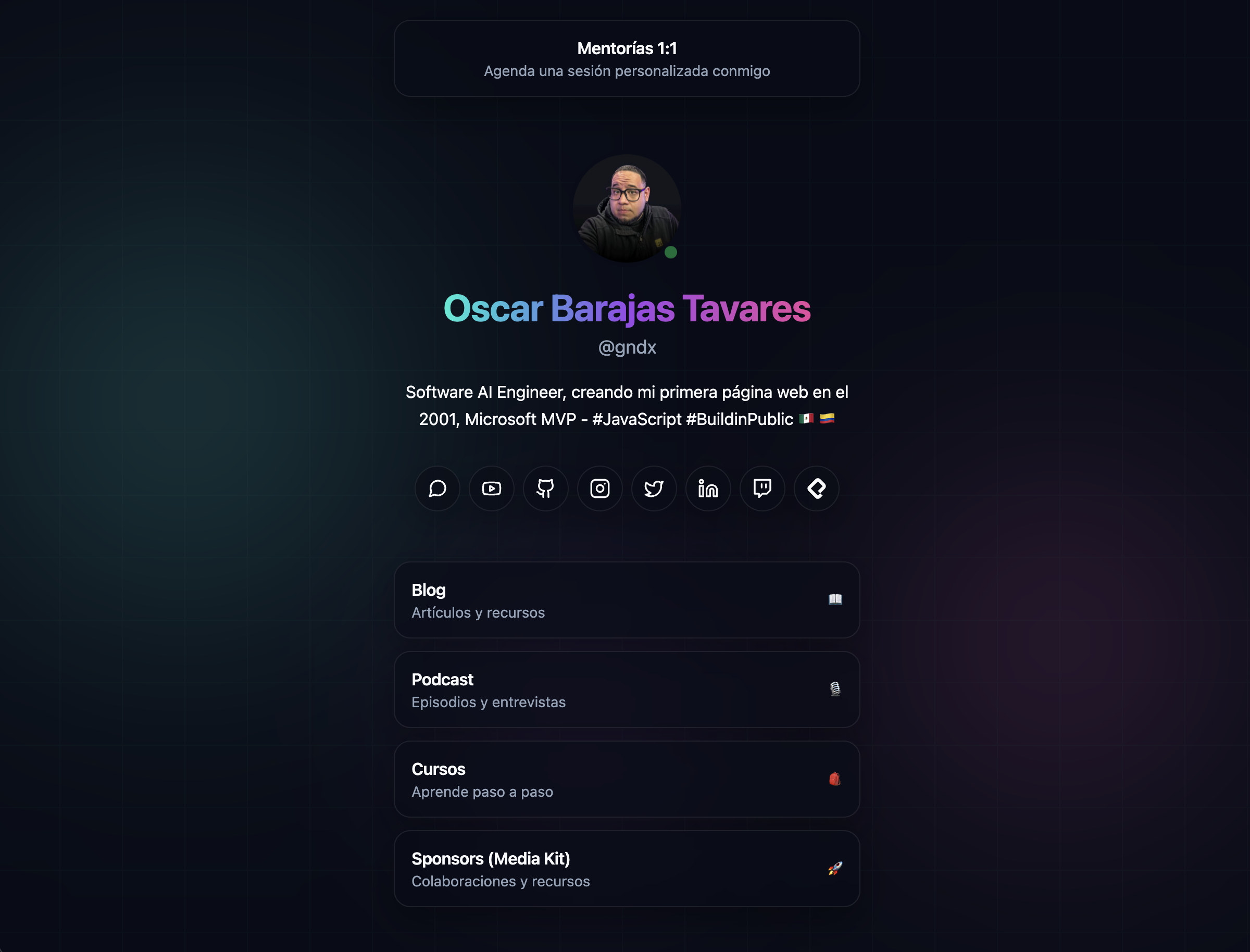
Live at: linkytree.error427.com
- Astro 5
- TailwindCSS 4 (via Vite plugin)
- TypeScript (strict config)
- Node.js (recommended: LTS)
- npm
npm installnpm run setup
npm run dev
npm run build
npm run previewnpm run setup: interactive CLI to fill basicsrc/data/site.tsfields (name, handle, bio, social links)npm run dev: starts the dev server athttp://localhost:4321npm run build: generates the static site indist/npm run preview: previews the production build
The single source of truth for your site content is:
src/data/site.ts
If you want a quick start, run:
npm run setupThe setup assistant will ask for your name, handle, bio, and then prompt for social links in a fixed order. You can press Enter to skip any social platform and it will not be written into site.ts.
Here you can edit:
site.seo: title, description, canonical URL, OG image, Twitter cardssite.profile: avatar, name, handle, and biosite.featuredLink: top featured linksite.socialLinks: list of social networks (with embeddediconSvg)site.linkCards: main link cards (title, subtitle, emojis, andhref)
Note: robots.txt, sitemap.xml, and humans.txt use site.seo.url to build the origin. If you change the domain, update that field.
/: main page (rendered insrc/pages/index.astro)/robots.txt: generated bysrc/pages/robots.txt.ts/sitemap.xml: generated bysrc/pages/sitemap.xml.ts/humans.txt: generated bysrc/pages/humans.txt.ts
All these routes are marked with export const prerender = true;.
.
├── public/
├── src/
│   ├── assets/        # images and favicon
│   ├── components/    # Astro components
│   ├── data/          # site data (site.ts)
│   ├── layouts/       # base layout with meta tags
│   ├── pages/         # routes (index + endpoints)
│   └── styles/        # global styles (Tailwind)
├── astro.config.mjs
└── package.json
Global styles are located in src/styles/global.css:
- CSS variables for colors (
--background,--foreground, etc.) - Utility/component classes (
.link-card,.social-icon, blobs/background)
This project is configured to deploy to Cloudflare Workers using the wrangler.jsonc file. The deployment is static, which means the site is completely generated at build time and doesn't require a runtime server.
- Performance: The site is served as static files from Cloudflare's CDN
- Cost: No server or runtime costs
- Scalability: The CDN automatically handles traffic without needing to scale servers
- Security: Smaller attack surface with no server-side processes
To change the deployment name, edit the name field in wrangler.jsonc:
The public/.assetsignore file controls which files are excluded from static assets:
# dist/.assetsignore
_worker.js
_routes.json
These files are excluded because they are internal Workers configuration files that don't need to be served as static assets.
-
Install Wrangler CLI (if you don't have it):
npm install -g wrangler
-
Authenticate with Cloudflare:
wrangler auth login
-
Build the project:
npm run build
-
Deploy to Workers:
wrangler deploy
The site will be available at https://your-name.workers.dev or your custom domain if you configured one.
The build output is static (dist/ folder), so you can also deploy to any static hosting provider (Netlify, Vercel, Cloudflare Pages, GitHub Pages, etc.).
Contributions to this project are welcome. If you find a bug or have a suggestion for improvement, please open an issue or submit a pull request.
This project is licensed under the MIT License. See the LICENSE file for details.
If this project helped you learn something new, or if you're feeling particularly generous, you can buy me a coffee. It's greatly appreciated! 😊 GitHub Sponsors
{
  "name": "your-name-here",
  // ... other configurations
}