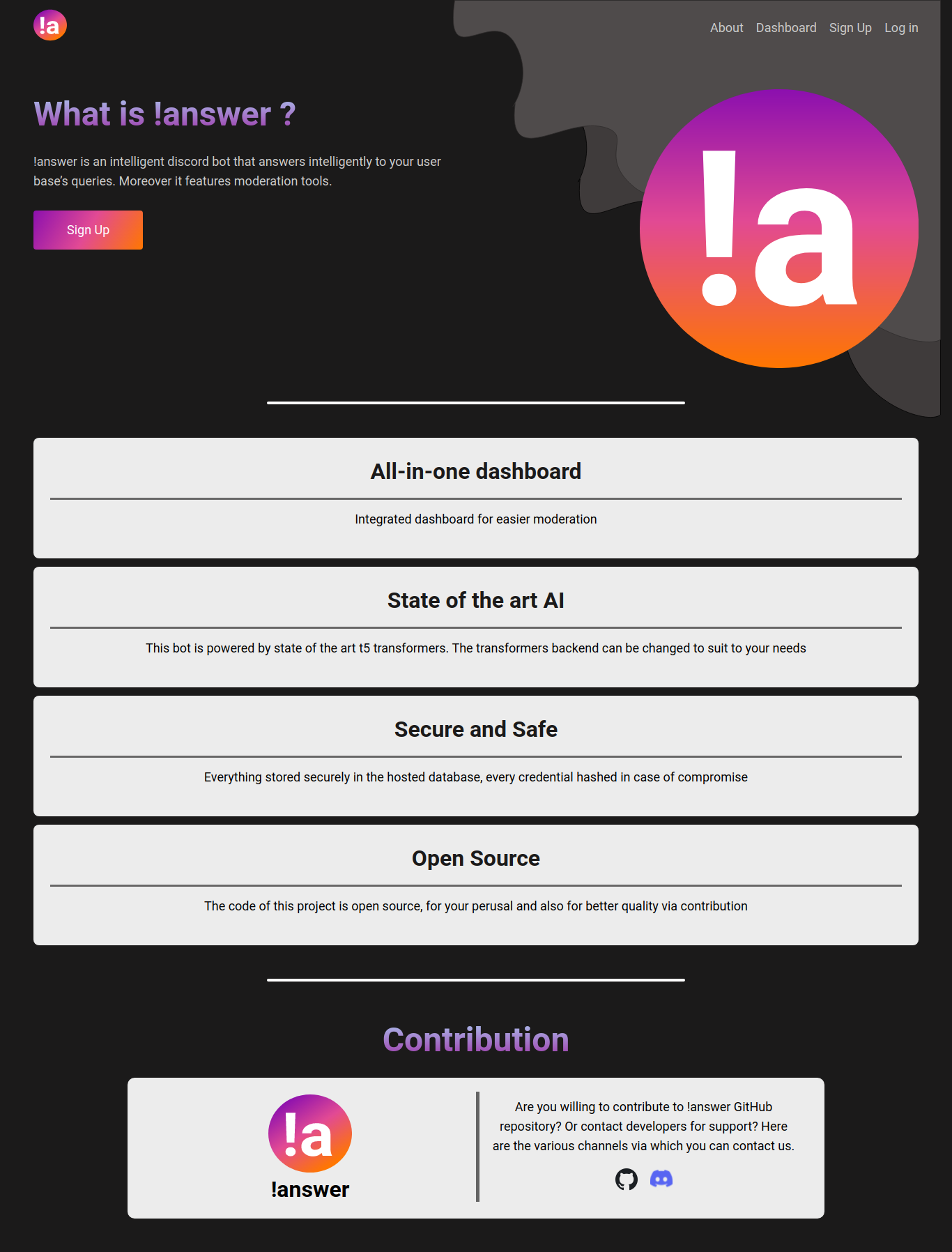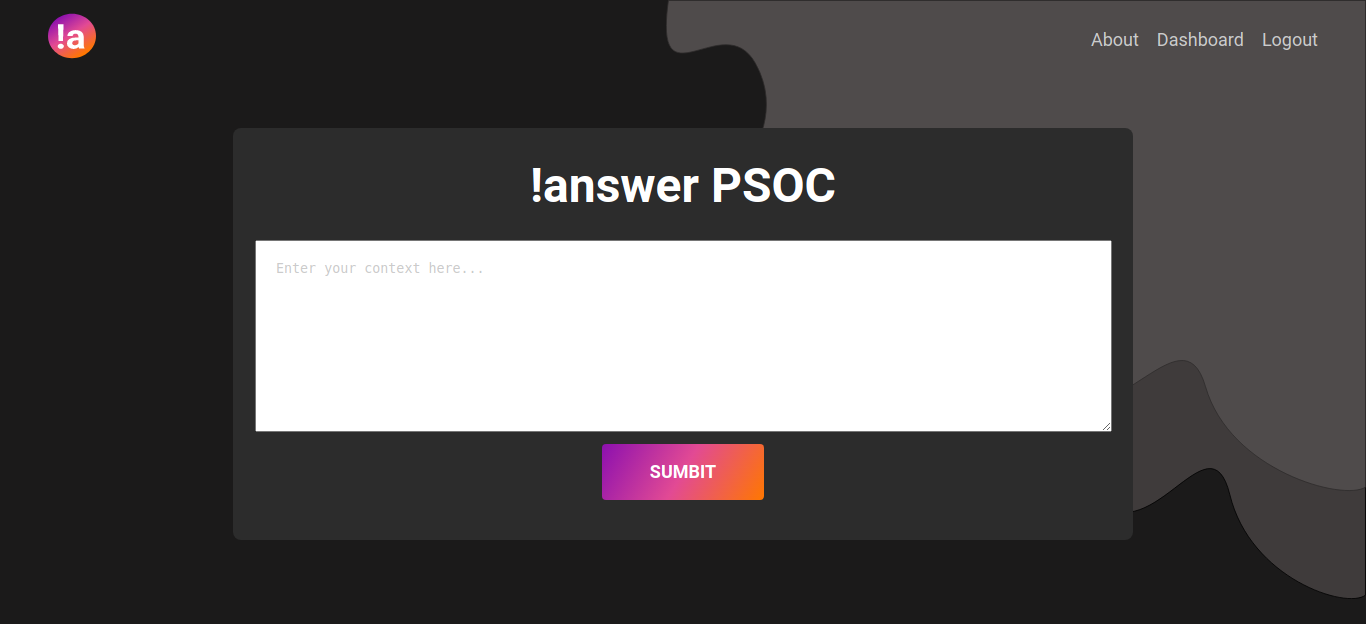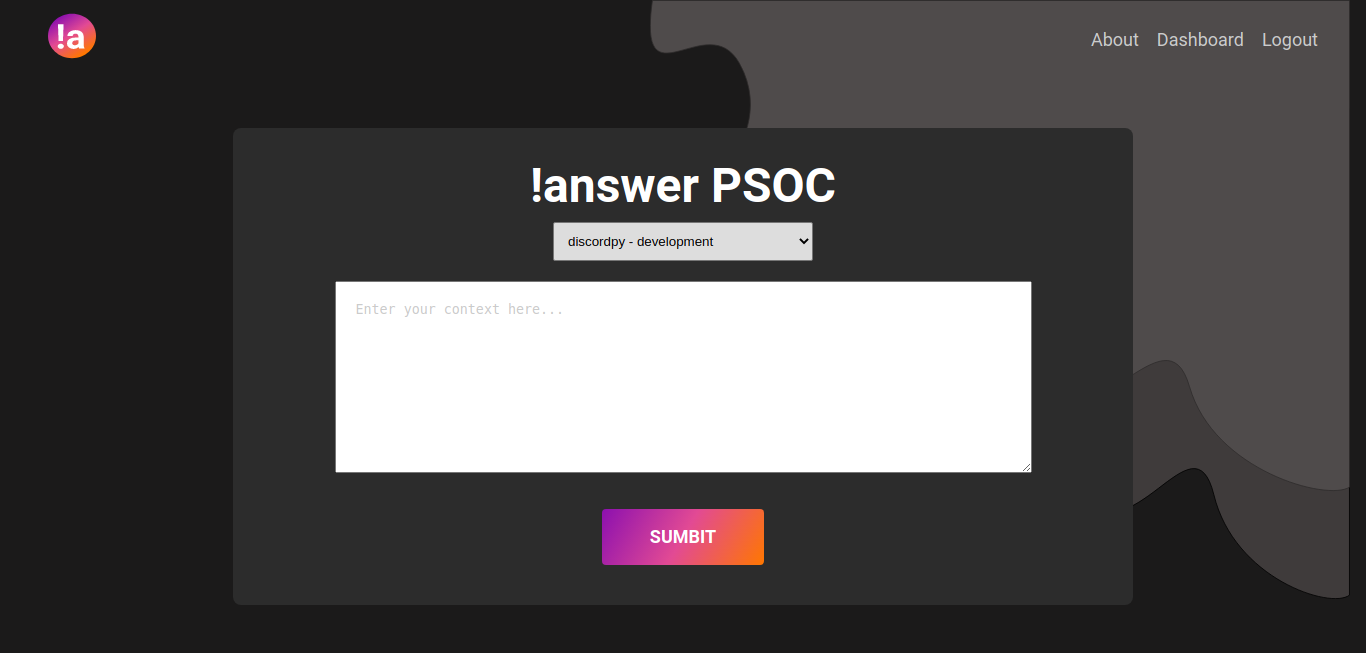
!answer is a discord bot that leverages state of the art artifical intelligence to serve your users in your
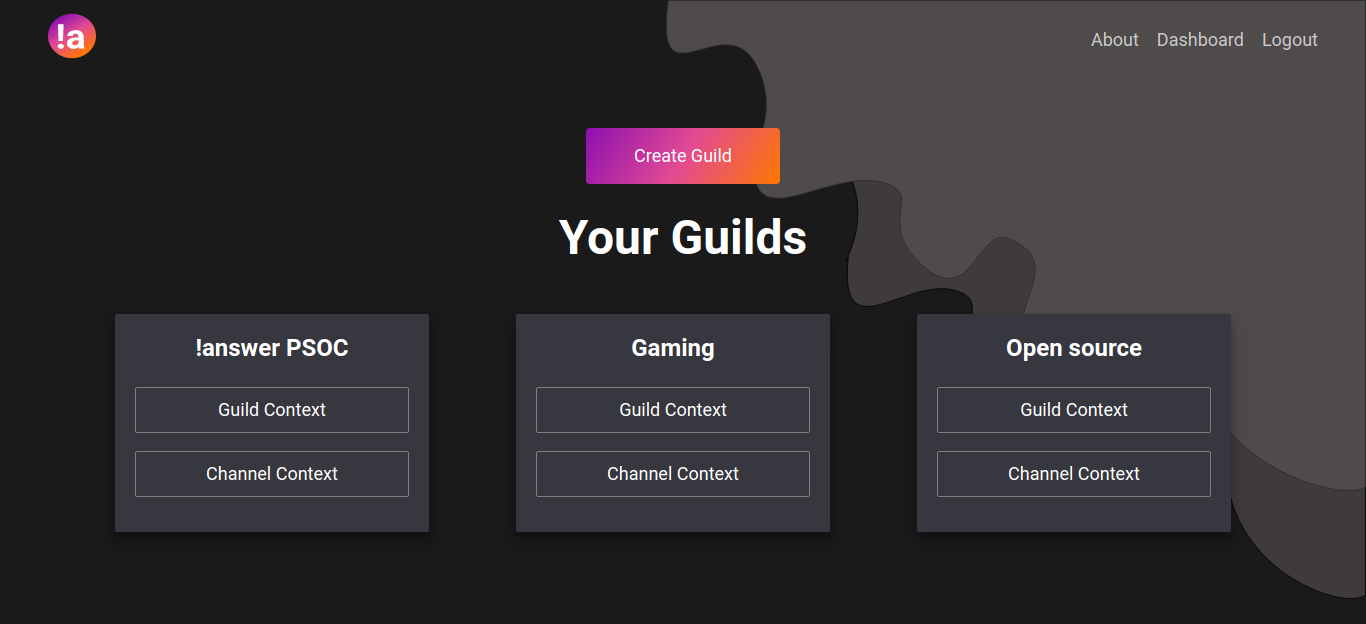
discord guild. You can give the bot context paragraphs, from which the bot will reply to any questions of users.
Best used to answer a user's doubt about FAQs or rules or venue.
!answer also plans to release moderation tools and a real time dashboard for the ease of discord admins and moderators
If you want to use it locally or host this yourself, then here is what you have to do.
Before proceeding make sure you have cmake
Also make sure you have protobuf installed via pip install protobuf
Note: For local users its recommended to use virtualenv or any other such environment
git clone --recurse-submodules https://github.com/hrik2001/answer.git   #if you want to install via https
git clone --recurse-submodules git@github.com:hrik2001/answer.git       #if you want to install via ssh
Note: you can also -jN parameter, right after --recurse-submodules parameter where N being number of process that helps in recursively cloning submodules, though not needed
Now one has to install pytorch. Get it from here
Now we have to install transformers from huggingface. For that
pip install -U transformersThen proceed to install nltk and punkt
pip install nltk && python -m nltk.downloader punktNote: pip may point to pip2 for you, either type pip3 or make sure that pip doesnt point to pip2
Then do the following (in the repo)
pip install -r requirements.txtFirst run would make you download the pre-trained model. After that, there won't be any need.
Fork this repo and follow the above steps (for your own repo, not the upstream aka this repo)
After that go to your freshly downloaded repo and add the following
git remote add upstream https://github.com/hrik2001/answer.git   #if you want http remote
git remote add upstream git@github.com:hrik2001/answer.git       #if you want ssh remote
Now, you can pull from upstream to make updates to the master branch of your fork and also locally
Also join our discord server for development related updates and more:
https://discord.gg/zBXpW2h2xJ
That's all folks!