60m, advanced, Start Building
FastSite is a no-code tool to generate content-driven websites. It leverages the power of modern JAMStack and cloud-native technologies.

Demo Video: https://youtu.be/3Pw0-7XqjC8
| Layer | Technology | Provider |
|---|---|---|
| Front-end | SPA/ SPA-SSR/ Static website | Netlify/ Vercel |
| Back-end | Serverless Functions | Netlify/ Vercel |
| Database | Cloud-native NoSQL DB | DataStax Astra |
To build and play with this app, follow the build instructions that are located here: https://github.com/DataStax-Examples/fastsite-console
Follow the instructions below to get started.
Let's do some initial setup by creating a serverless(!) database.
-
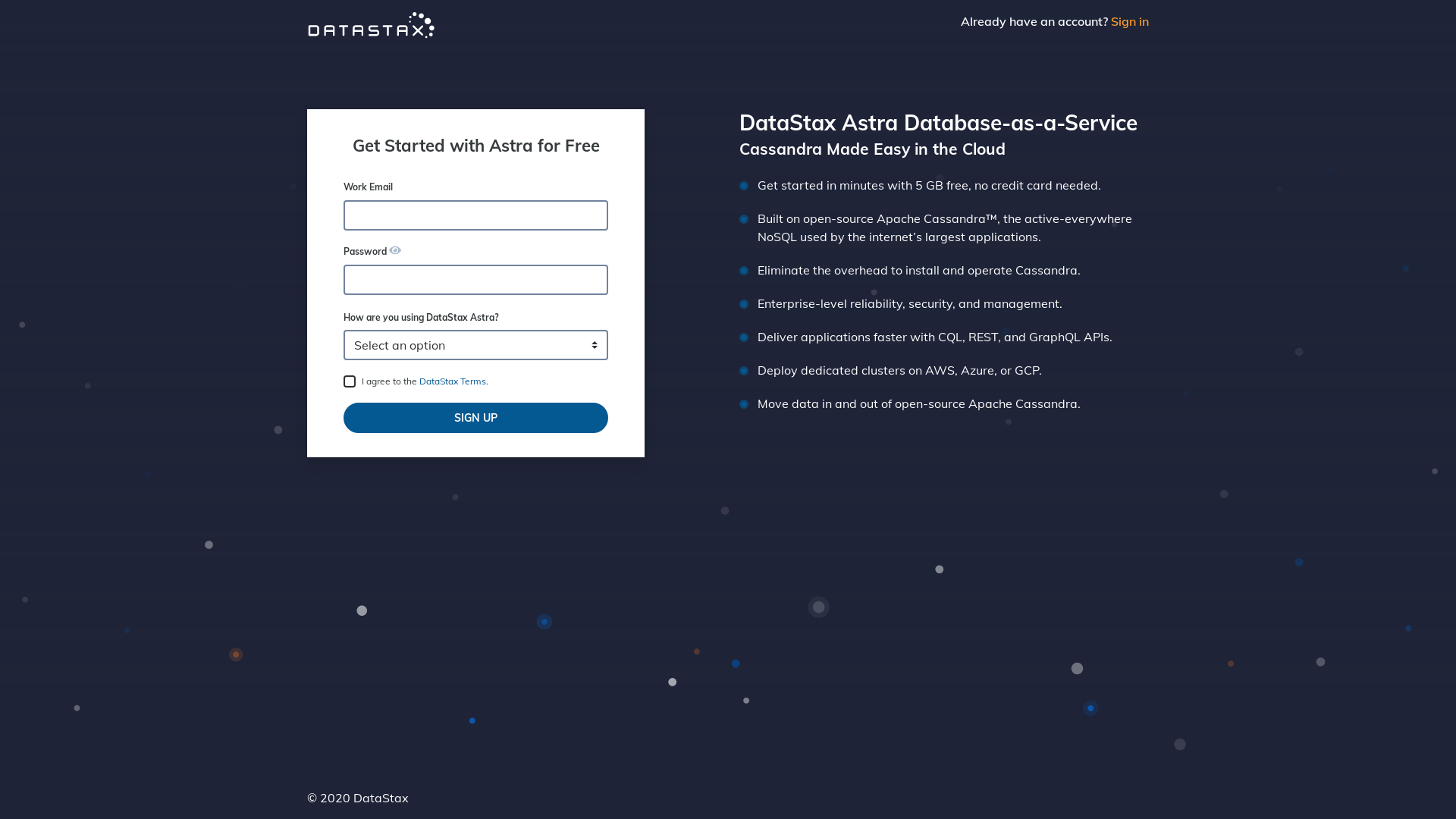
Create a DataStax Astra account if you don't already have one:
-
On the home page. Locate the button
Create Database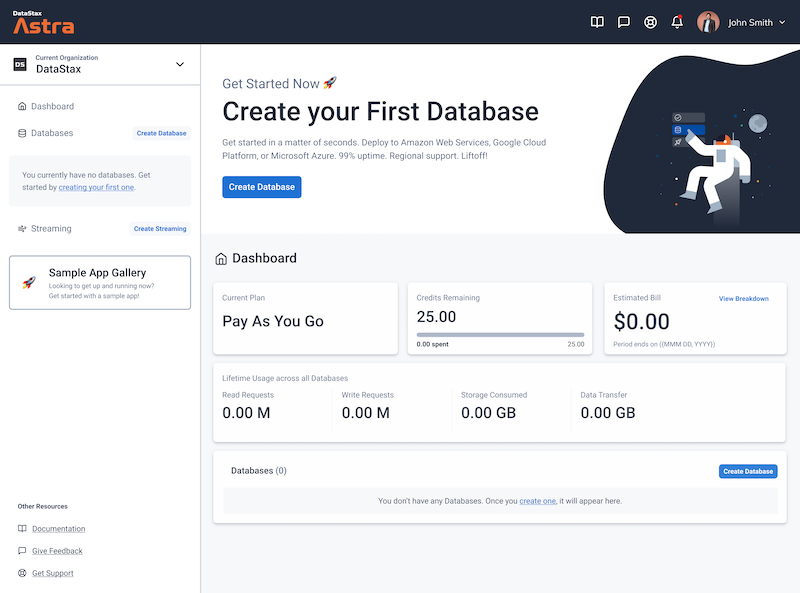
-
Locate the
Get Startedbutton to continue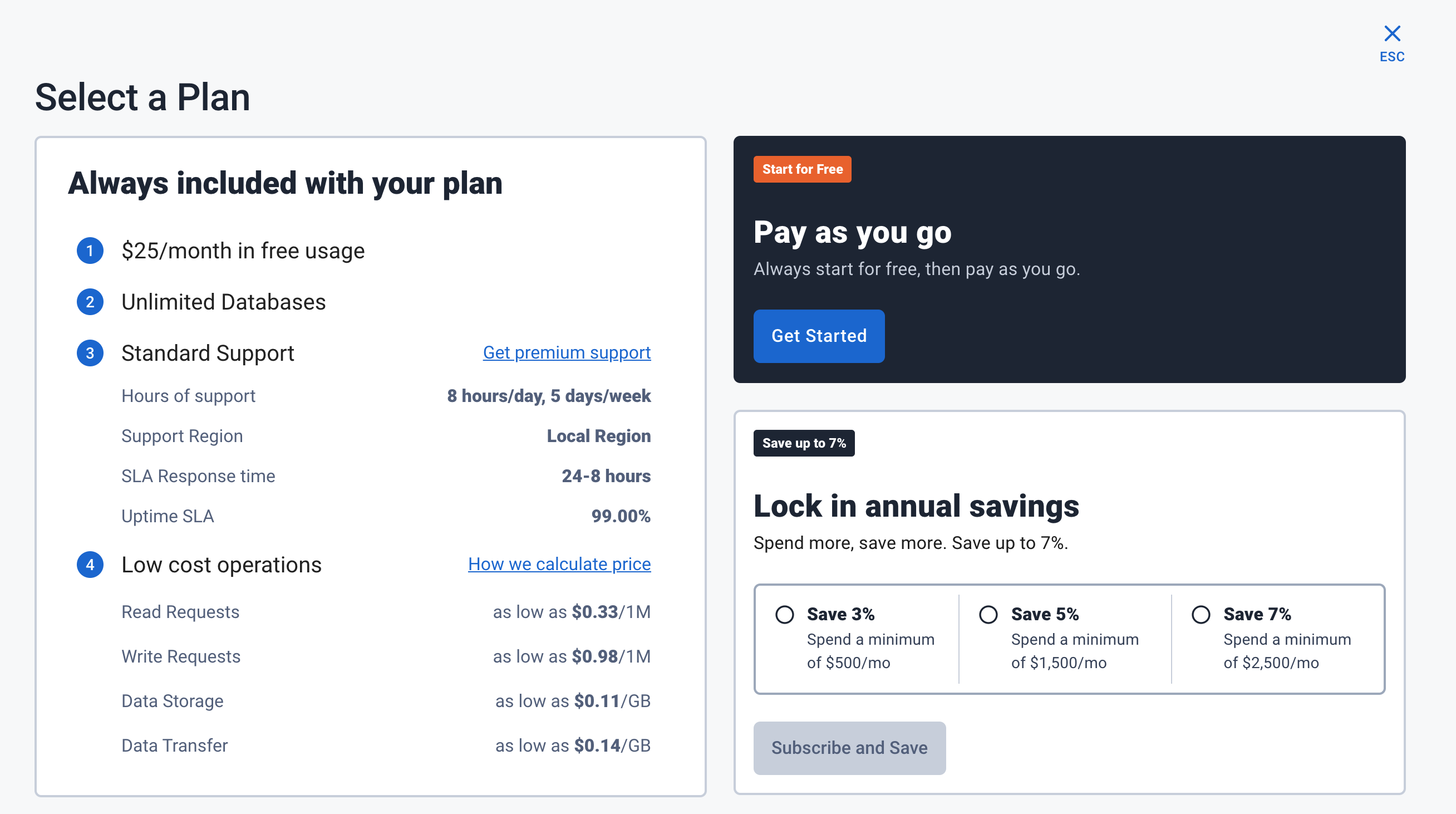
-
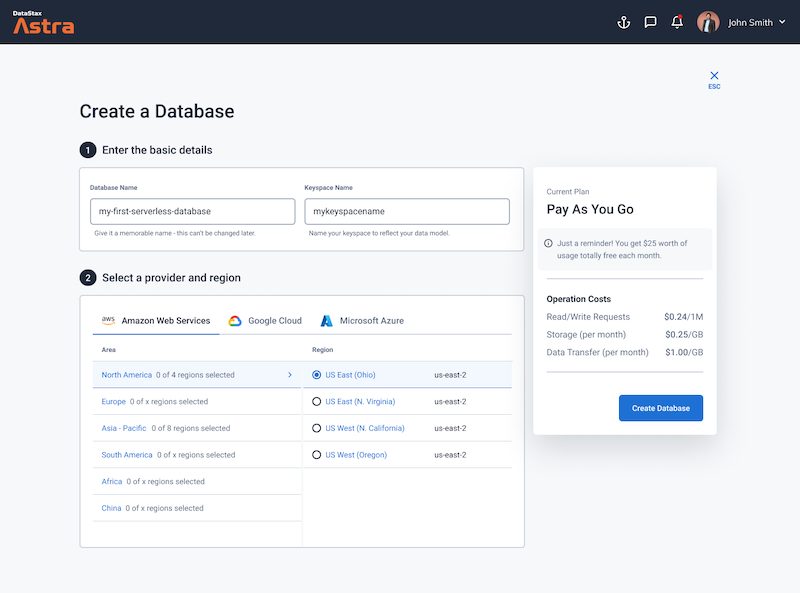
Define a database name, keyspace name and select a database region, then click create database.
-
Your Astra DB will be ready when the status will change from
PendingtoActive💥💥💥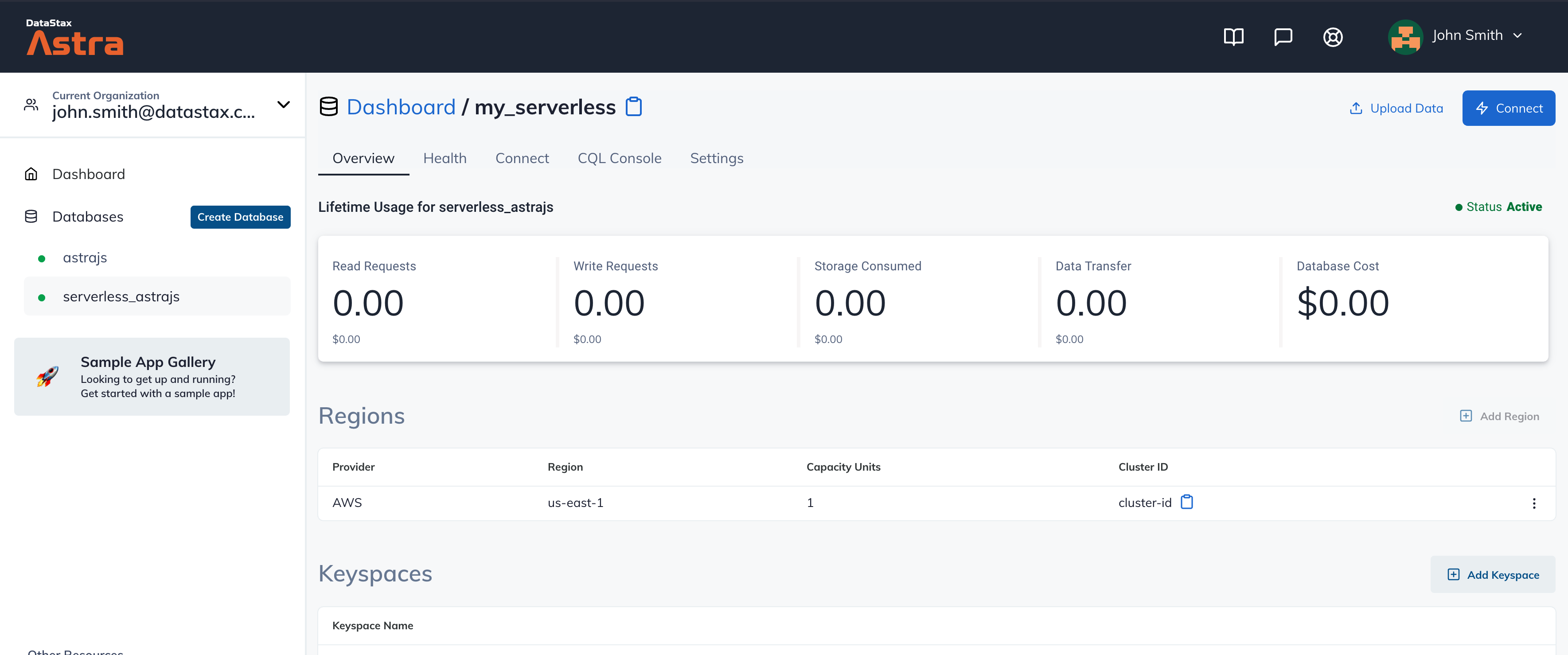
-
After your database is provisioned, we need to generate an Application Token for our App. Go to the
Settingstab in the database home screen.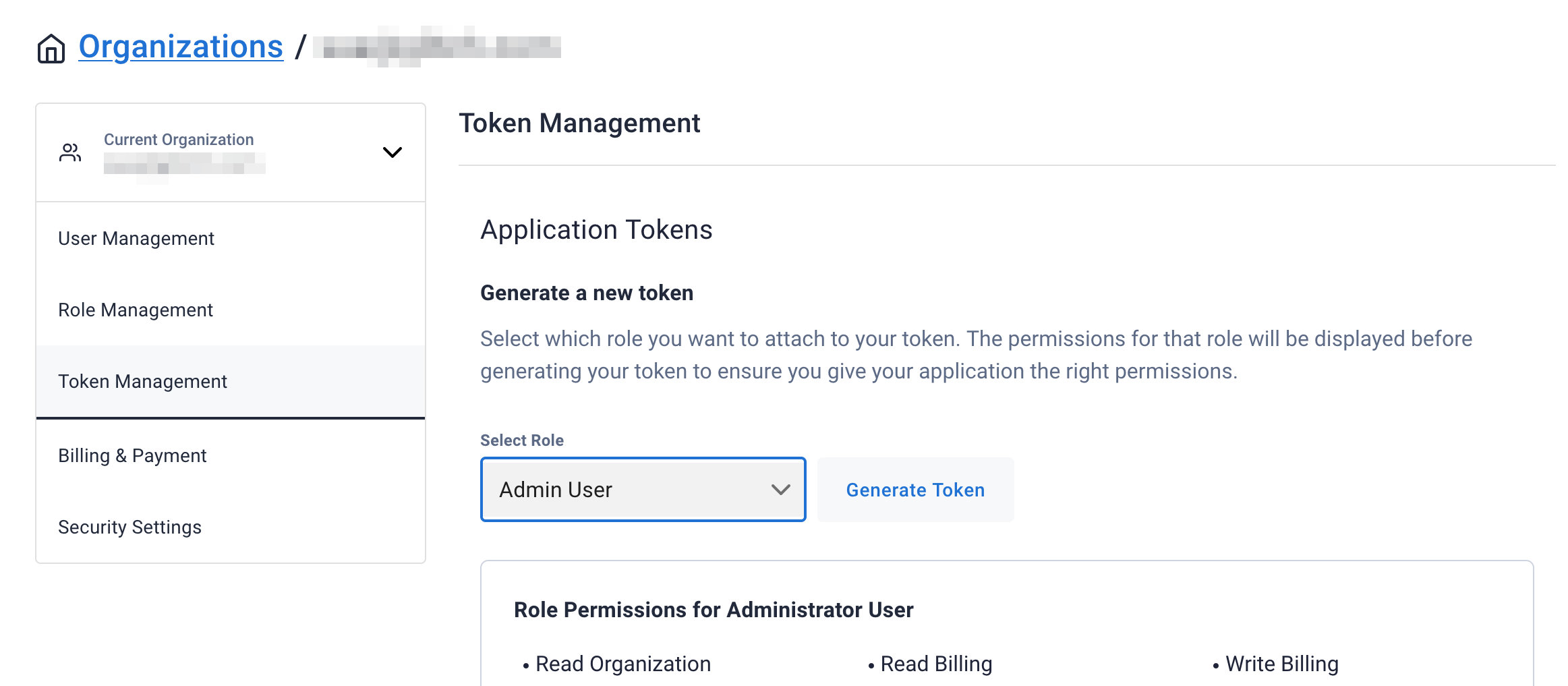
-
Select
Admin Userfor the role for this Sample App and then generate the token. Download the CSV so that we can use the credentials we need later.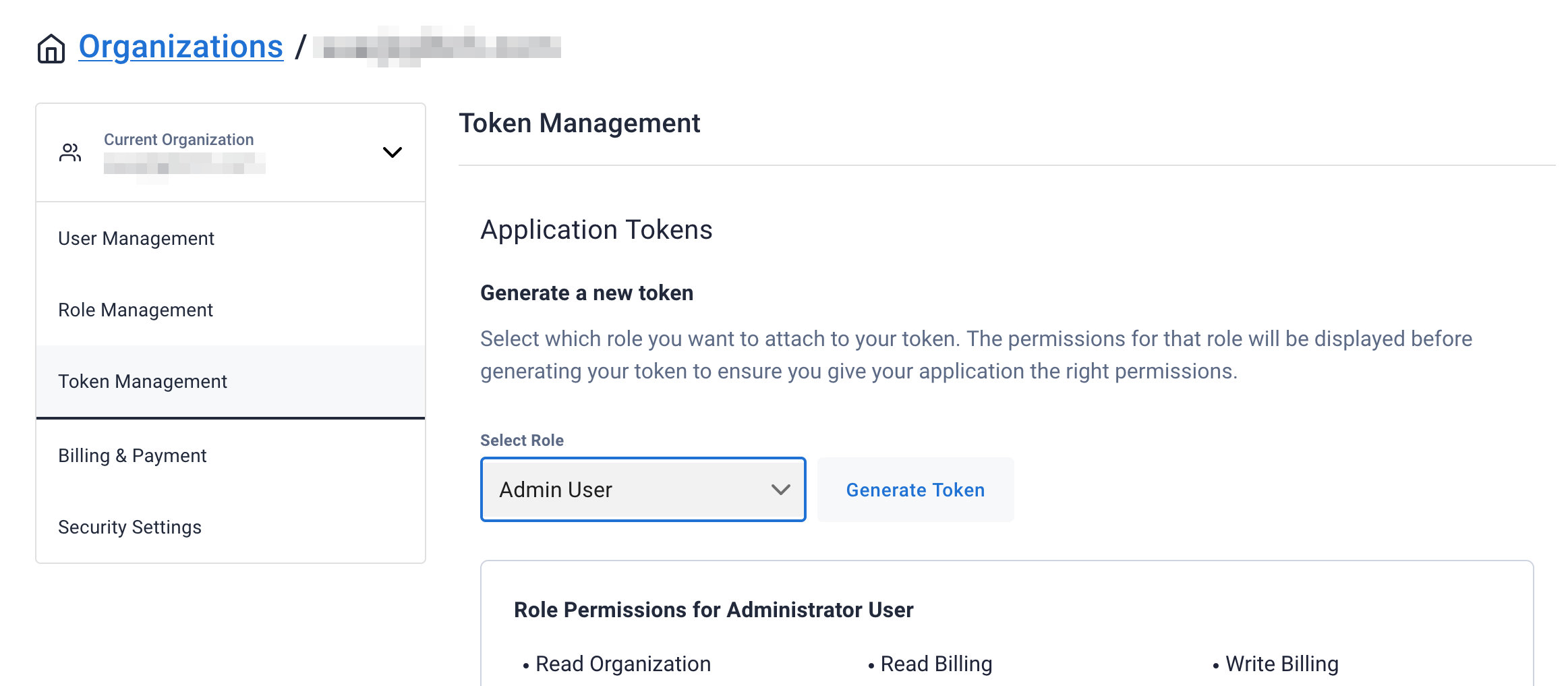
-
After you have your Application Token, head to the database connect screen and copy the connection information that we'll need later. We'll replace
ASTRA_DB_APPLICATION_TOKENwith theTokenvalue that is part of your Application Token.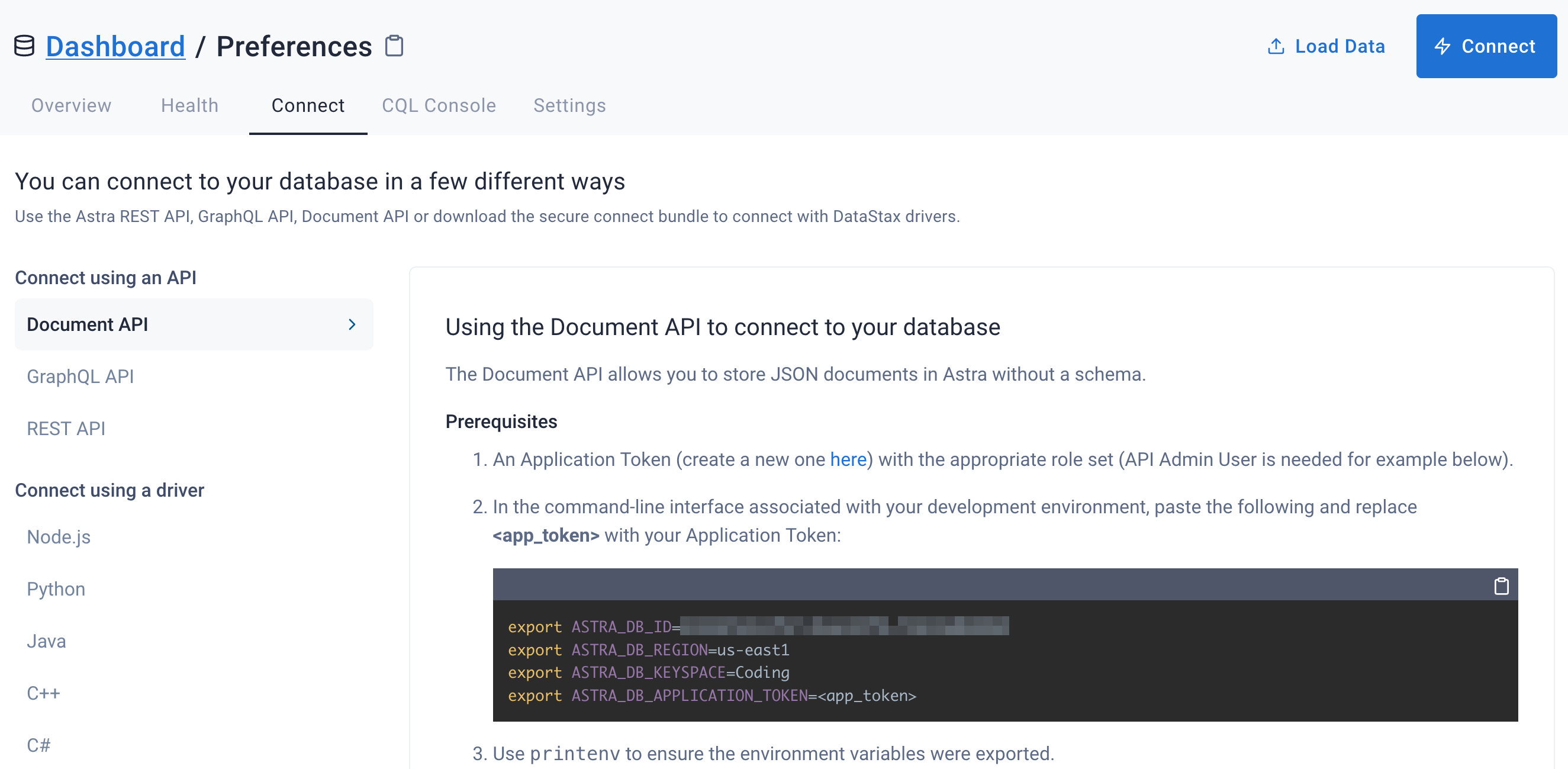
-
Click
Use this templateat the top of the GitHub Repository:
-
Enter a repository name and click 'Create repository from template':
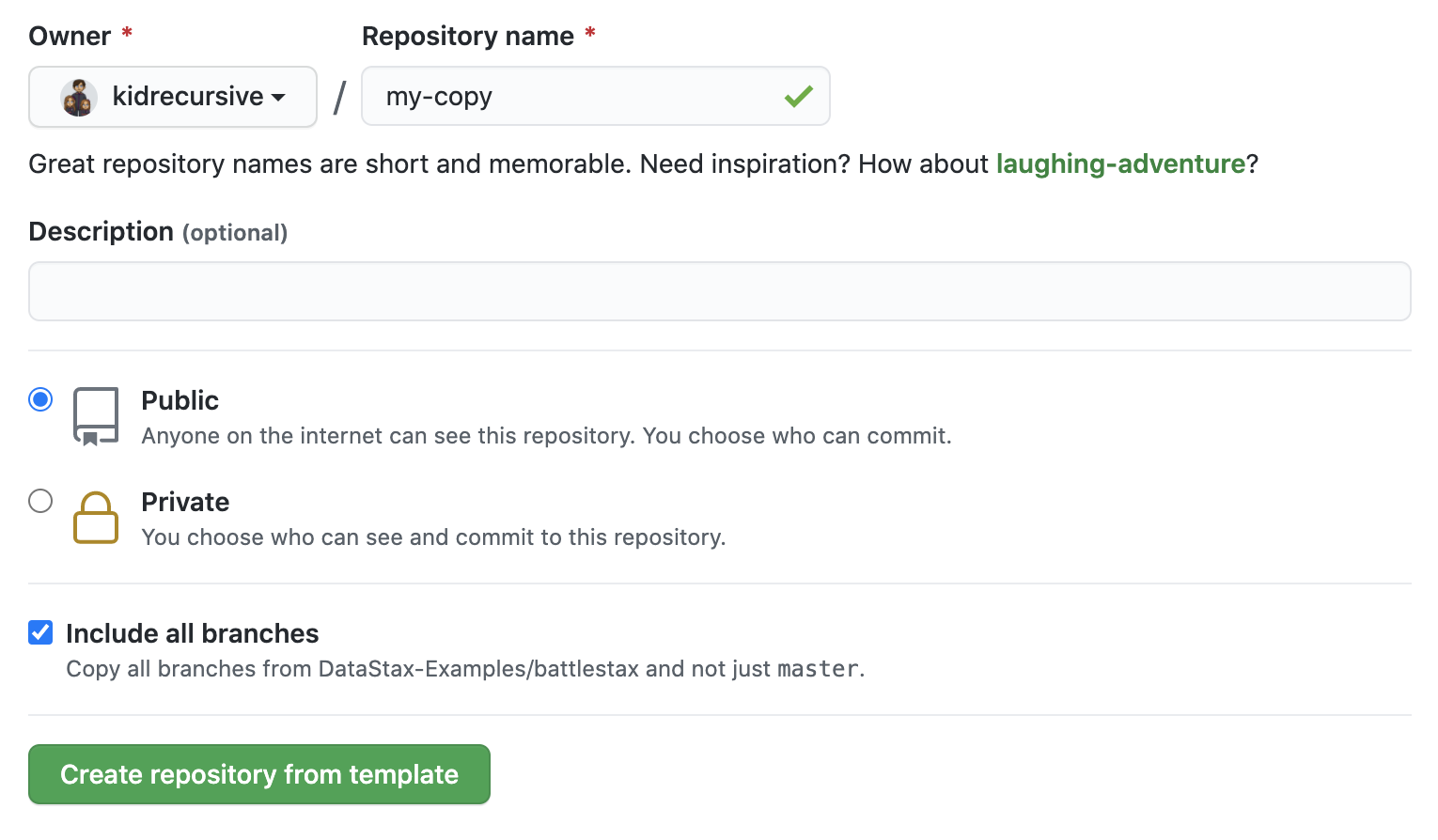
-
Clone the repository:
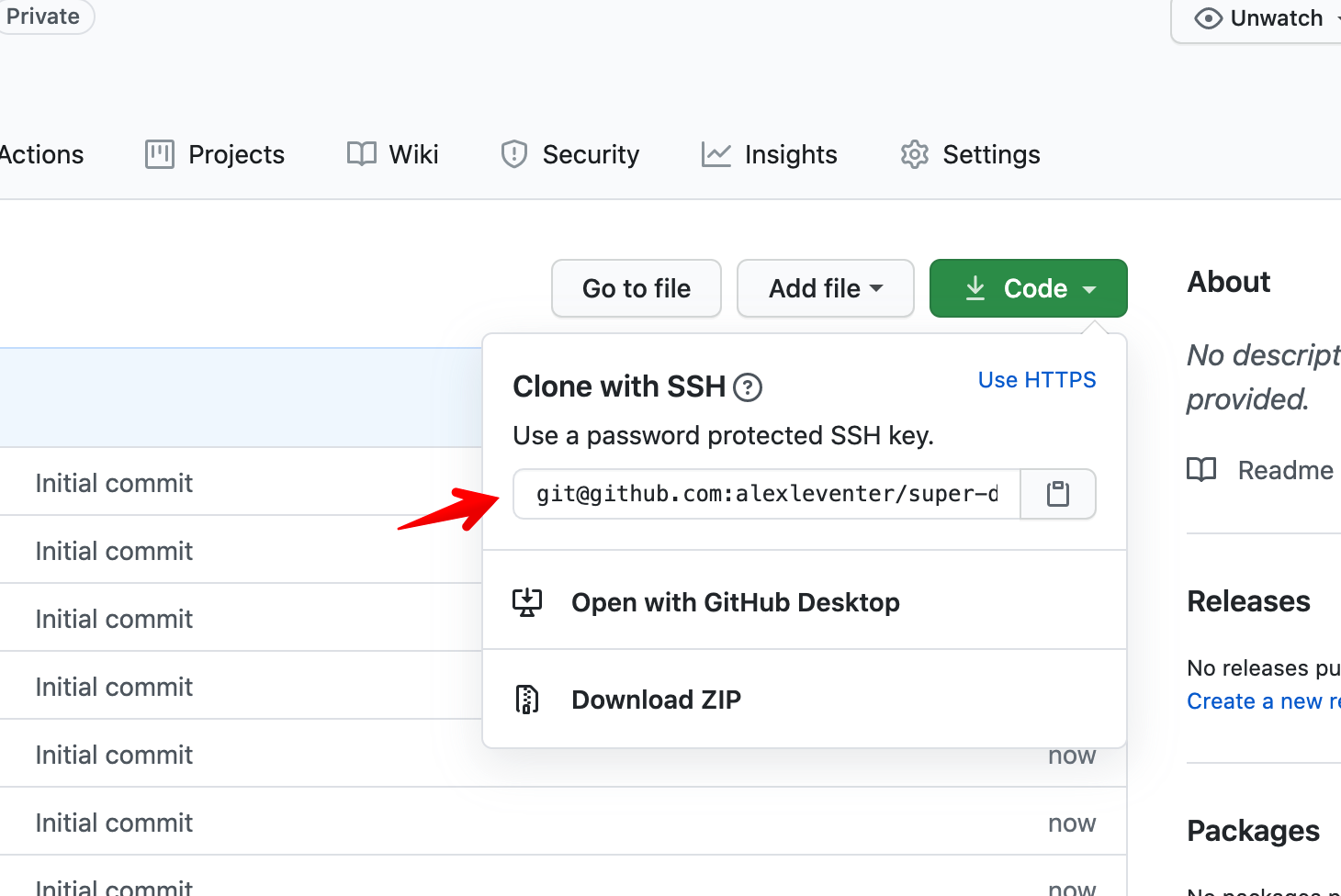
Make sure you've completed the prerequisites before starting this step
- Install all the project's dependencies:
npm i
-
Enter the values in
.envfile for below variables:DataStax Astra connection details:
ASTRA_DB_ID
ASTRA_DB_REGION
ASTRA_DB_USERNAME
ASTRA_DB_KEYSPACE
ASTRA_DB_PASSWORD
Access token to secure serverless functions:
FUNCTIONS_ACCESS_TOKEN
Base URL of FastSite-Sites deployment:
REACT_APP_SITES_URL
- Run the project locally:
netlify dev
- Build the project:
npm run build
- Deploy:
netlify deploy -p
- Click the 'Open in Gitpod' link:

- Click the 'Deploy to Netlify' button:

