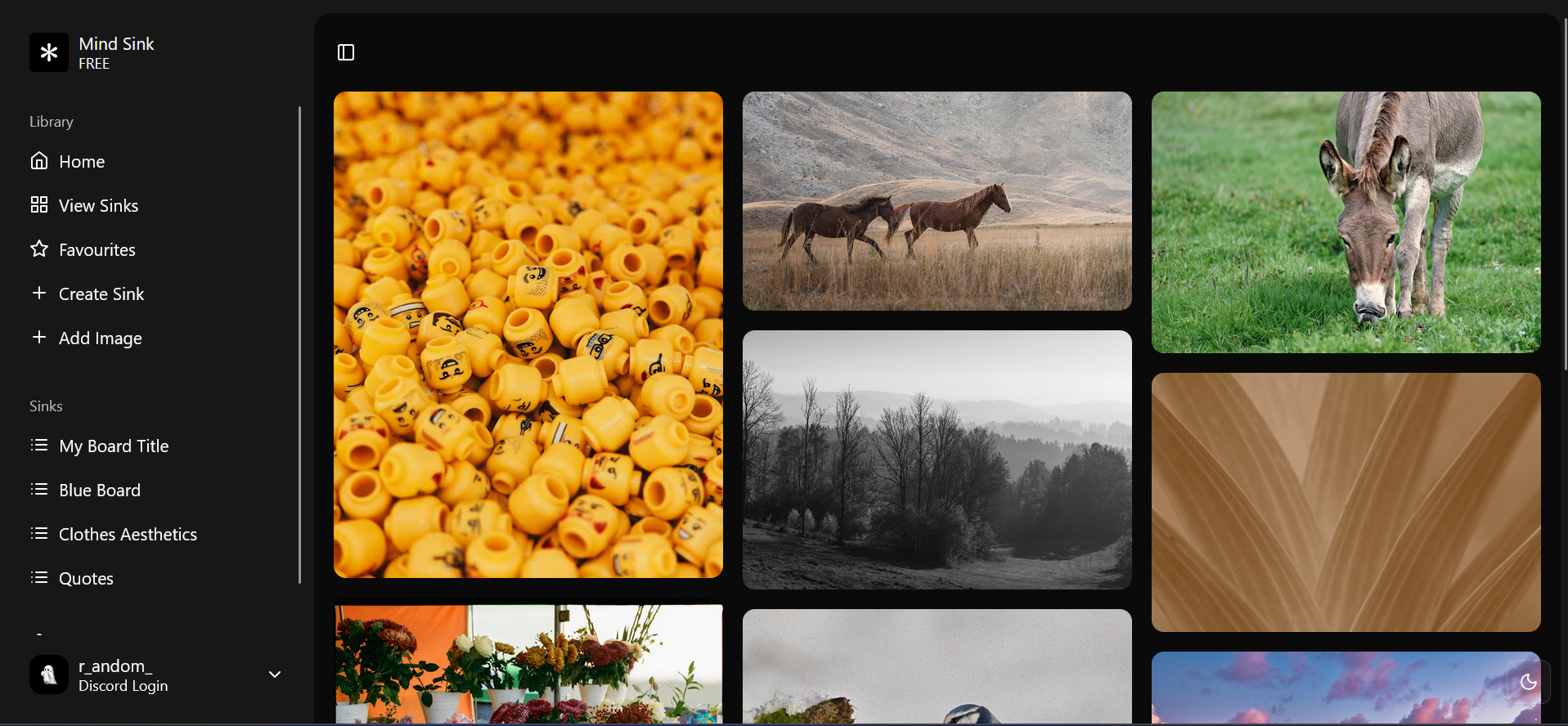
Mind Sink is an ad-free, distraction-minimizing web app for collecting and showcasing creative inspiration. The app favors focused curation over algorithmic feeds: no infinite scrolling, no recommendations, just your boards (called "sinks") and the items inside them.
Users can create sinks (boards), add items (images, links, embeds), tag and organize content, and share lightweight public pages.
- Lightweight boards called "sinks" with titles, descriptions, visibility and tags
- Add items (images or links) with optional auto-generated tags
- Simple authentication using Discord OAuth (server-side)
- React + TypeScript frontend with React Query for data fetching and caching
- Frontend: React, TypeScript, TailwindCSS, Vite
- Backend: FastAPI, Motor (async Mongo client), Pydantic models
- State & data: React Context (Auth), @tanstack/react-query
- API: Axios (wrapped in
frontend/src/api/apiClient.ts)
Start the frontend (Vite dev server):
cd frontend
npm install
npm run dev
Start the backend (FastAPI):
pip install -r backend/requirements.txt
uvicorn backend.main:app --reload --port 8000
When running both locally, point the frontend to the backend using a Vite env:
VITE_API_BASE_URL=http://localhost:8000
Backend (backend/.env or environment):
MONGO-URI— MongoDB connection string used bybackend/database.py.DISCORD_CLIENT_ID,DISCORD_CLIENT_SECRET,DISCORD_REDIRECT_URI— Discord OAuth credentials used inbackend/auth.py.JWT_SECRET— secret used to sign JWT tokens for session handling.FRONTEND_URL— frontend base URL used to redirect after OAuth (e.g.,http://localhost:5173).
Frontend (Vite env):
VITE_API_BASE_URL— API base URL (defaults to the deployed API if unset).VITE_APP_TEST_ACCESS_TOKEN— optional JWT used during frontend-only development to bypass OAuth flow.
There is a template at backend/.env.example to help local setup. Be careful not to commit real secrets to public repositories.
Top-level
frontend/— the React + TypeScript app (Vite)backend/— FastAPI server and DB logic
Frontend (important paths)
frontend/src/api/apiClient.ts— axios instance; attachesAuthorization: Bearer <token>fromlocalStorageorVITE_APP_TEST_ACCESS_TOKEN.frontend/src/context/AuthProvider.tsx— client-side auth context andlogin(token)helper used byAuthCallbackPage.frontend/src/app/*— page-level route components (e.g.,DashboardPage,BoardViewPage,ItemViewPage).frontend/src/components/ui/*— shared UI primitives (Spinner, Loading, ErrorAlert, etc.).
Backend (important paths)
backend/main.py— route registration and dependency (e.g.,get_current_user_id) wiring.backend/auth.py— Discord OAuth flow, JWT generation/verification and user creation.backend/crud.py— database helpers for boards (sinks), items and users. Use these helpers when adding API routes.backend/models.py— Pydantic models andPyObjectIdvalidators used by the API.backend/database.py— motor client and collection handles (boards,items,users).
- ObjectId handling: Pydantic uses a
PyObjectIdtype with validators inbackend/models.py. API payloads and responses use stringified ObjectId values. When creating or querying records from the DB, convert toObjectIdwhere needed (seecrud.py). - Auth flow: Discord OAuth is server-side in
backend/auth.py. After a successful OAuth exchange, the backend redirects toFRONTEND_URL/auth/callback?token=<jwt>; the frontend readstokenand callslogin(token)inAuthProvider. - API client:
frontend/src/api/apiClient.tswill throw an Error if no token is present — during local development setVITE_APP_TEST_ACCESS_TOKENor perform OAuth in the browser.
- Add route handler to
backend/main.pyand choose proper dependencies (useget_current_user_idfor authenticated routes). - Implement DB logic in
backend/crud.pyor reuse/extend existing helpers. - Add request/response Pydantic models to
backend/models.pyif necessary. - Add a frontend API wrapper in
frontend/src/api/and a React Query hook or call site in the appropriate page/component.
Mind Sink uses GitHub Actions for automated testing and deployment:
- Pull Request Checks - Automated linting, type checking, and builds run on every PR
- Automatic Deployment - Merges to
maintrigger deployment to Render - Branch Protection - Main branch requires passing CI checks before merge
Quick Start:
- Read
.github/SETUP_CHECKLIST.mdfor initial setup - See
.github/QUICK_REFERENCE.mdfor daily workflow commands - Full documentation in
.github/CICD_GUIDE.md
Development Workflow:
# Create feature branch
git checkout -b feature/your-feature

# Make changes, commit
git commit -m "feat: add description"

# Push and open PR
git push origin feature/your-feature
CI checks will run automatically. When checks pass and PR is approved, merge to main to deploy to production.