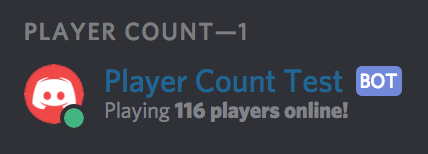
Discord bot to display a Steam server's player count via its presence message.
- Verify you have Python 3.6 installed (unfortunately, discord.py does not support Python 3.7).
- Clone (
git clone https://github.com/jacobmstein/PlayerCountBot.git) or download this repository. - Create a Discord application and retrieve your bot token.
- Invite your bot to your Discord server by generating an OAuth2 URL.
- Open
config.pyin your preferred text editor and set your bot token and server address. - Install the necessary packages using pip,
pip install -r requirements.txt. - Run the bot using
python bot.py. (If Python 3.6 isn't your default version of Python you may have to runpython3.6 bot.pyor something similar.) - Optionally, create a separate role for your bot with the "Display role members separately from online members" option enabled for better effect.