Fall 2014
For this project, I implemented a pathtracer on Nvidia GPU by using CUDA so that the rendering process is very fast.
basic features:
- Raycasting from a camera into a scene through a pixel grid
- Diffuse surfaces
- Perfect specular reflective surfaces
- Cube&Sphere intersection testing
- Sphere surface point sampling
- Stream compaction optimization
additional features:
- Depth of field
- Fresnel Refraction and Reflection
- Supersampled antialiasing
- Motion blur
##First version of pathtracer
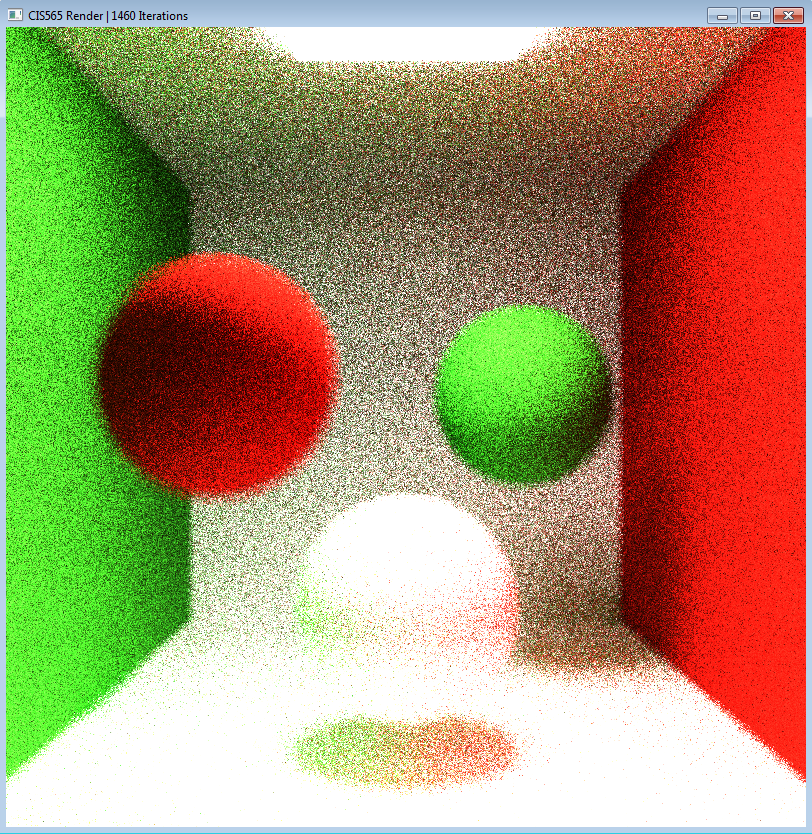
When I finished all the basic functions, the pathtracer gave me this wired output:
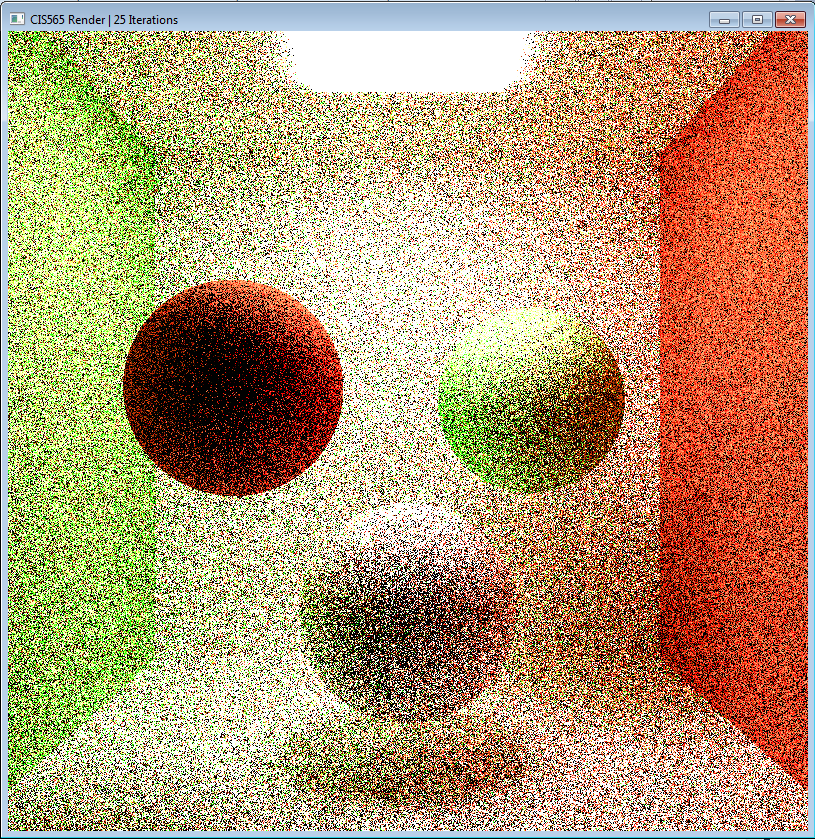
The problem is my color accumulation. Since I was simply adding the color for each iteration, everything becomes white. Also the emittance of the light is too large (15) that makes almost every pixel white. I fixed this by average color through iterations. And I also add a distance feature to the ray and multiply exp(-Distance) to the final pixel color.
After doing so, I get this much better result:
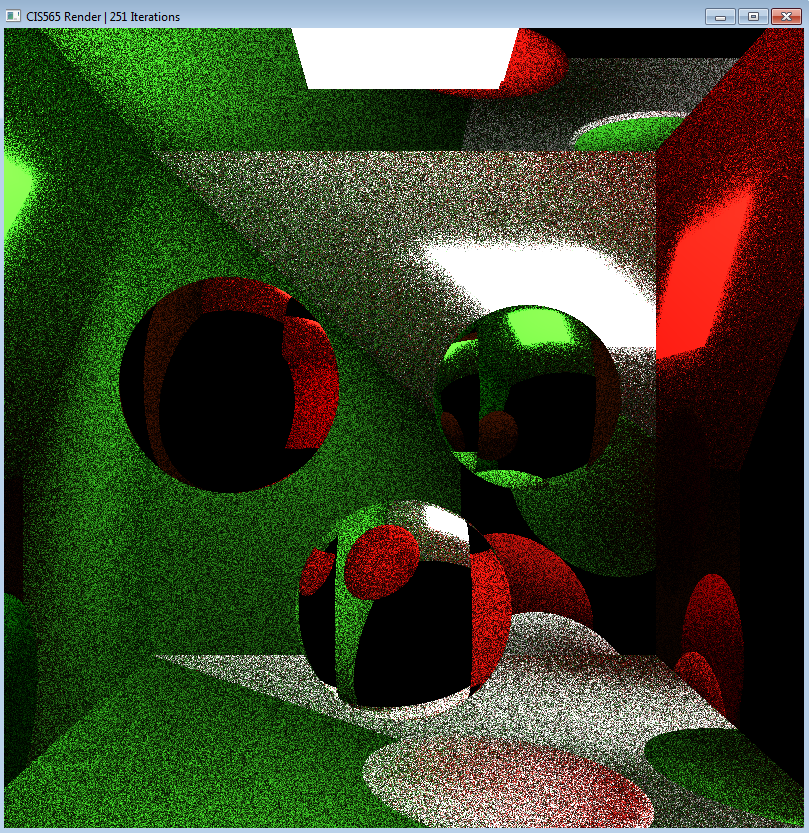
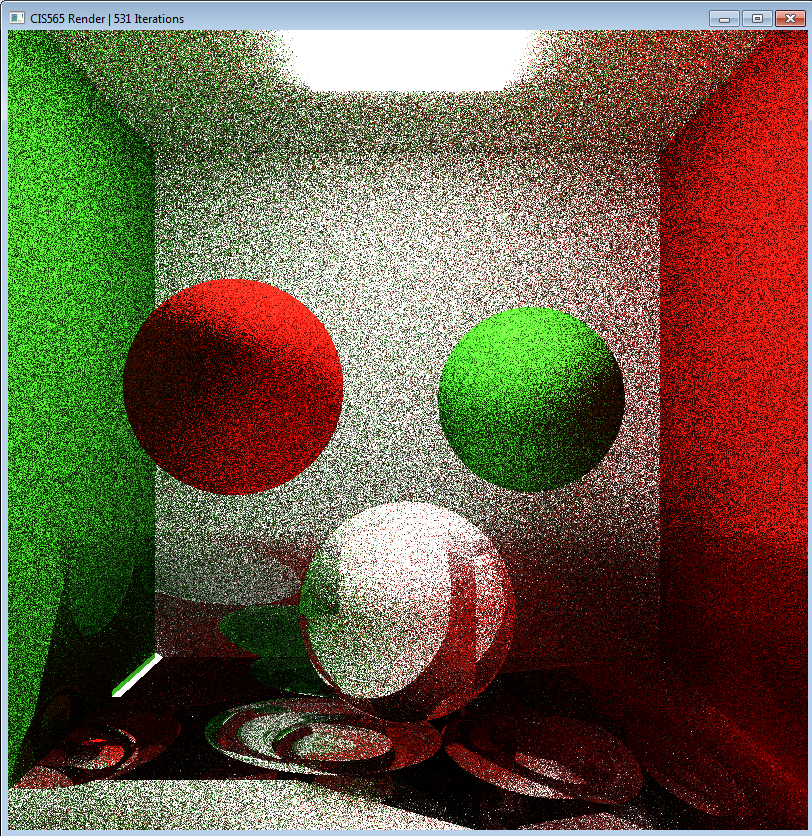
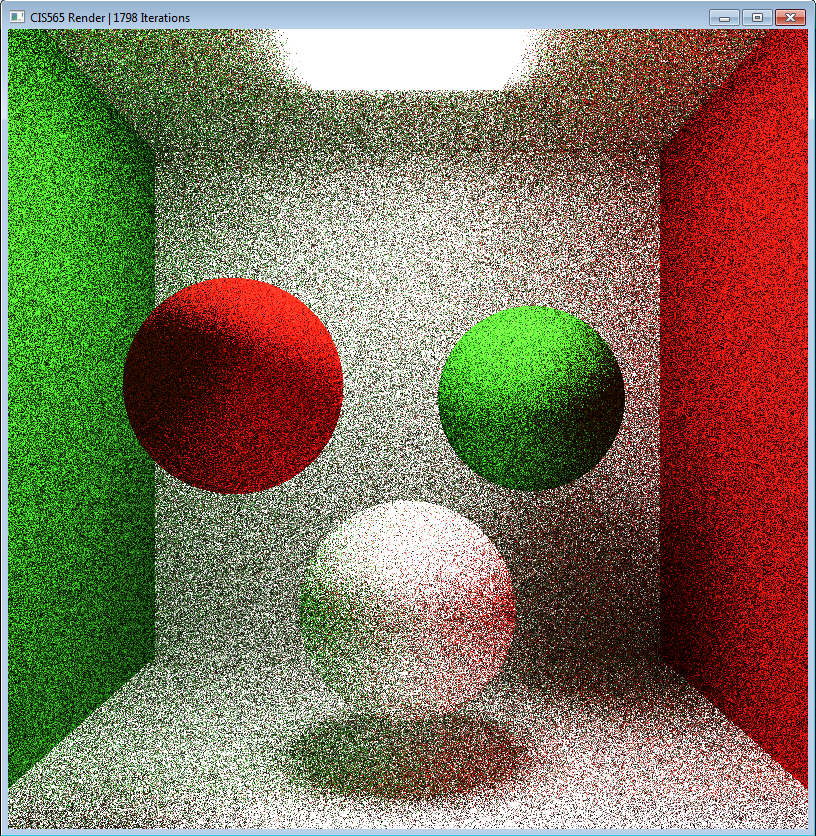 Also I find that the randseed for BSDF input has a hugh impact for the result. Here are two interesting pictures generated by the same code except different randSeeds which are actually pretty cool!
##Performance analysis for stream compaction
Here's a chart showing the running time for 50 iterations with/without stream compaction:
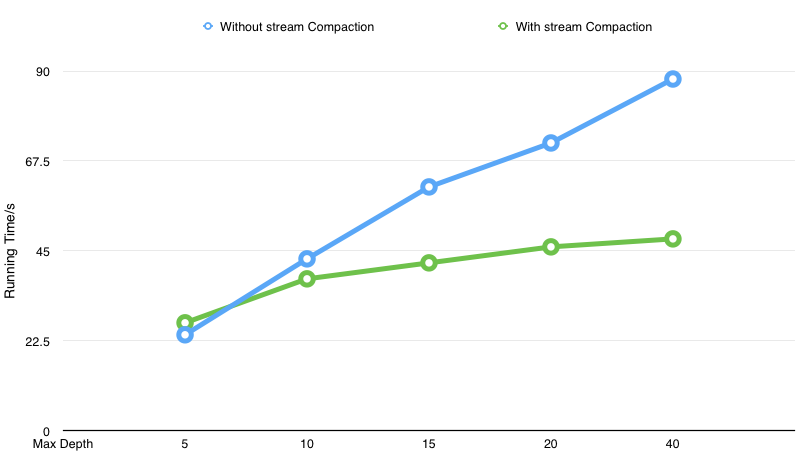
As we can see, stream compaction is extremely useful when max depth becomes larger. While the running time for original method is linear related to the max depth, running time for implementation with stream compaction is not changing too much. This makes sense, since the computation complexity for naive method is linear to the number of depth, while by using stream compaction, I would expect the number of rays that needed to track will decrease exponentially.
##Anti-Aliasing I implemented anti-aliasing by jitting the pixel position when we first generate the ray from camera. The following picture shows the effect with anti-aliasing. Left part is generated with AA while right part is generated without AA.
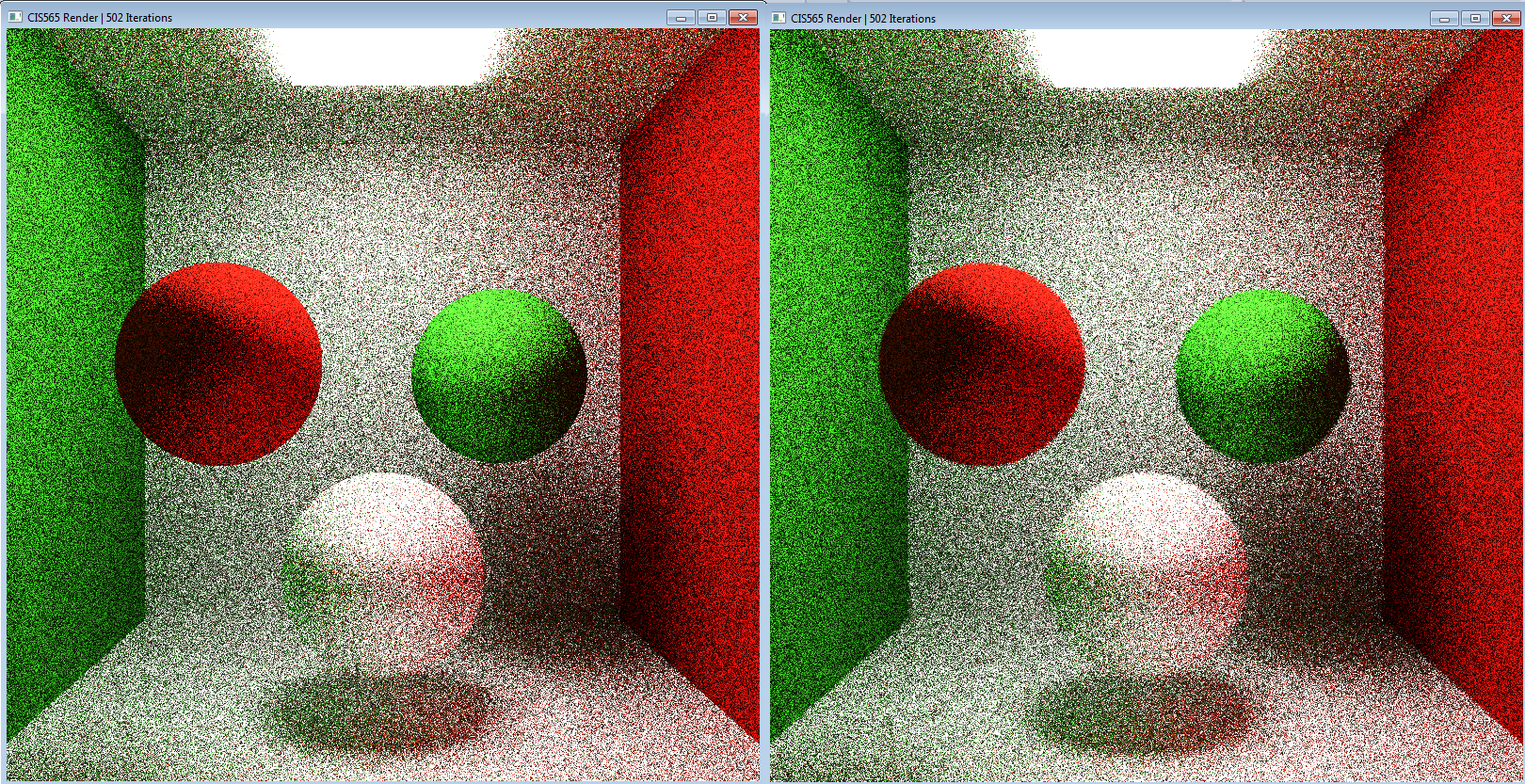
Although it is not very obvious since I only run 500 iteration due to time limit. You can still tell that the edge is a little smoother after using Anti-aliasing.
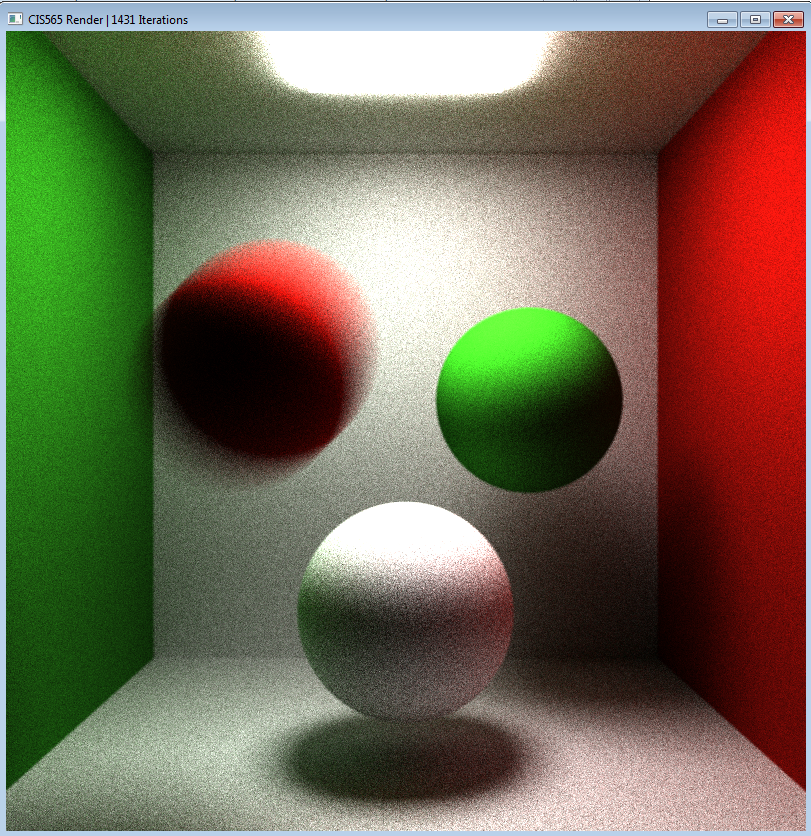
##Motion Blur I implemented motion blur by hard coded in the cudaRaytraceCore function. By changing the position of the object a little bit during each iteration, you can get a moiton blur like this:
##DOF
For depth of field, I make the camera position jittering with given radius.