Creating an ec2 machine in amazon management console
- Click on the Launch Cloud Gateway button, at the top of the menu on the left. Select the EC2 service.
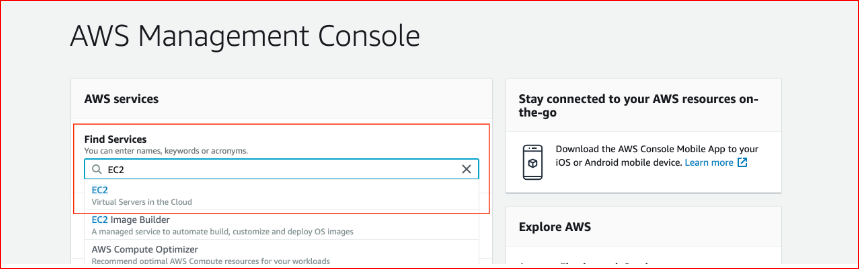
- Have a look at the EC2 Dashboard. The EC2 Dashboard is home to a variety of related services, such as Amazon Machine Images, Elastic Block Store (EBS), Load Balancer, and Auto Scaling.
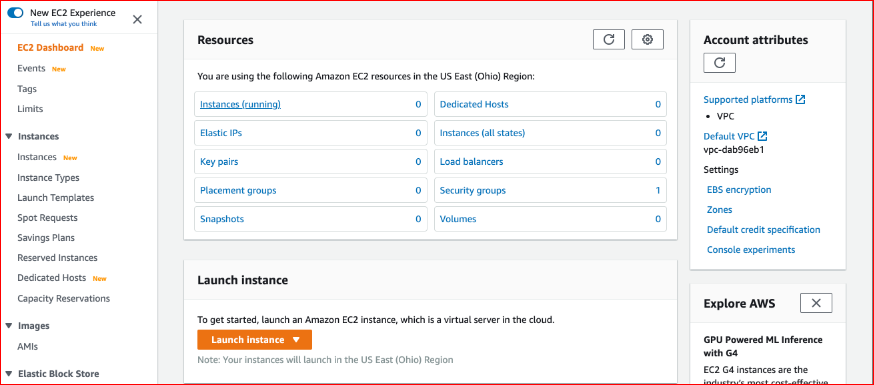
Launching an instance is an eight-step process, as described below. At any stage.
An AMI is a template used to create a VM. AMI contains the pre-installed operating system, application server, and applications required to launch your instance. There is a variety of Linux, Windows, and other OS servers available. Choose the one available under the free-tier option.