mint is a (very) simple command line tool to track work on a software project. It's useful for humans, but great for agents.
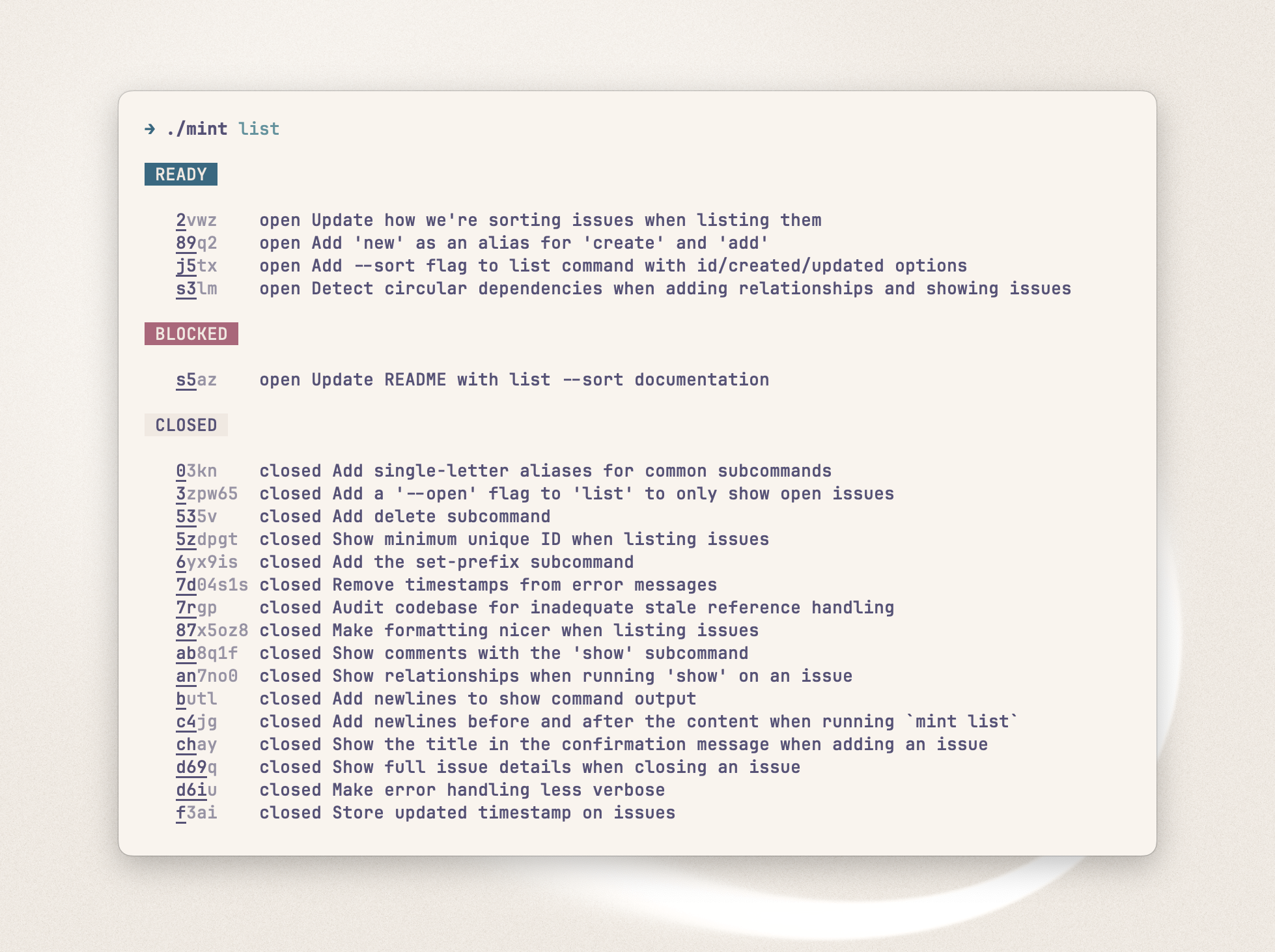
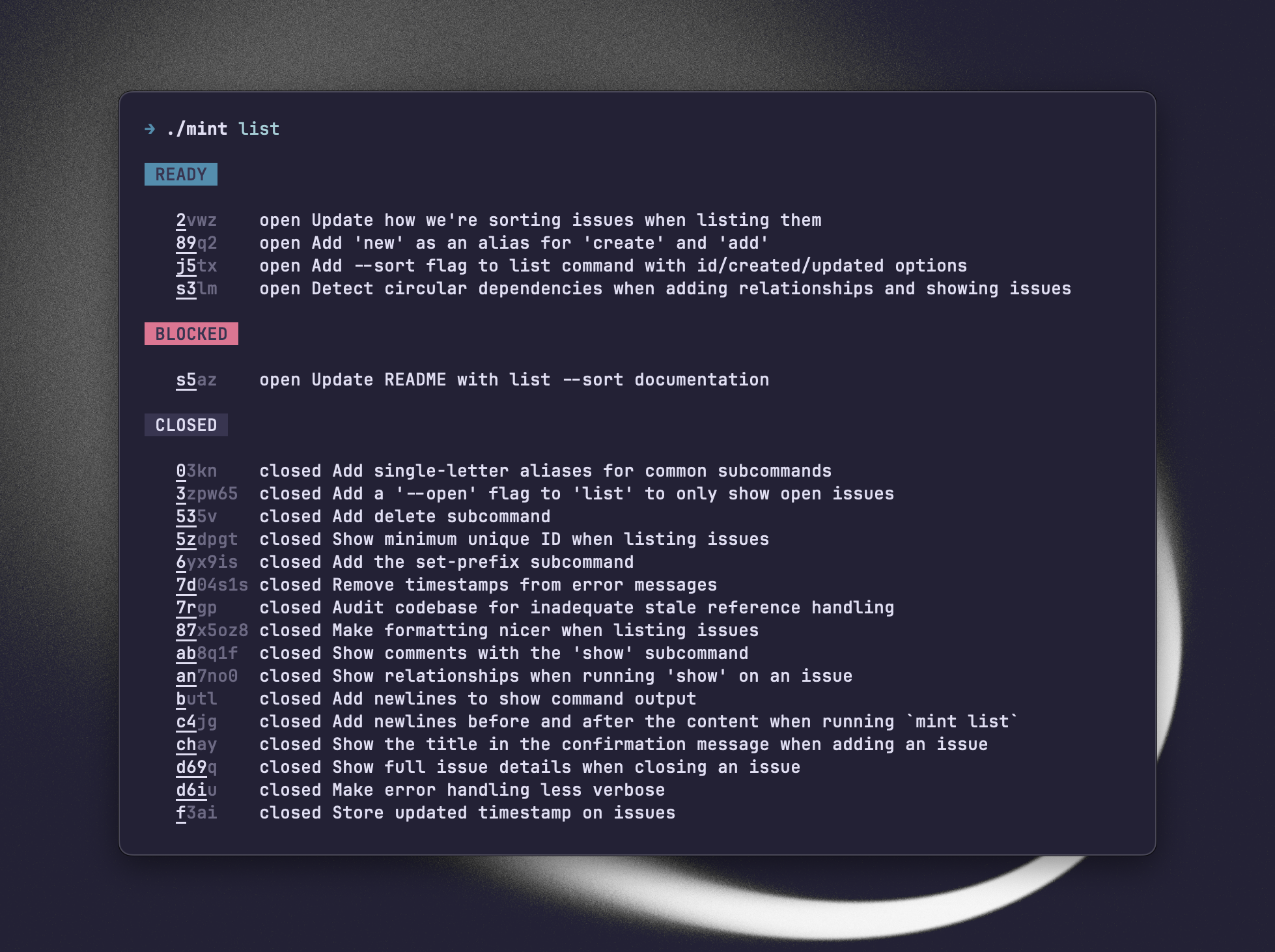
- A simple, intuitive command line interface.
- Built for agents and humans.
- Issues are stored as plain text in a single YAML file.
- Track dependencies between issues (depends on, blocks).
- Track status of issues (open, ready, closed).
- See issues that are ready for work (issues with no blockers).
Via Homebrew:
brew tap mybuddymichael/tap
brew install mybuddymichael/tap/mint
Manually with Go:
go install github.com/mybuddymichael/mint@latest
→ mint create "Support closing issues"
Created issue mint-a8
→ mint update mint-a8 --title "Support closing issues with dependencies"
Updated mint-a8 with new title "Support closing issues with dependencies"→ mint update mint-a8 --depends-on mint-j0
Updated mint-j0 "Add initial code structure"
[blocks]
mint-a8 "Support closing issues"→ mint update mint-a8 --blocks mint-8G mint-lw
Updated mint-a8 "Support closing issues"
[blocks]
mint-8G "Write tests for closing issues"
mint-lw "Update README for closing issues"→ mint update mint-a8 --remove-depends-on mint-j0
Updated mint-a8→ mint show mint-a8
ID: mint-a8
Title: Support closing issues
Status: open
Blocks:
mint-8G "Write tests for closing issues"
mint-lw "Update README for closing issues"→ mint list
READY
mint-j0 open Add initial code structure
BLOCKED
mint-a8 open Support closing issues
CLOSED
mint-8G closed Write tests for closing issues
mint-lw closed Update README for closing issues→ mint list --ready
READY
mint-j0 open Add initial code structure→ mint list --limit 1
READY (1 of 2)
mint-j0 open Add initial code structure
BLOCKED (1 of 1)
mint-a8 open Support closing issues
CLOSED (1 of 1)
mint-8G closed Write tests for closing issues→ mint update mint-a8 --comment "The problem is in main.go:123."
Added a comment to issue mint-a8 with text "The problem is in main.go:123."→ mint close mint-a8 --reason "Done"
Closed issue mint-a8 with reason "Done"→ mint open mint-a8
Re-opened issue mint-a8→ mint delete mint-a8
Deleted issue mint-a8→ mint set-prefix am
Prefix set to "am" and all issues updatedAdd something like this to your agent markdown file:
## Issue tracking
Use Mint exclusively to track and manage issues. Run `mint help` to see how to use it. Run `mint list --ready` to see issues that are ready for work.Use mint list --ready to see issues that are ready for work. These are issues that are open and aren't blocked by anything else.
When issues are printed, the minimal unique part is highlighted. So a full issue ID might be mint-ELtA, but the current minimum unique part (what distinguishes it from every other issue) is mint-E. So you can just type mint-E to select the issue.
The current unique part of an ID is always underlined for easy spotting.
By default, issues will be given a prefix, like mint-m3f. But you can set the prefix to nothing and just use the nanoID for the issue IDs, like m3f.
When you run mint list, issues are automatically sorted by timestamps:
- Ready and blocked issues: Sorted by creation date, with the newest issues at the top
- Closed issues: Sorted by last update date, with the most recently updated at the top
Issues are stored as plain text in a single YAML file (mint-issues.yaml), and I recommend tracking it in version control. If an issue file isn't found, it's created when the first issue is added.
The issue file is created at the top level of the project, based on the nearest .git folder. If a .git directory can't be found, the file will be created in the current directory when the command is run.
- Go
- urfave/cli/v3
- goccy/go-yaml
I made this for myself. Other tools (see below) might be a better solution for you.
The interface might change as better patterns emerge.
MIT