

DocBase is a browser extension designed for Policy, LD, and PF debaters. It creates a private, offline search engine for your local .docx backfiles.
Stop relying on slow Drive searches or spotty tournament Wi-Fi. Download entire camp files from Open Evidence, index them in your browser, and find the perfect card in milliseconds.
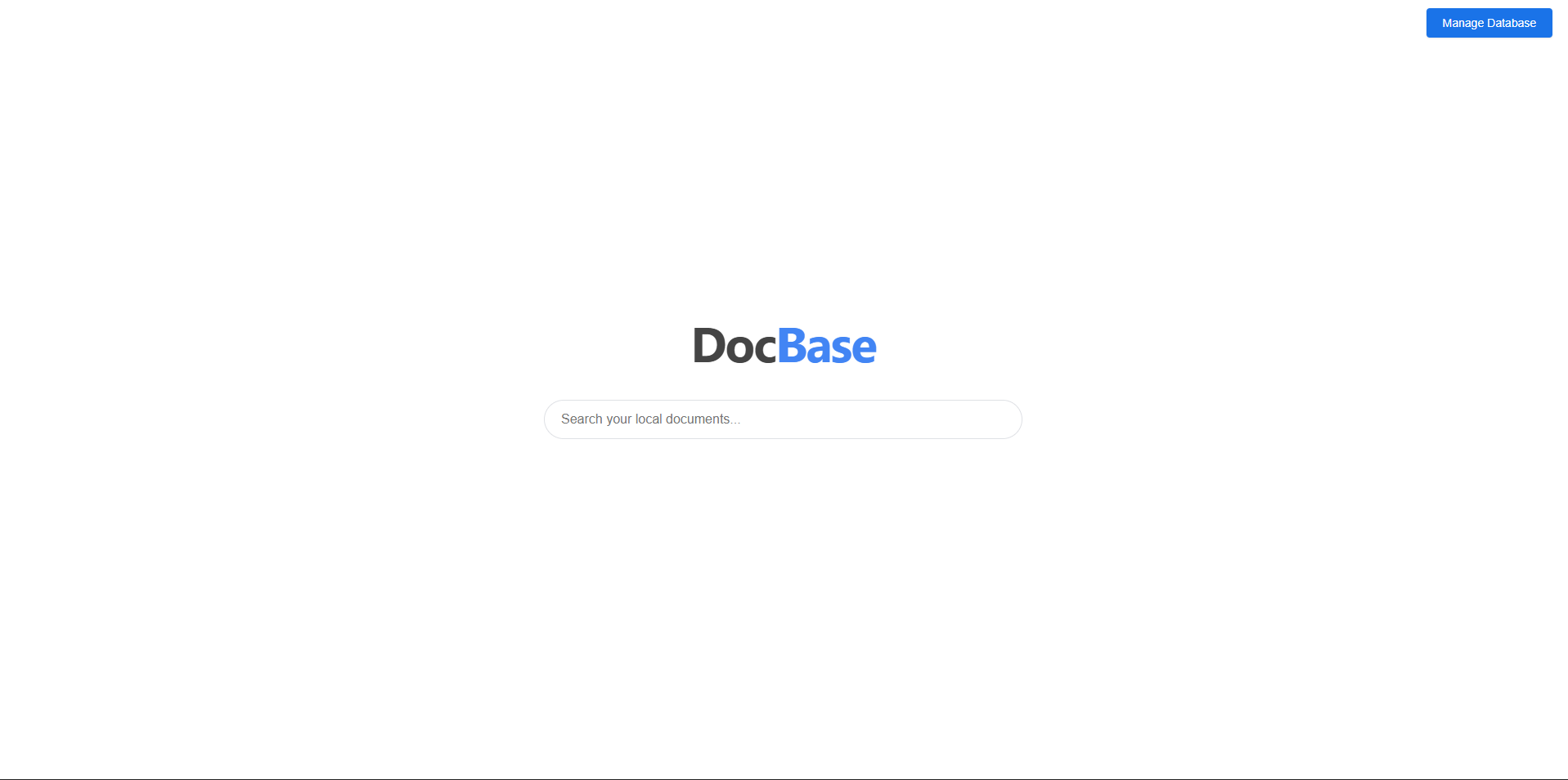
- 🚫 100% Offline & Private: Works entirely without internet. Your prep stays on your machine in the browser's
IndexedDB. No cloud uploads. - ⚡ Instant Card Search:
- Smart Ranking: Prioritizes File Names and Taglines/Cites (Headers) over card text.
- Snippet Preview: See the context around the match before opening the file.
- 📑 Native Docx Viewer: View files with full formatting (highlighting, underlining, bolding) preserved.
- navigable Outline: The viewer automatically generates a sidebar based on Headers (Taglines), allowing you to jump between blocks instantly.
- 📂 Bulk Management: Drag and drop 50+ Open Ev files at once. Manage your database easily.
Go to Open Evidence and download the .docx files you need (e.g., "K Affs", "Politics DA", "T - Substantial").
- Click the DocBase extension icon.
- Click Manage Database.
- Drag and drop your downloaded files into the upload zone. The extension will parse the taglines and text instantly.
- Type a query (e.g., "hegemony collapse war" or "cap k link").
- Inline Preview: Click a title to verify it's the right file.
- Popout View: Click the Popout Icon (↗) to open the file in a new tab for reading speeches.
- Scroll Spy: Use the left sidebar to jump specifically to the 1NC Shell or 2AC blocks.
The search engine is optimized for how debate evidence is formatted. It ranks results based on where the keyword appears:
| Match Location | Debate Equivalent | Priority Score |
|---|---|---|
| Document Title | File Name (e.g., "Camp_Politics_DA.docx") | 100 (Highest) |
| HTML Headers (H1-H6) | Taglines & Cites | 50 (High) |
| Body Text | Card Text / Warrants | 10 (Standard) |
Since this is a specialized local tool, install it via Developer Mode:
- Clone/Download this repository.
- Open Chrome/Edge and go to
chrome://extensions. - Toggle Developer mode (top right).
- Click Load unpacked.
- Select the folder containing
manifest.json.
- Mammoth.js: Extracts raw text for the search index.
- docx-preview: Renders the evidence with full formatting (crucial for reading cards).
- IndexedDB: Stores your backfiles locally in the browser (via
unlimitedStorage).
Your files are stored in your browser's local storage. If you clear your "Cookies and Site Data" or "Hosted App Data," your database will be wiped. Always keep your original .docx files on your hard drive as a backup.
MIT License. Free for the debate community to use and modify.