







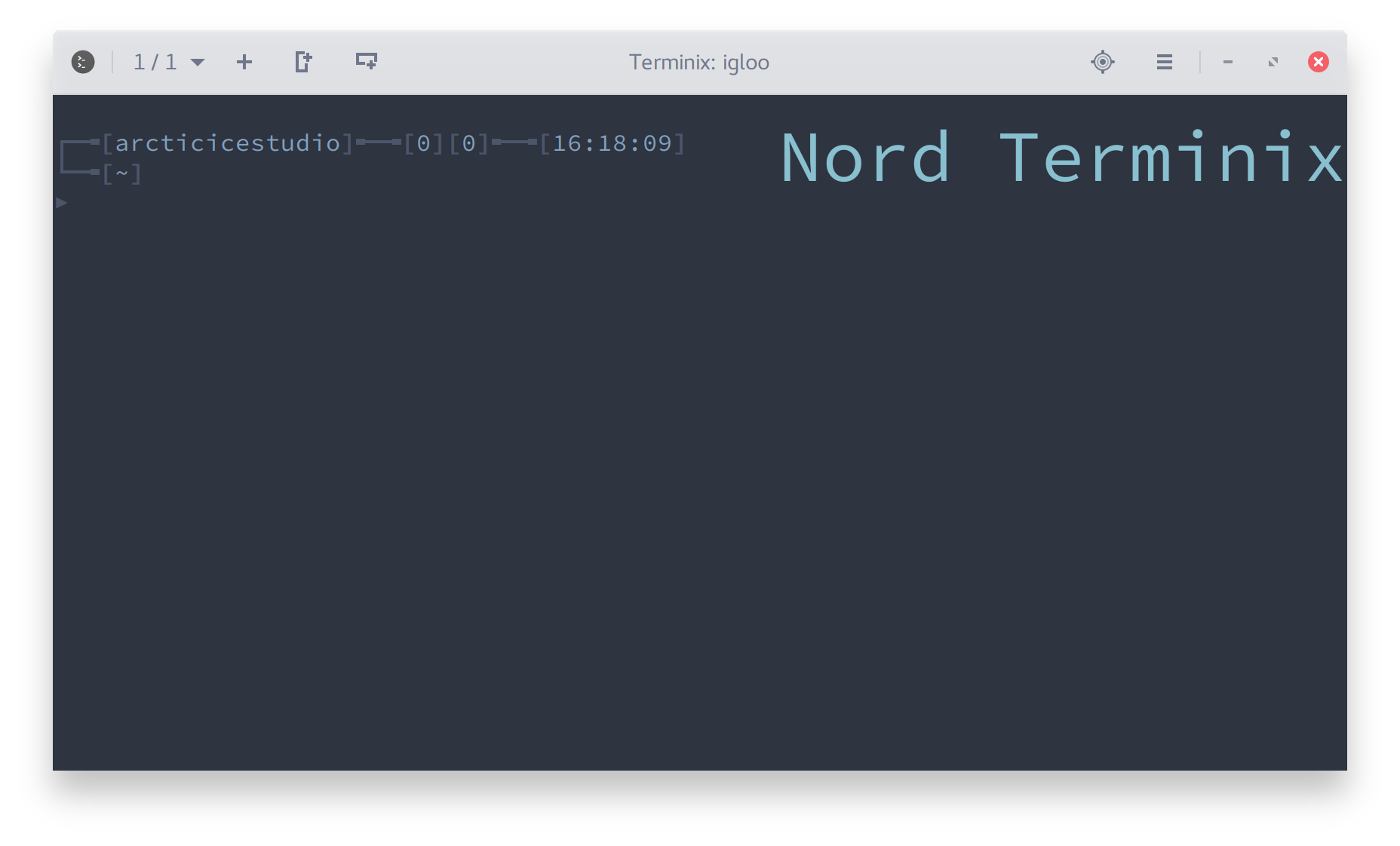
An arctic, north-bluish clean and elegant Tilix color scheme.
Designed for a fluent and clear workflow based on the Nord color palette.
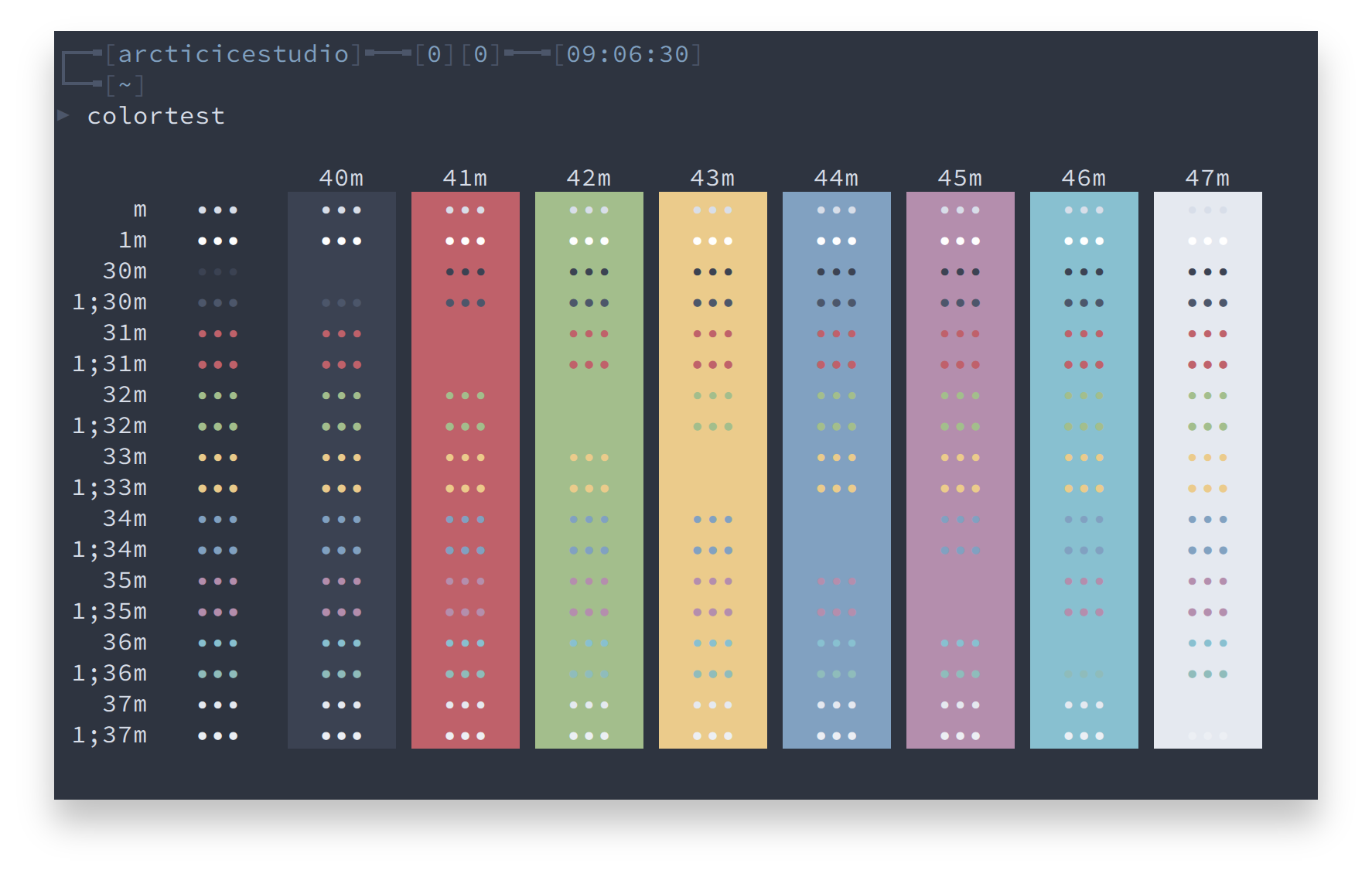
Copy the nord.json file to the color schemes directory according to the desired installation type.
Local: ~/.config/tilix/schemes
Global: /usr/share/tilix/schemes
The included install.sh shell script can be used for an automated installation.
If no option is specified, the default installion type is local and the scheme file is src/json/nord.json.
A list of available options can be shown with the --help option.
./install.sh --helpSyntax: install.sh [OPTIONS]
| Option | Description |
|---|---|
-h, --help |
Shows the help |
-v, --verbose |
Verbose output |
-g, --global |
Install global |
-s <SCHEME_FILE>, --schemefile <SCHEME_FILE> |
Use the specified scheme file |
Note: The global installation requires root privileges via sudo!
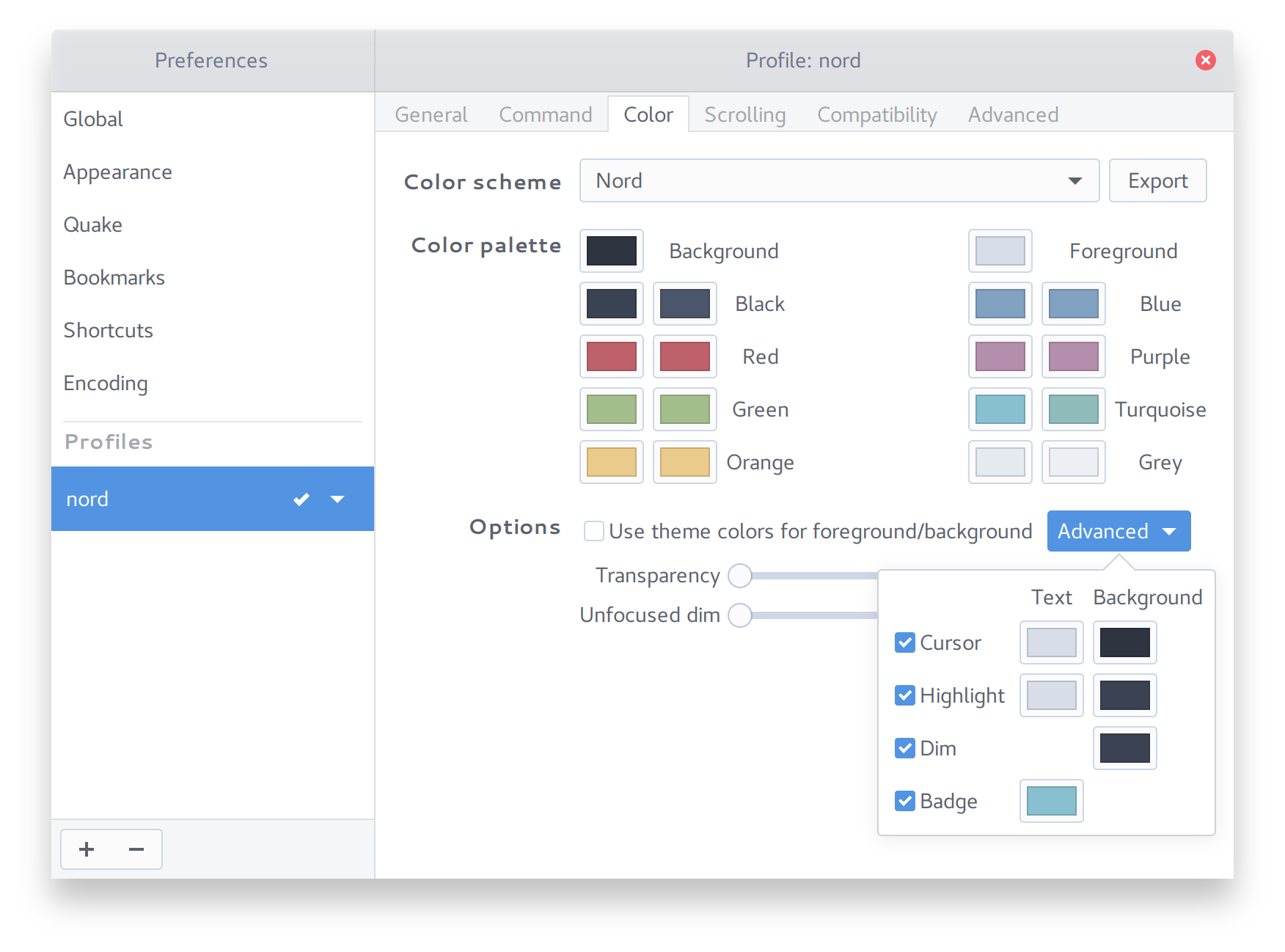
- Open your profile preferences
- Switch to the Color tab
- Select
Nordfrom the Color scheme drop-down menu
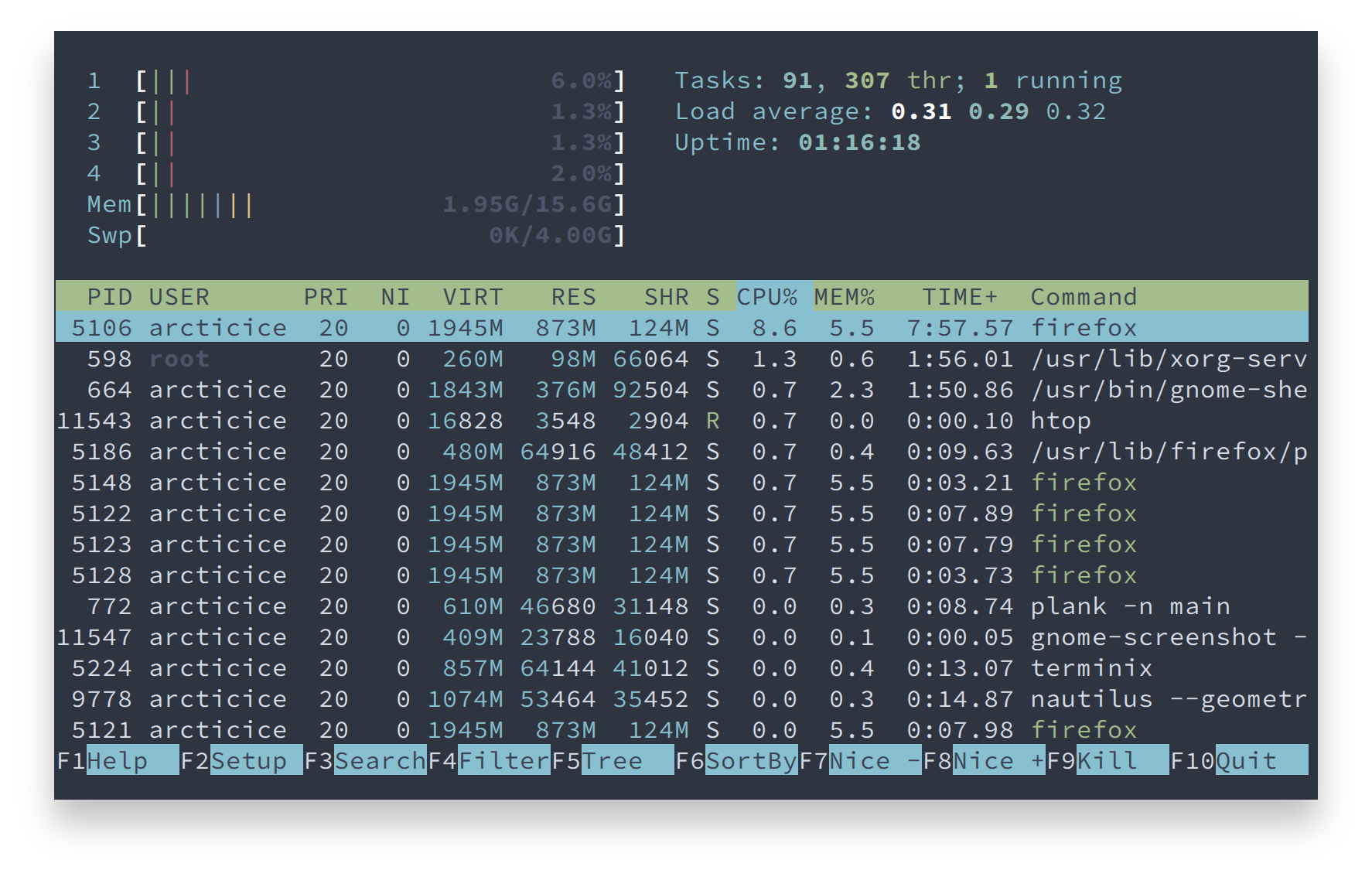
htop
Advanced Color Settings
Please report issues/bugs, feature requests and suggestions for improvements to the issue tracker.

Copyright © 2016-present Sven Greb

