Zapicon is a powerful app icon generator designed for developers, designers, and indie makers. Create stunning app icons with visual editing and export them to all major platforms (iOS, Android, macOS, Windows, Web) with a single click — perfect for shipping your next app faster.
Currently supported platforms: Windows, macOS
| name | image |
|---|---|
| Visual Editing | 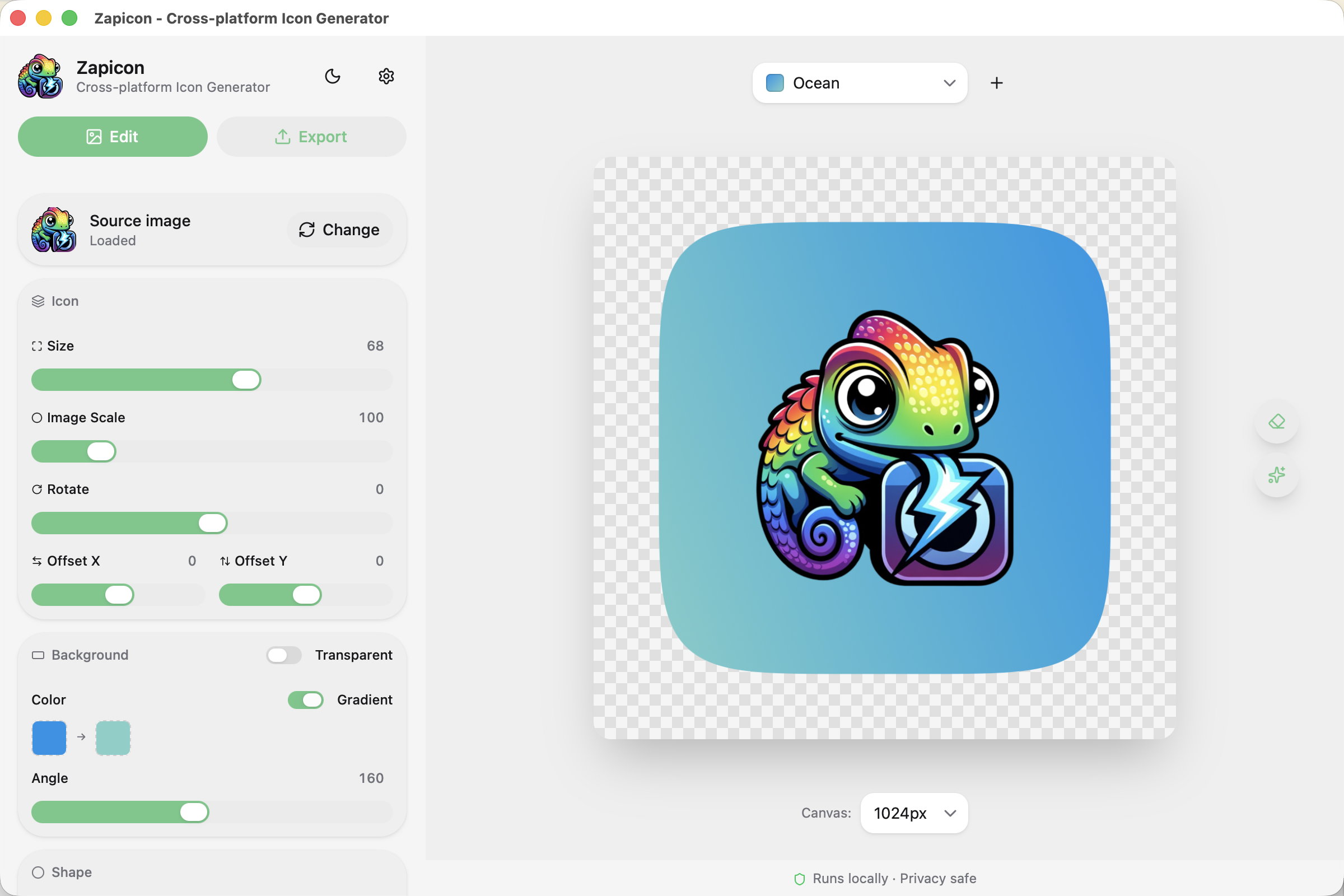 |
| Theme Presets | 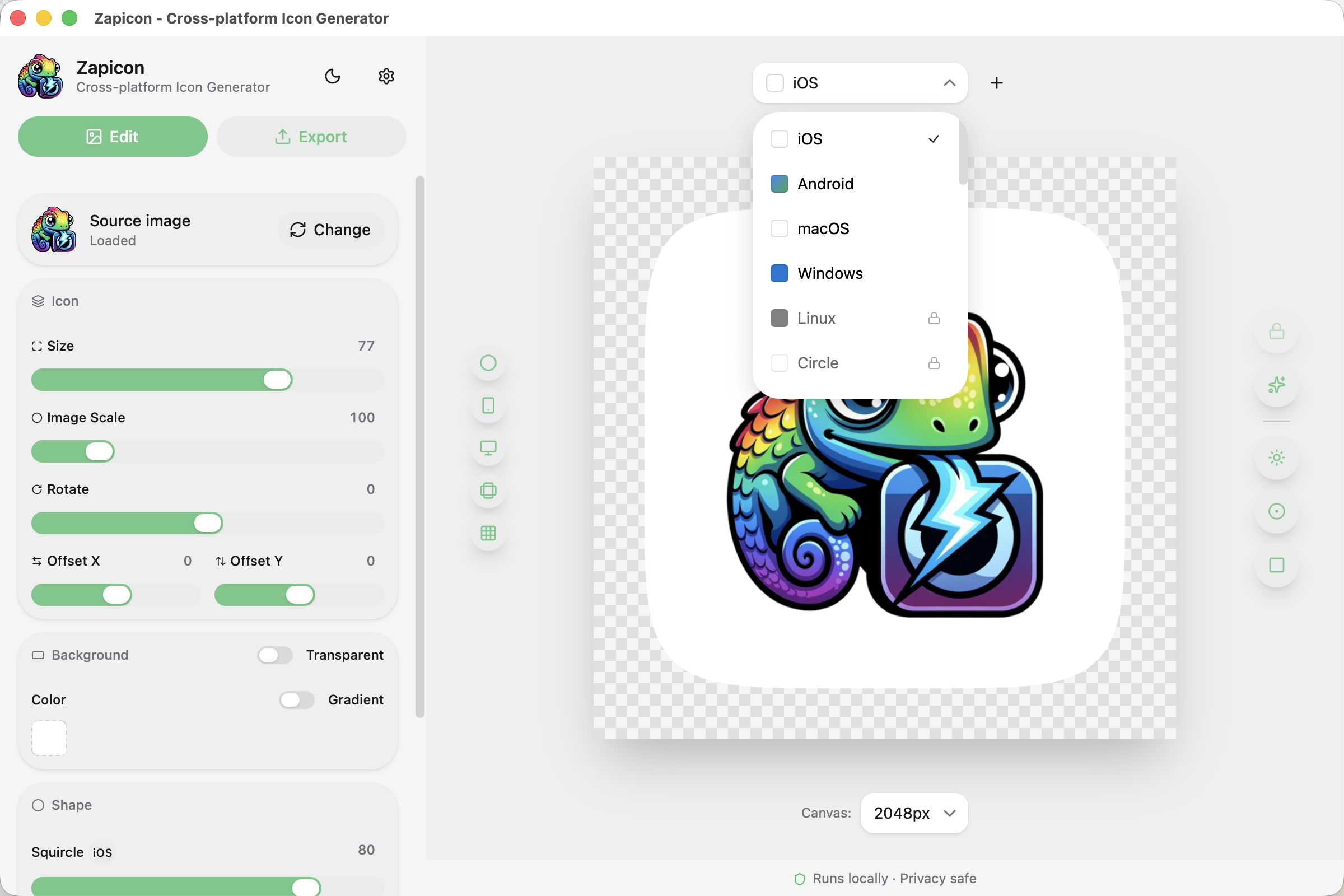 |
| Multi-platform Export | 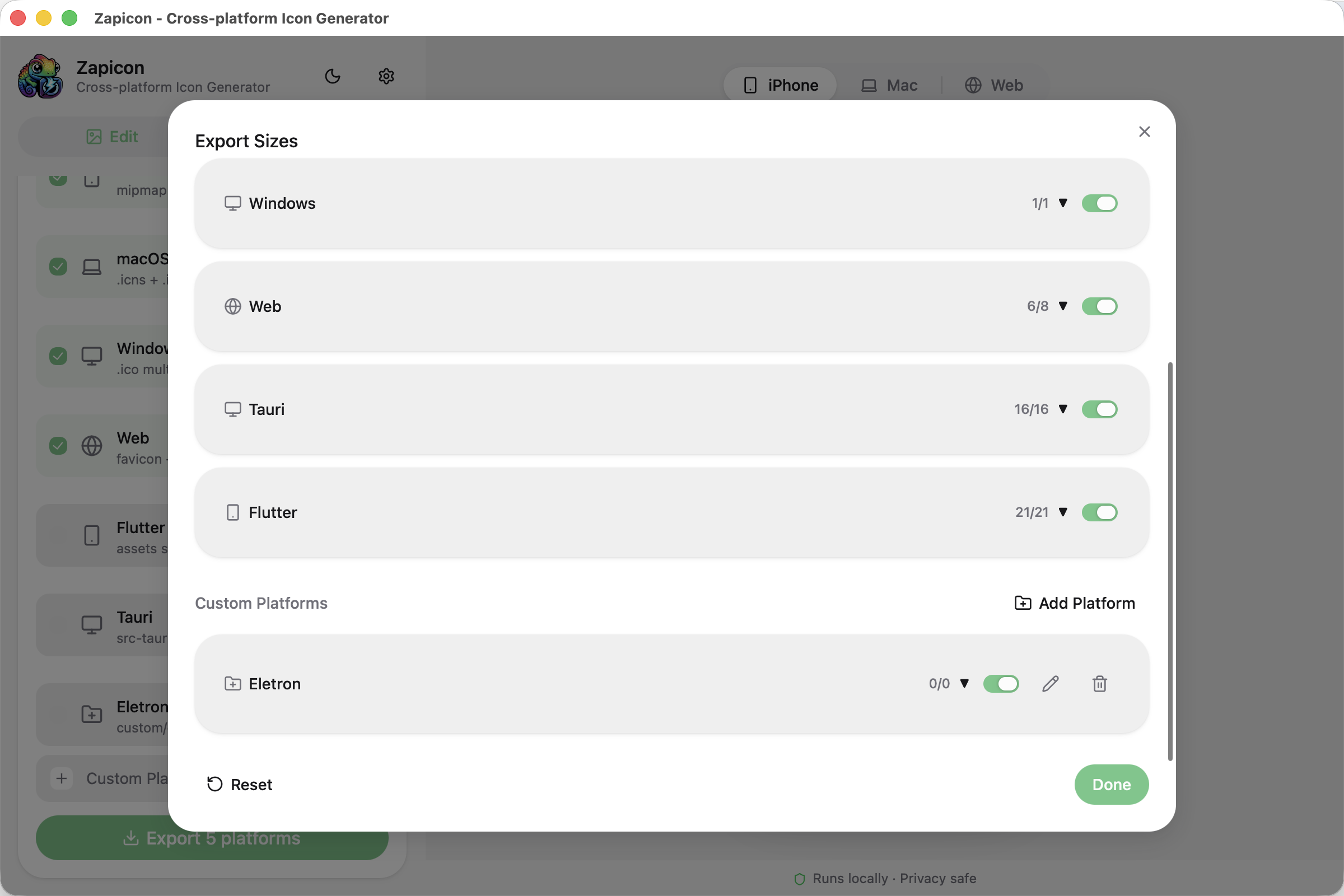 |
| Device Preview | 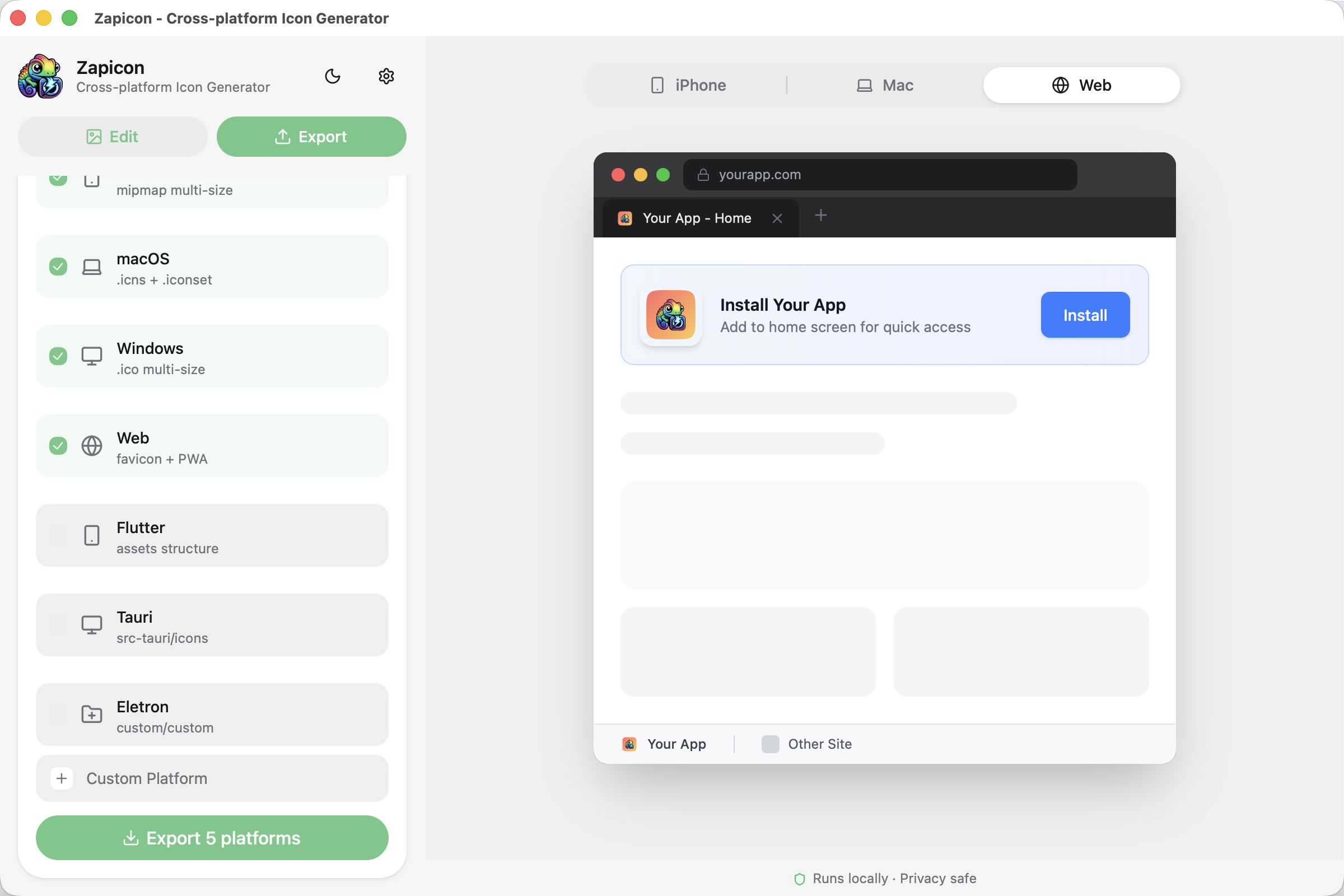 |
| AI Upscale | 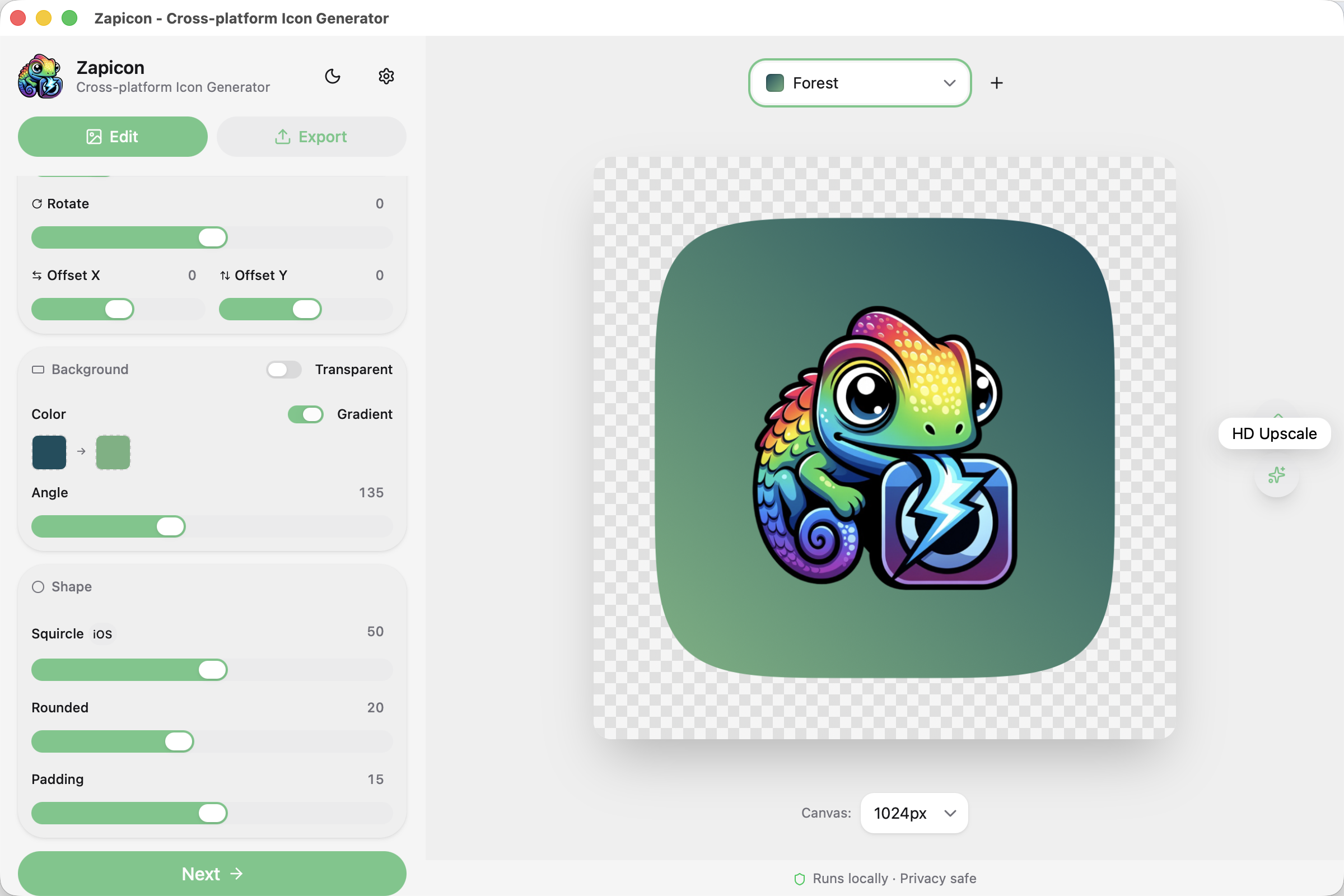 |
| Local Processing | 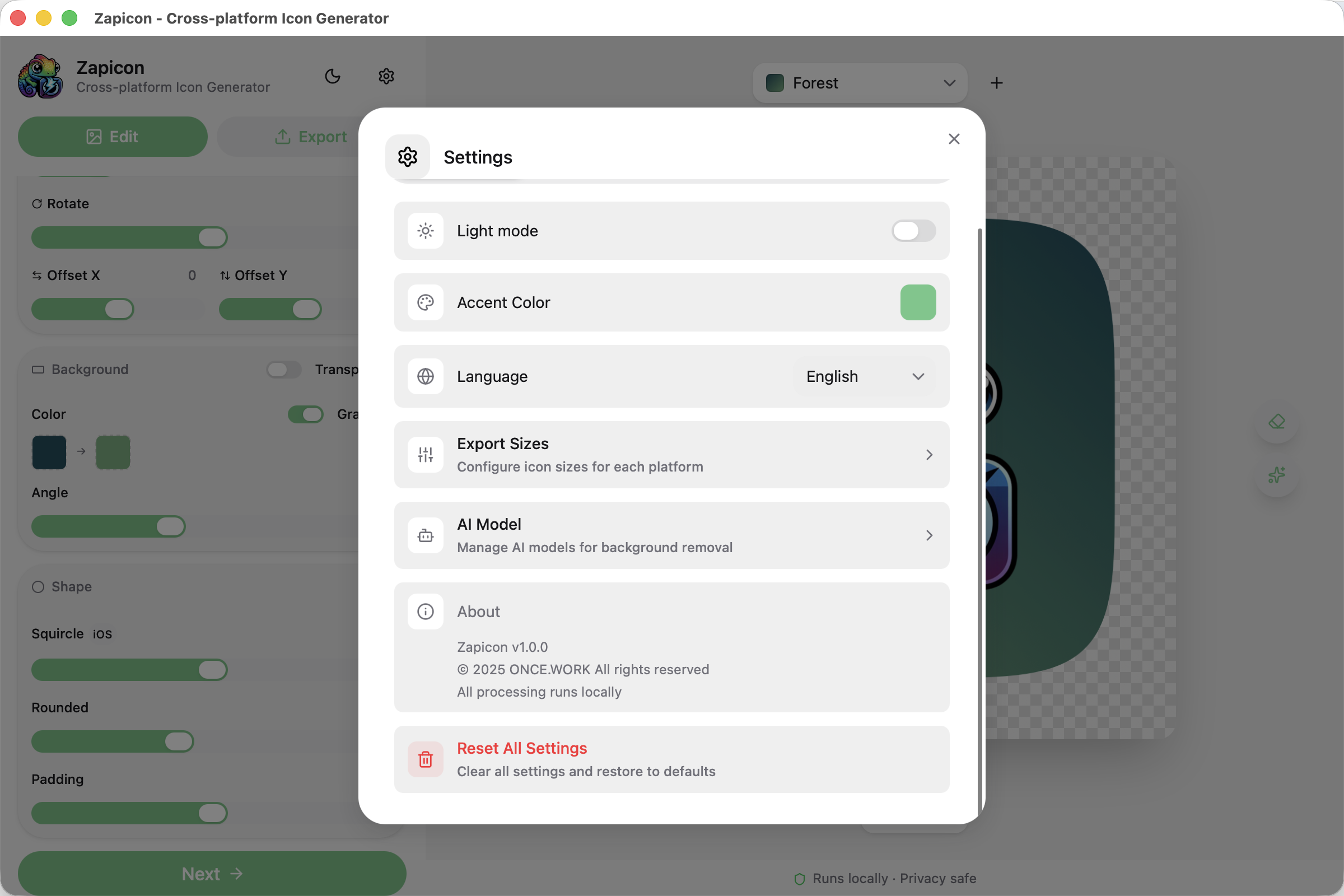 |
| Design Guidelines | 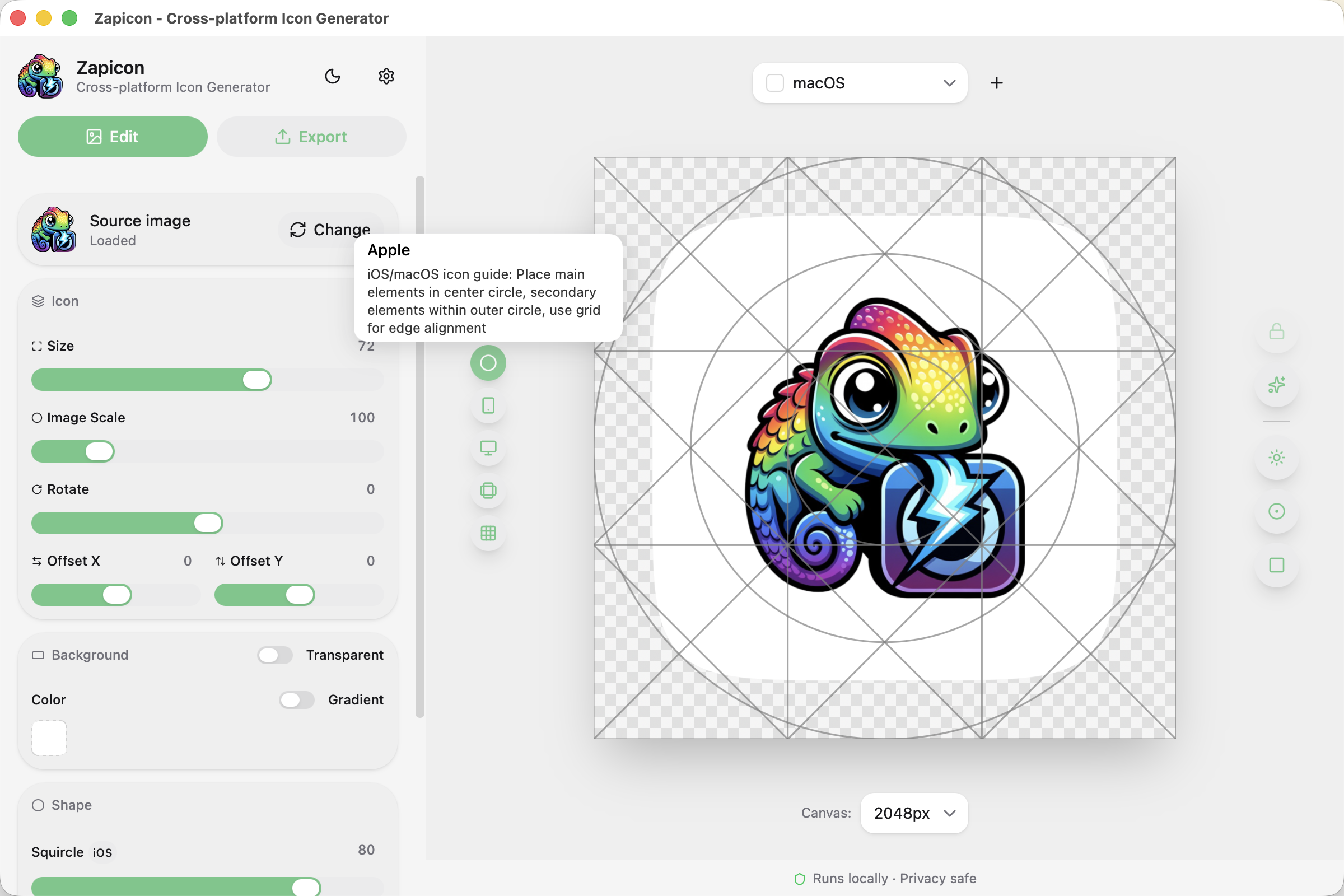 |
| Icon Processing | 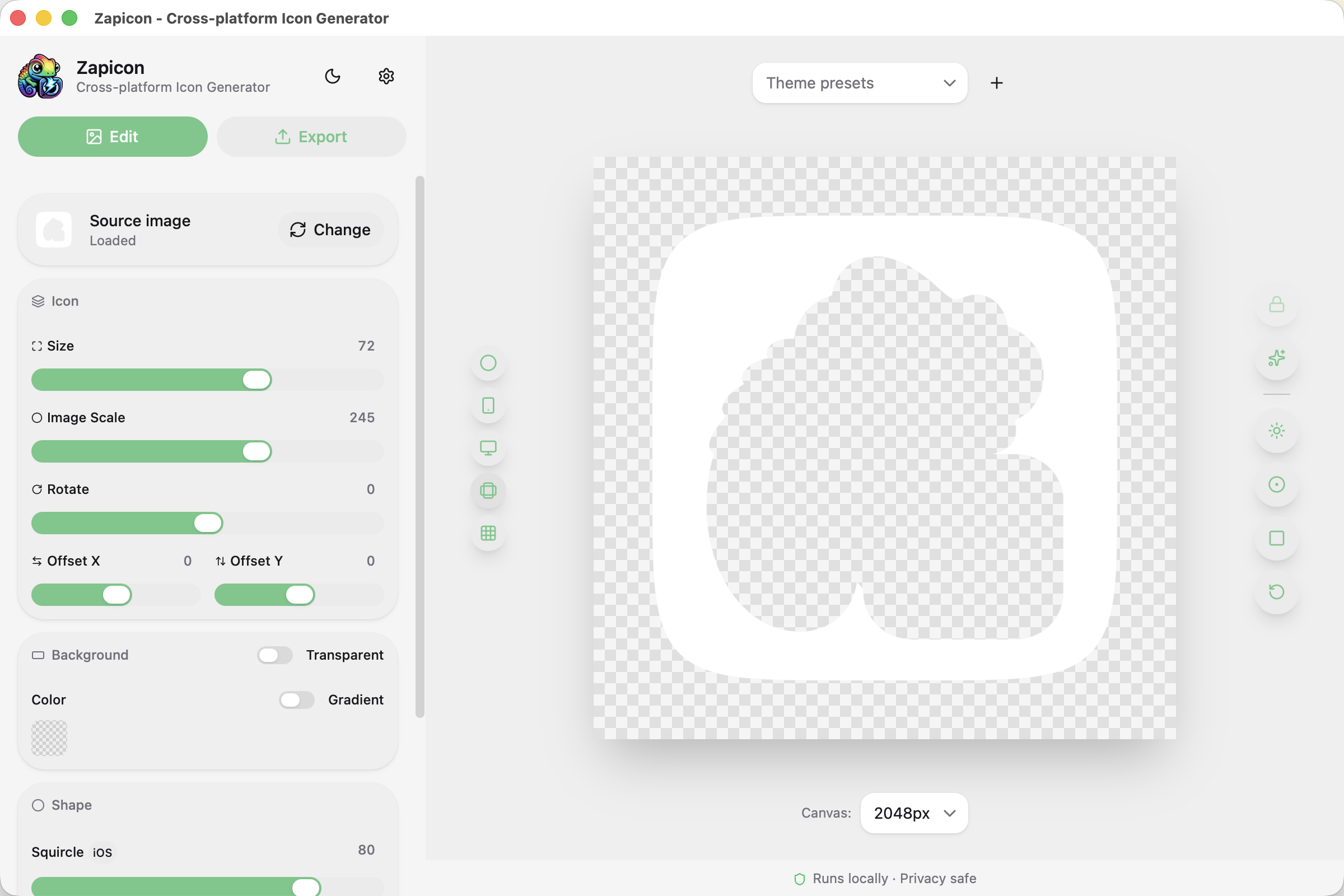 |
Real-time adjustment of icon size, rotation, corner radius, padding, and position offset. What you see is what you get - every change is instantly previewed.
Support for iOS-style superellipse corners (Squircle) to create authentic Apple app icon looks.
20 built-in theme presets with one-click application. Save your custom presets for reuse across projects.
Support solid color or gradient background with adjustable gradient angle. Create stunning visual effects for your icons.
Customizable export canvas size from 256px to 2048px.
Real-time preview on iPhone / MacBook / Web browser mockups. See how your icon looks on actual devices.
One-click export for all platforms:
| Platform | Format | Sizes |
|---|---|---|
| iOS | PNG | 20-1024px (AppIcon.appiconset) |
| Android | PNG | mdpi-xxxhdpi (mipmap + foreground) |
| macOS | PNG + ICNS | 16-1024px @1x/@2x |
| Windows | ICO | 16-256px |
| Web | PNG | favicon + apple-touch-icon + PWA |
| Tauri | PNG + ICO + ICNS | Complete icon set |
| Flutter | PNG | Android mipmap + iOS appiconset |
| Custom | PNG + ICO + ICNS | Custom sizes and paths |
Customize platform output paths, icon sizes, and file names.
Support Light/Dark theme switching with custom theme colors.
Smooth, lag-free editing experience.
All processing happens locally. Zero upload - your images never leave your computer. 100% privacy safe.
Support for 9 languages: English, 简体中文, 繁體中文(香港), 繁體中文(臺灣), Français, Deutsch, 日本語, 한국어, Русский.
- Basic icon editing (scale, rotate, corner radius, padding, image scale, position offset)
- First 4 built-in theme presets + 1 custom preset
- 7 platform export (iOS/Android/macOS/Windows/Web/Tauri/Flutter)
- 1 custom platform (max 10 paths)
- ICO/ICNS composite file auto-generation
- Transparent background support
- Real-time device preview (iPhone/MacBook/Web)
- Dark/Light theme switching
- Multi-language support (9 languages)
- AI Upscale
- All 20 Theme Presets - Unlock all built-in themes
- Unlimited Custom Presets - Save any number of custom themes
- Custom Theme Color - Personalize app theme color
- Unlimited Custom Platforms - Add any number of custom export platforms
- Unlimited Path Configuration - No limit on paths per platform
- Modify Built-in Platforms - Customize default platform output paths and sizes
- Batch Export - Upload/paste multiple images, one-click batch export with theme presets
- AI Background Removal - One-click intelligent cutout based on RMBG-1.4 model
- Drag and drop or click to upload an image (PNG/JPG/WEBP, 256×256 or larger recommended)
- Choose a theme preset or customize:
- Theme Presets: iOS (Apple) / Android (Smartphone) / macOS (Laptop) / Minimal (Square)
- Icon Settings: Size, rotation
- Background Settings: Color, gradient
- Shape Settings: Squircle, corner radius, padding
- Real-time preview on the right side
- Select the platforms you need (iOS / Android / macOS / Windows / Web)
- Click Export and choose save location
- ZIP package is automatically generated with all icon sizes
| Feature | Free | Pro |
|---|---|---|
| Basic Icon Editing | ✅ | ✅ |
| 7 Platform Export | ✅ | ✅ |
| Built-in Theme Presets | First 4 | All 20 |
| Custom Theme Presets | 1 | Unlimited |
| Custom Platforms | 1 | Unlimited |
| Paths per Platform | 10 | Unlimited |
| Modify Built-in Platforms | ❌ | ✅ |
| Custom Theme Color | ❌ | ✅ |
| Batch Export | ❌ | ✅ |
| AI Background Removal | ❌ | ✅ |
| AI Upscale | ✅ | ✅ |
| Dark/Light Theme | ✅ | ✅ |
| Multi-Language Support | ✅ | ✅ |
If you have any questions or suggestions, please contact us at contact@once.work