OptiRoute360 serves as the ultimate one stop solution for efficient route planning and optimization. Recognizing the importance of time, we aim to streamline your travel experience, whether it's for work,leisure, or daily errands.
We've pioneered a cutting-edge algorithm designed to calculate the most-efficient routes possible. By combining advanced algorithms with intuitive user interfaces, OptiRoute360 ensures that you reach your destination in the shortest time with minimum hassle.
- Nodejs
- Nextjs
- Tailwind CSS/MUI
-
Optimal Route Algorithm:
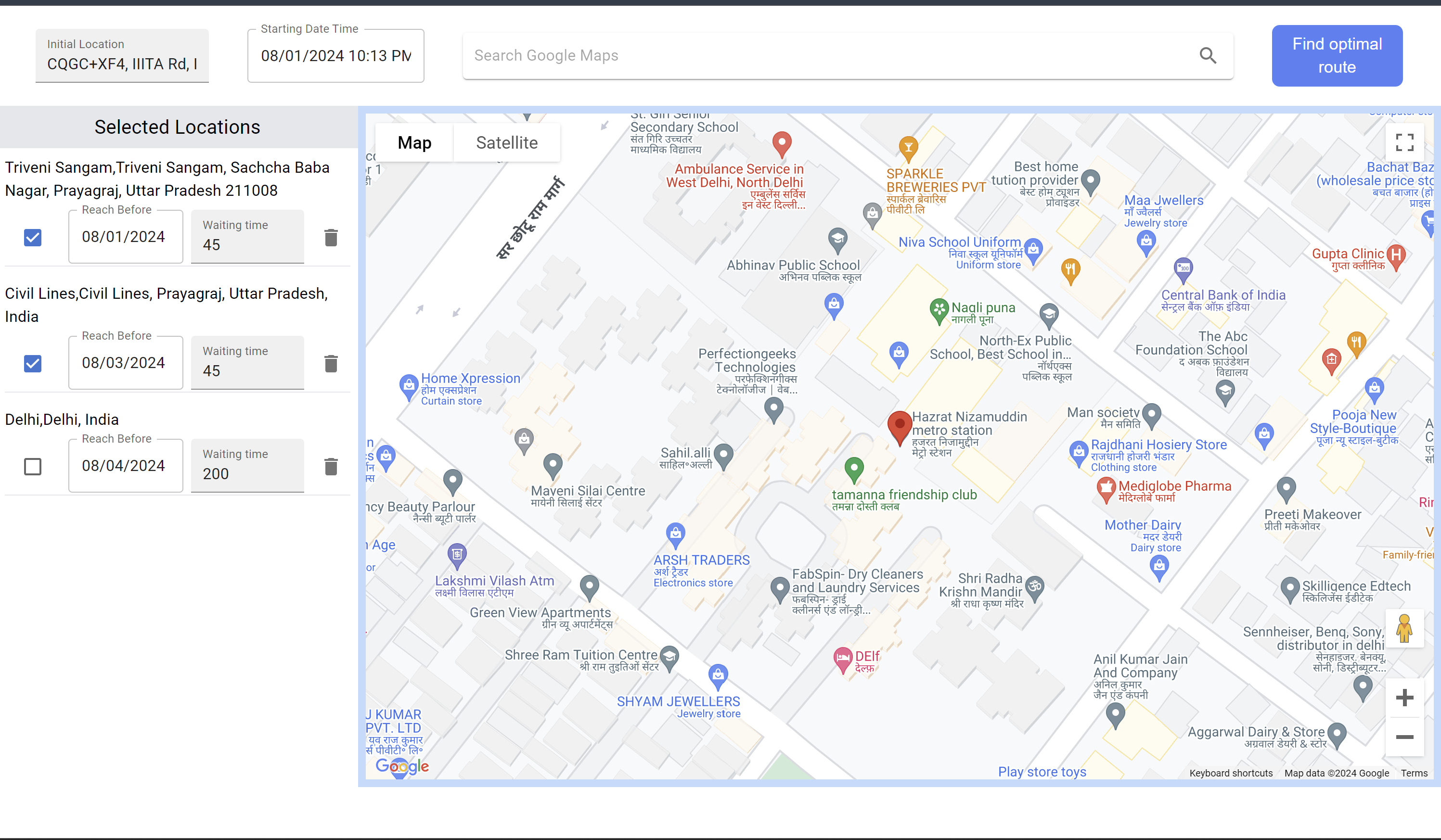
- An advanced algorithm that computes the most efficient route while considering wait times, closing times, and mandatory visits.
-
Integrated APIs:
- Uses Places, Directions, and Distance Matrix API to provide real-time data for accurate and dynamic routing.
-
Place Suggestions:
- Leverages the Google Maps API to provide users with intelligent place suggestions based on their inputs, making it easier to find and add destinations to their routes.
-
Google Maps Integration:
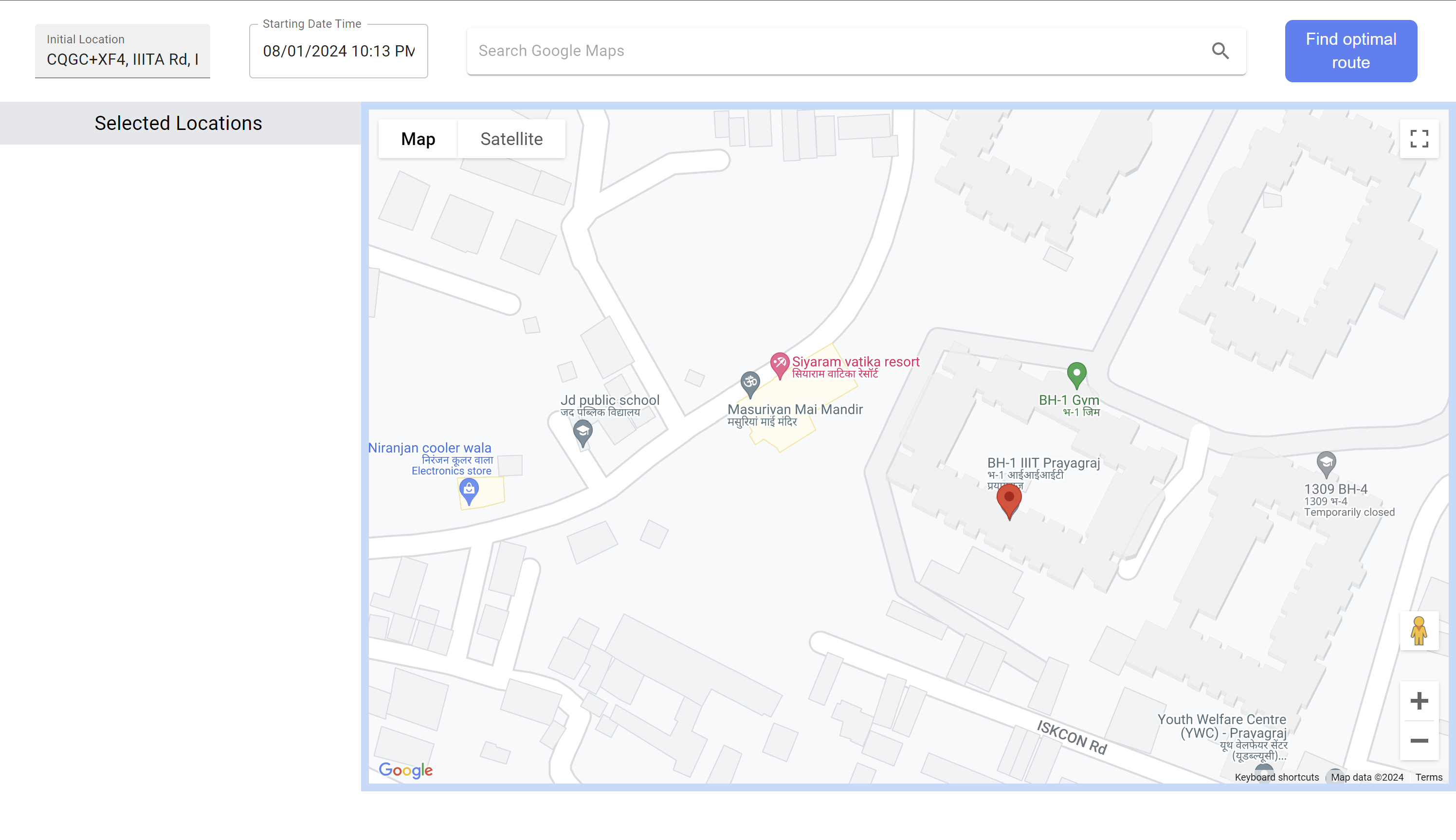
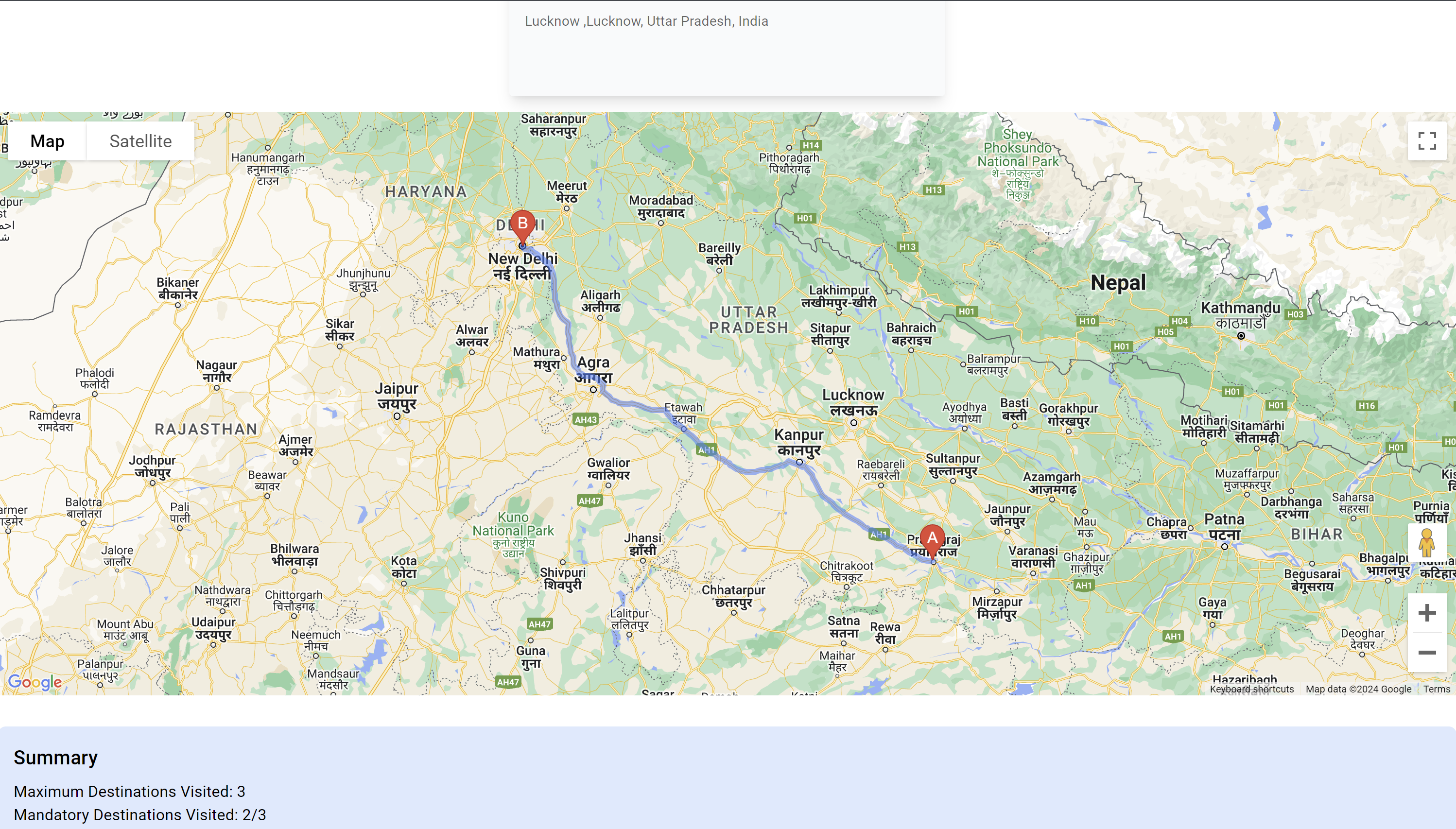
- Displays the final optimized route on Google Maps, making it easier for users to visualize and follow their route.
-
Real-time Updates:
- Provides real-time updates on route changes, traffic conditions, and estimated times of arrival.
-
Scalability:
- Designed to handle a large number of simultaneous users and extensive route calculations without compromising performance.
 |
 |
 |
 |
 |
 |
You need npm/yarn installed in your local machine in order to run this app.
  npm install
npm run dev- Make sure your machine is having internet connection.
- Open shell (which ever your OS support) on your PC.
- Change drive to the location where you want your project to be copied.
- Clone it to your local setup by using command git clone
<repo link>. - Once cloned, Run the following command in the root directory of the project
npm install. - Make sure you have required enviornment variables saved in the
.envfile in the root of the project. A file.env.exampleis attached for reference. - After the process is completed, run the command
npm run dev. - The backend will be live on
localhost:3000.