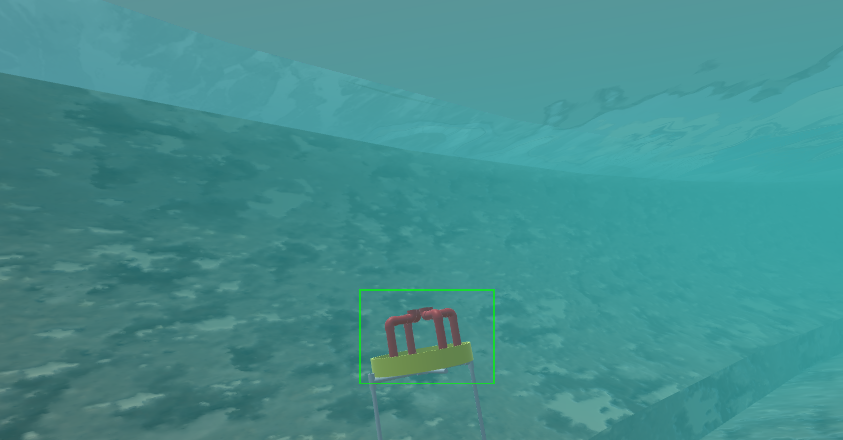
Object configuration
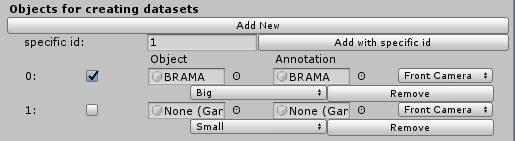
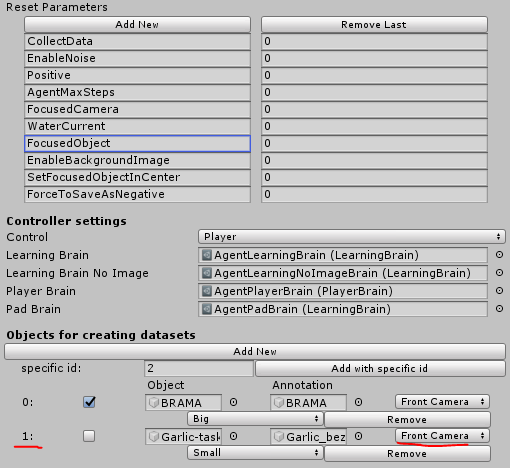
Then fill Object and Annotation with target object and target annotation.
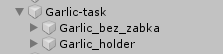
Target object is whole object for example Garlic task
Target annotation is part of object that is going to be annotated for example Garlic_bez_zabka
Then specify camera type -> Choose between Front Camera and Bottom Camera
Then specify object type -> Small, Big, On Bottom
And focus this object in academy script -> Reset Parameters['FocusedObject'] to id of object in case of garlic its 1
To configure object spawn configuration go to Objects
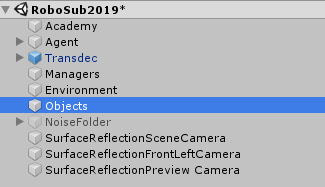
Set configuration settings for Element 1 - in our case garlic
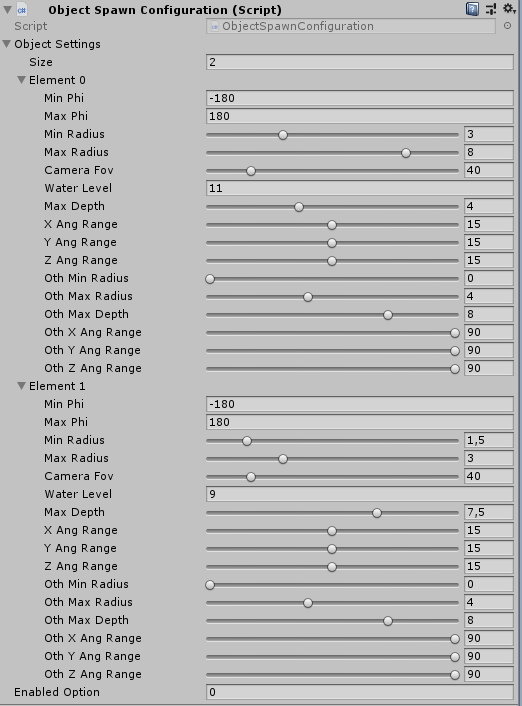
- Min/Max phi - angle at which camera is placed around object
- Min/Max Radius - radius at which camera is placed around object
- Water level - max level at which camera is placed (11 - water level)
This is the result