
Third version of robert.seligmann.dev built using Gatsby.js, styled-components, and remark. Hosted on GitHub Pages.

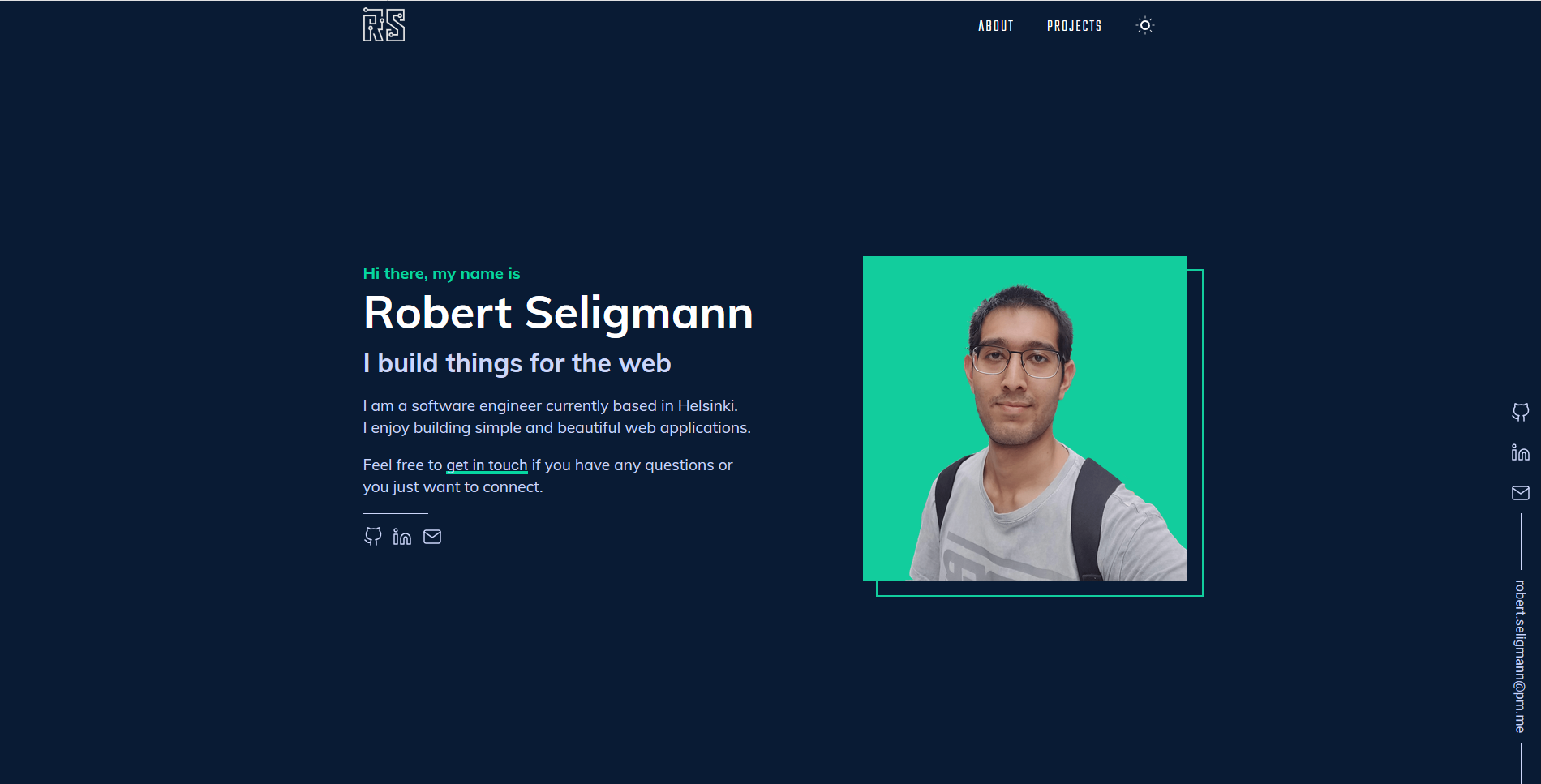
-
Install the Gatsby CLI
npm install -g gatsby-cli
-
Install dependencies
yarn
-
Start the development server
yarn develop
-
Generate a full static production build
yarn build
-
Preview the site as it will appear once deployed
yarn serve
👉 Feel free to fork and use this repo for your own website, but with the proper attribution. As you know plagiarism is bad, I have spend quite some time on it (and still plan to improve it) and I am quite happy with it, so it would be saddening to see someone else claiming this work as their own work.
TL;DR => Use it as you will, but please give me proper credit by linking back to robert.seligmann.dev. Thanks!
All the content in the project can be changed by editing the MD files located in the content folder.
New content can be added by creating a new MD file in the appropriate folder. For example to add a new article:
- Create a new folder inside
content/articles - Create a new
index.mdfile, and add the frontmatter (see below) - Add an image to the created folder (from step 1)
- Reference this image as your
coverin the frontmatter - Write your content below the frontmatter using Markdown (see this documentation to see how it is converted to HTML)
Frontmatter reference:
---
title: 'New adventure'
slug: '/path'
bannerImage: './path-to-image.jpg'
bannerTitle: 'Center title displayed inside the image'
bannerSubTitle: 'Center subtitle displayed inside the image'
isBannerDark: true # set a different text color depending on if the background image is dark or not
---

# This markdown text will be converted to an HTML <h1> tag.
Sample files have been created when appropriate, e.g. just duplicate the index.md.sample file in the folder, remove the .sample extension and edit the file.
The static folder contains static files such as a resume other document you may want to share. These are then accessed via the url: www.your-website.com/static-file.extension. Don't forget to change these files, too!
If you come across any bugs or if you have any suggestions, please open up an issue on the main repository: robsel118/RobertSeligman. Thanks!