
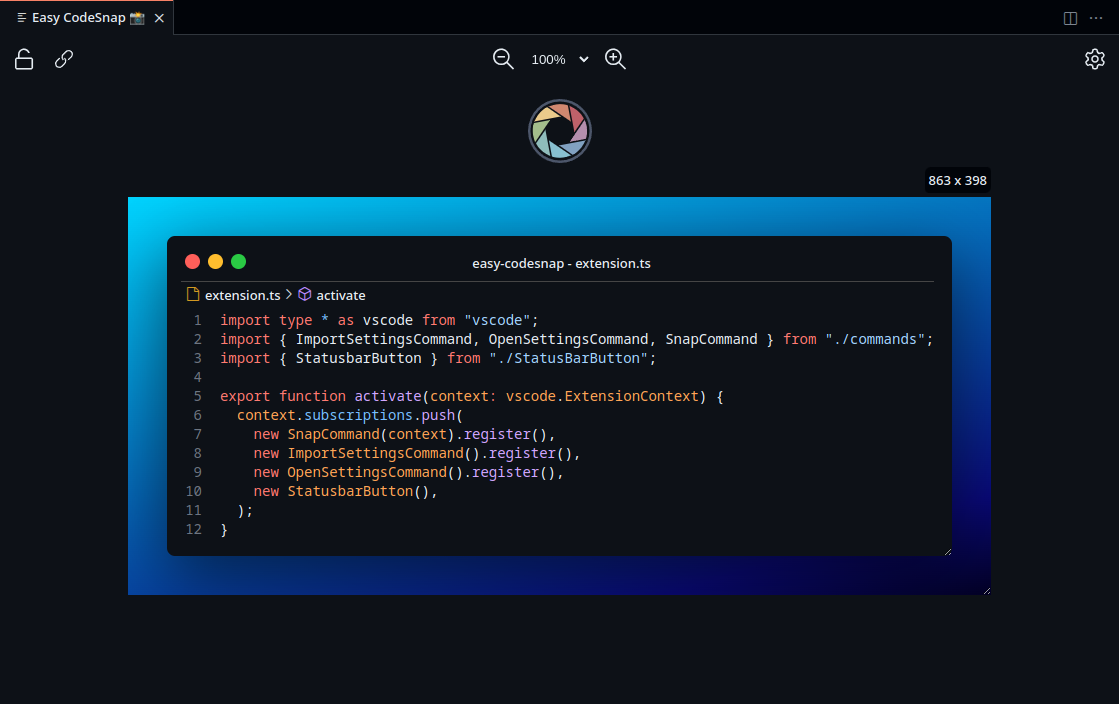
- Import your settings from CodeSnap
- Quickly save screenshots of your code
- Copy screenshots to your clipboard
- Appearance configurable
- Highlight lines
- Save to PNG or SVG
- One time settings
- Lock changes
- Link on editor
- Custom Watermark
- And much more!
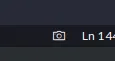
- Select the code from your editor
- Click on the camera icon on vscode statusbar
-
You can also use the
Easy CodeSnapcommand in your command palette. -
Make the final adjustments and take your code snapshot.
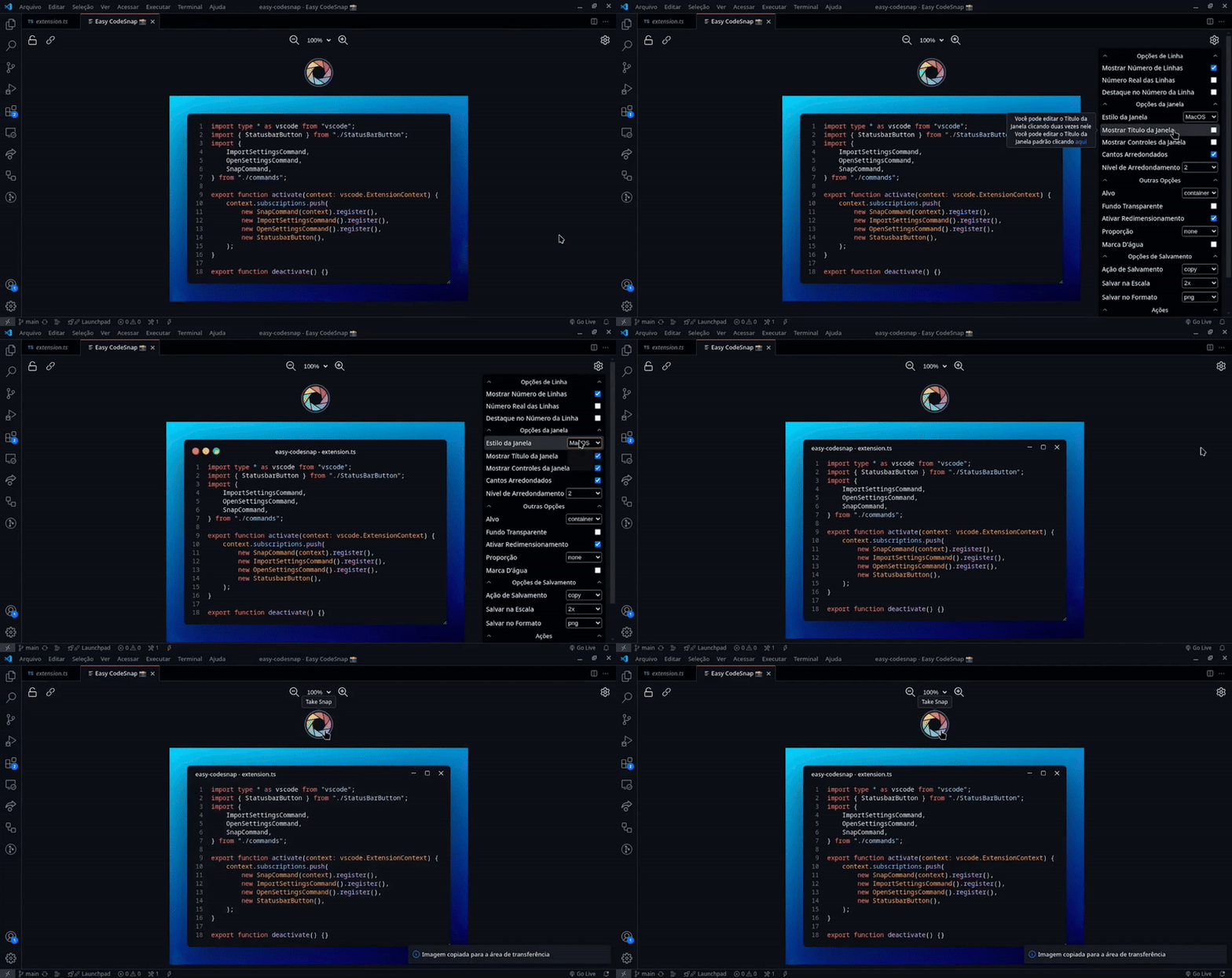
- You can take your code snapshot from the command palette using the
Easy CodeSnapcommand - You can import your CodeSnap configuration using the
Import CodeSnap Settingscommand
- en-US. American English
- pt-BR. Português Brasileiro
- zh-TW. Taiwanese Mandarin (Thanks CoffeeChaton)
- zh-CN. Chinese Mandarin (Thanks CoffeeChaton)
If you want to help the project you can do one or more of these things:
- Leave a good review on VSCode Marketplace or Open VSX.
- Leave a star on GitHub repository.
- Create a feature request with some useful feature.
- Create a pull request fixing something, adding some feature or adding/fixing a translation.
Thank you very much kufii to made the CodeSnap extension, the base of this project.