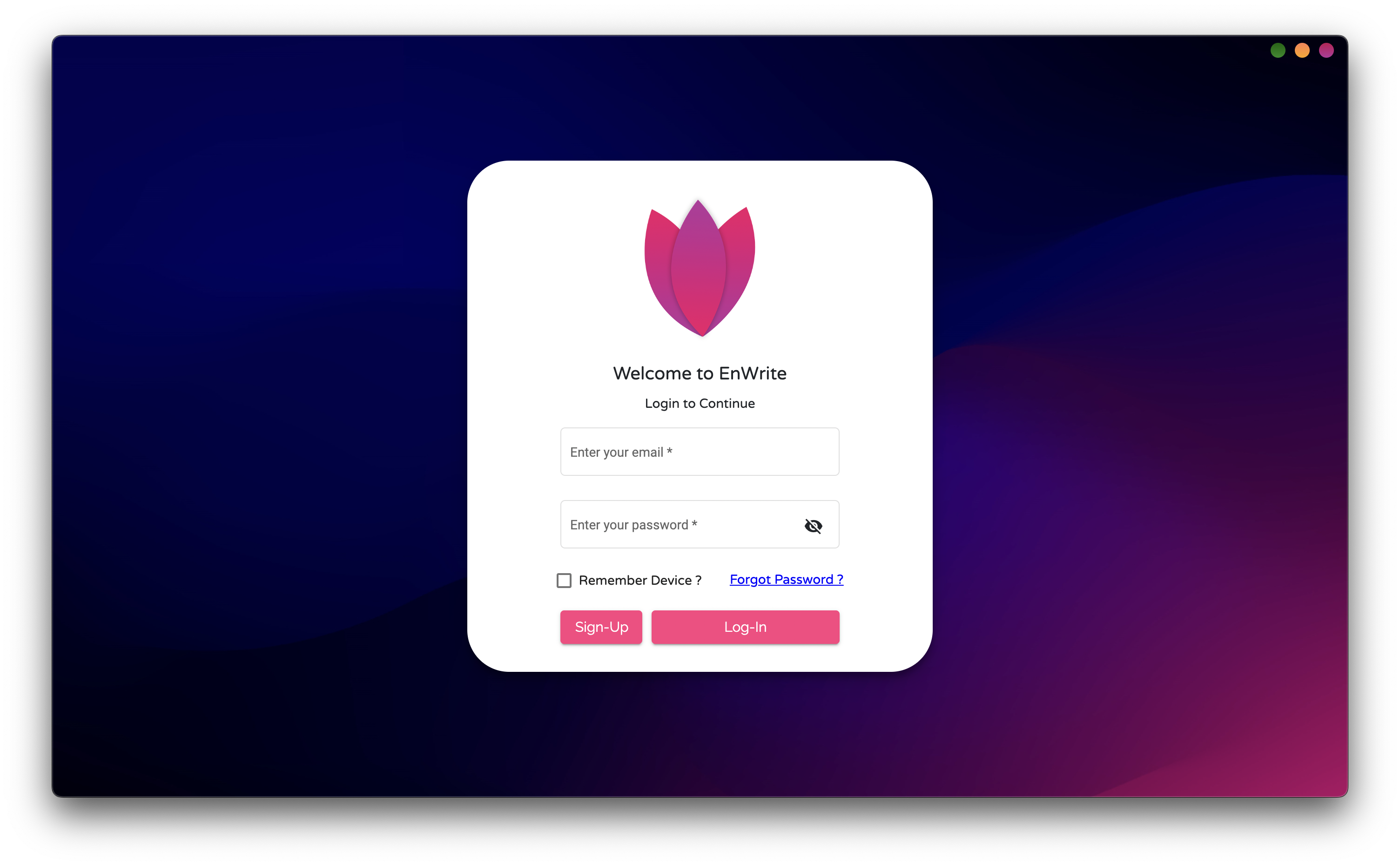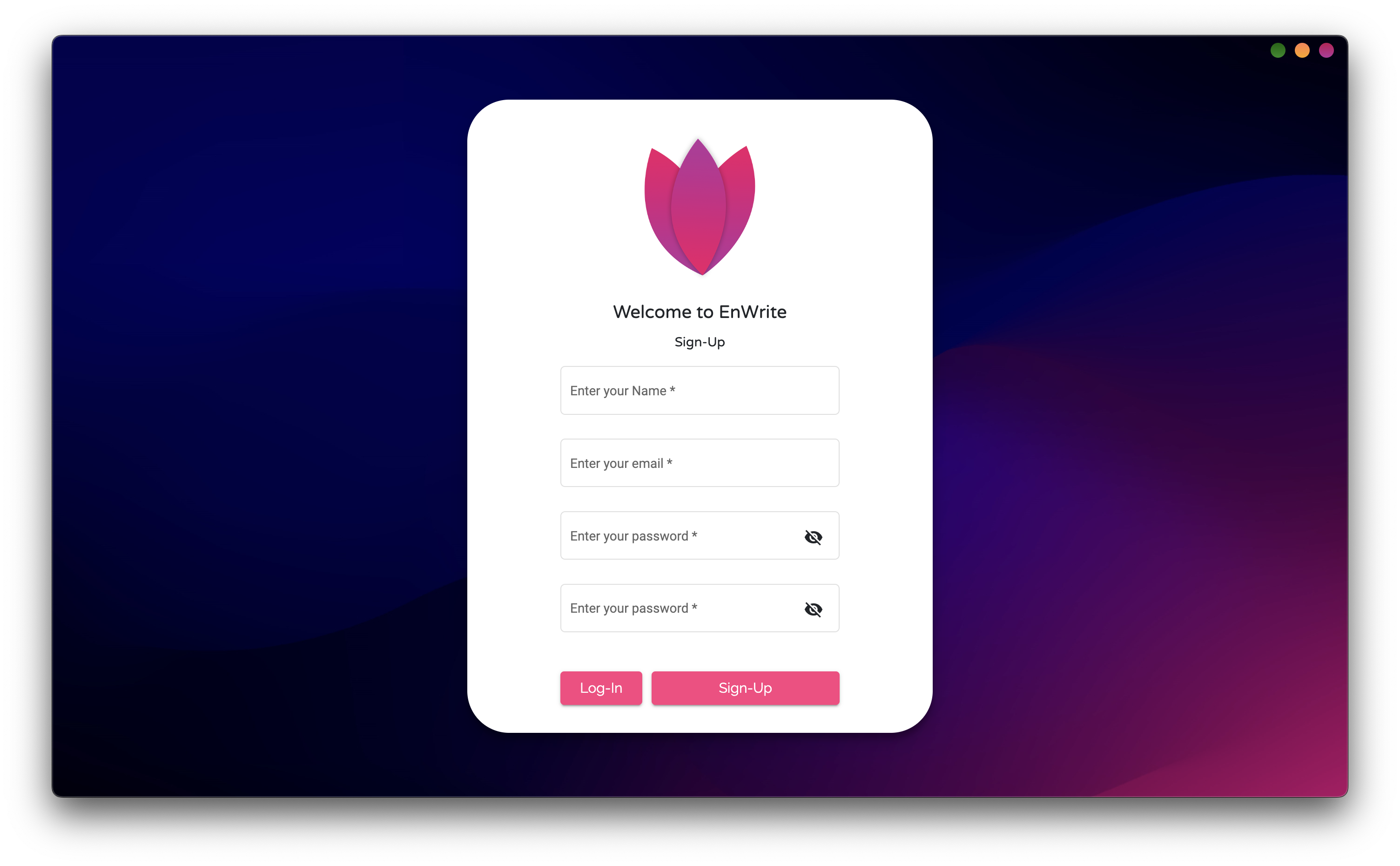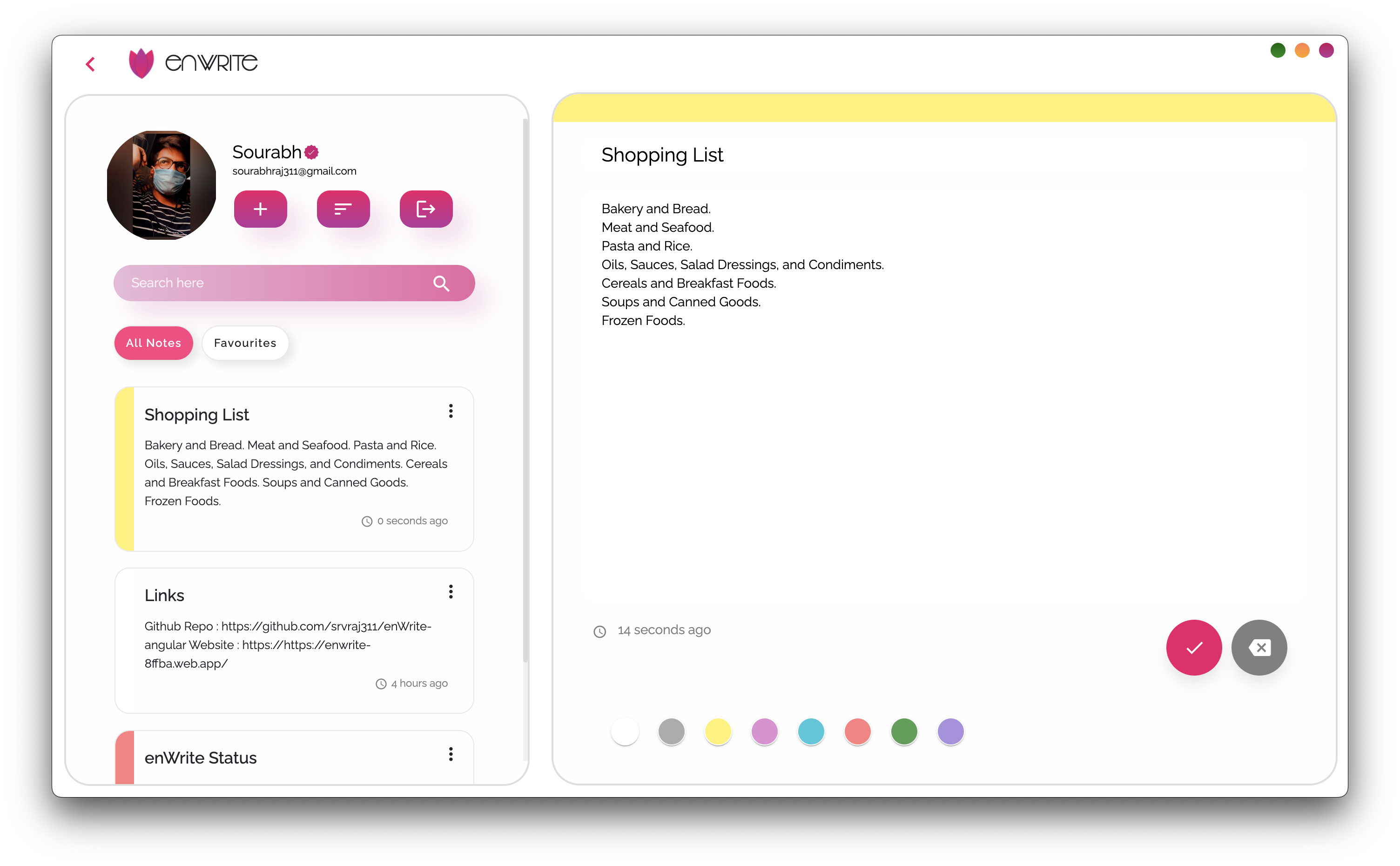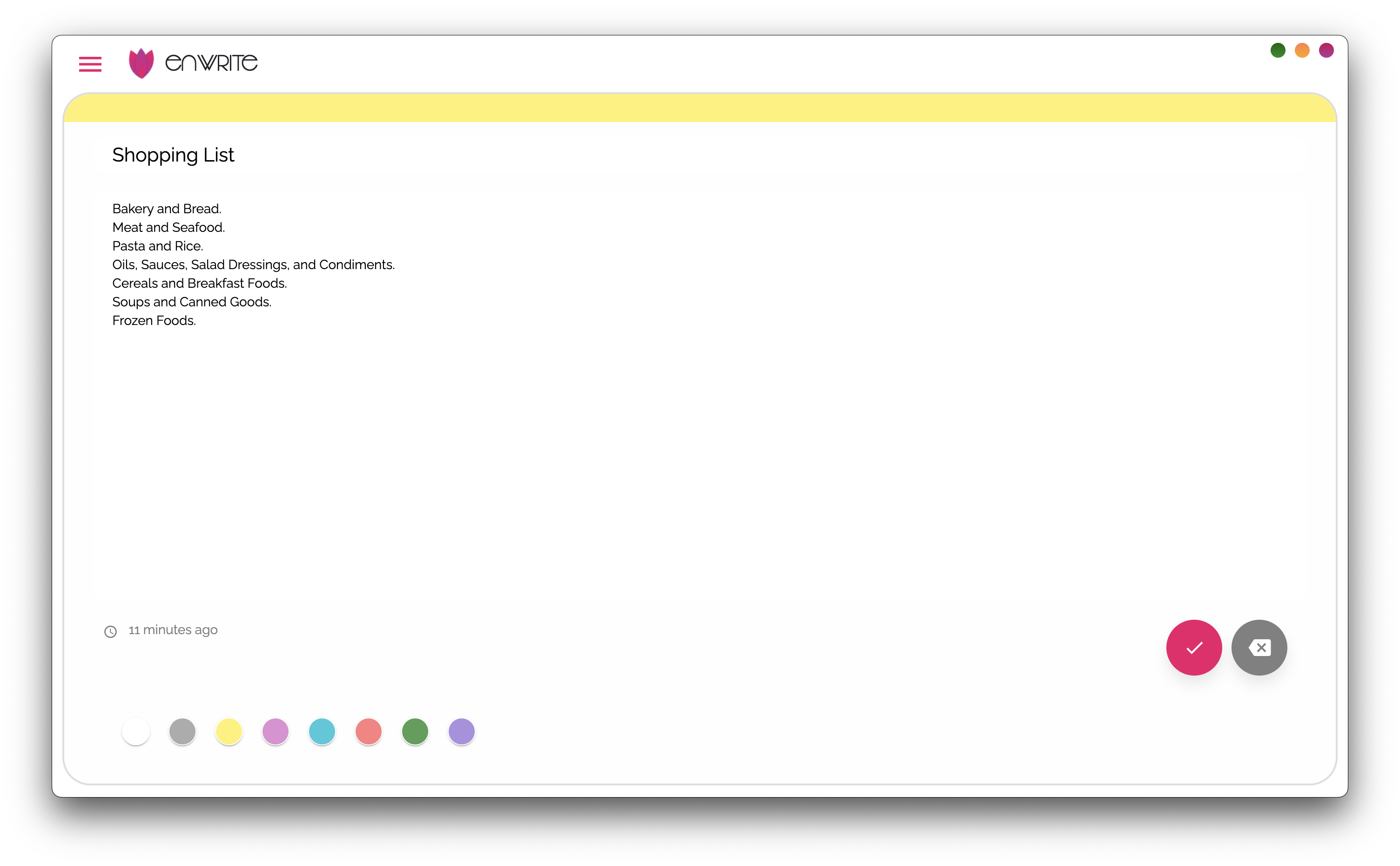
enWrite is an simple and clean web app for taking notes on the go that syncs across your devices.
- Note taking and Real-Time cloud sync
- Simple and Easy-to-use UI with Rich User Experience
- Fully Responsive Design
- Cross Platform (Android / Web)
- Implimented a secure login and signup functionality using firebase authentication.
- Used MVC architechure
- Intuitive User Interface using Material Design
- Realtime Data updation using angular firestore
- Electron JS (Cross Platfor Native Support)
- Angular v13
- Firebase (AngularFIre2 connector)
- Angular Material
- Electron 18
Use of third party libraries are kept minimal to explore the indepth features of the frameworks itself.
You need to have Node.js installed and Angular CLI setup to run this. Install the dependencies and devDependencies and start the server for angular app.
$ cd enwrite-angular
$ npm install
$ ng serve --o
For electron environment : Dev
$ cd enwrite-angular
$ ng serve
$ npm run electron:serve
For Electron : Prod
$ cd enwrite-angular
$ ng serve
$ npm run electron:local