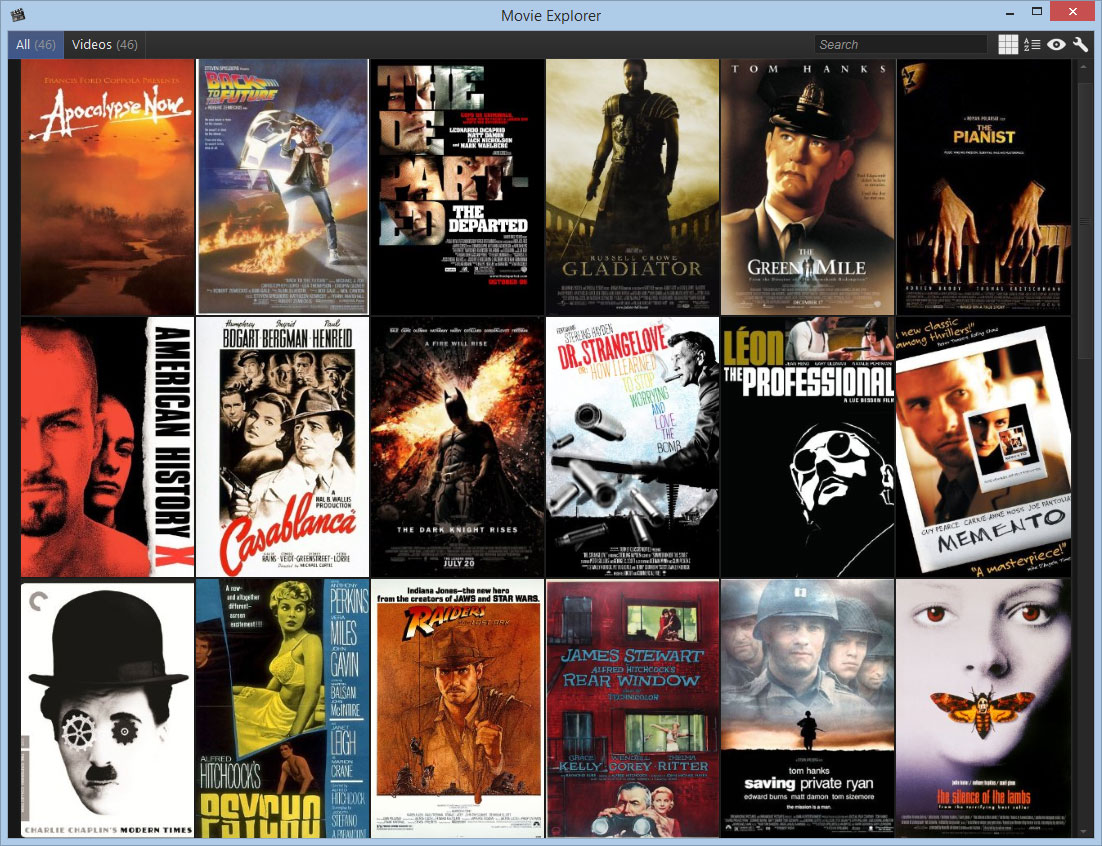
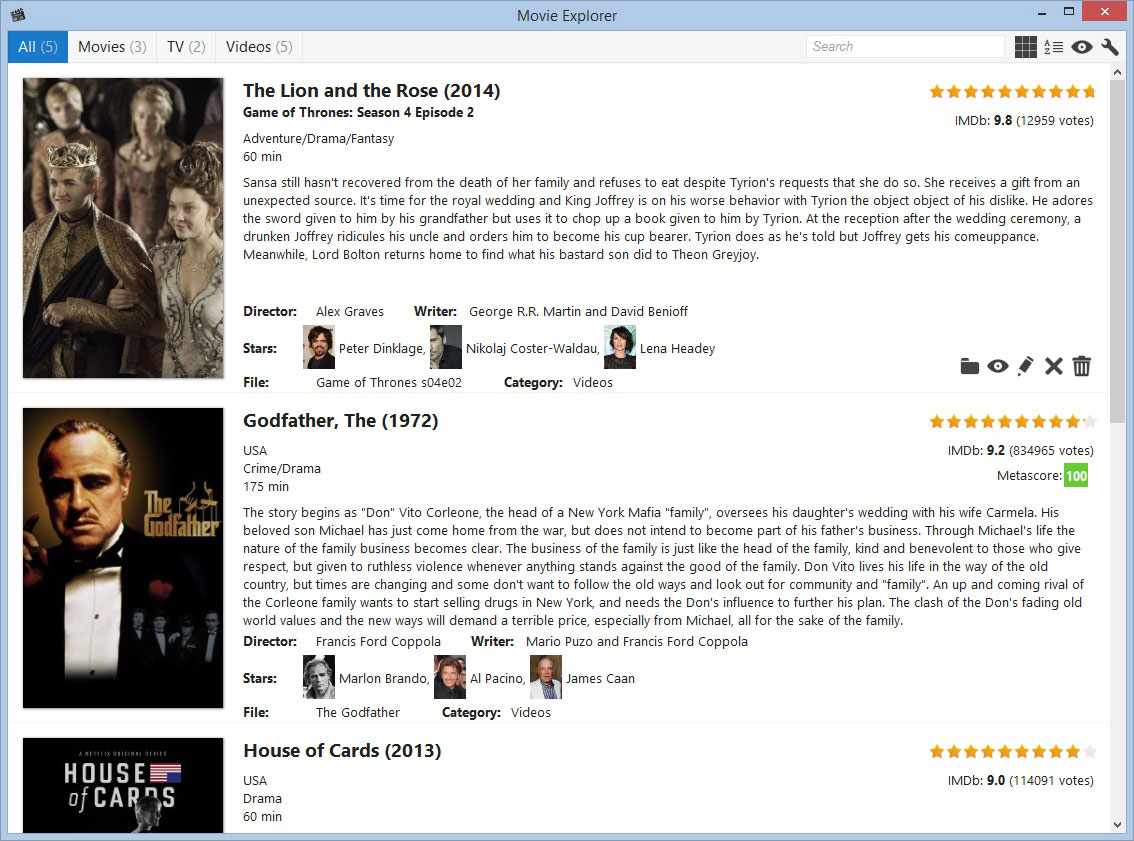
View information about the movies stored on your computer. (Windows)
Please head over to the Releases Page.
The following steps will lead to a successful build (assuming you're working on Windows 7 64-bit with Visual Studio 2010/2013 installed).
-
Download/fork the source
-
Install boost from the provided subdirectory
- Copy the headers from
boost\boost_1_55_0.7z\boost_1_55_0\boosttoC:\Program Files (x86)\Microsoft Visual Studio XX.X\VC\include\boost - Copy the libs from
boost\VS2010orboost\VS2013toC:\Program Files (x86)\Microsoft Visual Studio XX.X\VC\lib, depending on your Visual Studio version
- Copy the headers from
-
Open
MovieExplorer\VS2010\MovieExplorer.slnorMovieExplorer\VS2013\MovieExplorer.slndepending on your Visual Studio version -
Hit build