pre requisite:
Install and setup Django in your system.
To Run the Project:-
Step 1: Open the VS code inside Hello_django folder.
Step 2: In VS Code, open the Command Palette (View > Command Palette or (Ctrl+Shift+P)).Then select the ' Python: Select Interpreter
command '.
2.1: From the list, select the virtual environment in your project folder that starts with ./.venv or ..venv
2.2: Run Terminal: Create New Terminal
OR
2.2: use Terminal: Select Default Shell
Step 3: In the VS Code Terminal, with the virtual environment activated, run the development server with ' python manage.py runserver '
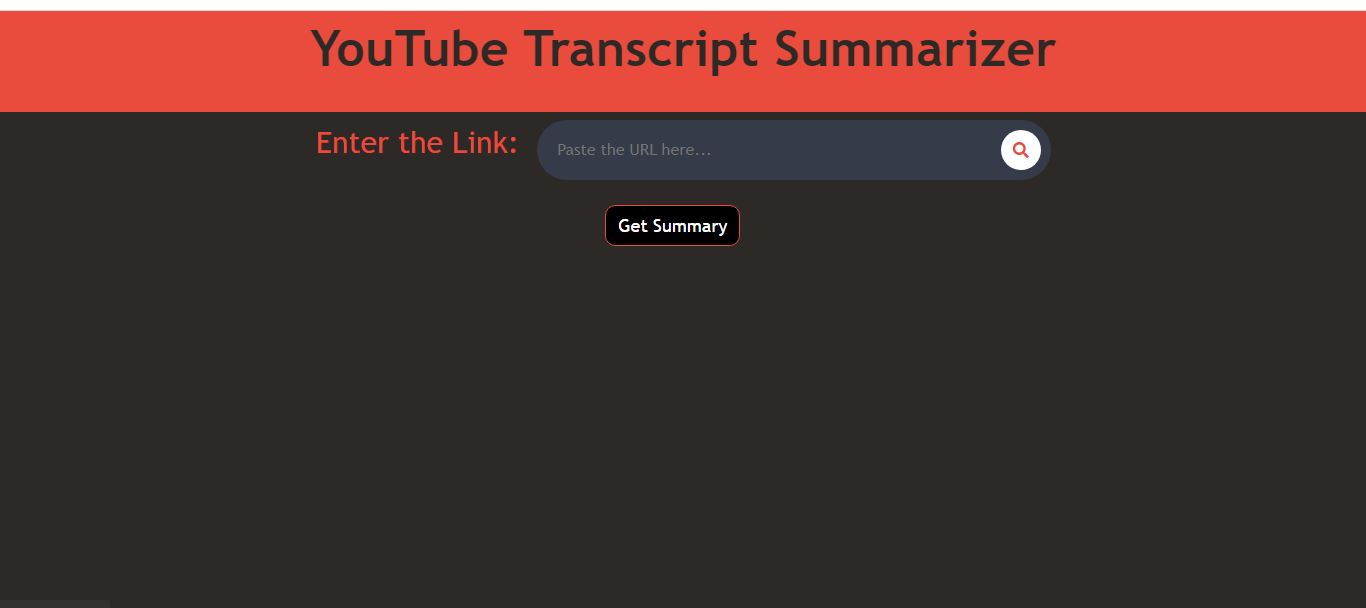
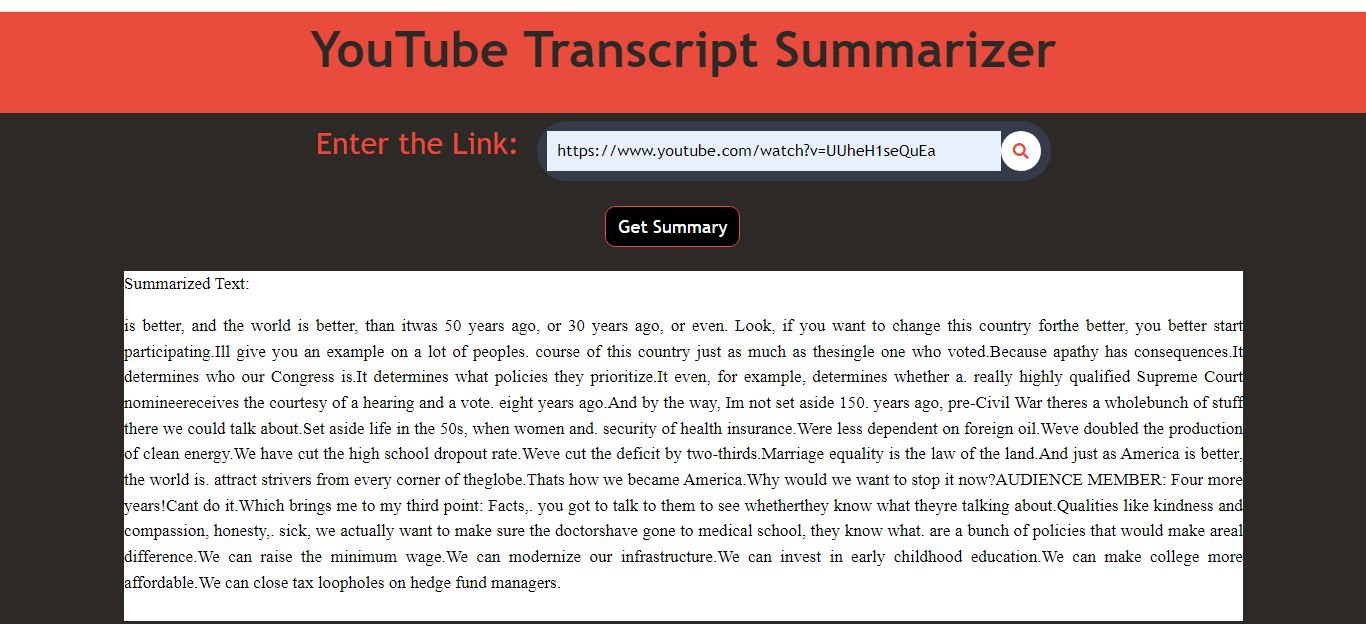
and open a browser to http://127.0.0.1:8000/ to see the Output/Result.
Output:-