Tapdaq is now deprecated and the SDK will no longer intialise.
Open TapdaqExamples.xcworkspace in Xcode.
Each Xcode project inside the Workspace has a Constants.h, please open it and add in your Tapdaq App ID and Client Key.
You can find your Tapdaq App ID and Client Key by logging in to https://tapdaq.com
Next, you will need to install the Tapdaq SDK and ad network adapters, to do this:
- Run
cd TapdaqExamples - Run
pod update && pod install
The sample applications are written in both Objective-C and Swift.
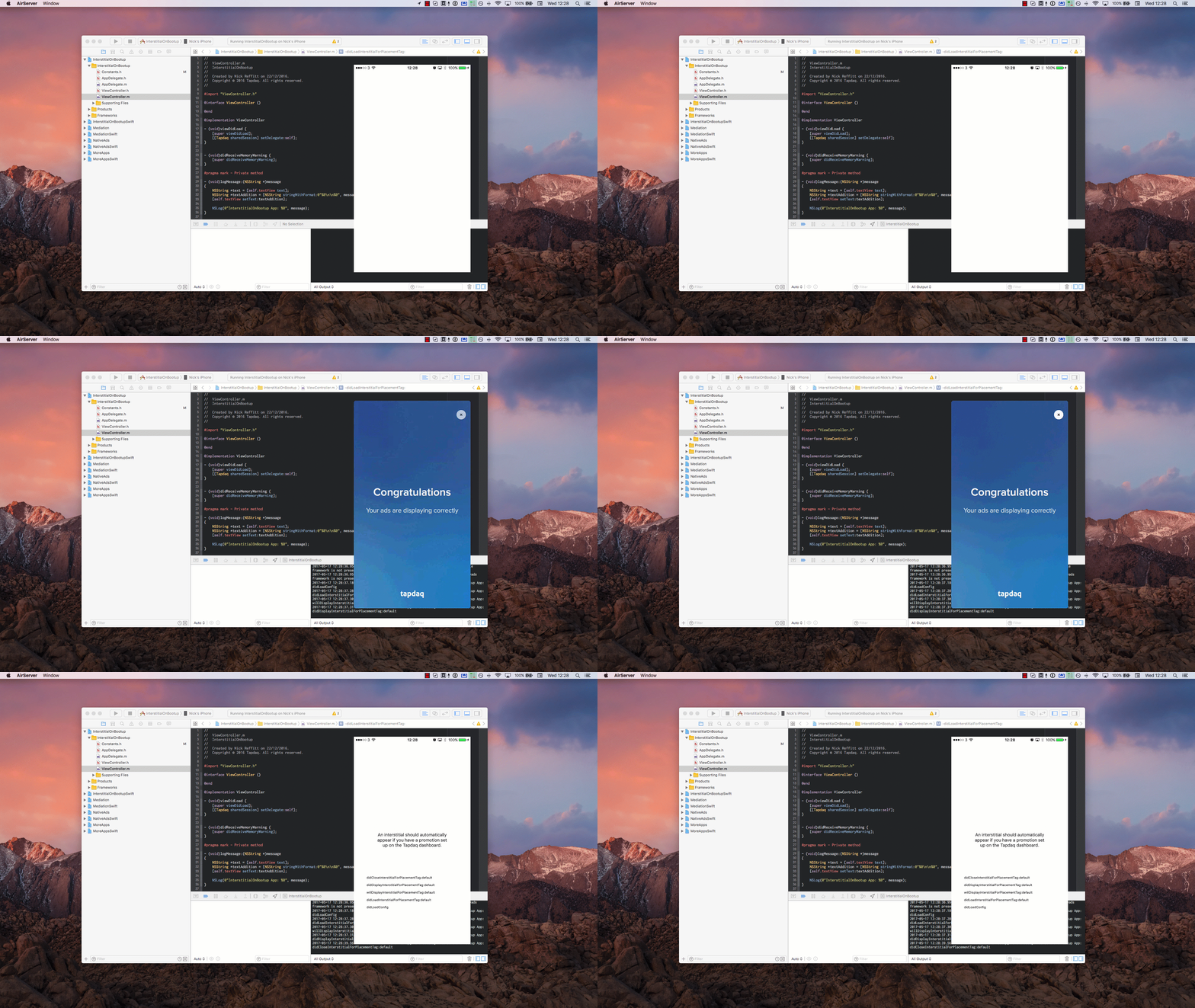
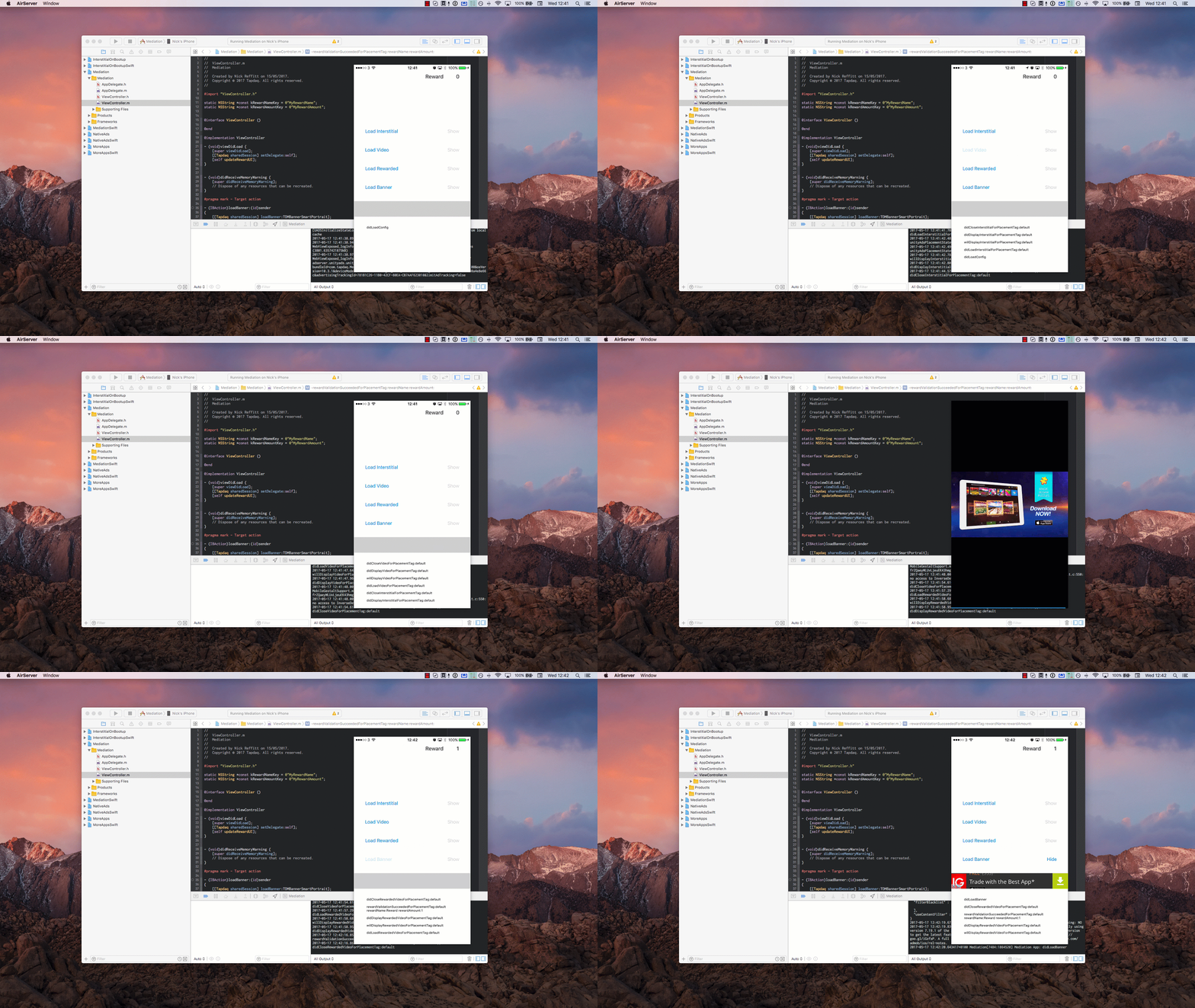
Below are demos of each sample app in action. If you run into any issues or questions, please e-mail us on support@tapdaq.com