
Creating face-recognition timelines on videos has never been so easy! Using the power of Terran we can easily build these timelines.
This Streamlit component requires the following packages for working properly:
# Install dependencies
pip install --upgrade streamlit terran youtube-dl

# Install the component
pip install streamlit-terran-timeline
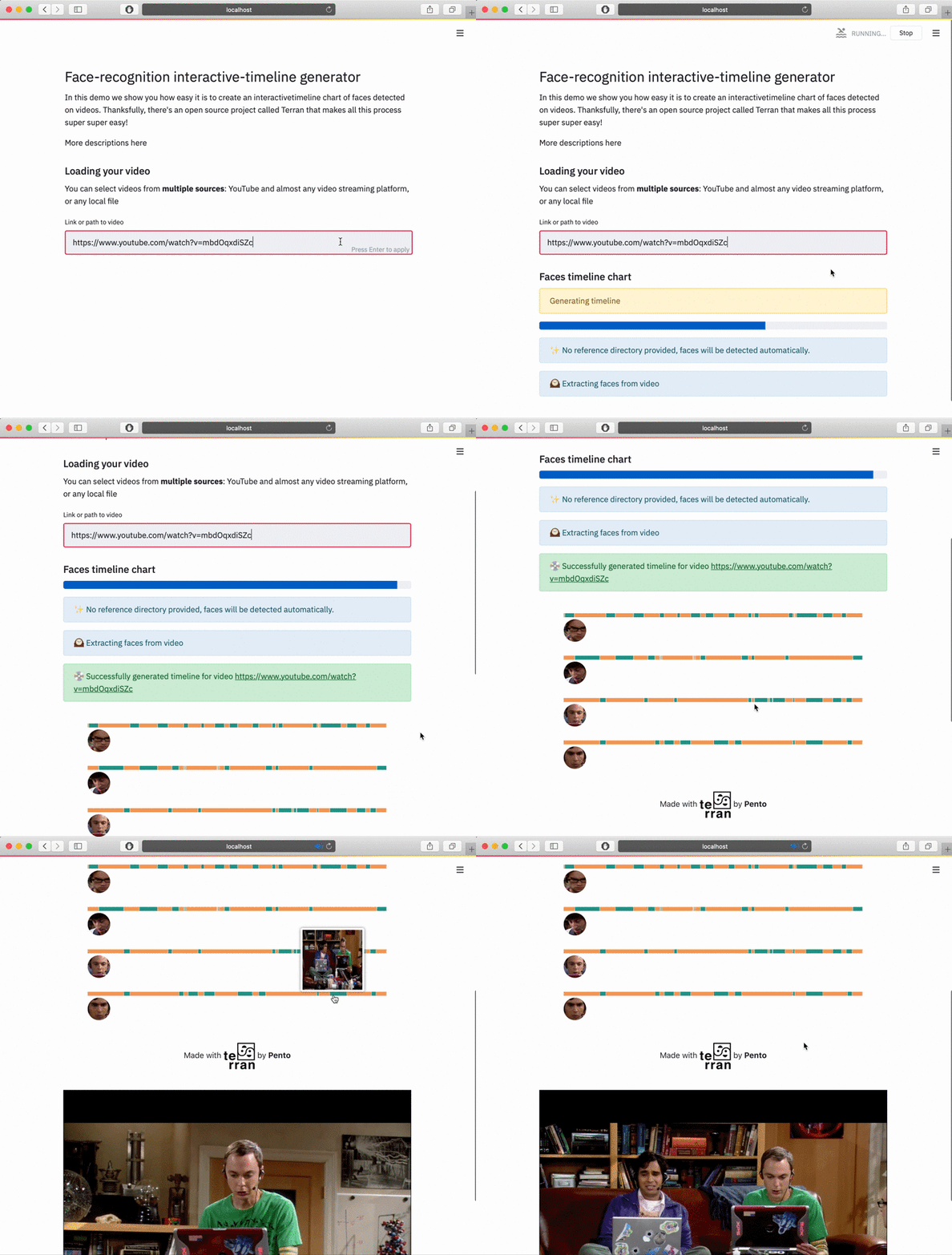
You can generate a timeline from any kind of video using the generate_timeline function and then using the terran_timeline Streamlit component like this:
import streamlit as st
from streamlit_terran_timeline import generate_timeline, terran_timeline

# Generate the timeline information
timeline = generate_timeline("https://www.youtube.com/watch?v=dQw4w9WgXcQ")

#
# Display the timeline. If the users click, you'll get the exact second of
# the part of the timeline video. By default, it returns 0.
#
start_time = terran_timeline(timeline)

st.write(f"User clicked on second {start_time}")
You can also check out more examples in the examples folder.
- First, switch the
_RELEASEvariable fromstreamlit_terran_timeline/__init__.pytoFalse. - Then, start a development server at
streamlit_terran_timeline/frontendby runningnpm installand thennpm run start - Also, you'll need to install the package internally like
pip install -e . - Finally, run streamlit on and use the component! For example, you can run
streamlit run streamlit_terran_timeline/examples/youtube.py
Terran is human-perception library made by Pento 🚀
With Terran, making this demo was super easy! You can take a look at the generate_timeline function to understand how Terran modules works with videos, face-recognition, and face-detection.