Quick Start Guide
Download from here, and extract the standalock.js file in your website folder. This is the only file needed.
The following is given as an example of a Base64 encoding and can be obtained at this site:
email address encoded in Base64: cHJpdmF0ZUBleGFtcGxlLmNvbQ==
phone number encoded in Base64: MSg1NTUpNTU1LTU1NTU=
and prepare to provide the matching decrypt function:
function(value) {
  return window.atob(value);
}Add the following in your HTML:
 ```html
 <script src="/path/to/standalock.js"></script>
 <script type="text/javascript" charset="utf-8">
  function load(){
    var myConfig = {
      data: {
        m-a-i-l: 'cHJpdmF0ZUBleGFtcGxlLmNvbQ==',
        t-e-l: 'MSg1NTUpNTU1LTU1NTU='
      },
      decrypt: function(value) {
        return window.atob(value);
      },
      template: '<p>mail:{{m-a-i-l}} tel:{{t-e-l}}</p>'
    };
    StandaLock
      .add(myConfig)
      .render();
  }
  window.addEventListener('load', load, false);
  </script>
 ```
At this point you should get something like:
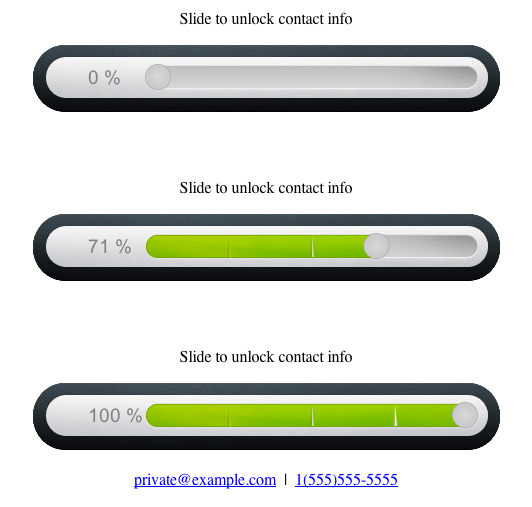
when browsing your web page. Congrats!