
A visually stunning, interactive 3D Solar System homepage for your browser, designed for science lovers and space enthusiasts. Easily set this project as your browser's start page and explore the planets in an intuitive, animated space environment.
- Realistic 3D Model: Navigate a solar system with interactive planetary orbits and texturing.
- Customizable: Modify planets, textures, camera angle, and more.
- Educational & Fun: Perfect for all ages and provides a beautiful dashboard for daily browsing.
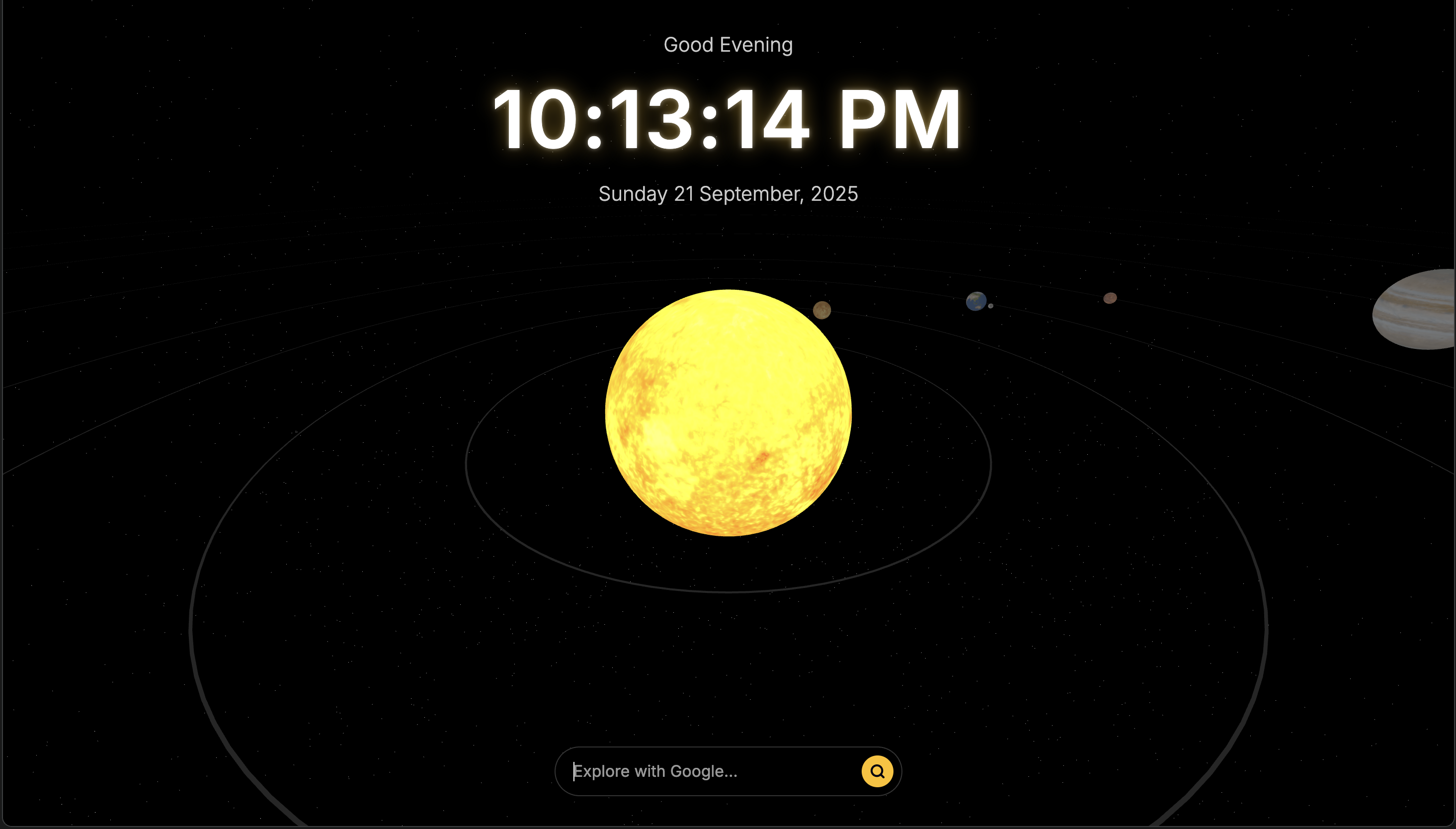
You can use two methods to make this your homepage:
-
Using Local File Path Set the local index.html file as your homepage: Find your index.html file on your computer. Use your browser's home/start page settings to set the file path. Example file URL format: file:///Users/yourusername/Documents/Solor/index.html (Mac) file:///C:/Users/yourusername/Documents/Solor/index.html (Windows) Follow the browser-specific steps above (see "How to Set as Your Browser Start Page" section).
-
Using Live URL Simply use this deployed link (works from anywhere!): https://solor-system-browser-home-page.vercel.app/ Copy and paste this URL in your browser's homepage/start page settings. All features work instantly online—no local setup needed!
- Clone this repository
git clone https://github.com/vikashkhati007/SolorSystem_BrowserHomePage.git
- Open the Homepage
- Open index.html in your browser.
- Set it as your browser's start page (see your browser help for instructions).
- Explore!
- Interact with planets.
- Use the search bar at the bottom for space-themed web searches.
- Modern web browser (Chrome, Edge, Firefox, Safari)
- No installation required
.
├── index.html
├── images/
│   └── (Planet textures/images)
├── README.md
See CONTRIBUTING.md for full contribution guidelines.